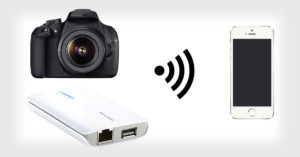

Wirelessly Control Your DSLR for Less Than $40
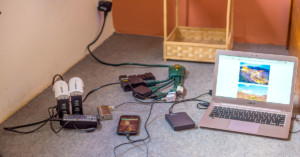
For several years now, Camranger has been pretty much the only choice if you want to tether your Nikon, Sony or Canon DSLR wirelessly to your phone or tablet.
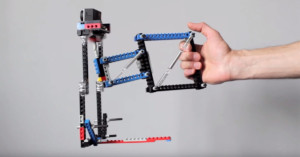
Advanced camera stabilizers are becoming cheaper and cheaper these days, but if you're the type of person who enjoys building the things you use, here's a neat tutorial for you. Product Tank released a 7-minute video showing how you can create a DIY stabilizer using LEGO pieces.
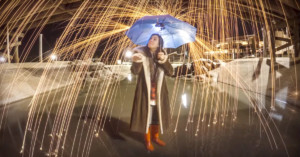
GoPro just released this 4-minute video tutorial titled "Creating Fire Rain: A Steel Wool Experiment." It's a look at how you can create raindrops of light by burning and spinning steel wool, a technique that has gotten a lot of attention (both good and bad) over the past few years.
As a professional photographer I’m always looking for ways to showcase my work and convey a feeling. Recently I’ve been working hard on a photography showreel to highlight my portfolio. I’d like to share with you some of the lessons I learned, and explain how you too can create a showreel of your own.
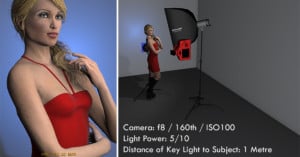
You don't need a ton of lighting gear to capture great portraits—a single strobe or speedlight will do. Don't believe us? Check out this simple and informative tutorial by Joe Edelman.
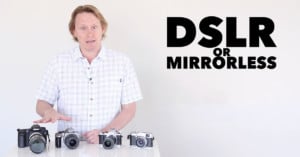
Here's a simple 8-minute video by photography instructor Phil Steele about how DSLRs and mirrorless cameras stack up against each other. He briefly describes the main advantages and disadvantages to each type of camera to help you figure out which one is best for your needs if you're trying to decide between them.
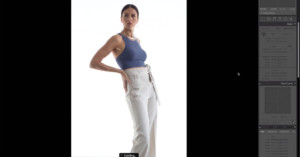
If you're just getting started in Lightroom and have an hour to spare, here's a video you might want to watch to learn some handy tips and techniques. Ohio-based portrait and commercial photographer Nick Fancher, author of Studio Anywhere, walks us through his Lightroom workflow in real-time. It's a detailed look at how Fancher culls and color grades his photos after a shoot.
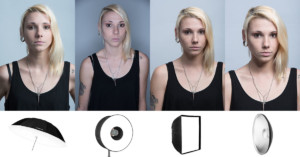
In a recent article, I spoke about the best ways to perfectly light your background with colored gels. We covered the best things to keep in mind if strong and vibrant colors across your backdrop are your objective. It turns out that gelling your background is actually relatively simple -- it's keeping those strong vibrant colors that's actually the tricky part.
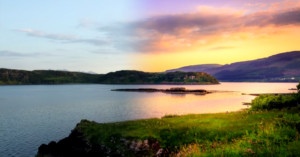
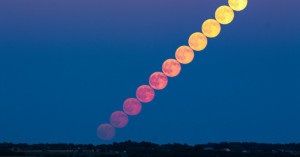
So you want to learn to take stacked images like the one above? Great! You’ve come to the right place -- just read on.
This guide to photographic exposure aims to help you take full control of your camera. I often tell my students that I want them to move away from the idea “taking a photograph” and towards the idea of "making a photograph." I teach them how to take the camera off auto mode and take full control of the settings themselves in order to create the photograph they want.
Want to shoot long exposure photos in bright daylight without having to shell out big bucks on a neutral density (ND) filter? Try using a piece of welder's glass -- the kind that protects your eyes while welding. The 13-minute video above by photographer Mathieu Stern provides a nice overview of this photo hack.
In this video tutorial, I walk through my method of capturing and processing a photograph of the Milky Way from the window of an airplane.
At first glance, it seems like an easy thing to achieve: how hard can it be to get a great looking gelled background in your portrait?
One of the fancy new features in Photoshop 2015.5 is called Face-Aware Liquify, but for some reason Adobe hasn't officially demonstrated it on the Photoshop YouTube channel. Well, have no fear, we found a great little video that demonstrates all the ins and outs of the tool.
Buying a professional portrait lighting setup like the much-loved Kino Flo lights is just not within everybody's budget, especially if you want LEDs. But you can actually build a reasonable alternative for just a couple hundred bucks and about an hour of manual labor.
Setting up your first portrait studio and wondering what color backdrop to get? If you can only choose one color, you might want to think about getting a gray one. In the 6-minute video above, photographer Joe Edelman explains why he thinks gray is the best color.
Want to learn an advanced yet easy technique for reducing noise more intelligently in Photoshop? Blake Rudis of f64 Academy made this fantastic 8-minute tutorial on how you can target shadows for noise reduction using Photoshop's "Blend If" feature.
Netherlands-based photographer and videographer Chung Dha made this quick 2-minute video showing how he fakes the look of drone shots using a light stand and action camera.
I finally have a chance to write a few thoughts down on the new Nikon D500. Were you (like me) one of the thousands of Nikon photographers who waited seven years for the successor to the D300s?
My name is Jesse Rockwell, and I'm a California-based photographer with an insatiable appetite for travel. I wanted to share a solution I have found for international travel and the hassle of charging large numbers of batteries on strange foreign outlets.
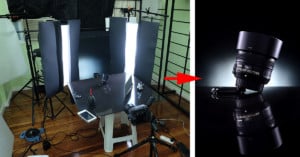
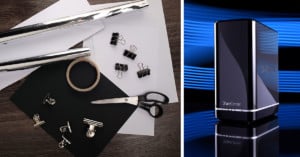
In this article I will show you the basics of how to do dark field and bright field lighting and a quick way to convert any softbox into a striplight using office supplies.
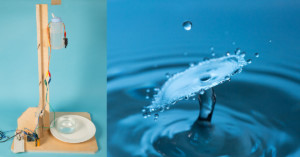
In 2002, a renegade science photographer, Martin Waugh, was playing with high-speed photography and discovered he could image two drips of water hitting each other.
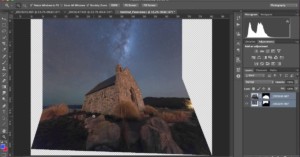
Making perspective adjustments on a photograph usually impacts the whole thing, but that's not always ideal. What if you want to keep your foreground perspective the same and only fix a small piece of your shot? This short tutorial shows you how to do just that.
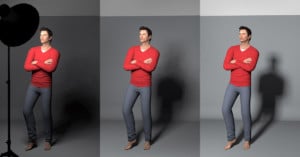
In this blog post, I would like to share some insights with you regarding the connection between aperture and the inverse-square law of light, as well as their effects on light fall-off.
My name is Justin Tierney, and I'm a time-lapse photographer based in Japan. The opening section of my latest time-lapse project features nocturnal Japanese cityscapes. All the shots were captured from high hotel windows or observation towers around Tokyo. In this short article I share how I was able to create these shots without unwanted window reflections.
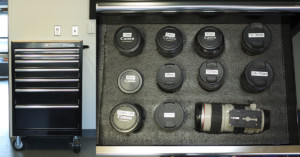
If you have both an unused rolling toolbox and an ever-growing camera gear collection that needs a better home, here's an idea: you can convert one or more of the toolbox's shelves into padded storage for your cameras, lenses, and accessories.
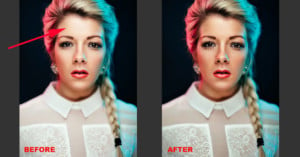
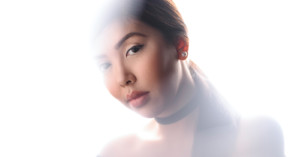
In this tutorial, I'll show you how you can remove harsh highlights in portraits without affecting the shadow detail in minutes.
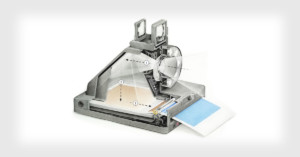
The Impossible Project made a splash in the world of instant photography last month by announcing the I-1, the first new instant camera for the film format popularized by Polaroid decades ago.
Accurately selecting a subject's hair is not an easy task; a bit of frizz is enough to make a photographer pull their own hair out. But have no fear, there's an advanced Photoshop tutorial for that.
Here's a simple tutorial video in which nature photographer Steve Perry of Backcountry Gallery shows his technique for getting tack-sharp images with a telephoto lens on a tripod while having "nearly as much flexibility and movement as hand-holding the lens."
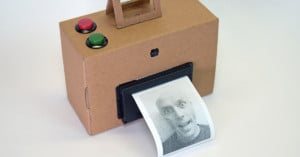
Looking for a weekend project and have some hardware and software skills? Try building yourself an instant camera using Rapsberry Pi and a thermal receipt printer.
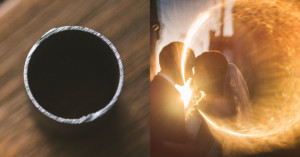
In late 2014, I was given a few pieces of piping -- what you might call trash, but which I call the "ring of fire." It ended up being an incredibly useful tool in my photography. I quickly decided to add it to my (now literal) bag of tricks along with Prisming, Lens Chimping, my Broken Freelens, and Anamorphics.
If you've ever tried to stitch a panorama in Photoshop, you know that the program is not always up to the task. In this "Photoshop Secrets" tutorial, photographer Jimmy McIntyre will show you two tricks that will help Photoshop stitch even the most difficult tiles together into a beautiful pano.
Starting out in studio portraiture and not sure what light modifier to choose to achieve the photo you want? In the post, we'll take a look at the differences between the main modifiers in order to help you make a good choice.
I do a lot of product photography and there are two places I go to when I need to prepare supplies for a shoot: one is the hardware store to get some tiles and the other is our local bookstore/art/office supply store.
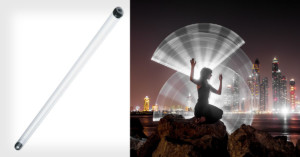
In this post, I'll be sharing how I shoot light painting photos using a 4-foot fluorescent tube protector. The technique is quite simple and can lead to very interesting results.
There's an ongoing debate about how much is too much when it comes to post-processing landscape images. But if you're okay with taking a subtle sunset shot and completely transforming it in Lightroom, this tutorial is one of the most comprehensive step-by-step guides we've seen.
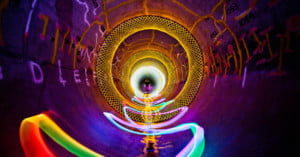
One of my favourite places to light paint is inside tunnels, waterways and other curved structures. These structures are perfect for creating spirograph light paintings.
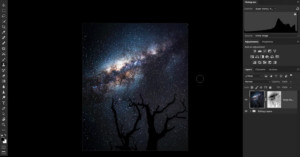
Noise reduction for night sky photos can be tricky, because the algorithms at play often reduce the sharpness of your stars while removing noise in the darkest parts of the sky. In this video tutorial, photographer Dave Morrow shows you how to avoid this issue altogether using a simple, effective editing technique.
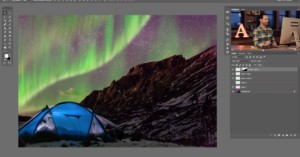
Seeing and photographing the Aurora Borealis is pretty high on many a photographer's wish list, but if you don't live in the arctic circle (or don't have the budget to get there), then capturing this amazing display may have to wait a while. In the meantime, let the folks at Phlearn show you how to fake the Northern Lights using Photoshop.
I love capturing one light photos for my studio shoots, and I recently bought a 120cm octobox to add to my set of diffusers. I’ll be sharing with you a simple but elegant lighting setup only using one light and some interesting stuff found around the house.
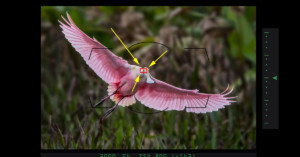
Having trouble nailing tack-sharp autofocus with your camera? Aside from technical proficiency, there are a number of other issues that could be causing you AF grief. Here's a 14-minute video on 8 common AF problems and their solutions.
God of Lighting, Lighting Rock Star, the late great Dean Collins has been called many things, and all of them point to the fact that he knew light better than, perhaps, anybody else you've ever studied under.
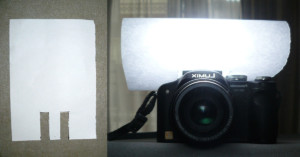
If you ever need to soften your flash in a pinch, you can go the MacGyver route and fashion a diffuser for yourself using an ordinary piece of paper. They usually cost about $0.01 per sheet, so this is one of the cheapest diffusers you can make.
Last week, Google dropped a bombshell when the company decided to give the Nik Collection of desktop photo editing plugins away for free—no catch, no strings attached, 100% free. But what if you have no idea how to use your newly-acquired suite of editing tools? No worries, Tim Grey has you covered.
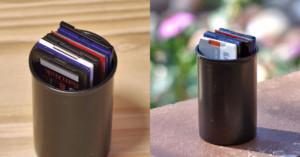
Here's a clever idea: if you have unwanted 35mm film canisters lying around, you can turn them into simple cases for storing and organizing your SD cards.
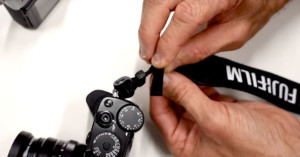
Most camera straps have a small loop that holds the extra flappy end in place so it doesn't dangle loosely. If you want to tuck the end of the strap away even more, the 2-minute video above demonstrates a simple way to do so.
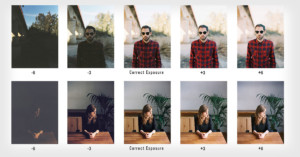
One of the things about film photography is that exposure on film, unlike in digital photography, is not equivalent at all to overall brightness of an image.
Floating acrylic frames are an elegant way to display your photos on walls, but commercial solutions can be pricey. Here's a 1.5-minute tutorial video by A Beautiful Mess on how you can go a cheaper do-it-yourself route for the same result.
Your display profile may be wrong. How is that for a bold statement! But it may very well be true, even if you do it regularly on schedule. Display calibration and profiling is a must for all digital photographers.