

All-New Free Affinity App Brings Photo Editing, Sketching, and Vectors to iPad
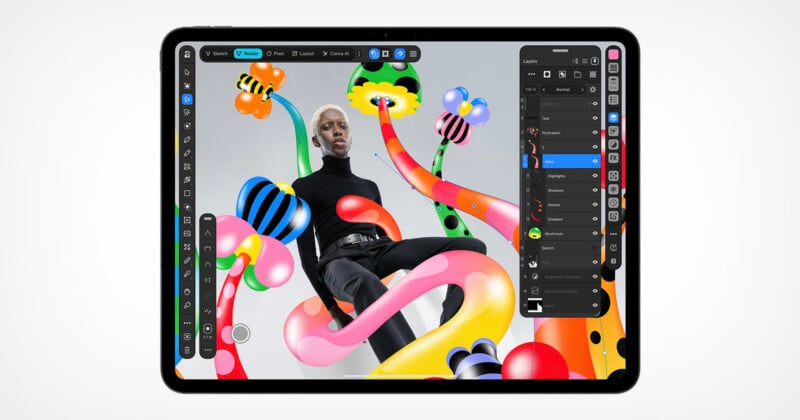
Canva has announced that popular and free photo editing, illustration, and vector app Affinity is coming to the iPad.
When Affinity was owned and operated solely by Serif, back before Canva bought Affinity in March 2024, Serif released multiple iPad apps. Affinity Designer, Affinity Photo, and Affinity Publisher all had separate, distinct iPad apps. However, while these older apps are compatible with the new Affinity app released last year, the old iPad apps have been languishing. They languish no longer.
The new Affinity app for iPad brings all the latest and greatest features from Affinity on desktop to Apple’s popular tablet, adding new tablet-friendly features that take full advantage of the Apple Pencil.
“Creative work doesn’t stay in one discipline, so your tools shouldn’t either,” says Duncan Clark, CEO of Pro Design at Canva. “Since we brought Affinity together on desktop, our biggest user request has been the desire to bring it to iPad. Today we’re delivering it: a fully-fledged, professional app built for touch.”
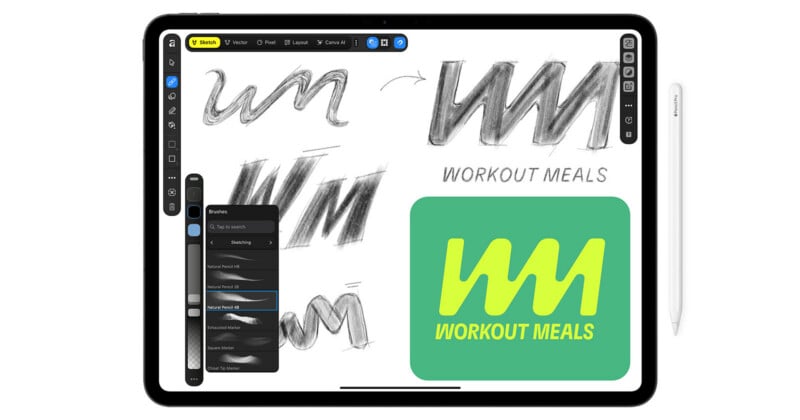
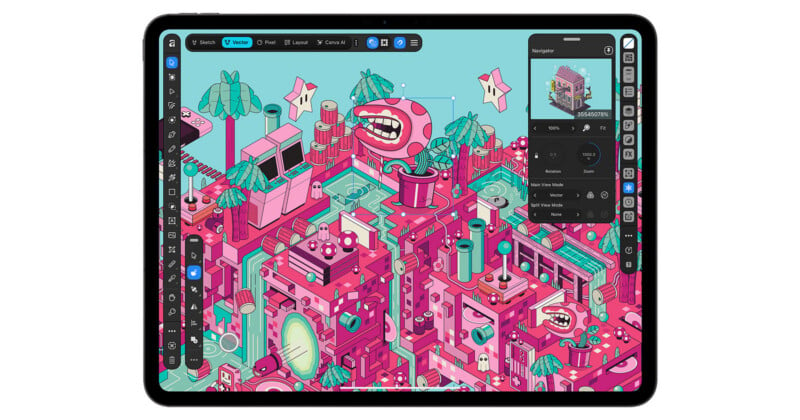
A key highlight is the brand-new Sketch Studio. This supports freehand drawing and promises to utilize artificial intelligence (AI) to simplify the sketch-to-vector workflow. It has new iPad-first features like a full-featured Mask Tool and Sketch to Shapes.
Affinity for iPad also includes robust photo editing features borrowed from the desktop, including RAW processing and editing, powerful selection tools, retouching, compositing, and more.
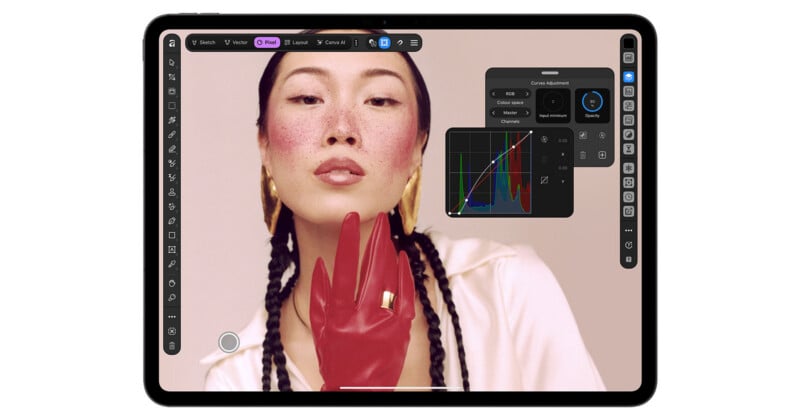
“Users can even sketch over a photo first to plan where a subject or prop should sit. The Mask Tool finds the boundary as the Apple Pencil pixel precision runs along a challenging edge, so hair, fur and foliage take a stroke rather than an afternoon,” Canva says. “Every mask, grade and retouch stays live and undoable, even thousands of layers deep.”
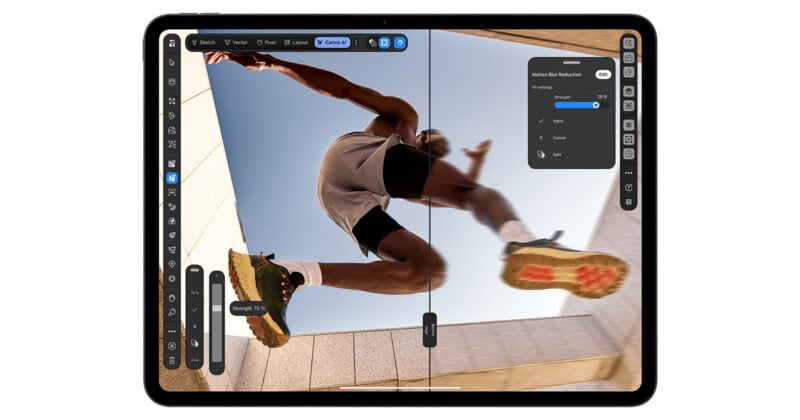
Photographers can use things like motion blur and noise reduction in real time directly on their photos and build complex, layered edits directly on their iPad.
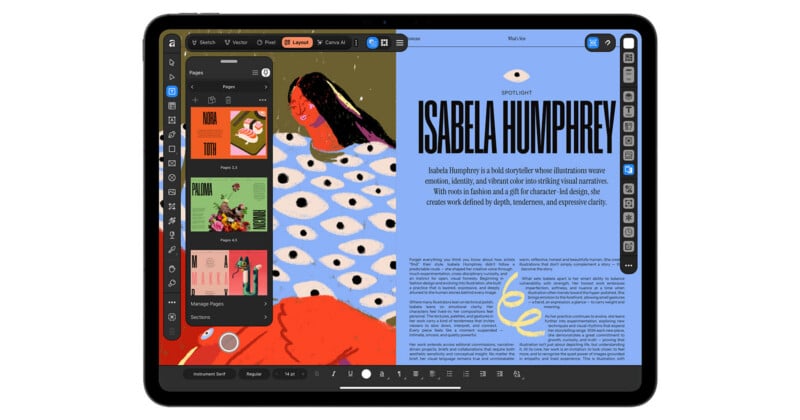
Affinity for iPad offers powerful vector editing tools, a full layer-based workflow, layout tools, text editing, and more. It is a full-blown creative suite in a single iPad app.
A key part of bringing any app to iPad is ensuring its user interface and layout remain powerful without compromising the touch-first iPadOS interface. Not everything that works well on a Mac translates well to iPadOS. Canva describes the new Affinity for iPad as “built for touch, not shrunk to fit.” This means that the new interface is designed from the ground up for iPad but carefully arranged to be familiar to longtime Affinity users. The app also supports all major file types, per Canva.
The Apple Pencil Pro is a powerful companion, too. Affinity for iPad supports the Pencil Pro’s pressure, tilt, barrel roll, squeeze, and hover functionality.
“Affinity has built groundbreaking tools for iPad for almost a decade, and our community has shaped every step,” adds Clark. “This is the result of everything we’ve heard and learned, worked over until every gesture and panel felt right under the hand.”
“Affinity for iPad delivers the full power of Affinity, together with the versatility and portability of iPad,” says Affinity Head of Product Design, Neil Ladkin. “Every development decision was made by people who create on iPad themselves, from how the Apple Pencil responds to where the tools sit. If you’re the sort of person who rotates the canvas 40 times to get one line right, Affinity for iPad was made by people who’ve done exactly that.”
Affinity Is Still Free
All of Affinity for iPad’s core functionality, including photo editing, sketching, vector, and layout tools, is free for individuals. Canva’s AI features, which are implemented in various ways across Affinity, require a Canva premium subscription.
The all-new Affinity for iPad is available now.
Image creditsCanva
Affiliate Disclosure PetaPixel articles may include affiliate links; we may earn a commission if you buy through one.