How to Simulate the Famous ‘Vertigo Effect’ Dolly Zoom With a Drone
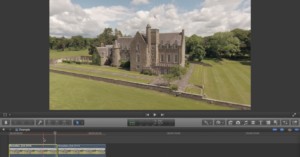
We’ve covered the dolly zoom (or “Vertigo effect”) in detail recently here on PetaPixel, but did you know that you can achieve this effect using a drone, without zooming?
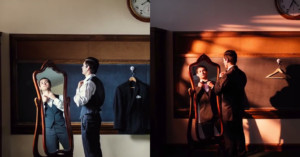
In this useful little tutorial, wedding photographer Bob Davis demonstrates how, with just a small amount of kit, you can combine speedlights with basic light modifiers to mimic two totally different natural light 'looks' in seconds.
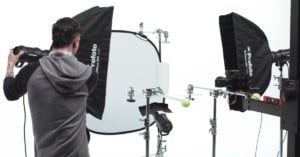
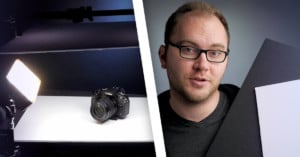
In product photography, using a white background can eliminate distractions and really make the product shine. But what if the product itself is white? In this 4-minute video, you'll learn how to properly expose your shot in this challenging scenario.
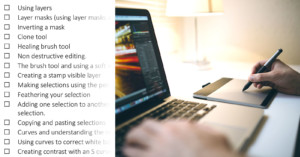
If you are a photographer or fledgling retoucher opening Photoshop for the first time, it is a daunting experience, to say the least. There is a wealth of knowledge, free and purchasable online, but how do you know what to search for if you don’t know what you don’t know?
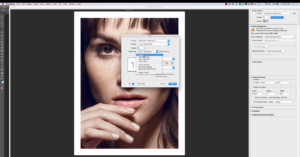
If you have never printed your own work before, you might not know that some careful preparation is needed to make sure the colors in your print match what you see on your screen. This 20-minute video from photographer Michael Woloszynowicz will teach you how to print your images with confidence.
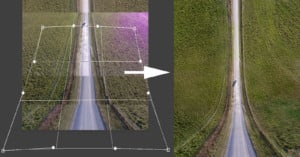
If you have been following anything drone-related lately, chances are you have seen one of the mind-bending images like the one above that are very reminiscent of the scene from Inception when the ground is bent up at 90-degree angles.
Shooting the night sky can produce amazing images of endless starry skies, but it can be challenging to those used to working with plenty of light. This 15-minute beginner’s guide from Josh Katz teaches the key elements of astrophotography, and how to capture the sky even in sub-optimal conditions.
Editing photos after a shoot can be extremely time-consuming, especially if you have not spent some time optimizing your workflow. If you'd like to speed up your editing process, here's a 5-minute video by Mango Street Lab with tips and tricks for culling, organizing, and editing photos.
Retouching isn’t just for portrait photography — it can make a huge difference when you want to clean up distractions from an image. This video from Phlearn will teach you in 30 minutes how to utilise various Photoshop tools to remove objects and blemishes from your environmental photos.
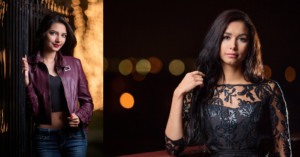
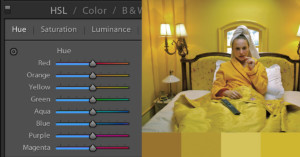
Adjusting colors of specific elements in a photograph can be used to bring harmony to an image or to add creative flair. Here’s a 5-minute video that shows how to match colors in Photoshop.
Family homes provide a multitude of possible backgrounds and framing opportunities for wonderful photographs. But it’s easy to end up with cluttered-looking shots if you get the background wrong. Choosing your location carefully can make all the difference.
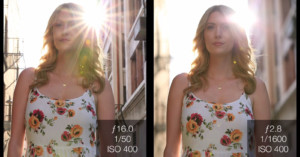
Lens flare can either be an annoyance or an interesting creative tool. In this 6-minute video, Jay P. Morgan of Slanted Lens demonstrates how to master lens flare for your photography.
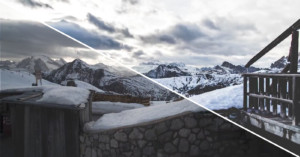
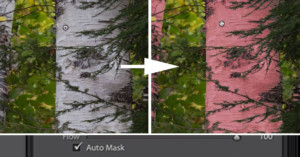
Did you know that Lightroom has powerful smart masking features that can help you target your adjustments to specific parts of your photo? The feature is called Auto Mask, and here's a 5-minute tutorial by Photonerds University that introduces how it's used.
My name is José Ignacio, and I'm a commercial and wedding photographer from Spain. I read a lot of blogs and magazines in search of inspiration -- in this job there is a constant search for new ways of telling stories. The '2.5D' technique always attracted me. I’ve seen it applied in other genres, but I wanted to use it in wedding photography.
Want a crash course in retouching photos in Photoshop? Here's a 4-part video series that clocks in at 4.5 hours in total, making it a very comprehensive guide. There’s something here for everyone — even the most experienced photographers are sure to learn something from the series.
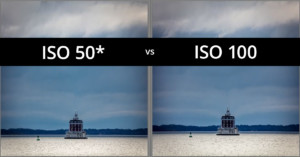
Does your camera have an Extended ISO function? Using it can help you produce less noisy images than the base native ISO of your camera. Here's a 4-minute video tutorial explaining this.
Here's a 15-minute video tutorial from photographer Nathaniel Dodson that'll help you learn how to create the perfect black and white image using only Lightroom.
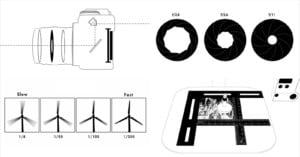
Back in February, we shared a simple animation made by the film brand Ilford that shows how a film SLR works. It turns out that video was the first in a series of many animations in a playlist titled "Introduction to film photography."
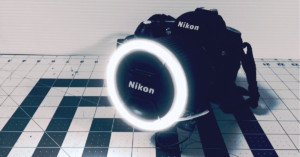
Ring lights are a great piece of kit for illuminating your subject evenly and creating a distinctive catch light in the eyes. Unfortunately, these lights are typically expensive, but this short tutorial by Instructables user gravityisweak will show you how to building your own for next to nothing.
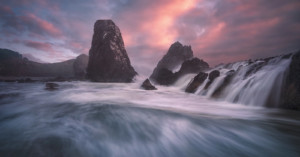
Long exposures are a great way to capture the movement of roiling ocean waves, but you can take that effect to the next level by combining multiple exposures, as shown in this 15-minute tutorial from photographer Greg Benz.
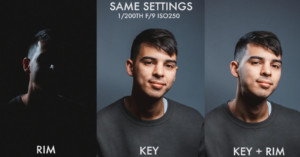
This handy 7-minute lighting guide from Aussie music photographer PJ Pantelis shows how you can use 2 lights and a reflector to create a professionally-lit headshot. Even if you’re not shooting portraits, the video is a great tutorial on working with light.
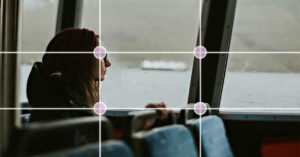
Improving your composition can bring balance and personality to your photography, simultaneously enabling you to produce more appealing images. And as quick tips go, this 90-second video from Mango Street Lab is absolutely packed full of key compositional advice.
In this short-but-useful tutorial from DSLR Video Shooter, Caleb Pike runs you through 5 video and photography uses for simple foam board. Get out a pen and a pad, this photo DIY 101.
In this 8-minute video by Macroscope Pictures, learn how to build a color changing wand light with your own two hands for only $30 in materials. For an extra 15 bucks, you can add a Wi-Fi controller and control the finished product with your phone.
Apple wants to train you to be a master of iPhone photography. The company just launched a new microsite called "How to Shoot on iPhone 7" that contains 16 videos with mobile photography tips and tricks.
Neutral Density (ND) filters are a great tool for producing unique photos in lighting conditions where a long exposure would otherwise not be possible. This 7-minute video tutorial goes in to detail about which filter to select for your scene, with before and after photos showing the effects possible.
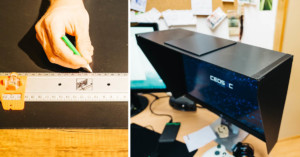
I needed a monitor hood for quite some time but wasn't willing to pay the retail prices charged for them, so I decided to build one myself. In this tutorial I'll show you how to build your own DIY monitor hood for less than $12.
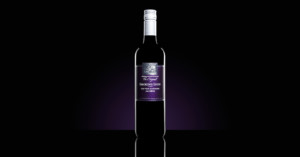
If you're interested in product photography, Dustin Dolby's channel workphlo is definitely worth a bookmark. Using minimal equipment, he's able to capture distinct looks like this makeup shot, and in this tutorial he'll show you how a single speedlight can produce a bold beautiful wine bottle photo that looks 100% pro.
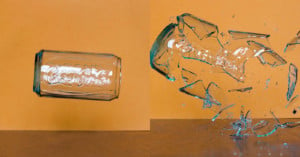
Are you stressed? What better way to de-stress is there than to break things while making cool photographs at the same time? You can break anything, from spaghetti to fancy glassware, there is no limit. It will take you about half an hour to build the Arduino circuit and write the code for this sound triggering photographic system.
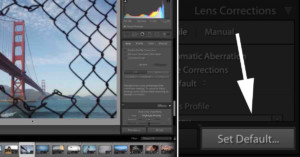
Are there particular settings that you want to apply to every photo you import in to Lightroom? Perhaps you always apply Remove Chromatic Aberration, or you have a particular Camera Calibration Profile that you use every time. In this 45-second video, Lightroom team member Benjamin Warde gets straight to the point demonstrating this simple time-saving technique.
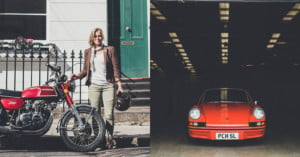
My name is Amy Shore, and I'm a UK-based photographer who mainly shoots car and motorbike related subjects. A few days ago, I asked all of my social media platforms what questions they wanted answered to do with car photography, whether it was about what settings I use or how to start a business. In this post, I’m going to answer questions that got asked with as much info and honesty as I can.
Portrait photographer Francisco Hernandez is back with a really useful tutorial on night portraits. If you'd like to start shooting some night portraits using off-camera flash, it would be a good idea to watch this first.
They say the devil (or is it God?) is in the details, and this quick Photoshop tip from portrait photographer Bill Larkin is all about making sure you nail those details. Specifically: he shows you how to quickly and easily 'open' a Lazy Eye in Photoshop.
Here'a neat trick for you Photoshop lovers out there. If you've shot a subject in front of a gray background, you can actually swap that gray background very easily using only Blend Modes. No selection or refine edge necessary.
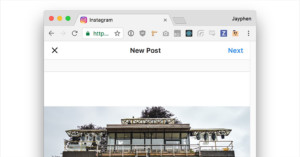
Heads up: you can now upload photos to Instagram from a desktop browser... using a special, unofficial trick. In this step-by-step tutorial, I'll show you how it's done.
My name is Michael Zwahlen, and I’m a photographer based in Germany. I want to share how I earn money through EyeEm. In the first four months of 2017 alone, the royalties I received through them added up to $1,254.93 and I’m hopeful this will continue to improve.
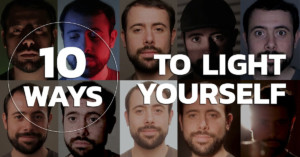
The Lighting Channel made this rapid-fire 1-minute video with examples of 10 different ways you can light a face to create different moods and themes, from "horror" to "1920s beauty."
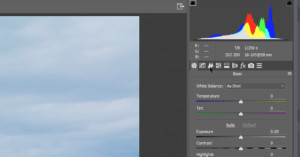
Lots of photo editing tutorials these days focus on one specific technique or edit—how to sharpen, or how to use the HSL tool, for example. But if you're just starting out and you need a complete photo editing walkthrough, this tutorial will take you through a landscape photo edit from start to finish.
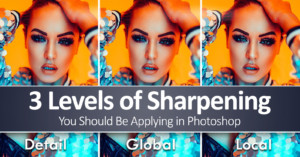
If you're not sure how to properly sharpen your images in Photoshop, this tutorial from the Photoshop Training Channel is a godsend—a deep dive into the most common sharpening techniques complete with an explanation of which ones are better and why.
This simple step-by-step tutorial comes to us from Dustin Dolby of Workphlo, who's got a knack for shooting high-end product photography with minimal gear. This time, he's showing us how to quickly and easily capture a professional wine photograph using just two speedlights and a kit lens.
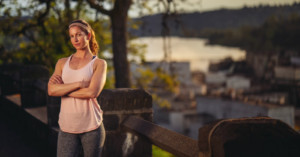
The best time to shoot portraits (or almost anything) is golden hour, but it's not the only time. Grab an ND filter, a strobe, and this tutorial by Portland-based photographer Levy Moroshan, and you can capture dramatic portraits in the mid-day sun.
My name is Jake Hicks, and I'm an editorial and fashion photographer based in the UK. In this article, I'll share a look at some of the sharpening techniques I use in Photoshop to give my images a little visual-pop before I publish them.
Today, it's becoming increasingly harder for your style as a photographer to become recognized. Of course, there are prolific photographers such as William Eggleston and Stephen Shore whose use of color is almost instantly recognizable.
When shooting travel photos, it's very tempting to direct your subject and stage your composition. A lot of people are very happy to be photographed and even happier to be able to make a few bucks being your subject.
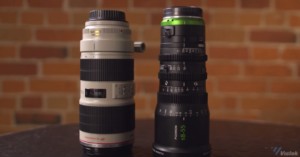
You've heard the terms "varifocal" and "parfocal" to describe lenses, but do you know what these terms mean? Or why they matter? If you don't, this informative conversation between Vistek video producer Dale Sood and product manager Brian Young is the perfect place to start.
If we wrote it once, we've written it a thousand times: you don't need expensive equipment to capture high-quality studio photography. As photographer Dustin Dolby of Workphlo demonstrates in this video, even that expensive cosmetics look is doable with cheap speedlights... and skill.
Photo lens experimenter and prolific YouTube filmmaker Mathieu Stern is at it again. This time, he took one of his old, cheap (do we even have to mention that?) Russian lenses and made one small modification to create what he calls a 'bokeh explosion.'
There are 27 different blending modes in Photoshop, and unless you're a real retouching junkie, chances are good you haven't explored each and every one of them in detail. But have no fear, to paraphrase an old Apple ad, "there's a [YouTube tutorial] for that."
Eye Stocker published this simple 5-minute Photoshop video tutorial that shows how you can color grade any photo using only solid color adjustment layers and the Blend If feature.
If you are troubled by blemishes big or small in your portrait work, this 16-minute tutorial by Nathaniel Dodson over at Tutvid will teach you how to use Photoshop to properly clean and heal skin in a flash.