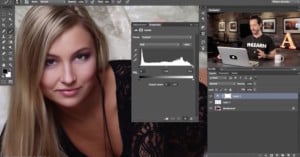
Tutorial: An Effective Method for Fixing Uneven Skin Tones in Photoshop
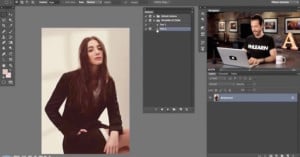
There are times when capturing portraits that you’ll notice the skin tone of the subject varies between their face and their body. It’s a rather common occurrence and by no means out of the ordinary. Caused by a number of factors, including makeup, tan, skin quality, lighting quality, etc.
While not a horrible problem to have, it can be a bit unpleasant, aesthetically speaking. Here to help fix the problem are the Photoshop gurus over at Phlearn. In the above video, Phlearn details a few ways to ensure skin tone is consistent across your image, giving you the results you’re looking for.