
Tutorials

Whether you are a beginning photographer or a seasoned professional, there are always new things to learn and more areas to improve in. PetaPixel regularly publishes in-depth tutorials on a wide range of subjects, from Photoshop tips and post-processing techniques to ideas on building your own cameras and do-it-yourself equipment.
Essential Travel Photography Tips for Your Next Trip

COOPH just released this short 3-minute video in which adventure photographer Ray Demski shares a number of helpful tips for travel photography. It covers everything from the preparation stage (e.g. making your camera look nasty and putting your contact info on it) to shooting (e.g. looking for cool natural frames) to making sure your data is safe.

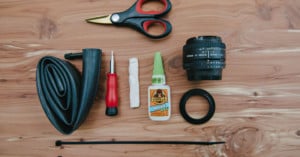
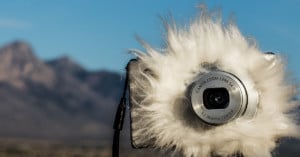
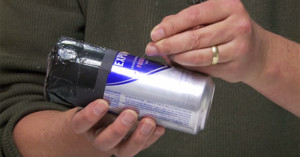
DIY: Make a Sealed 50mm Freelens for Less Than $80

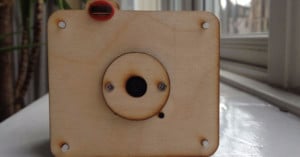
Freelensing is the use of a lens decoupled from your camera, manual orienting the lens on various angles to tilt and shift the lens to alter the focal plane. Freelensing is a great method of isolating your subject or creating interest in an otherwise flat or busy scene. This technique has been around for ages but helps achieve a similar look to that created by a tilt-shift lens used often in wedding photography.

Achieving Black Backgrounds in Macro Photos

One of the most important aspects of fine art macro photography is capturing a non-distracting background so your subject stands out. I tend to like clean and colorful backgrounds, but there are situations where dark backgrounds may be desirable. This article will showcase one method of how to capture black backgrounds in macro photography. We’ll take a look at using flash falloff.

DIY: How to Build a Wooden Overhead Camera Rig

Having an overhead camera rig can be useful for certain types of photography, including product shots, how-to images, and food photos. If you enjoy the challenge and joy of building your own equipment when you can, an overhead rig is another opportunity to do so. You can create one with some cheap materials and some basic workshop skills.

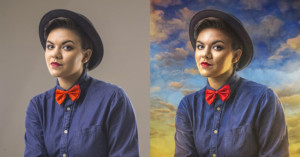
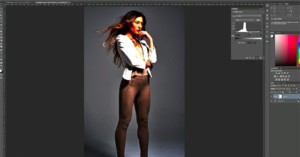
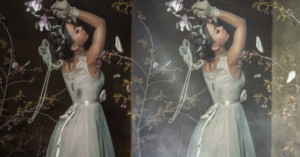
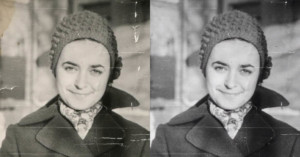
How to Turn a Photo Into a Painting with Photoshop

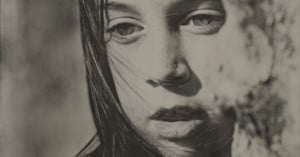
I recently had the absolute pleasure of meeting and shooting with Mackenzie Johnson! Today I'm going to share how I turned my portrait of her into a painting. Not everyone is a painter, but with a little time and patience -- and Photoshop -- I believe anyone can achieve this effect.

How to Make DSLR Footage Look Like an Old VHS

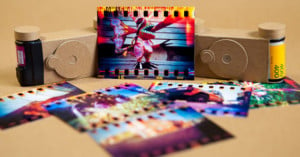
Before getting on a plane for a vacation in Monaco recently, I knew that I wanted to do something different from the previous ‘holiday highlight’ videos that I've done before. We were only in Monaco for a few days and despite having an amazing time, the footage I got wasn't particularly exciting. I decided that I probably wouldn't end up doing anything with it unless I thought of an 'edge'.

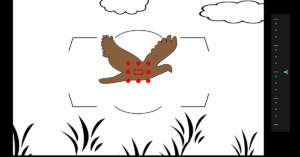
Everything You Need to Know About Nikon AF Modes

If you're a Nikon shooter who wants a better grasp of how your camera's autofocus settings work, check out this 11-minute video by Steve Perry of Backcountry Gallery. He runs through all the most critical aspects of the AF system, from the types of AF (e.g. single, dynamic, group) to how to set your custom functions to suit your system to your style of shooting.

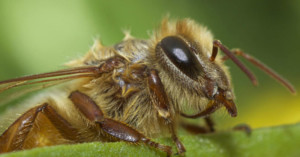
Shooting Insect Macros on the Cheap with a Reversed Lens

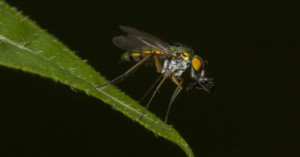
If you’re looking for an inexpensive way to achieve high magnification in your photography, you need to know about the reverse lens macro photography technique. Reverse lens macro photography has allowed me to achieve the magnification I couldn’t come close to with my more expensive equipment.

Lightroom CC Gem: You Can Now ‘Add to Collection’ When Importing Photos

Adobe Lightroom CC/6 has been a hot topic in the photo community ever since it was announced a week ago. Although most discussions have focused on the "big" features such as HDR, panoramas, and performance, I have personally found one small addition to be the most useful new feature in my own workflow. I'm talking about the new "Add to Collection" option -- it's a bigger time saver and organizational boost for me than anything else that was introduced.

How to Create Faux Fog in Photoshop in 4 Easy Steps

While I strongly prefer adding creative touches to my photos with physical tricks and effects -- such as using dry ice for fog -- sometimes I do need some digital manipulation done in Photoshop. Here is my technique for adding some fake fog to a photo in just 4 easy steps.

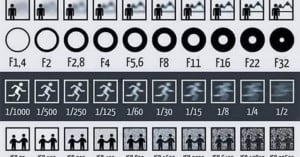
This Picture Shows How Aperture, Shutter Speed, and ISO Affect Your Photos

Here's a helpful little infographic that has been floating around the Web. It's a simple look at how the "exposure triangle" -- aperture, shutter speed, and ISO -- affect the outcome of photographs. It's not a complete picture, of course (for example, it doesn't say why you'd ever choose a higher ISO versus a lower one), but it could be a nice illustrated reference for those just starting out in photography.

A Quick Introduction to Shooting with a Tilt-Shift Lens

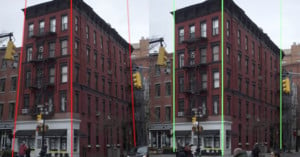
A while back I got my hands on my first tilt-shift lens. Since then I have carried it with me nearly every day, grocery shopping and subway riding – you name it. It’s quite a special and fascinating piece of glass even having aged 43 years.

How to Capture Stunning Star Trail Photos in Light Polluted Places

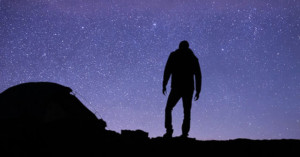
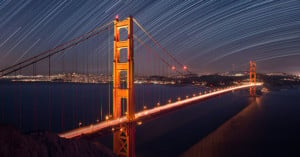
I’ve always found photos of star trails -- the arcs the stars paint across the sky as the earth turns -- fascinating. They’re one of the things that we can “see” with a camera that we can’t see with our eyes. Technology has changed how we shoot star trails, making star trail shots in locations we previously thought impossible possible.

Make a DIY Compact Camera Using Raspberry Pi

Raspberry Pi project platform PiJuice is currently raising funds for its portable module on Kickstarter. As a demo of its capabilities, the team has created a step-by-step tutorial showing how the product can be used to build a DIY Raspberry Pi compact digital camera.

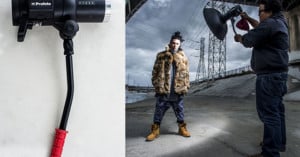
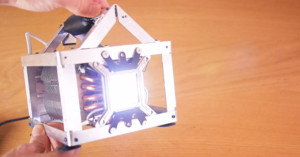
Lighting Fundamentals: High Speed Sync Versus Flash Duration

If you're just getting started in learning how to light your shot with flashes, you may be confused about the terms "high speed sync" and "flash duration." Here's a helpful 6-minute primer in which photographer Daniel Norton explains what these two concepts are, how they differ, and which situations they come in handy for.

A Look at Composition in Documentary Photography

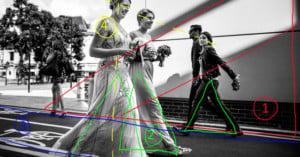
In my mind, there are three important elements of a photograph. Lighting, Composition and Moment. Every picture that I love has these elements, in varying amounts. A great picture may have strength in all three areas, or it may be, for example, such an emotional moment that it overpowers poor composition or light.

A Trick for Sharpening High ISO Photos in Photoshop Without Adding More Noise

UK-based glamour photographer Markp created this short video tutorial on how he sharpens photos captured at high ISOs in Photoshop without adding more noise to the image. His technique involves creating a High Pass duplicate layer of the photo, desaturating it and reducing noise on it, sharpening that layer, and then blending it into the original photo with Photoshop's "Linear Light" blend mode.

Enhance the Eyes in Wildlife Photos to Add Some Pop

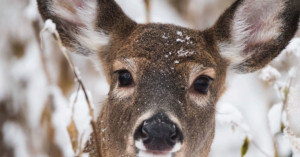
Steve Perry of Backcountry Gallery offers this short Photoshop tutorial on how you can enhance the eyes of your wildlife subjects and make them pop. He uses a Curves layer, a layer mask, and a brush to paint in some brightness. "When it comes to wildlife, it's all about the eyes," Perry says. Now that's a bright eyed deer.

3 Simple Pointers for Avoiding Awkward Poses When Shooting Portraits of Couples

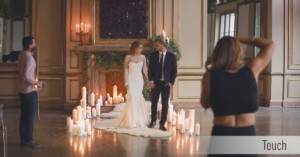
Some couples are naturals when it comes to posing gracefully for the camera, while others may be more awkward and require more guidance from the photographer. Here's a short video in which wedding photographer Jasmine Star shares 3 simple but helpful tips she's learned over the years for helping create natural moments between couples. She suggests that you should focus on: (1) touch, (2) appendages, and (3) physical tension.

Using a 10-Stop Neutral Density Filter for Daytime Long Exposure Photos

Photographer Josh Cripps of Professional Photography Tips made this short and sweet introductory tutorial on how you can use 10-stop neutral density filters to capture long exposure photos in bright daylight. These filters drastically reduce the amount of light hitting your lens, allowing you to blur slow-moving things in your scene (e.g. clouds or streams).

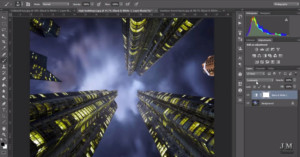
6 Helpful Functions of the Shift Key When Working in Photoshop

I was working on a commissioned artwork in Photoshop today and I noticed something. I keep my left hand over the shift key pretty much the entire time I am working in PS. That little button does a LOT. So I thought I would take some time and show you guys what you have been missing out on if you haven’t taken advantage of shift key functionalities in PS before.

How Photoshop’s Sharpening Tools Work and How to Best Use Them

Want a better understanding of how Photoshop's sharpening filters work and how to best use them? Here's a tutorial in which Photoshop expert Deke McClelland discusses using Photoshop's features to bring out clearer details in your digital photographs. McClelland discusses all the sharpening filters found in the Sharpen menu in Photoshop (e.g. the one-click sharpening filters, Unsharp Mask, and Smart Sharpen), as well as the Sharpening panel found in Adobe Camera Raw.