

All of Adobe Camera RAW’s Awesome Updates Adobe Didn’t Mention

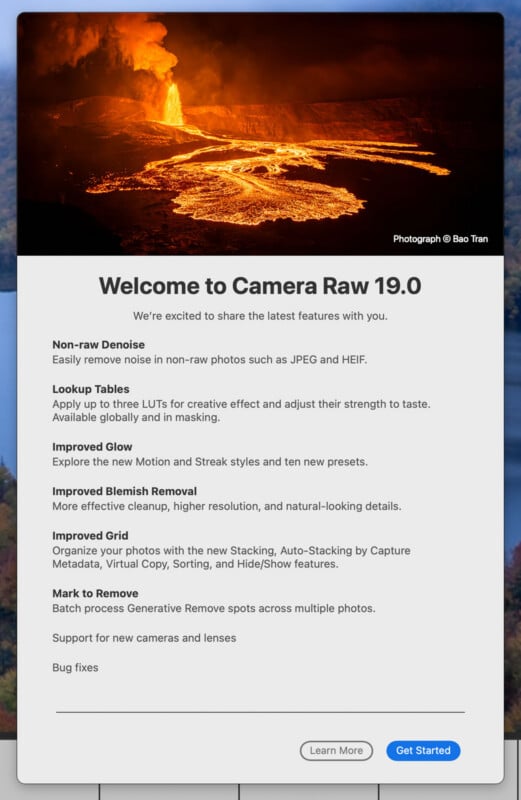
The good news keeps coming for photographers using Adobe’s software. Alongside big Lightroom Classic updates, Adobe Camera Raw (ACR) has been updated today to version 19.0, ushering in a wide range of tweaks, some of which are major.
Adobe Camera Raw is an extremely important part of Adobe Photoshop for photography workflows, especially for photographers who capture RAW photos. The underlying RAW processing and editing technologies found in ACR overlap heavily with Lightroom, although sometimes a feature arrives first in ACR, like Glow, which debuted in Adobe Camera Raw a few months ago before coming to Lightroom today. Another example is Reflection Removal, which arrived first in Adobe Camera Raw before eventually making it into other Adobe photography apps.
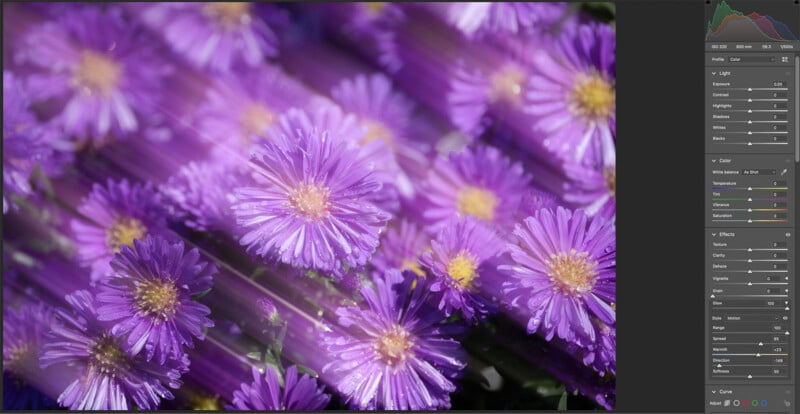
Speaking of Glow, it has been upgraded today. There are new Motion and Streak styles. Users can fine-tune the length, direction, color, and softness of the new Glow variants.
In terms of all-new Adobe Camera Raw features, it’s a bulky list. Virtual Copies, a longtime feature for creating multiple versions of photos inside Lightroom without duplicating original files, are now in Adobe Camera Raw. Each version’s edits can be preserved between sessions as well.
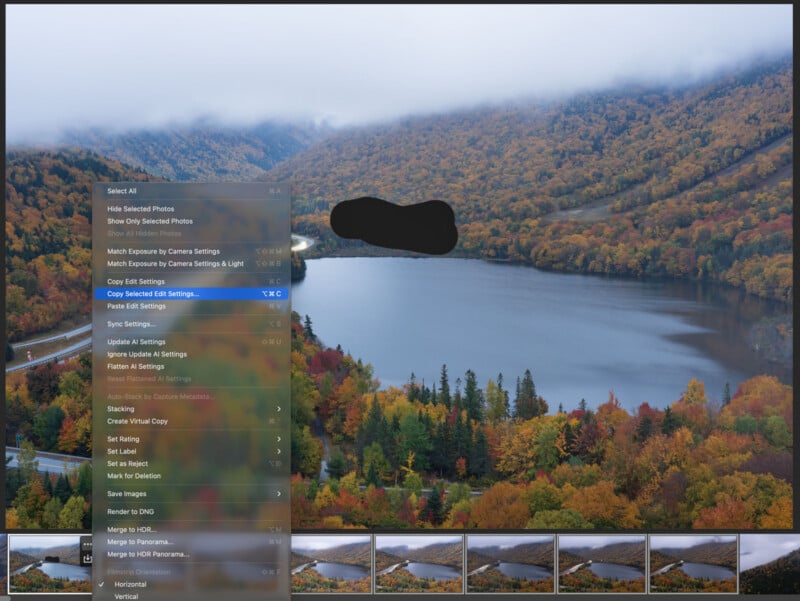
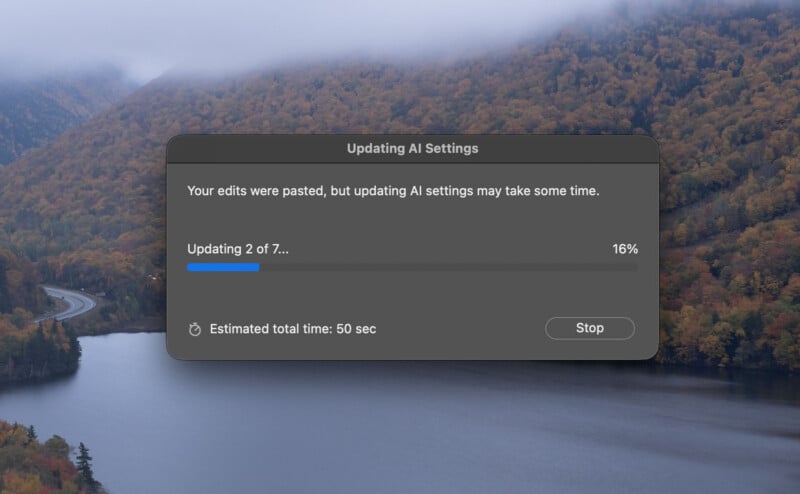
Generative Remove selections can now be applied to all selected photos inside a batch within ACR. So, for example, if a photographer has a group of photos that all have the same distracting element, such as a telephone pole, it’s possible to select the element in one photo, remove it, and then apply the same process to the entire group without needing to manually mask and remove it from each shot.
It’s also now possible to organize photos inside an ACR session. Related or similar photos can be grouped into stacks manually or automatically using capture metadata. It’s worth noting that Auto-Stack by Capture Metadata is currently only supported for recent Canon and Nikon cameras that support the DNG file format. However, all photographers can still group photos into stacks manually.
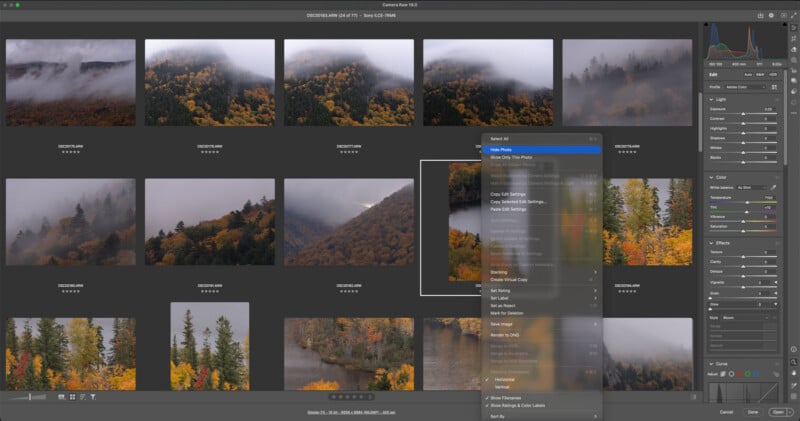
For those who use Adobe Camera Raw to process many photos at once, navigating through a crowded filmstrip or Grid view can be tedious. ACR 19.0 lets users temporarily hide photos or show only selected shots during a session, which significantly cleans up the workspace.
Finally, Adobe Camera Raw 19.0 introduces new camera and lens support. The list of newly supported cameras is very short, including just the two cameras on the new Apple iPhone Duo. However, new lens support has arrived for Sony’s new FE 8-14mm f/3.5 Fisheye G lens, FE 400mm f/4.5 GM and FE 600mm f/6.3 GM telephoto primes, and new zooms from Sigma and Tamron. There’s also support for Laowa’s 50mm f/2.8 2x Ultra-Macro APO lens across many mounts.