
Photoshop Now Relights and Restyles Your Photos Using AI
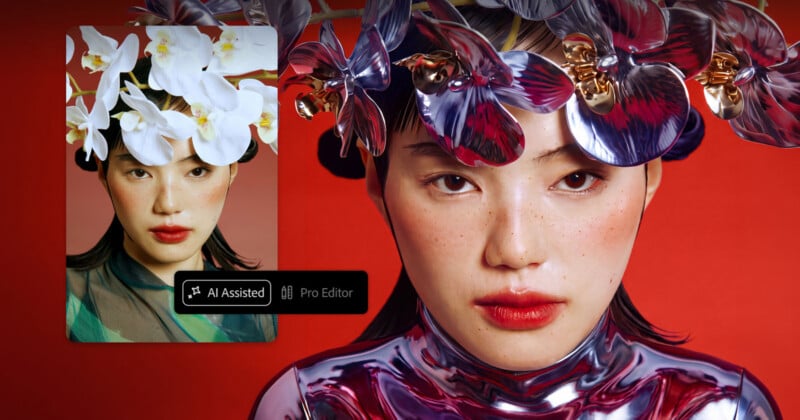
Today at Adobe MAX 2026 in Miami Beach, Adobe announced a wide range of updates to its core applications and technologies, including Photoshop and Lightroom.
Photoshop Gets AI-Generated Relighting
One of the key new features inside Adobe Photoshop is Relight. This is not necessarily a unique concept, as plenty of other apps and plugins have promised a similar concept: Fundamentally changing the “light source” in a photo with toggles and sliders.
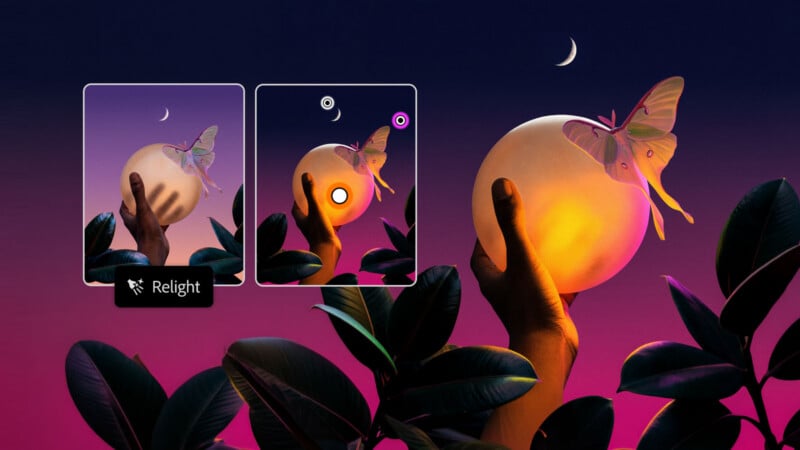
Adobe says that Relight in Photoshop can dynamically add new light sources that naturally and non-destructively blend into the scene. Users can adjust the position, color, and brightness of their software-generated lights.
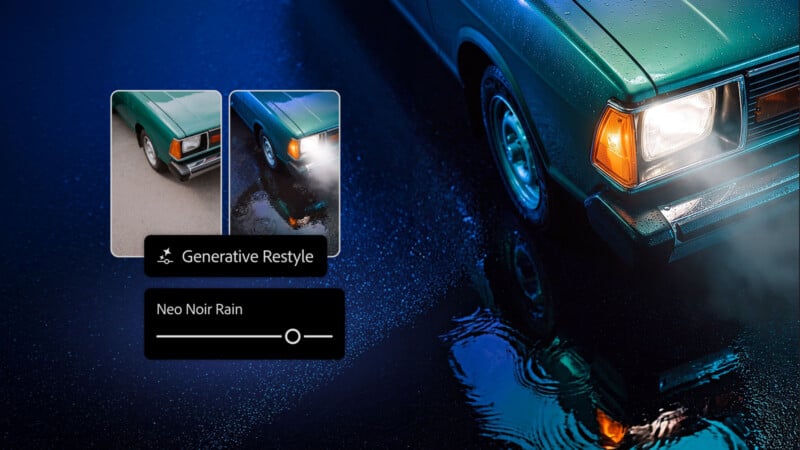
In a similar vein, the new Generative Restyle uses generative AI to turn text-based prompts into a new layer. Photographers can type how they want to style their image, and the AI does the rest. Well, mostly, as the intensity of the effect is still controlled manually via a slider.
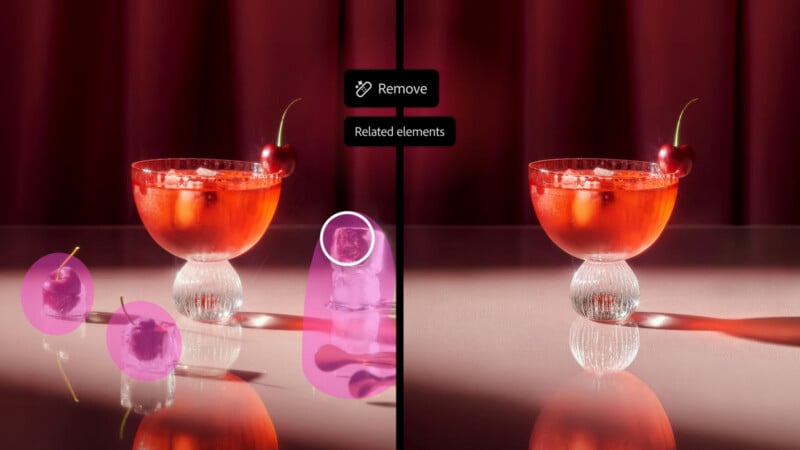
Some familiar tools are getting major tweaks. For example, the Remove Tool is receiving a new “related elements” function. This automatically detects associated surrounding elements around an area the user paints over, including footprints, reflections, and shadows. It should be a time saver.
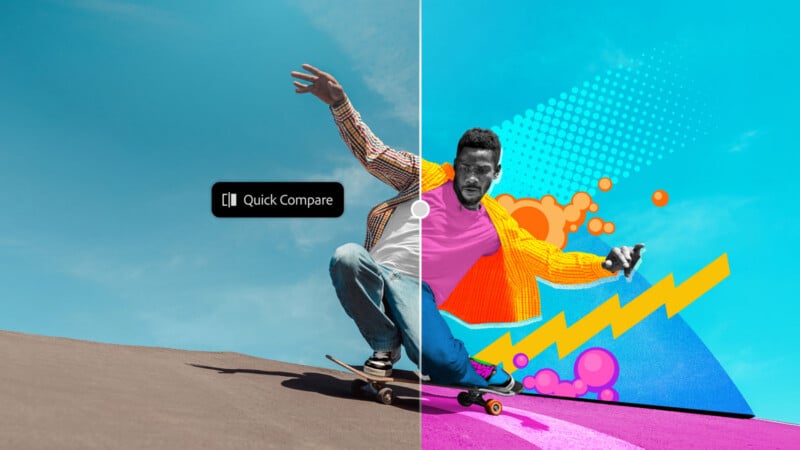
Likewise, a new Quick Compare makes it easier to see the before and after results for edits, rather than making users toggle between different states inside Photoshop.
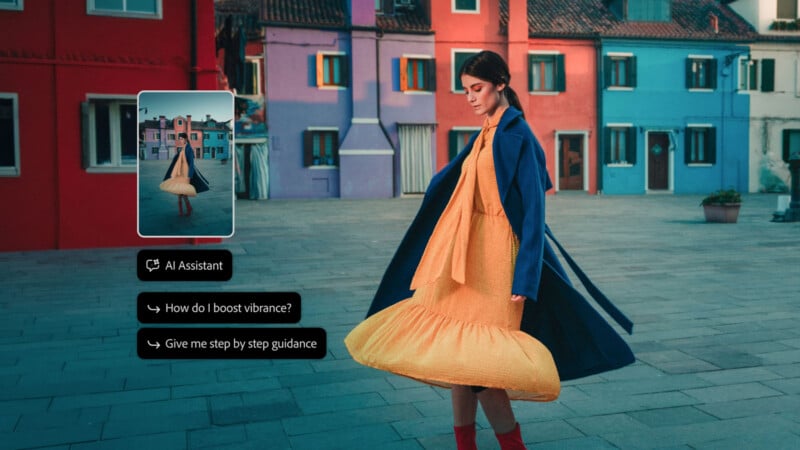
AI Assisted Editor is not new, although it remains in beta inside Photoshop. The AI Assisted Editor is getting some big changes. There’s a new Camera Angles (beta) tool that lets users explore new viewpoints and perspectives inside an image. There’s also Generative Recompose that repositions and image into a new aspect ratio while promising to preserve the general composition. That could be useful for people trying to fit a landscape image to portrait orientation for social media. There’s also a tool to Convert to Text Layers, which extracts text from a flattened image and converts into an editable type layer.
Remove Ambient Effect Only sounds promising. It promises to remove distracting atmospheric effects, like lens flare, haze, or reflections, without removing any objects in a photo. If it works well, it could be a time saver.
Photoshop is also getting a new timelapse function that can turn the user’s entire creative editing process and workflow into a shareable timelapse video.
Lightroom Joins the Halation Party
Over in Lightroom, there are many changes across the board.
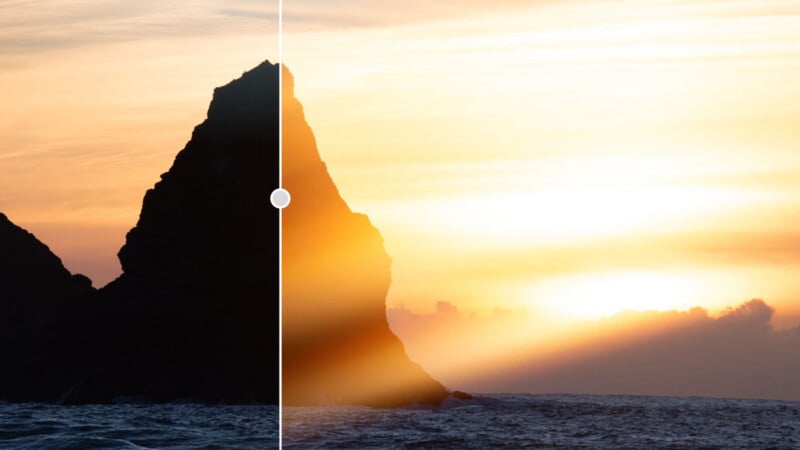
Lightroom is getting in on the halation craze. A new Glow tool adds soft, cinematic light to photos. There’s a hazy Diffusion option or a “retro film-style” Halation tool. There are presets, although users can also fine-tune the effects to their preferences.
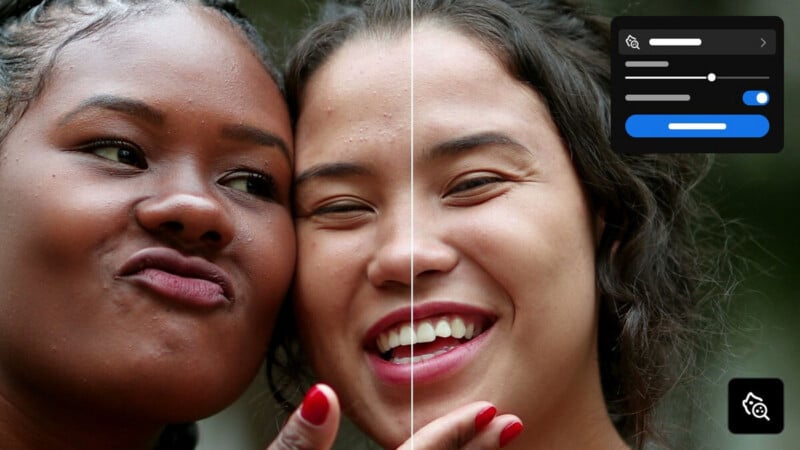
Blemish Removal, which was already in Lightroom on mobile, is now available in Lightroom on desktop. It includes new controls that Adobe says are suited to professional workflows and offers various fine-tuning options to ensure that only blemishes are removed, not natural elements like freckles.
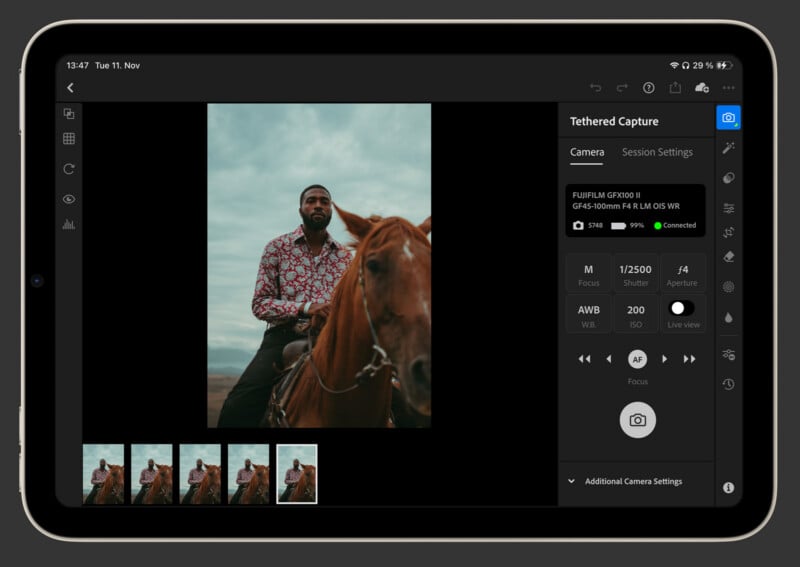
Camera Tethering, a long-time area of dominance for Lightroom Classic compared to Lightroom, is getting a big update across Lightroom on Desktop and iPad. Adobe promises more ways to review, collaborate, and organize while shooting.
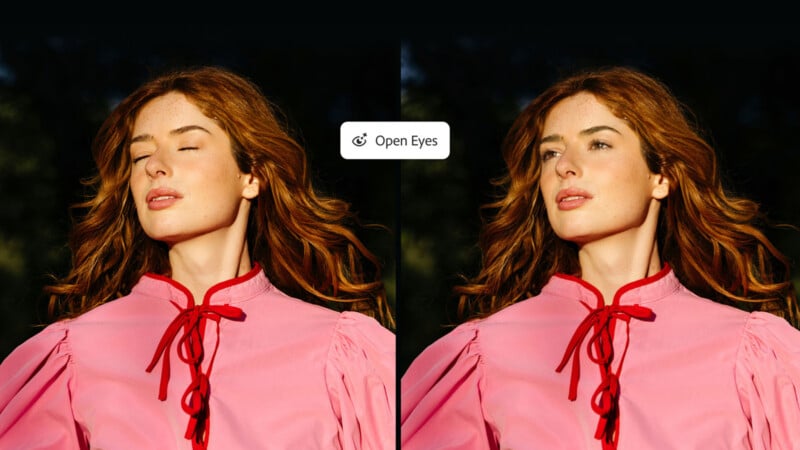
Finally, Open Eyes, arriving in public beta, can replace closed eyes with open ones. Adobe promises natural-looking results and the feature relies upon a reference image of the individual in the library, which Lightroom can find automatically. It’s not generating eyes from scratch.
While much of Adobe’s focus today is on Lightroom, rather than Lightroom Classic, Glow and Blemish removal are coming to Lightroom Classic as well, and the company promises some big news about other Lightroom Classic improvements and Adobe Camera Raw enhancements very soon, maybe even at MAX itself. There’s a lot going on in the Lightroom world right now.
Image creditsAdobe