
Adobe’s Creative Agent Wants To Do the Photo and Video Editing Tasks You Don’t Want To
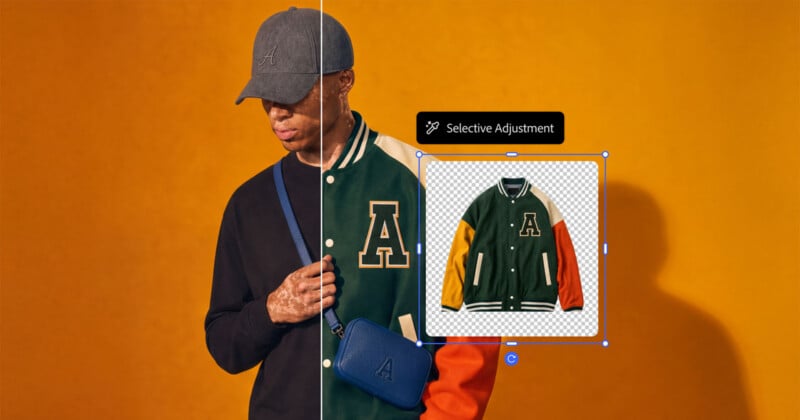
Adobe has been developing agentic AI for years, and at this year’s Adobe MAX in Miami, it looks like it has finally been fully unleashed. Adobe is ushering in significant expansions to the Adobe Creative Agent, which users can direct using text across not only Adobe’s Firefly AI platform but also Creative Cloud apps like Photoshop and Premiere.
The Adobe Creative Agent is designed to help users with complex, multi-step tasks across Adobe’s creative software. This agent works directly alongside Adobe’s expanded AI Assistants (beta) across its applications, including Photoshop and Premiere.
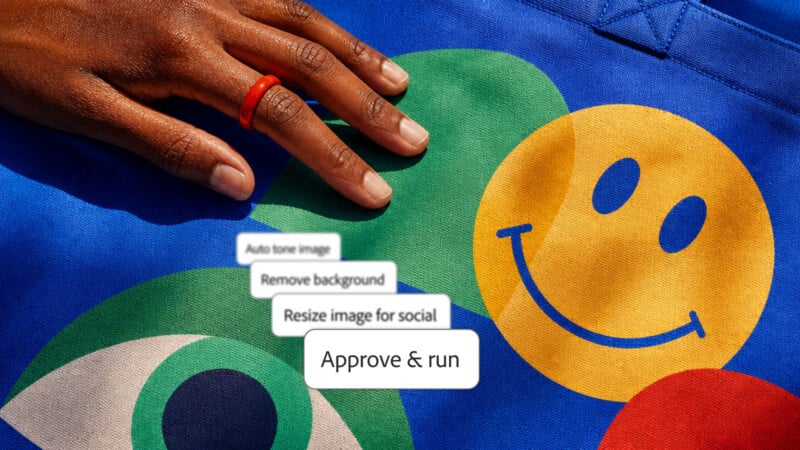
The overarching goal, as Adobe has discussed before, is to use AI for repetitive, tedious, or otherwise less creative tasks. For example, organizing files, generating masks, and replacing one color with another are all relatively uncreative tasks. The ideas behind these tasks, like why the user wants a specific object in their photo selected and what local edits to do it, are the artistic ones.
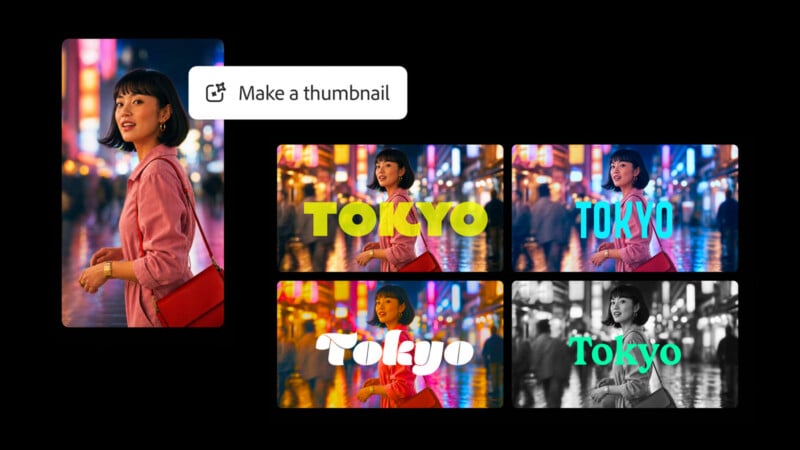
“Since its introduction earlier this year, creators have used it for everything from batch retouching portraits to converting product shots into short social videos. Creators remain in the director’s chair, guiding the work and making creative decisions as their projects evolve,” Adobe says.
Of course, Adobe has noted before and continues to say that it wants to create AI agent tools to empower its users, and then those users can decide how and when they want to deploy them.
“We’re powering a new era of creativity where creators and creative professionals at every experience level have the tools, models and agents they need to bring their biggest ideas to life and stand out with work that reflects their unique taste, style and vision, while staying in control of every outcome,” says Anil Chakravarthy, President and incoming Chief Executive Officer at Adobe.
“With demand for content growing across every format and channel, we’re delivering new innovations across our product portfolio that expand how creative work happens and put the power of Adobe’s tools within reach for even more creatives,” Chakravarthy continues.

Adobe’s new Firefly-powered agents can be always on, tasked with doing certain things as needed. For example, if someone needs to turn an image into a deliverable across different formats, the Adobe Creative Agent can do that thanks to new Photoshop tools like Generative Recompose.
The Adobe Creative Agent also works with other new AI-powered tools inside Photoshop and Premiere, like Relight and Generative Restyle in Photoshop and Generative Remove (beta) in Premiere.
Not every Adobe user necessarily wants to use Adobe’s own agent. They may already be using one in other applications. Today at Adobe MAX, Adobe also previewed local MCP (Model Context Protocol) integration, which will let creative pros direct their preferred third-party agent to make changes inside Photoshop, Premiere, and other Creative Cloud apps.
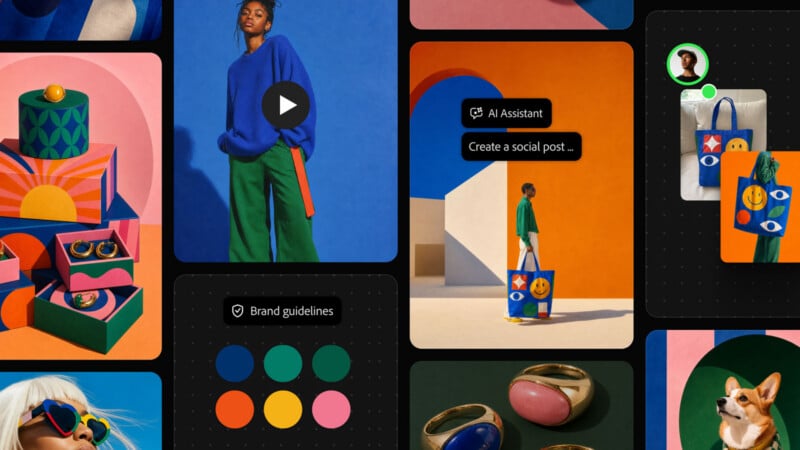
Adobe’s new AI Assistants, powered by the Adobe Creative Agent, are now available in beta in Adobe’s flagship desktop apps, except Photoshop, where the AI Assistant is available only in Photoshop (beta). Adobe’s local MCP integrations will be available in private beta early next year.
Image creditsAdobe