
The Lack of macOS on iPad Pro Is Starting To Feel Absurd
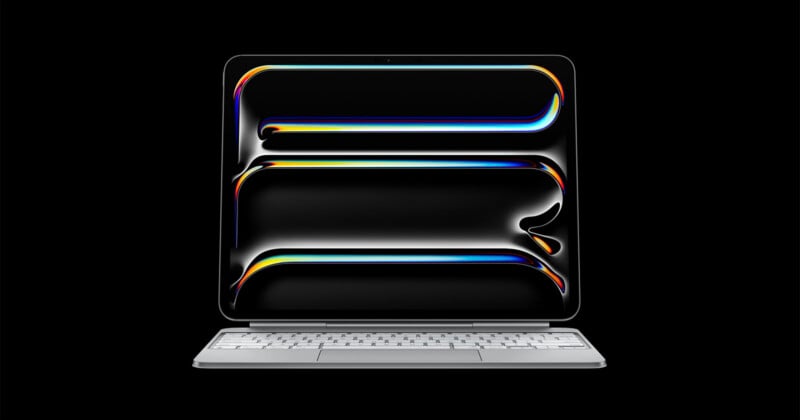
Now that Apple has added touch to the MacBook Pro, it’s time to ask again: Why can’t we run macOS on the iPad Pro?
Back when Apple brought the M1 chip to the iPad Pro in 2021, the discussion about whether iPad Pro could run macOS started almost immediately. But developers weren’t sure it made sense.
LumaTouch founders Chris Demiris and Terri Morgan told PetaPixel in 2021 that while the Mac and iPad Pro may run on similar, or in some cases identical, hardware, the two operating systems and overall experiences are so different that porting macOS to iPad made little sense. They are fundamentally different workflows, each suited to different users.
“If you’re doing a two-week trip, use your laptop. If you’re at home, use your desktop. When you’re on your desktop computer it should feel exactly right for that desktop experience. If you’re on a plane with an iPad, the experience should feel perfect for that,” Morgan told PetaPixel over five years ago.
Since then, the line between Mac and iPad has only gotten blurrier, but it’s still plenty clear enough: You cannot run macOS on iPad. Frankly, now that macOS supports touch, it feels increasingly absurd that you can’t choose to do it.
Arguments Against macOS on iPad
Hardware
The iPad has the power for macOS. There’s really no question about that. In a world where the iPhone chip-powered MacBook Neo exists, it’s obvious that an iPad Pro with an M4 or M5 chip or an iPad mini with the A20 Pro chip from the latest flagship iPhone models has enough horsepower to very competently run macOS.
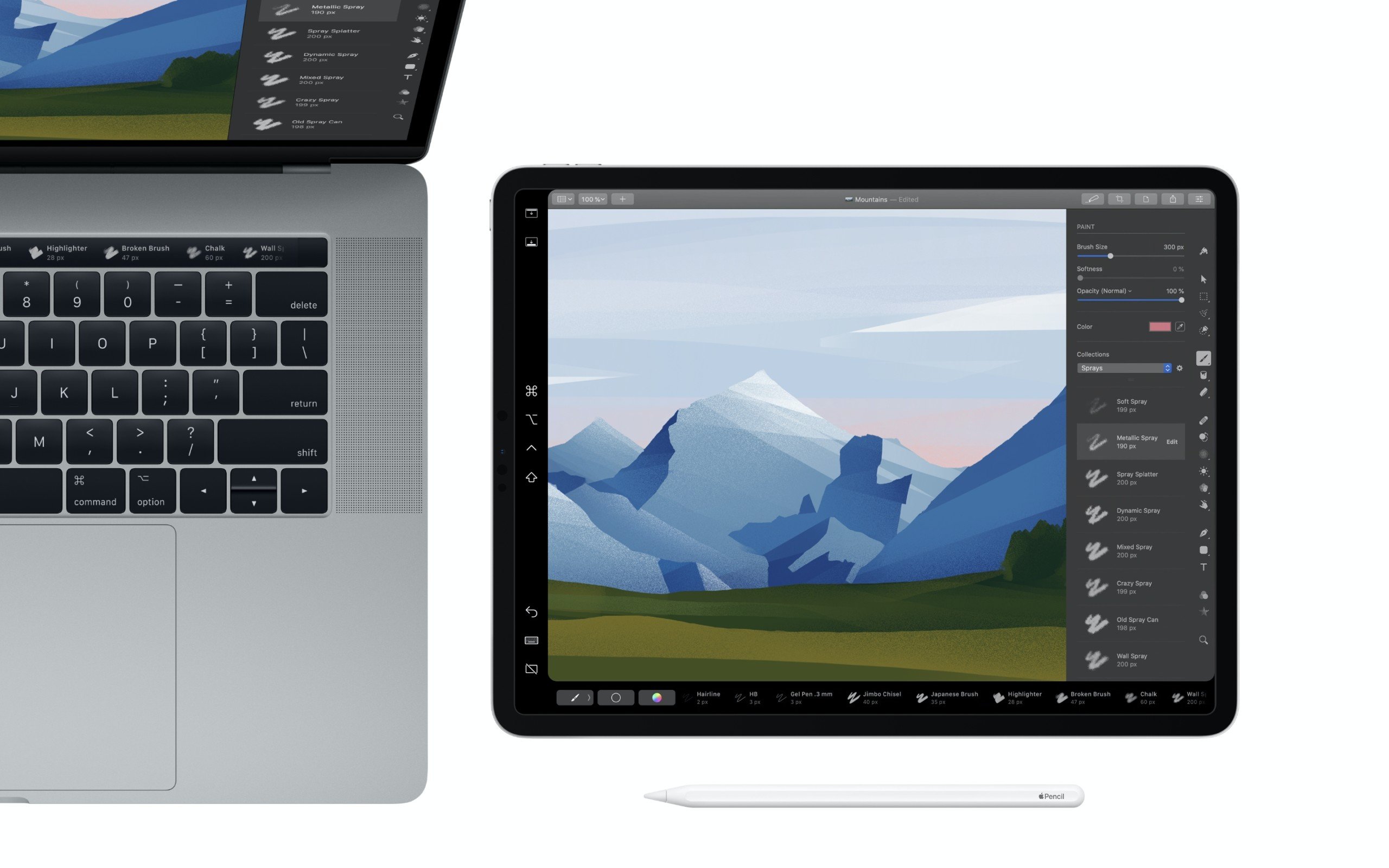
When you get right down to it, what is really the difference between an iPad Pro with Apple’s Magic Keyboard case and a MacBook Air?
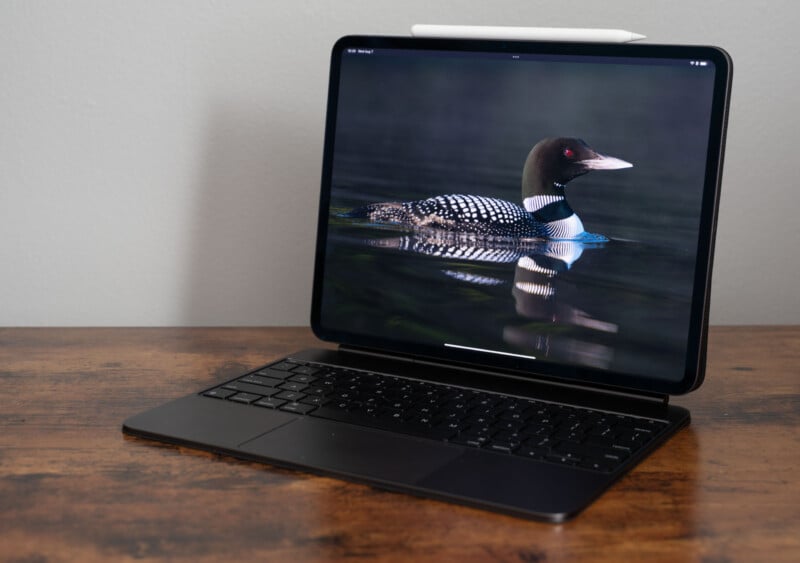
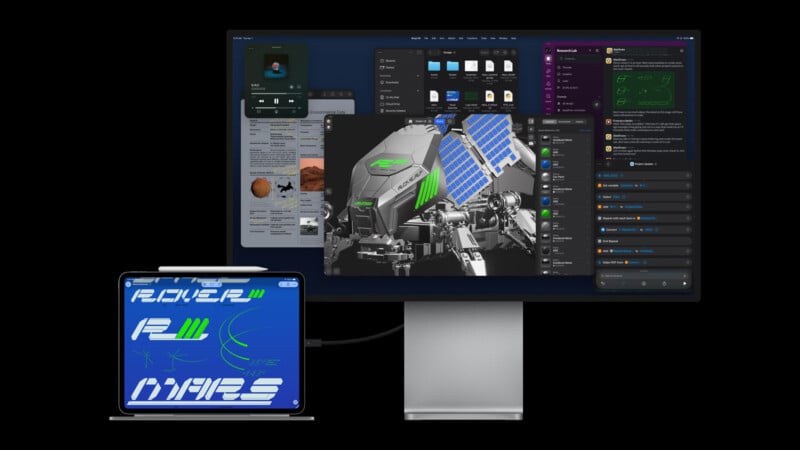
External display support? The iPad Pro can do that, too. Trackpad? The Magic Keyboard case has one, and you can certainly use macOS without Apple’s own keyboard and trackpad experience anyway. You can connect wireless keyboards and mice to the iPad and have been able to do so for a long time.
Software and Experience
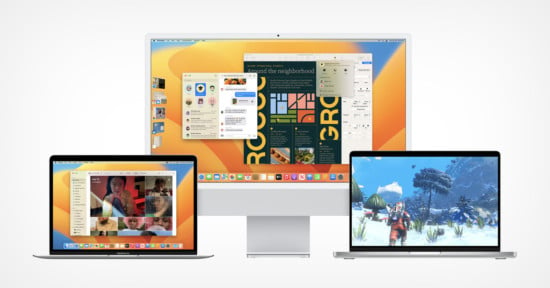
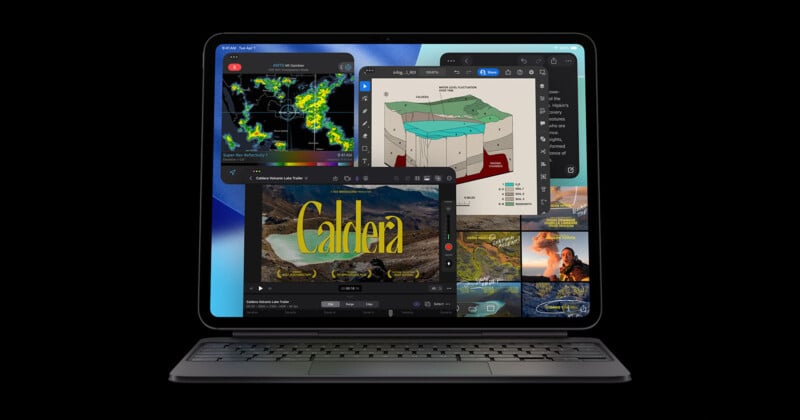
With macOS 27 on the new touchscreen MacBook Pro, another wall separating the Mac and iPad has fallen. Apple has revised and optimized the macOS experience for touch, and many app developers will likely follow suit. Heck, you can even run iPad apps on the MacBook Pro and use them as you would on Apple’s actual tablet, albeit with a worse form factor.

At last year’s WWDC 2025, Apple’s software engineering chief, Craig Federighi, sat down with Swiss tech journalist Rafael Zeier and discussed, among many things, why macOS isn’t on iPad, as shared by MacRumors.
Zeier asked Federighi straight up, why not put macOS on iPad? It seems like a very reasonable question, especially as Apple continues to erode the experiential gaps between the two operating systems.
“iPad is an absolutely beloved device. It has a huge number of users who love it as the ultimate touch experience, and one that scales from something that can be so simple. For many people, it’s their first device, whether they’re a child or even an older person where computing kind of passed them by and they find they’re empowered by iPad,” Federighi said.
“I think part of it is that it’s a device that you can hold in your hand, you can interact with in this incredibly fluid way, the entire model of the system is really simple.”
Federighi notes that when Apple first launched the iPad, it worked hard to simplify the computing experience and strip away layers of complexity, things like file management and how users interact with their apps. He continued, saying that Apple wants to preserve that simplicity while giving users more ways to dive deeper on iPad. This is evident in features like multitasking, improved file management, and new continuity tools between iPadOS and macOS.
“With macOS, you lose what makes iPad ‘iPad,’ which is the ultimate touch device,” Federighi explained. “But there are lots of things the two platforms can learn from one another, and that’s where we’ve adapted our best ideas to each.”
It Is Not an Either/Or Situation, Though
But why do you have to lose anything? Why, pray tell, could I not just boot up macOS on an iPad if I want to, and not do that if I prefer the iPad experience? There are no obvious hardware reasons why someone could not do both, or either. It takes very little time to boot up a modern iPad or Mac, so switching between operating systems couldn’t possibly be a big hassle. Now, admittedly, some iPad models that could conceivably run macOS don’t necessarily have much storage space for two separate operating systems, but arguably the 256GB SSDs Apple puts in some Macs don’t make it that easy to run a single OS anyway.
At some point, it’s hard not to think the barrier between iPad and Mac is just business.
As it stands, Apple has complete control over the iPad ecosystem, including apps and subscriptions. That’s not true on the Mac. I can download and install apps from a near-infinite pool of developers and companies. Yes, the App Store on Mac is convenient and has a lot of great apps, but you don’t have to spend your money there.
The reason why iPad couldn’t run macOS used to be hardware. Well, that’s not true anymore.
Then it was touch. macOS doesn’t support touch, Apple said it for years. Well… that is, until yesterday.

Again, there’s no doubt a touch-first experience is different. But now that macOS supports touch and will only get better over time, how much longer should a practical usability difference exist between a Mac and an iPad?
Then there’s Apple’s idea that the Mac and iPad offer fundamentally different experiences. I completely agree. I don’t want to dumb down macOS to be more like iPadOS, and I don’t want to overly complicate iPadOS and alienate those who really cherish its simplicity. They are different experiences, and each has its place and utility. The differences between iPadOS and macOS shrink with every major release, but Apple rightly seems hesitant to ever fully close the loop.
But Apple doesn’t need to close the loop at all. I just want to run macOS on my iPad Pro. My ability to do so doesn’t force anyone else to stop using their iPad the way they want; it just lets me use mine differently.
I fully expect Apple will keep macOS off the iPad for the foreseeable future, probably forever. And I get it from a business standpoint. Why sell someone one device that can do everything, when you can instead sell them two?
But the thing is, at some point, that’ll be the only reasonable explanation left standing, and not everyone is going to find that satisfactory. I sure don’t.
Affiliate Disclosure PetaPixel articles may include affiliate links; we may earn a commission if you buy through one.