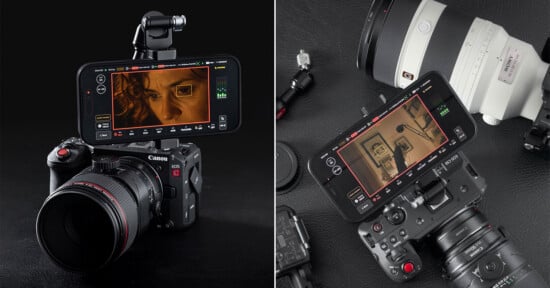

Premiere Update Brings Color Mode Out of Beta, Plus Generative Video & AI Audio Tools

Adobe is updating Premiere with a ton of AI-based tools and assistance as well as promising a new, wholly revamped approach to color grading.
Color Mode is Out of Beta
The revamp to color grading has been in beta since last April but is now being rolled out to the production version of the software. Called Color Mode, it replaces the Lumetri Color Panel that has been Adobe’s approach to color grading for the last several years. This new color editor was touted as a “first-of-its-kind” color grading system and appears to be a direct response to the far more widely beloved system inside of DaVinci Resolve.
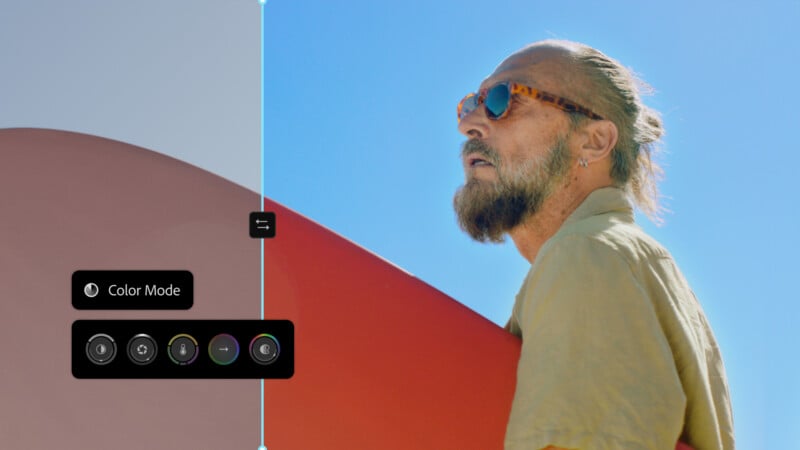
“Most Color Mode controls are bi-directional. Move your mouse up and down for one control, left and right for the other. Or press Shift for precise single-axis adjustments. Each control activates a unique heads-up display with scopes, numeric info, and real-time animated feedback that guides your creativity with confidence and clarity,” Adobe touts.
The company says that controlling this system is meant to be intuitive as “it works the way you think.” New bi-directional controls animate as they are used, and grading can be handled on single clips, groups, or entire sequences without layers.
“No more copying and pasting attributes. Actually understand how color is flowing through your timeline,” Adobe says.
AI Assistance and Generative Media Tools
Color Mode has been a point of discussion for months, but the other updates to Premiere are both newer and very much AI-based. Firstly, Adobe is deploying its Creative Agent, which is an AI assistant, into the video editor. The company says that this agent allows editors to direct and execute complex, multi-step workflows using natural language prompts. It can apply effects across every clip in a sequence, track masked subjects through a frame, and adjust color and exposure across an entire sequence simultaneously, for example.
Adobe is also adding a Generative Media Tool, which brings generative AI directly into a timeline to create missing video clips (like b-roll), sound effects, soundscapes, and background music. The AI behind it can be Adobe Firefly, but can also use the likes of Google, Kling, Runway, and Luma.
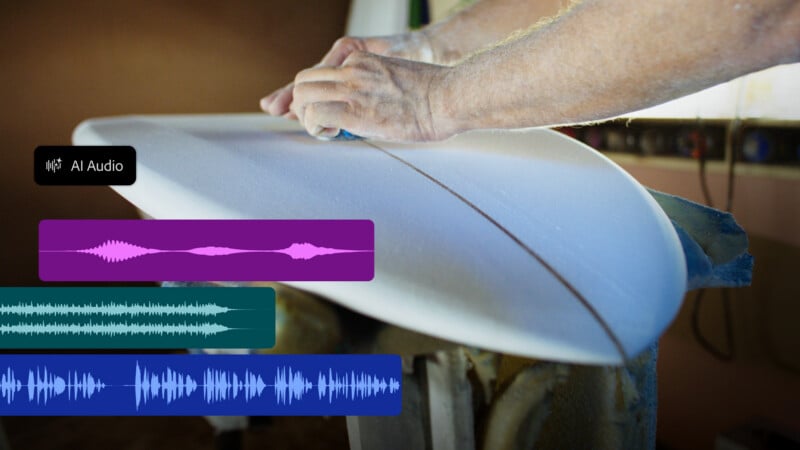
Adobe is also adding AI-powered audio tools that can clean up, separate, and refine audio. Premiere can now separate audio sources into stems that can be edited individually (a feature that was also recently added to Apple’s Logic Pro). Adobe says it is also capable of separating crosstalk, which means breaking overlapping speaking voices onto independent tracks.
Coming to the beta version, Premiere Pro is also getting a new Generative Remove tool that can remove objects from video (Adobe provides examples such as boom mics, logos, or background distractions). Editors can mask and track the object, and Premiere can fill the space with “realistic detail” while leaving the rest of the clip untouched.
The updates to Premiere Pro will start rolling out to Creative Cloud subscribers starting today.
Premiere Mobile
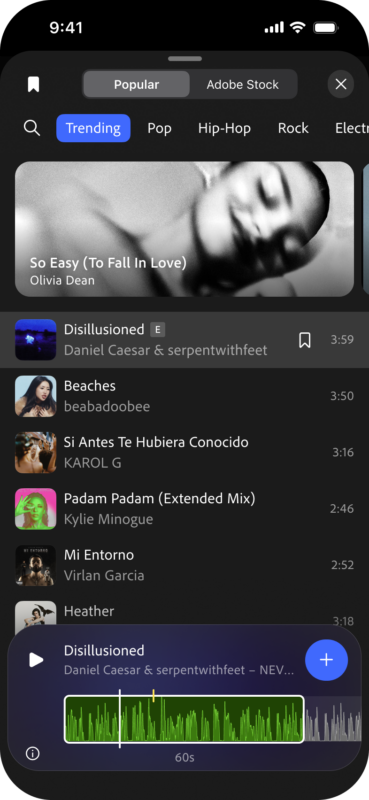
Finally, as announced last week, Adobe is adding access to hundreds of thousands of licensed music tracks for use in non-commercial videos.
“Music from UMG and WMG is available starting today in Premiere on iPhone for use in personal, non-commercial videos, with availability on Android coming soon. For projects that require commercially licensed music, you can continue to access Adobe Stock Audio,” Adobe says.
Adobe is also promising that the Agentic editing experience it is bringing to Premiere Pro will also be coming to Premiere Mobile “soon.”