Chinotechs L.D. Meter Review: Light Meter and Rangefinder in One
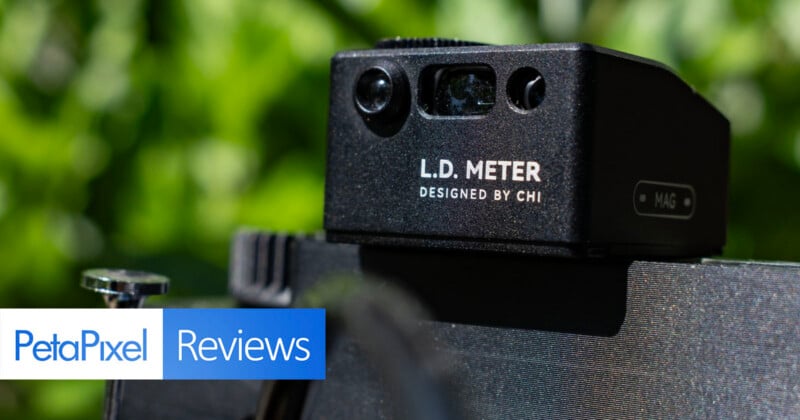
As I’ve delved deeply into the old and the niche of film photography, I’ve found myself loving cameras that either have no light meter, no viewfinder, or… neither. In those cases, I have found the L.D. Meter from Chinotechs to be the near-perfect solution.
I first became aware of the L.D. Meter when I saw photographer Jace LeRoy using one on his 3D-printed Infidex 176V panoramic film camera. I distinctly remember pausing his video on Threads so I could get a closer look at what he was using, because it seemed like exactly what I could use. Previously, I had been relying on an older version of the Keks KM-Q meter, but mine didn’t ship with a way to shoe mount it (probably buyer error) and I found myself pretty quickly needing to know not only exposure information, but also distance information.
See, I have been deep down a rabbit hole of medium format panoramic photography which is seeing a renaissance of sorts over the last six months as three have been announced in quick succession. There have been, of course, 3D-printed options for some time now (my friend David Imel has a few different ones that predate mine) but they all generally share two things in common: they don’t have a true viewfinder and/or they don’t have a light meter. In the case of not having a true viewfinder (or even a coupled rangefinder), since you can’t focus through the lens, you have no idea how far from a subject you might be for the purposes of focusing.

If you’re always shooting at infinity, which is very common for panoramic landscape photography, that last one doesn’t matter as much. But sometimes you find yourself closer to your subject than you might think, such as when I photographed “The Tree (2025)” last year on the Sasquatch.
At the time, I didn’t have the L.D. Meter, so I had to guesstimate my distance. Luckily I guessed close enough, but I would rather not make a habit of doing that all the time when so much of this process is prone to failure.

So when I saw that the L.D. Meter promised both light metering and laser rangefinding, I was sold. I happened to be in China at the time for a Xiaomi phone launch, so Chinotechs was able to ship the L.D. meter to my hotel in Chongqing super-fast, which meant I got to start using it immediately. Luckily, the L.D. Meter is now available at B&H Photo.
Chinotechs L.D. Meter Review: Design and Build Quality
I have only good things to say about the build quality of the L.D. Meter. This little cube (well, technically not a cube since it measures 36mm x 32mm x 20mm, but close enough) has a fully metal exterior which makes it extremely durable. I don’t drop things (often) and have never dropped the L.D. Meter, but I imagine it wouldn’t have any issue bouncing back from even drops on concrete, save for a few dents an scratches.
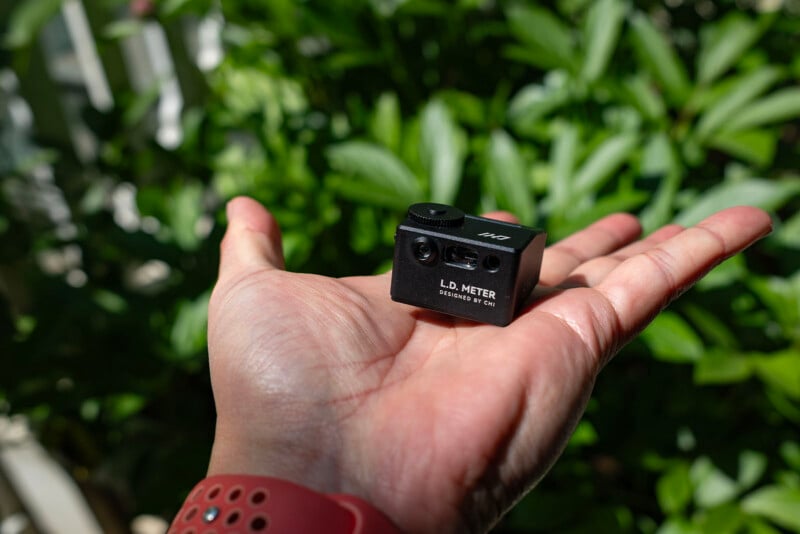
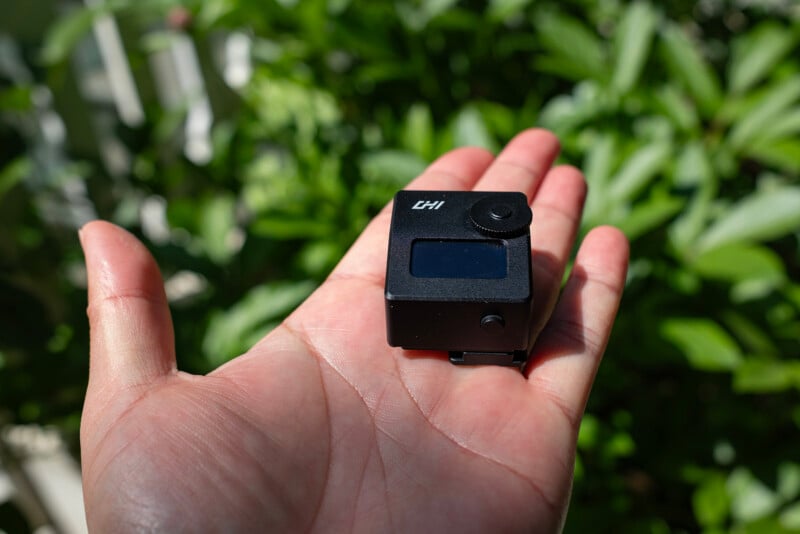
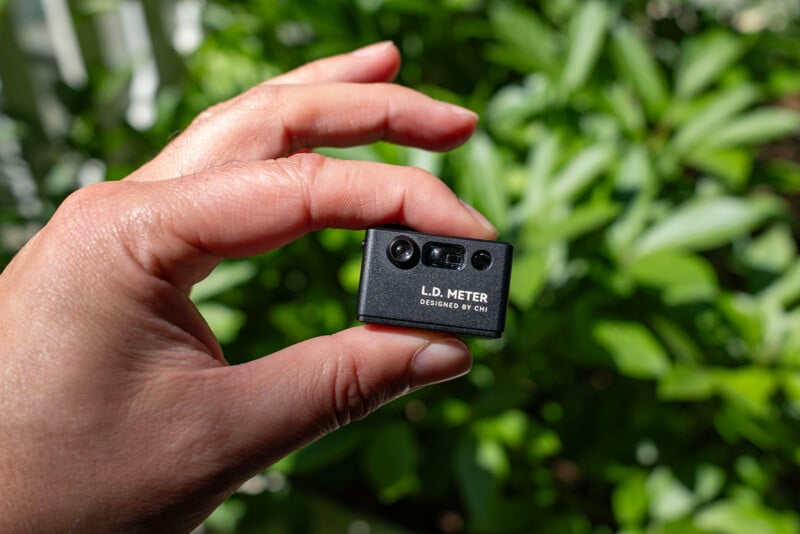
It’s a very simple device. On the top of the meter is a dial and a small 0.96-inch OLED display while the back (the part facing you as the photographer) has one button. The front features the rangefinder and light meter sensors. It has a built-in battery that is rechargeable via USB-C and has 370mAh of capacity. I have only charged it one time since January. Chinotechs says it has a standby lifespan of 90 days, but that seems conservative.
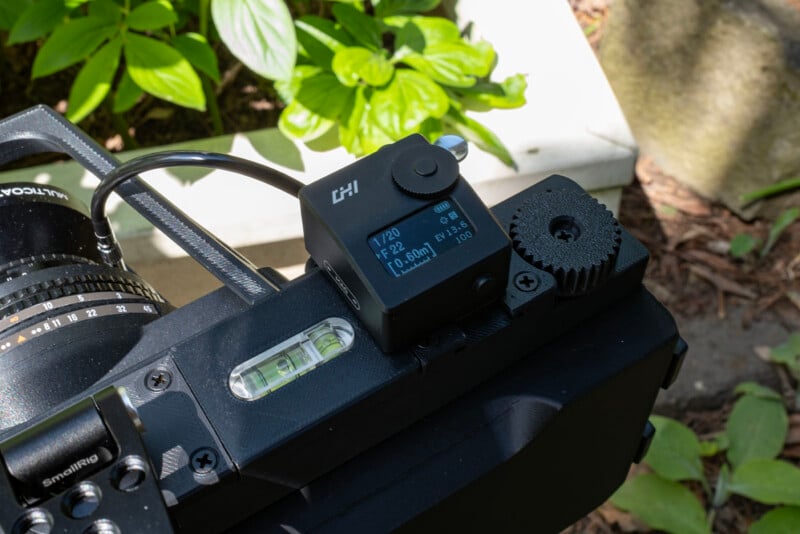
The left side of the meter is a magnetic mount that only works with Chinotech’s optional sight, which I didn’t get. It doesn’t seem to magnetize to anything else.
The $139 Pro version, which I chose, has a light receiving angle of seven degrees, while the $119 Lite version has a receiving angle of 30 degrees. That is the only difference between the two versions.
This little meter has a lot of options. You can set your film ISO (3 to 8,000) and then choose to meter either with aperture or shutter speed in either single or continuous metering with an EV range of 1 to 22.
You might not always need the rangefinder laser (and if you’re around people, you don’t want to point it at them and accidentally catch them in the eye) so there is a switch on the side to turn it off.
The rangefinder has a focusing distance of 0.1 meters to 50 meters (and this can also be swapped to display in feet, if you so desire)
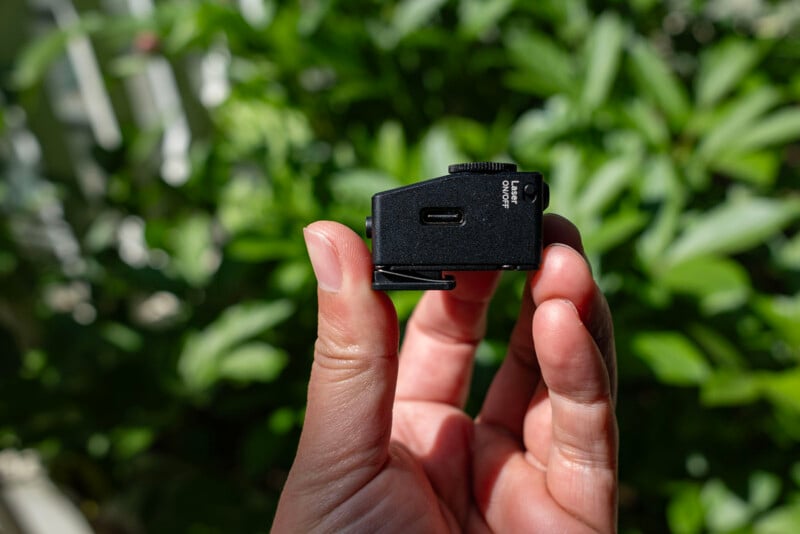
The only complaint I have about the L.D. Meter is that adjusting settings is finicky. This is not unique to this meter, as the Keks meter I mentioned before also can be frustrating to navigate. The problem is that these tiny devices have only a couple of buttons, so changing settings requires an often convoluted series of full and half button presses to do something specific.
To change ISO, you fully depress the button for three seconds, then adjust it with the dial. If you want to swap between meters and feet, you hold the button for eight seconds. To swap between aperture and shutter priority, you double click the button. To swap between single point metering and continuous metering, you half press the button for a few seconds.
That’s a lot to remember and while I have gotten used to it, familiarity doesn’t take away from the fiddliness of the design.
Chinotechs L.D. Meter Review: In Use
Once you have it set up how you like, it’s ready to go at a moment’s notice. The L.D. Meter turns itself off after about a minute of inactivity and immediately wakes with a press of the button. It’s fast, accurate, and works exactly how I need it to.

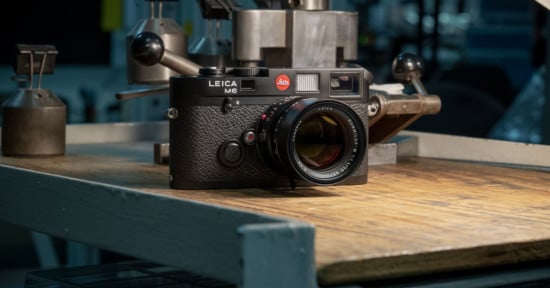
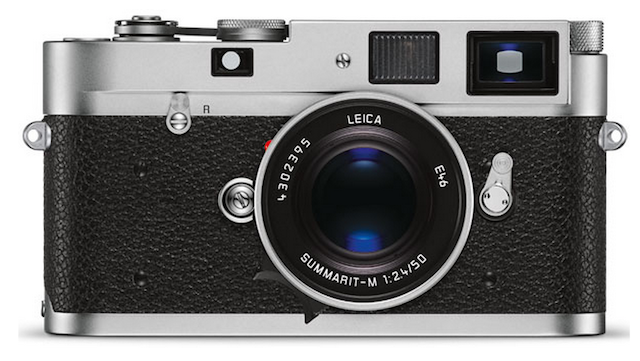
I don’t have a rangefinder camera where I would need the L.D. Meter, but the company specifically has instructions for using it with something like a very old Leica.
“By putting the meter in Continuous mode which leaves the laser on, you can focus the camera’s rangefinder and see if it matches the distance of the red laser on an object of known distance away,” Chinotechs explains. “For example, if you point the laser at an object that is measured to be 10 feet away, and then look through the rangefinder on your camera, you should see two red dots. If the camera’s rangefinder is accurate, the two red dots should converge when the camera is focused to 10 feet.”
Neat.

I mentioned the two versions of the L.D. Meter, the Lite and the Pro, and the reason someone might want the Pro is if they care about the specific reading of a small part of a scene. This narrow receiver angle is more precise and will allow a photographer to specifically meter for a highlight, shadow, or object. The Lite version is more general, and gives a photographer a more averaged reading that takes into account overall brightness. Chinotechs says this method is more akin to what most internal camera meters and pocket light meters capture.
Whichever you pick, it’s nice to know there is an option for both types of photographers.
I said there were two versions, but there is technically a third version. The $179 NYX L.D. Meter has an ultra-sensitive light meter which expands sensitivity both at the low and high ends. I am not the type of photographer that would need that level of metering accuracy but I’m sure there are those out there who would appreciate it.
The L.D. Meter Is the Last Meter I’ll Likely Ever Need
I’m very well served by what the Chinotechs L.D. Meter does and I don’t see myself needing to change to anything else any time soon. It’s an accurate meter with a built-in laser rangefinder and it all works quickly and extremely well. The battery seems to last basically forever, it’s built like a tank, and it isn’t wildly expensive.
This is one of those cases where a product just does everything it promises on the side of the box. I can’t ask for more.
Are There Alternatives?
There are tons of light meter options out there, including the Keks KM-Q I mentioned earlier (along with four other options). Voigtlander’s VC Speed Meter is also a solid choice. There is, of course, the wildly expensive Sekonic Speedmaster, too.
There are also plenty of rangefinders out there, including ones from Nikon and Canon.
But it’s rare to find a laser rangefinder and light meter all in one and I haven’t seen another one like the L.D. Meter.
Should You Buy It?
Yes. The L.D. Meter uniquely combines a laser rangefinder with a light meter into a very small, lightweight package. For film landscape photographers like myself, it’s pretty perfect.
Affiliate Disclosure PetaPixel articles may include affiliate links; we may earn a commission if you buy through one.