How to Create Professional Time-Lapse Videos From Start to Finish
A high-quality time-lapse is a beautiful thing. From the aurora borealis over Norway to the thriving metropolis that is San Diego, we’ve featured many a gorgeous photographic fast-forward through time, each of them put together by photographers that knew how to pull the most out of the time-lapse medium.
But just because there are a lot of stunning time-lapses out there, doesn’t mean that the process is easy or self-explanatory. Creating a great time-lapse takes skills, and it’s those skills that professional photographer Vincent Laforet is partnering with Canon to teach you in an informative 4-part educational video series.
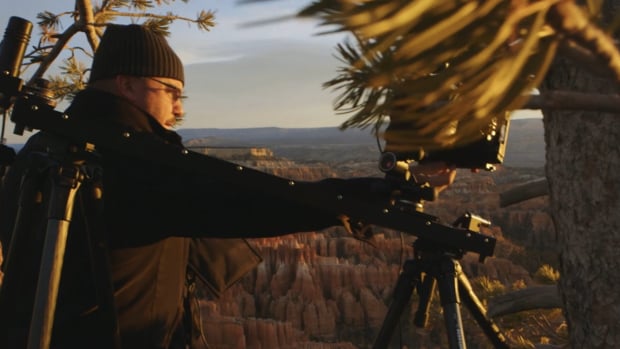
The first episode (embedded at the top) covers the basics. Laforet jumps right in by telling you what you should be looking for when choosing the subject for and shooting a time-lapse. You want to anchor your shot to a strong foreground element, pick a subject that is dynamic (it is a time-lapse after all), and determine how long you want your time-lapse to be, among other things.
Here are a couple of examples of the kinds of incredible videos you can put together using this technique. The first is a Death Valley time-lapse put together by photographer Gavin Heffernan and his team in the freezing cold desert; the second a tilt-shift time-lapse by photographer Nathan Kaso that reduces the city of Melbourne, Australia to a tiny playground:
Of course, to create stunning time-lapses like the ones you see above, you’ll need to learn more than the basics. Episodes 2 through 4 cover the rest of the process, from camera setup and lens selection, to specific creative choices, to an overview of the post-production process.
To see the entire how-to series, and get to work on your own time-lapse or hyperlapse creation, head over to Canon’s Digital Learning Center by clicking here.
(via Imaging Resource)