How to Use a B&W Layer in Photoshop to Adjust the Brightness of Colors In Photos
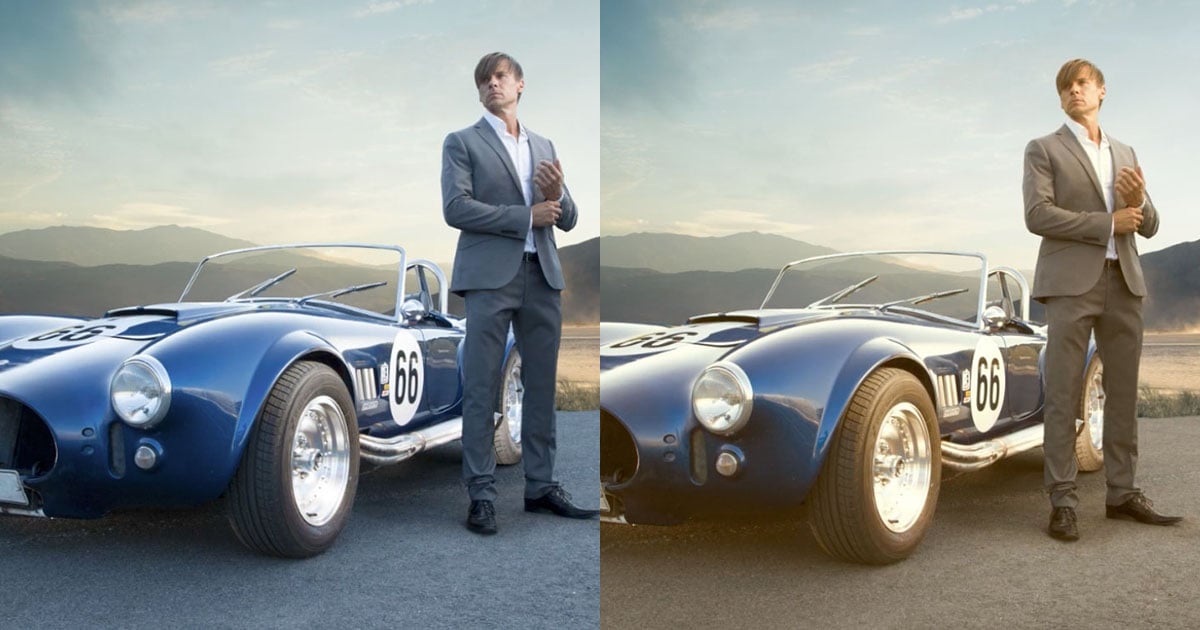
Travel photographer Jimmy McIntyre created this short 3-minute video tutorial to share a trick for adjusting the brightness of specific colors in your shot without affecting their saturation.
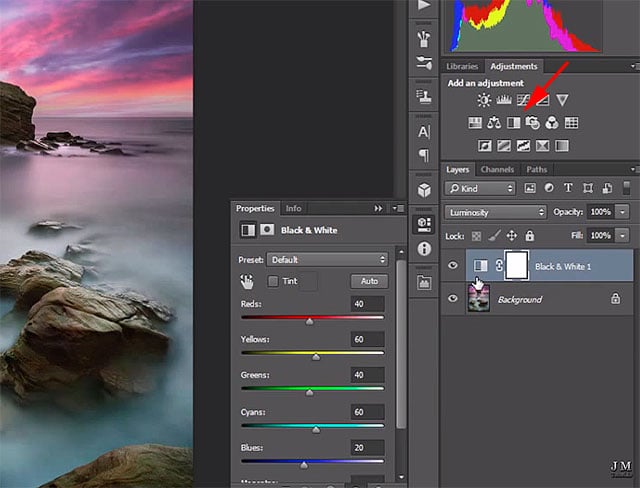
…setting its blending mode to “Luminosity”…
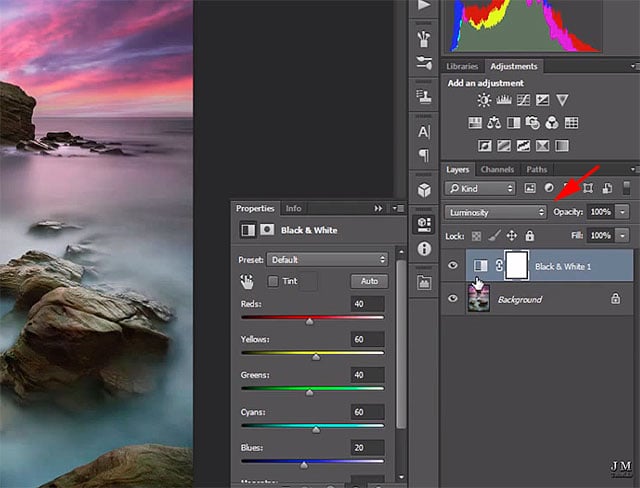
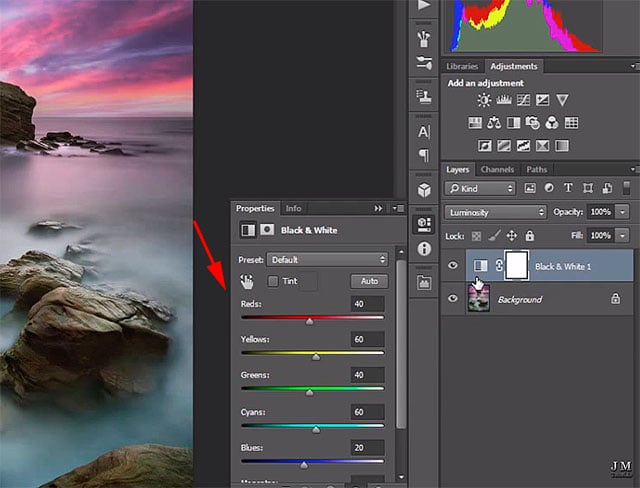
…and then adjusting the sliders of the colors you’d like to tweak.
You can find more of McIntyre’s tutorials on his YouTube channel here.
(via Jimmy McIntyre via ISO 1200)
Affiliate Disclosure PetaPixel articles may include affiliate links; we may earn a commission if you buy through one.
Related Articles
Discussion