GoPro Mission 1 Pro Review: The Best Action Camera Yet, But Is It Enough?
GoPro needs a win right now. Competition from DJI and Insta360 has never been stronger, its profits are down, and it has not released a flagship Hero Black camera in nearly two years. The GoPro Mission 1 Pro ($699) is its best chance to turn things around.
If you need the image quality benefits the new sensor provides, this is the best-looking footage you can currently get from an action camera. But the high price and frustrating minimum focus limitations keep this camera from earning my ultimate recommendation.
Pros
- Excellent image quality with 8K recording
- Improved low-light performance
- Impressive dynamic range with GP-Log2
- Supports 32-bit float audio
- Flexible mounting system including magnetic mount
Cons
- Long minimum focus distance limits creative framing
- Heavier and larger than previous models
- High price point
- Histogram requires GoPro Labs firmware
- Thermal limitations in high-resolution modes
It’s expensive, but it produces the nicest footage I’ve seen from an action camera. The question isn’t whether the Mission 1 Pro is impressive, but whether it’s impressive enough to justify the price, and whether it’s the camera that can help GoPro regain momentum.
I wanted to compare the Mission 1 Pro against the Hero 13 Black. It’s not just about which camera produces better-looking footage; that part is easy. What I really wanted to find out was where the larger sensor and new features actually make a difference in real-world shooting. Are there situations where the older, less expensive camera might still be the better choice?
The answer isn’t quite as straightforward as I expected.
GoPro Mission 1 Pro Review: A Larger Sensor
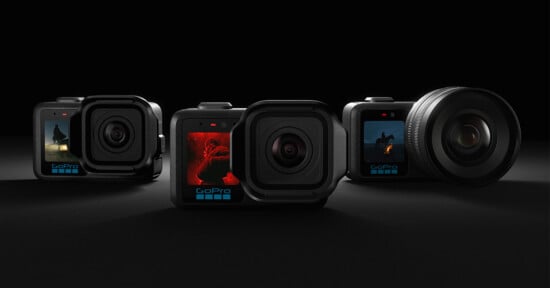
The headline feature of the Mission 1 Pro is its new Type 1 sensor. And yes, it’s significantly larger than the sensor found in the Hero 13 Black, as well as the sensors used in competing action cameras from DJI and Insta360. In theory, that larger sensor should deliver three major advantages:
- Higher-resolution 8K recording
- Better low-light performance
- Increased dynamic range
GoPro is so confident in the dynamic range improvements that it introduced a new GP-Log2 profile specifically for this camera. There will eventually be two additional Mission-series cameras using this same sensor. The standard Mission 1 ($599) offers fewer recording options at a slightly lower price, while the Mission 1 ILS introduces an interchangeable-lens Micro Four Thirds mount. Importantly, the ILS does not have an electronic mount, so it can only be used with manual lenses.
Personally, if you’re shopping for a premium action camera, the Mission 1 Pro is clearly the most compelling option of the three.
GoPro Mission 1 Pro Review: Design and Handling
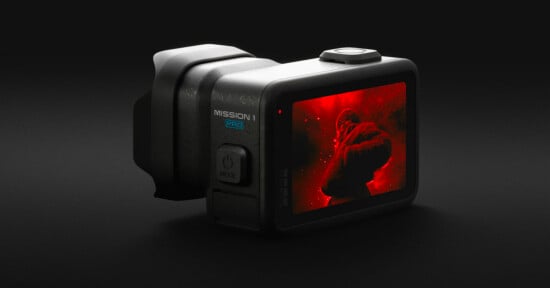
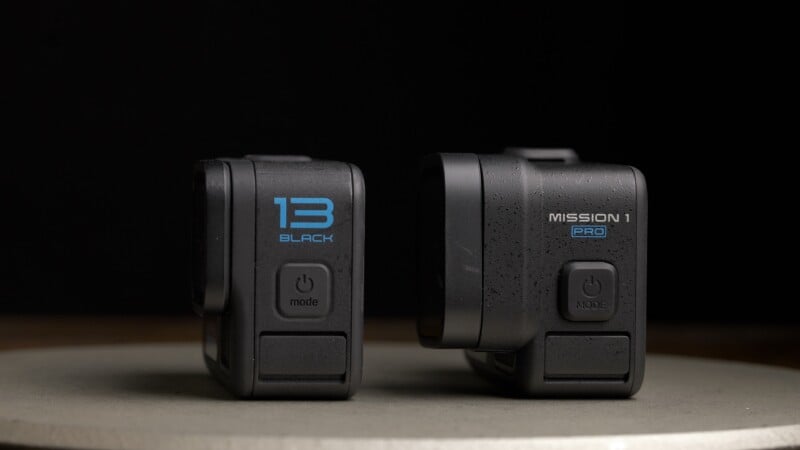
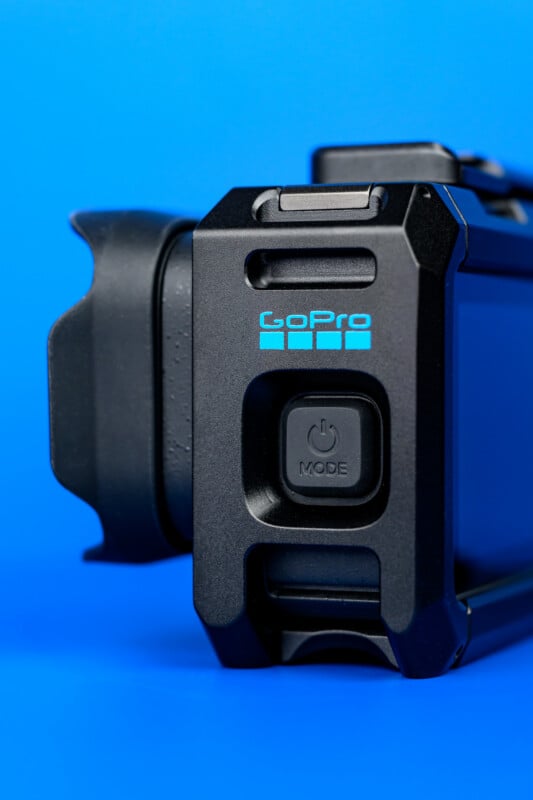
At first glance, the Mission 1 Pro looks very familiar. The overall design closely follows the modern Hero series, although it’s noticeably larger. At 7.3 ounces (207 grams), it’s roughly three ounces heavier than the Hero 13 Black, and that’s something you’ll notice immediately when holding it.
Thankfully, GoPro has retained the simple two-button layout, while making both buttons slightly more pronounced. It’s a small change, but one that makes the camera easier to operate with gloves or underwater.
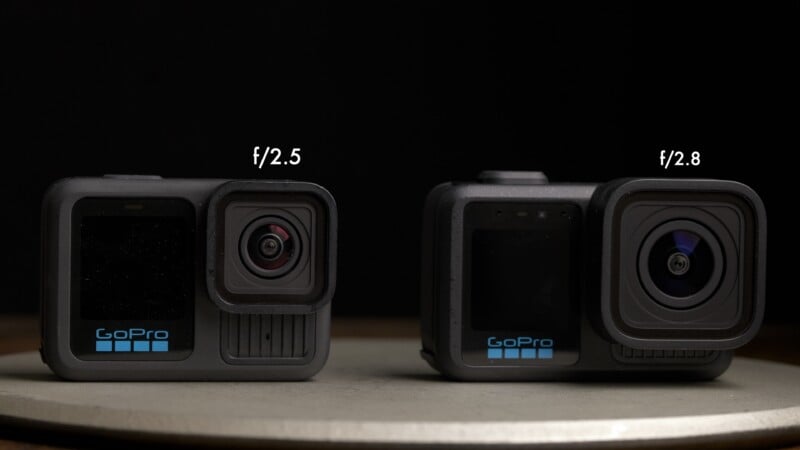
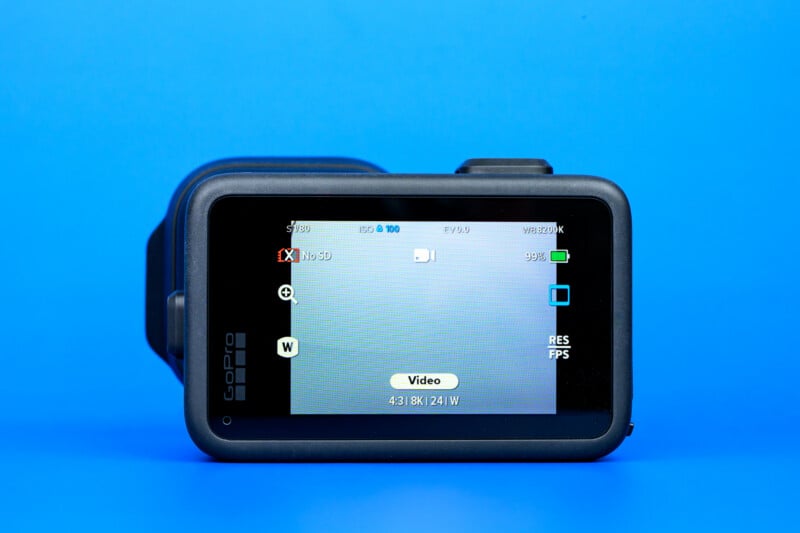
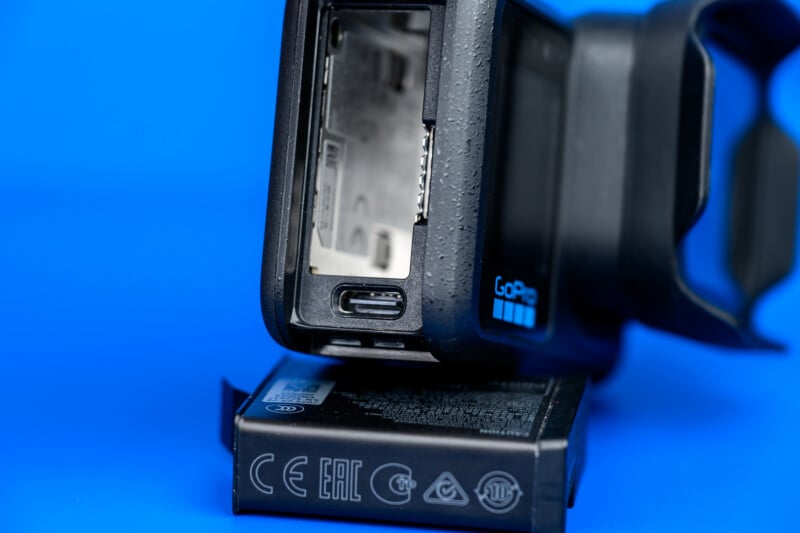
The wonderful dual-screen setup also returns. Around back is a 2.6-inch, 672 x 400 pixel touchscreen used for camera controls, while the front-facing 1.4-inch 240 x 240 pixel display makes framing yourself considerably easier when recording vlog-style content. Storage and battery access remain straightforward, both removable and hidden behind GoPro’s familiar waterproof door design.
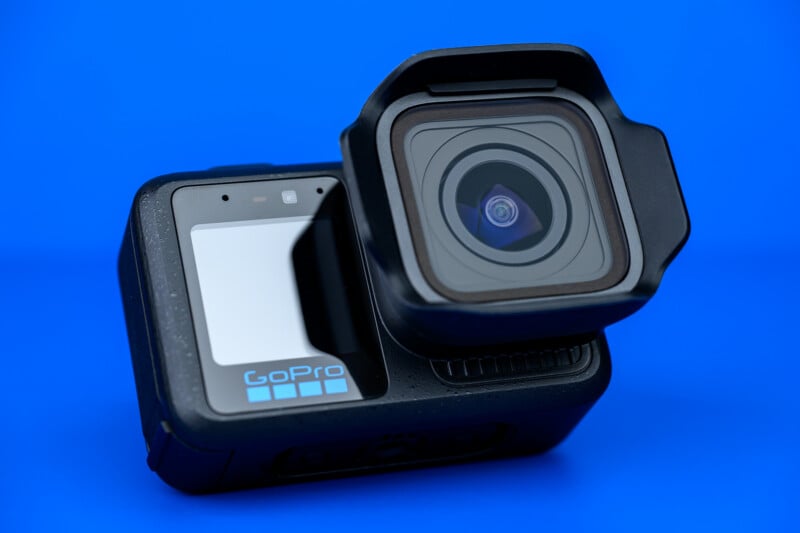
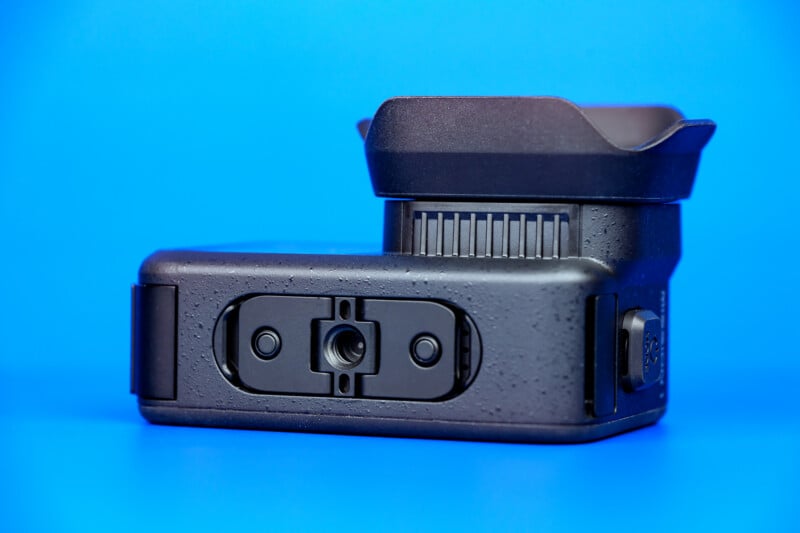
You also get three mounting options: the standard GoPro folding fingers, a 1/4-20 tripod thread, and a new magnetic mount. It’s a flexible system and one of the more practical design updates GoPro has made in recent years.
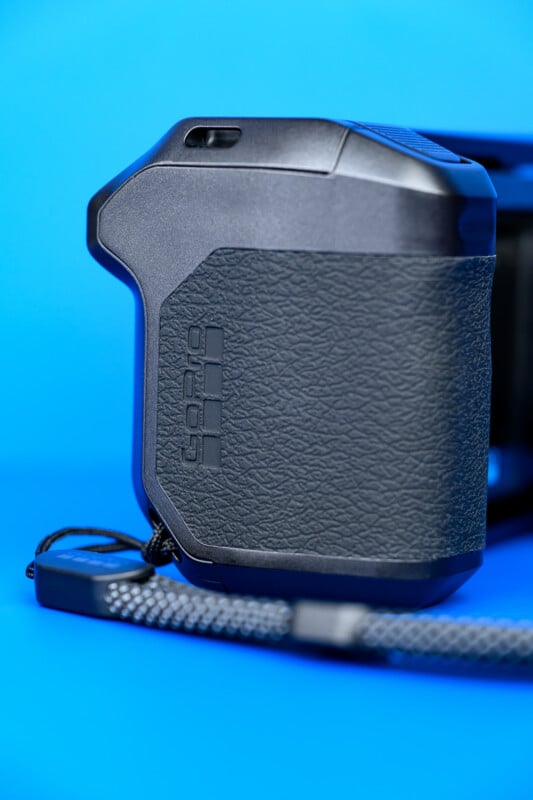
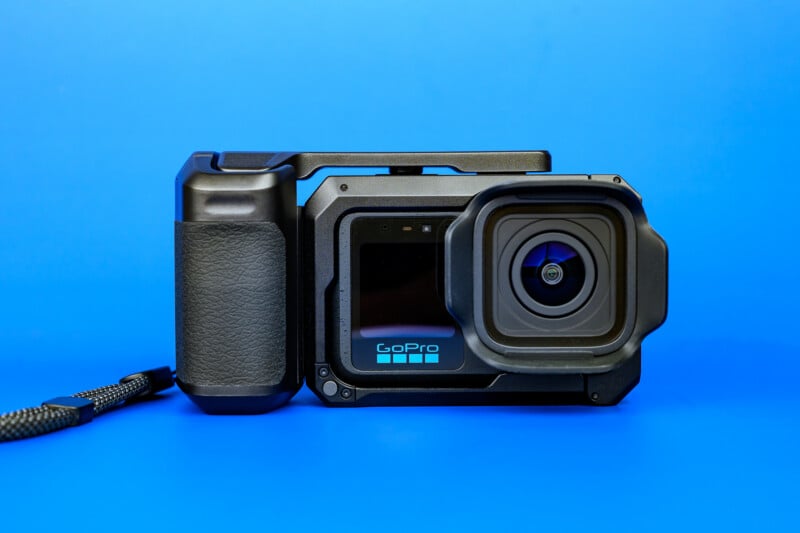
For those who prefer to hand-hold their camera rather than mount it, a new cage is available that makes the camera function more like a bulky point-and-shoot stills camera. It adds a comfortable grip and some mounting grips that would make it ideal for photography, but I suspect few photographers are interested in a fixed ultra-wide lens camera.
The Mission 1 Pro is impressively waterproof and rated at 20 meters (65 feet) without the dive housing. That’s twice as deep as the Hero 13 Black could go. For more serious divers, the optional dive housing will get you down to 195 feet (60 meters).
GoPro Mission 1 Pro Review: How It Shoots
The lens is the most prominent part of the camera, now sticking out quite dramatically from the camera. An optional hood is included to help keep objects from touching the lens and to reduce flare. Unfortunately, the move to a larger sensor means that minimum focus is pushed quite a bit farther away — nearly two feet — compared to one foot on the previous model. This certainly changes how you shoot with this camera, as my number one instinct when using ultra-wide lenses is to get close to my subject. Helmet shots of your environment will look great, but flipping the camera around to look at you will often lead to out-of-focus, unusable results.

Looking at Mission 1 Pro’s impressive quantity of recording modes, probably the biggest upgrade on this new model is the ability to record 8K Open Gate footage up to 30p. This is recorded in the native 4:3 aspect ratio of the sensor and has a real detail advantage over the 5.3K Open Gate we saw on the Hero 13 Black.
Alternatively, Open Gate can be recorded in 4K 4:3 mode, which sacrifices resolution for much faster frame rates. This can be captured up to 120p. I’d shoot 8K Open Gate if you plan to reframe the footage for horizontal and vertical delivery, and use the 4K mode for unpredictable action so you can capture as much vertical information as possible while still having access to the faster frame rates.
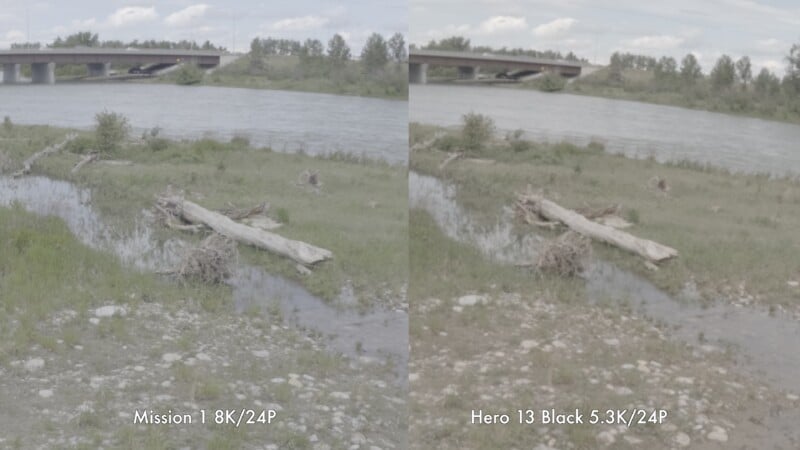
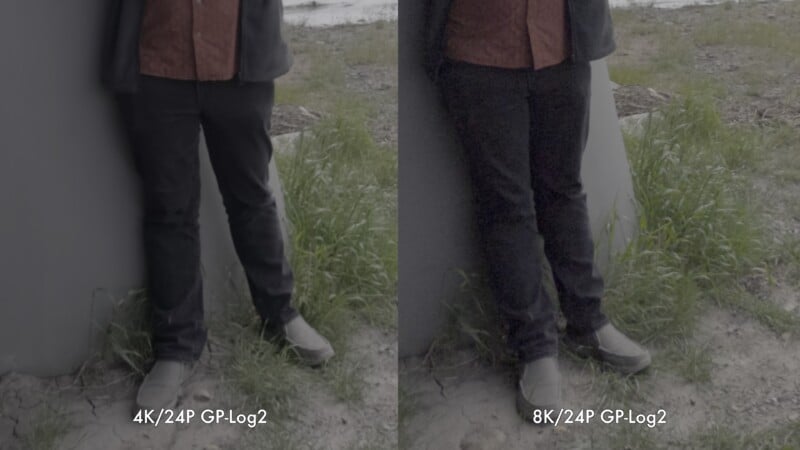
You can also capture 4K and 1080p in a more traditional 16:9 or 9:16 ratio up to 240p with sound. This is fantastic if you want to record long clips with audio and get an extreme slow-motion effect at key moments. The 4K video quality is quite good, especially the GP-Log2, which, when graded, doesn’t have any of the classic over-sharpened, oversaturated GoPro look.
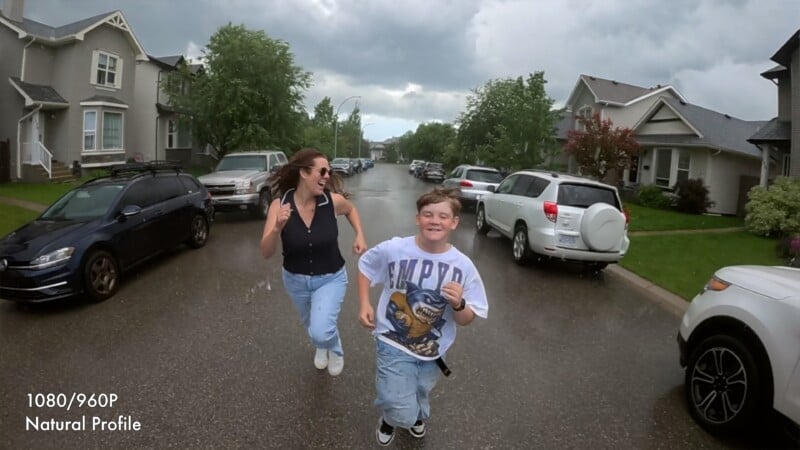
Slow Motion is one of the strong suits of GoPro cameras, and that holds true with the Mission 1 Pro. Starting with 8K/60p, you can get half-speed slow motion with a very detailed image. As well, 1080p slow motion can be recorded up to a staggering 960p, but this is limited to 10-second bursts, so you’ll have to pre-plan your action. That 10 seconds of real-time capture will result in six and a half minutes of playback in a 24p timeline. Sure, quality takes a drop in this mode, but it’s usable and gives you a look you won’t find anywhere else.
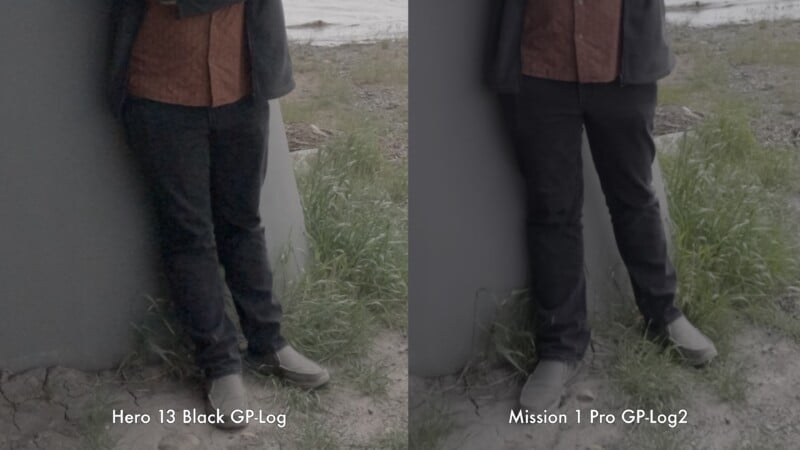
The dynamic range on this camera is very impressive, as you would expect from this type of sensor. While recording 4K in a contrasty scene, it holds onto more highlight information than the older camera, and shadows are cleaner. It’s worth pointing out that, much like the Insta360 Luna Ultra I recently tested, 8K recording does come with a dynamic range penalty, so I’d stick to 4K for very contrasty scenes. It’s also worth mentioning that you need to download GoPro Labs firmware if you want a histogram for metering your scene. This is a basic function that should really be included in the default firmware or mobile app. That said, you can choose to display an over/under exposure bar while recording, but it’s not what I would call “complete” exposure information.
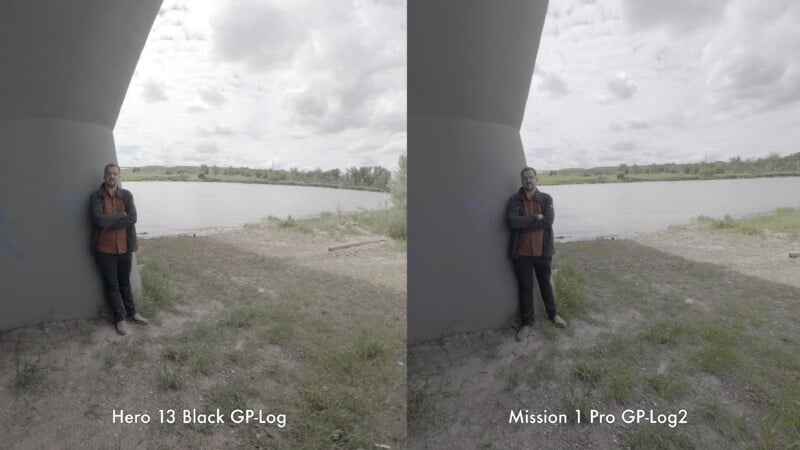
Low-light performance is also much improved. In standard record modes at 1600 ISO, the Mission 1 Pro is noticeably cleaner than the Hero 13 Black, despite the Hero offering a slightly faster f/2.5 lens compared to the Mission 1 Pro’s f/2.8. However, the real difference comes when activating the Low Light mode, which processes the image quite heavily but gives you MUCH more usable footage than the Hero. Just remember that this mode will cap you at 4K/60p, and 8K recording is inaccessible, but in darker situations, the trade-off is worth it.
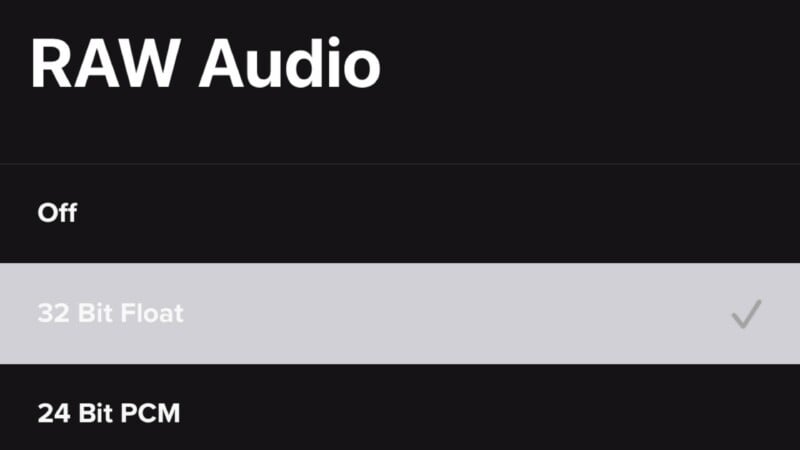
I want to touch on the audio capabilities of this camera. The built-in mic is passable for environmental sounds, but largely useless for recorded voices. For higher-end audio, you can plug USB mics directly into the camera or use a USB-C to 3.5mm adapter with analog mics. This does require you to leave the battery compartment open, compromising your waterproofing. Alternatively, you can tether to Bluetooth transmitters and maintain your weather seal. The Mission Pro 1 can record 32-bit float audio, which will be useful for capturing sick, extreme, or righteous activities, where the volume can suddenly spike.
Overheating has long been a concern with GoPros, and the larger, more heat-resistant body should help alleviate thermal issues. To test, I recorded an uninterrupted clip at room temperature with the battery door sealed. Here are the results:
- 4K/24P proved no challenge; the Mission 1 Pro recorded for over two hours without a heat warning.
- 8K/30 proved more challenging, with recording stopped at 51 minutes and 3 seconds. I’d avoid this mode for concerts, long events and interviews.
- 4K/120P had a similar record limit to 8K, stopping at 47 minutes and 13 seconds. Longer ski and mountain biking runs could be captured entirely in 4K/120P, but you’ll still need to give it some time to cool off in between.
- 4K/240P is an impressive spec to record continuously, but it proved too much for long record times, stopping at 12 minutes and 6 seconds. While it’s cool that no record limit is imposed, this mode should be used sparingly.
Exactly as Advertised, But Is That Enough?
Overall, the GoPro Mission 1 Pro does exactly what it promised to: it gives sharper video (in 8K) or with more dynamic range (in 4K) and better low-light performance with a familiar form factor.
So if you have the money, this is the action camera to get, right? Well, not so fast; it depends on what you’re planning to shoot.
If you plan to capture a high-contrast or dark environment, the Mission 1 Pro will do a much better job than a Hero. However, I found that the quite long minimum focus distance meant that I could not do a lot of creative angles that GoPros have made famous. Even vlogging was a struggle, as I kept putting the camera too close to my face. The larger body and increased weight of the new design will also restrict some uses.
Are There Alternatives?
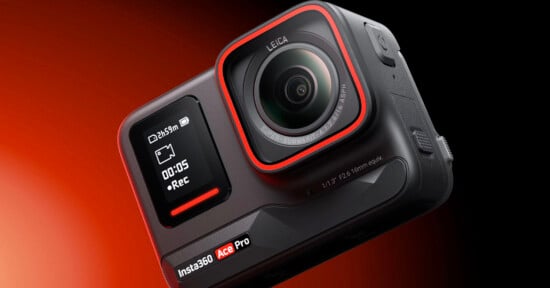
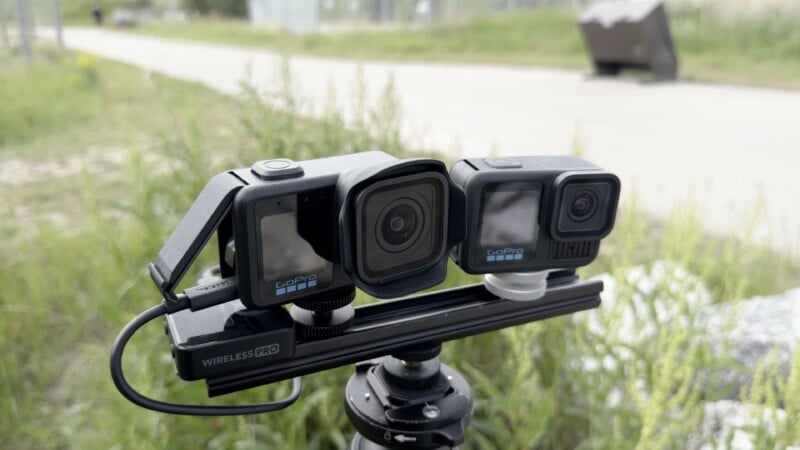
The GoPro Hero 13 Black, DJI Action 5, and Insta360 Ace Pro 2 are all less expensive but less performant alternatives. If you don’t require the improved image quality or impressive slow motion the Mission 1 Pro offers, these are still great options. The closer minimum focus provided by these more entry-level offerings will also encourage some more interesting framing.
If durability isn’t a requirement, the new crop of small gimbal cameras like the DJI Pocket 4 and Insta360 Luna Ultra offer similar image quality with the creative flexibility provided by a small gimbal. They still can’t match the smaller size and slow-motion capabilities of the Mission 1 Pro, however.
Should You Buy It?
Maybe. If you need the image quality benefits the new sensor provides, this is the best-looking footage you can currently get from an action camera. But the high price and frustrating minimum focus limitations keep this camera from earning my ultimate recommendation.
UPDATE 6/23: The initial review stated that 8K/60p recording was limited to 10 seconds, but only the 1080/960p mode is. As well, while there is no histogram available without GoPro labs, an over/under exposure meter can be added to the display.
Affiliate Disclosure PetaPixel articles may include affiliate links; we may earn a commission if you buy through one.