You Can Now Take Photos With Your AirPods in iOS 26
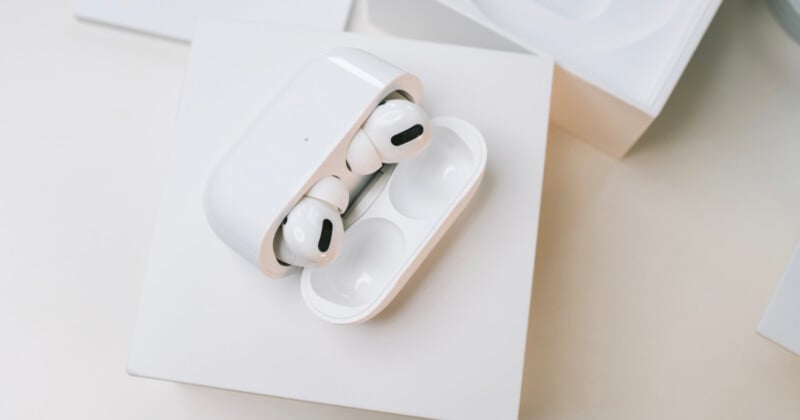
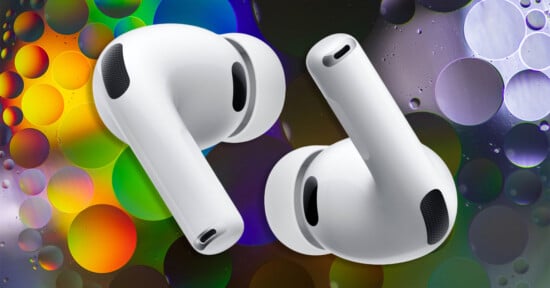
iPhone users can now take photos and record videos remotely using their AirPods in supported camera apps with iOS 26.
iOS 26 introduces several new features for AirPods, including a Camera Remote setting that allows users to control the Camera app on an iPhone or iPad. The feature was first reported by 9to5Mac on Thursday.
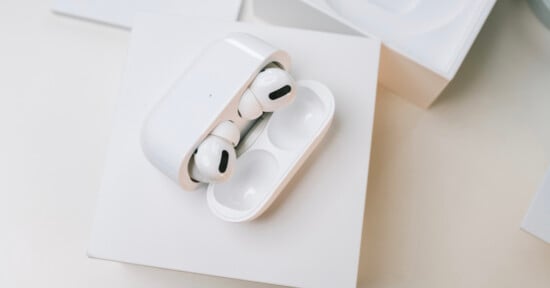
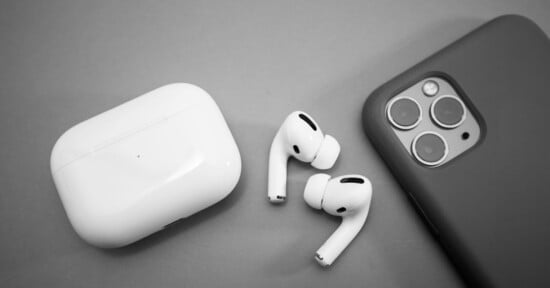
“You can use AirPods 4, AirPods Pro 2, AirPods Pro 3, or AirPods Max 2 to take a photo or start recording a video in supported camera apps on your iPhone or iPad. You can also use your AirPods as a microphone.” Apple writes in a post about the new feature.
In its post, Apple says using AirPods as a camera remote is available in supported camera apps on devices running iOS 26, iPadOS 26, or later. However, some features are not available in all countries or regions, and availability may vary because of local laws and regulations.
According to 9to5Mac, Apple Watch has long included a Camera Remote app that allows users to control an iPhone’s camera from a distance, and the Camera app itself also includes a built-in timer. However, the new feature adds another hands-free option by allowing users to control the camera directly through their AirPods with a “Camera Remote.”
Camera Remote is reportedly turned off by default on iPhones and iPads but can be found in the Settings app under AirPods settings in a section labeled “Camera Control.” Users must open the Camera Remote menu and choose either “Press Once” or “Press and Hold” to enable their preferred gesture. Once enabled, users can take a photo, start or stop recording video, and perform other camera functions whenever the Camera app is open by pressing the AirPods stem or the Digital Crown on AirPods Max.
Apple says that if a user chooses “Press Once,” media control gestures are temporarily unavailable while using a supported camera app. If users choose “Press and Hold,” listening mode and Siri gestures are temporarily unavailable while using a supported camera app.
The new feature comes following reports Apple is preparing to launch camera-equipped AirPods as part of the company’s broader AI technology and device ambitions. However, the cameras are not designed for actually capturing photos or videos. Instead, the cameras can capture low-resolution images of the world around the user, powering contextual AI.
Image creditsHeader photo licensed via Depositphotos.
Affiliate Disclosure PetaPixel articles may include affiliate links; we may earn a commission if you buy through one.