DIY Film ‘Scanning’ with LEGO and an iPhone
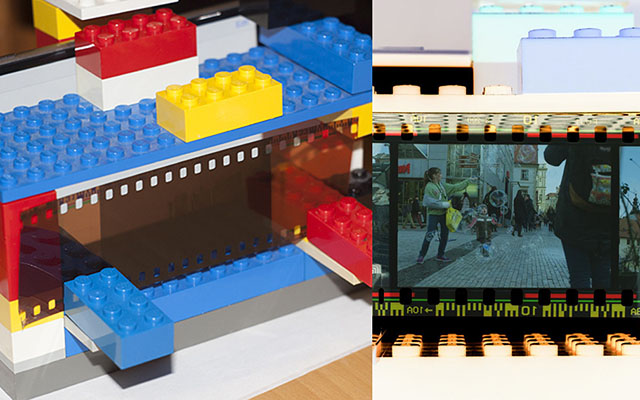
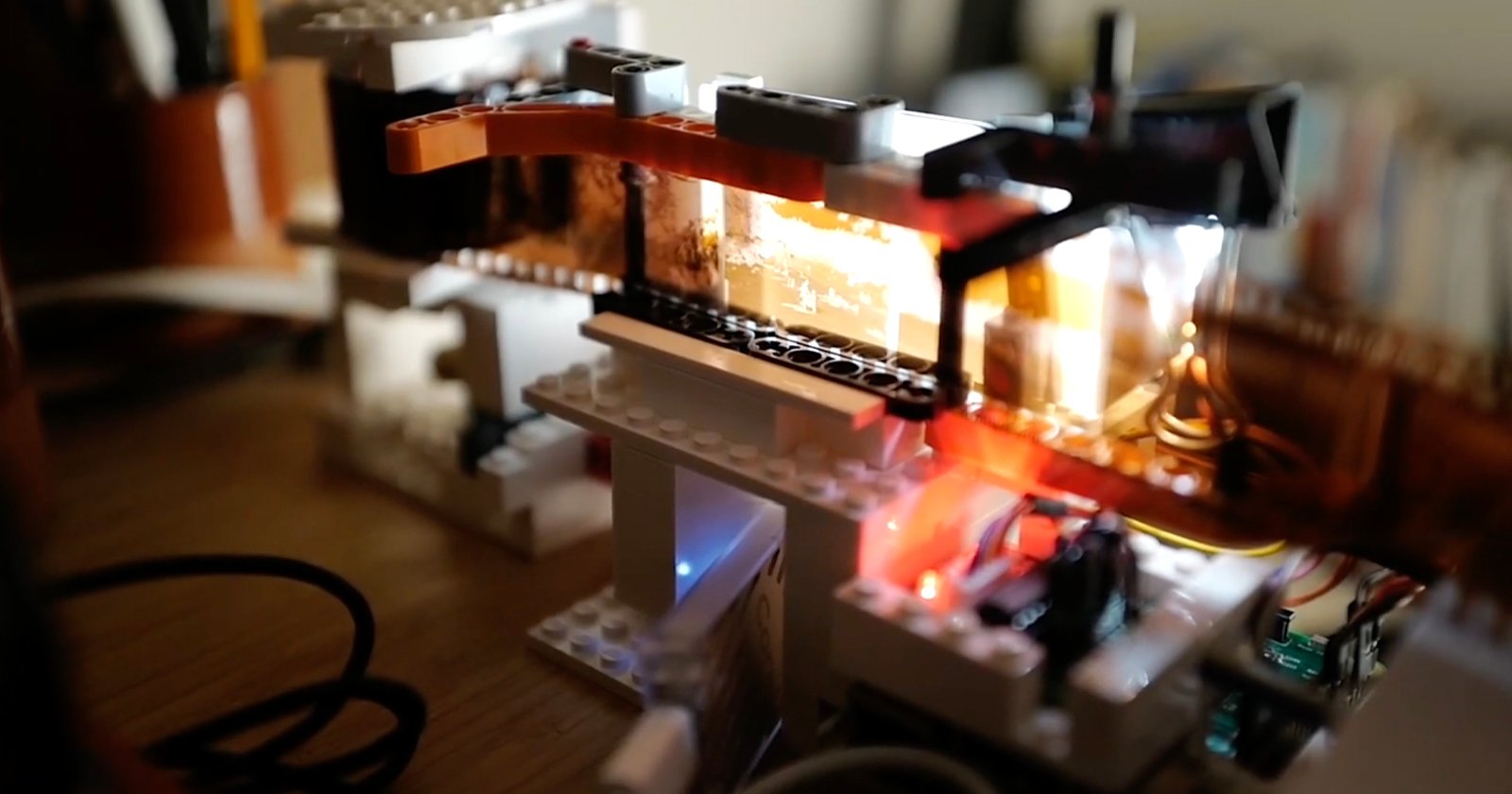
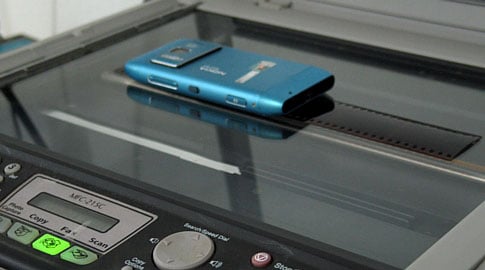
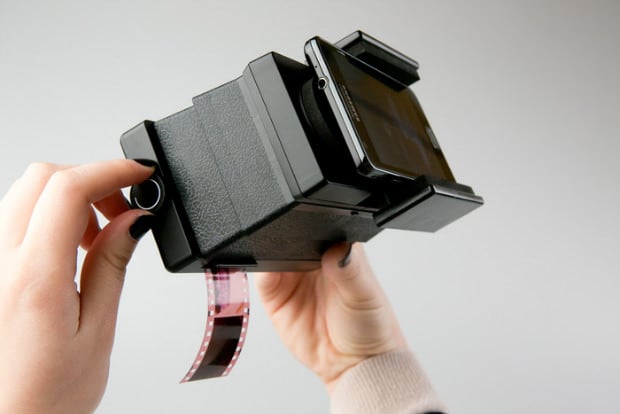
Want to scan some film but don’t have a scanner handy? You can actually do some high quality digitization using some LEGO blocks, a smartphone or tablet, and a camera with decent resolution. Filmmaker Zachary Antell uses a method using those components, and his results are pretty impressive.
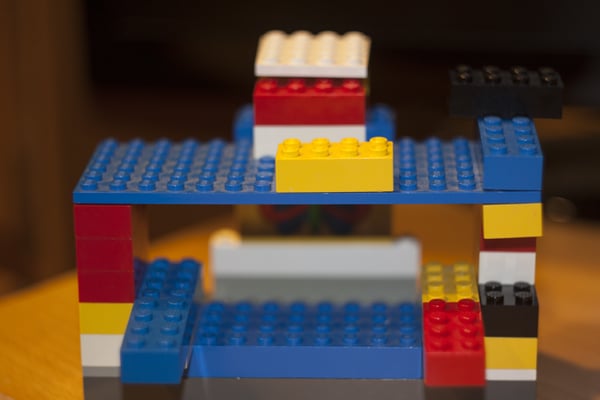
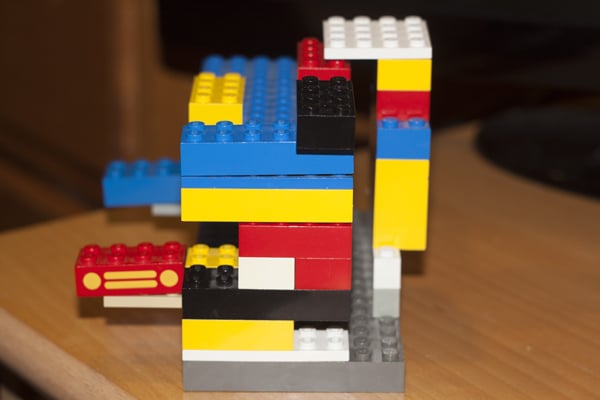
To use it, you simply slide a strip of film into the slot and place a phone behind it with a pure white screen at full brightness:
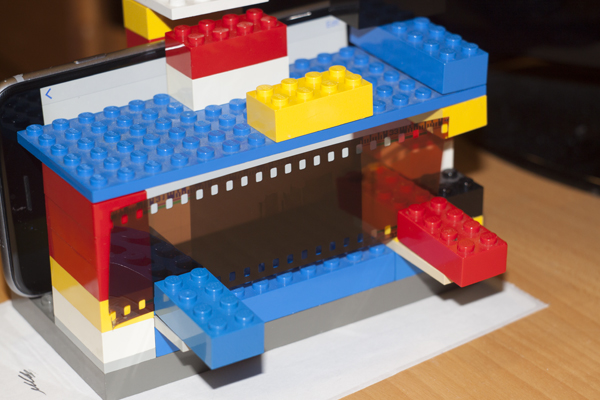
You then photograph the film directly from the front. Antell uses a Canon DSLR and a Rokinon 35mm lens with 2-second exposures.
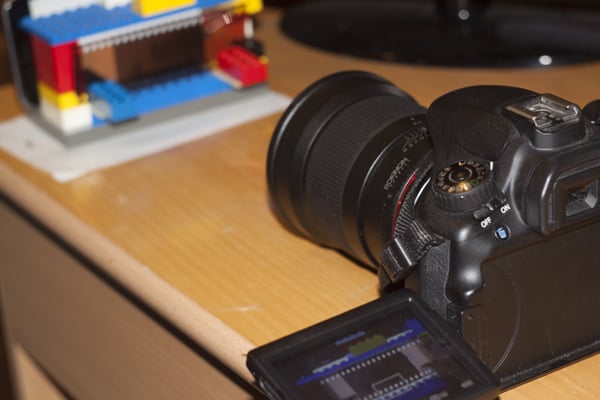
He then loads the RAW photo into Adobe Camera RAW for cropping and processing. Here’s an example ‘scan’ Antell did of a film photograph he shot for school:
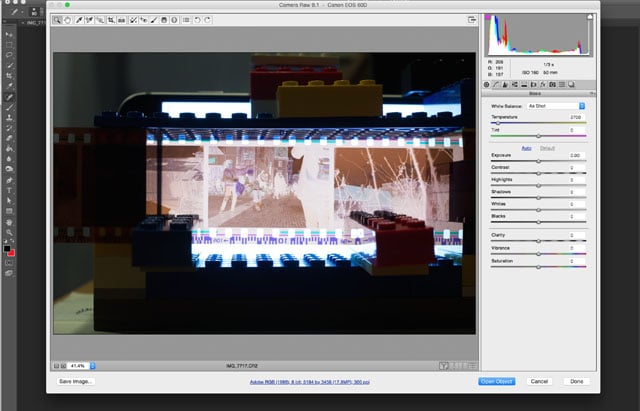
After cropping a bit and inverting the image:
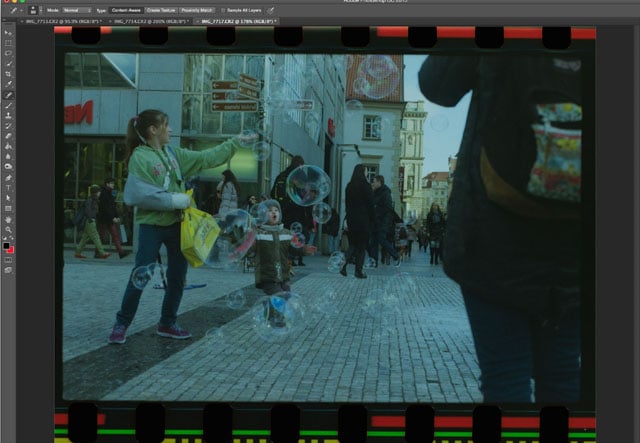
Here’s what he ended up after further cropping and color correction:

To test out the quality of his method, Antell had the same photo scanned at a professional lab. Here’s what he got back:

“Obviously sharper but they always over sharpen and contrast. They also crop,” Antell says. “My method is fine until I get a scanner.”
Antell estimates that he can scan a 36-exposure roll of film in about 10 minutes using this method — not bad, given that he has a great deal of flexibility with how the RAW ‘scans’ are processed afterward. He also notes that his results could be improved if he were to use a proper macro lens for the photos.
P.S. Here’s a short film Antell created recently that contains pictures scanned using the rig and method detailed above.
Image creditsPhotographs by Zachary Antell and used with permission
Affiliate Disclosure PetaPixel articles may include affiliate links; we may earn a commission if you buy through one.