
VSCO Studio Pro Brings Presets and Streamlined Editing to macOS
When VSCO launched its next-generation editing experience, Studio Pro, on iOS in June, it promised a macOS version later this year. Later is now, and VSCO Studio Pro Desktop is here.
VSCO Studio Pro Desktop is VSCO’s first-ever standalone photo editor for macOS and promises professional-grade editing features without the complexity or expense of traditional photo editing software.
The app relies on the company’s new Reflex image engine to deliver fast, responsive editing, and it supports RAW files from over 800 cameras made by 20 different brands.
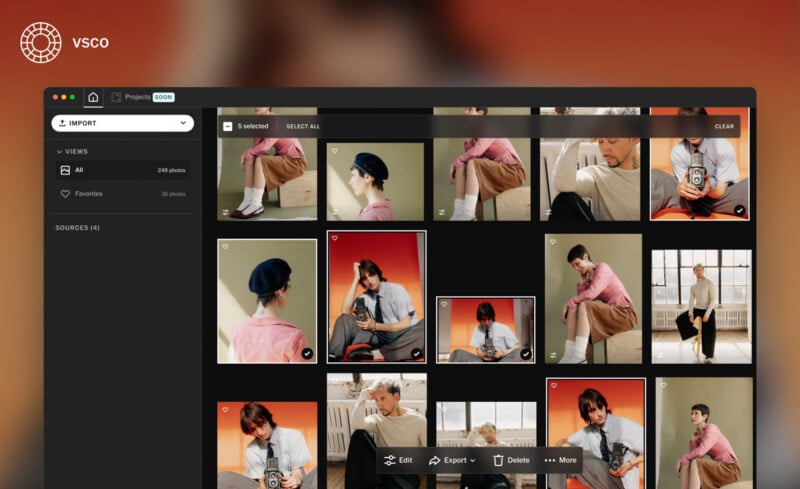
The key focus of the new software is speed, both in image editing itself and across the workflow from capture to delivery. While Studio Pro Desktop does not yet compete directly with industry-standard apps like Lightroom or Capture One in every way, it offers a wide range of image editing tools, batch editing, VSCO’s beloved presets, and integration with existing platform features like Galleries.
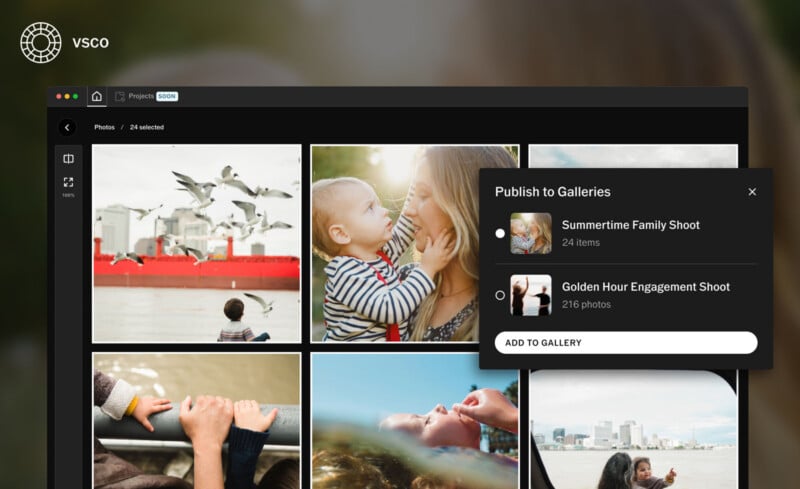
The company says it built its new app to enable photographers to move through large sets of images faster and more efficiently without compromising consistency or quality. Again, speed is the focus here.
“Photographers deserve tools built around how they actually work,” says Eric Wittman, CEO of VSCO.
“75% of VSCO Pro members have used our presets in the last six months. Now those looks live on the desktop, with one connected workflow from camera to client delivery and nothing getting in the way.”
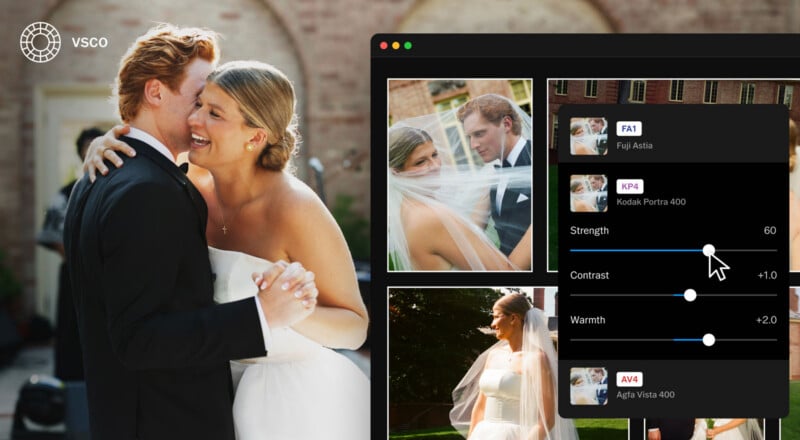
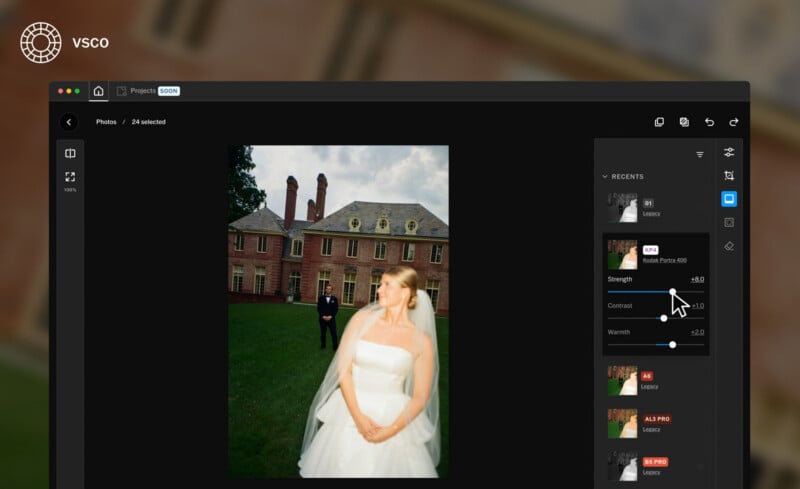
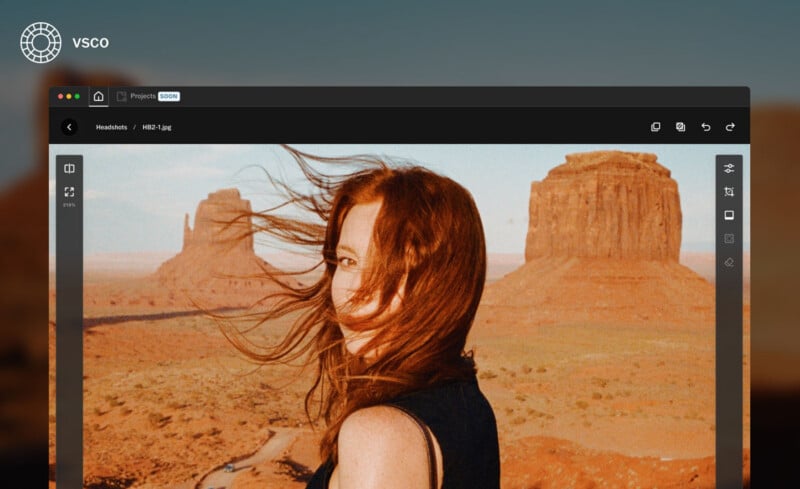
The new photo editing app is non-destructive, includes over 200 of VSCO’s iconic presets, and offers batch editing for up to 500 images at once. At launch, it supports importing from connected drives, memory cards, and the Photos app. It handles RAW, JPEG, and HEIC files and provides many core image editing tools.
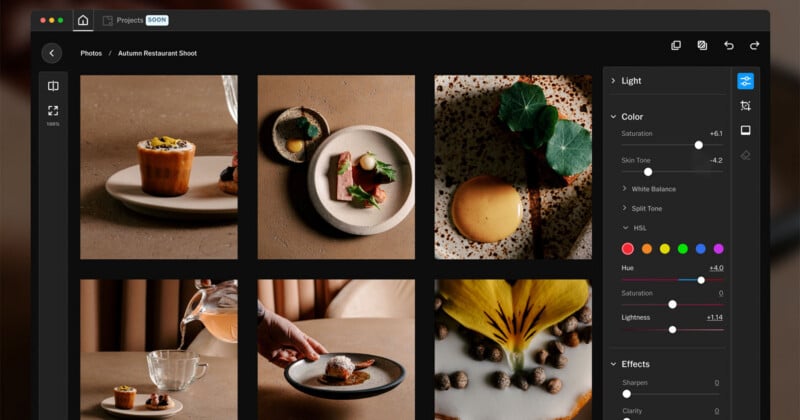
The app includes sliders and tools for exposure, contrast, sharpening, saturation, highlights and shadows, white and black points, clarity, white balance, hue/saturation/luminance, skin tone, vignette, grain, fade, crop, straighten, and more. These hit the key points for many photographers, though more robust tools like masking, curves, and a Remove tool are in development for future updates. VSCO also says that support for projects and culling is in the works.
Once photos are edited, photographers can export their images for social sharing and client delivery, or create and export directly to VSCO Galleries from inside the app.
Alongside VSCO Studio Pro Desktop, the company has unveiled a new, exclusive preset built in collaboration with professional photographer and longtime VSCO user Joe Greer. The new preset, IOE1 Pro, embraces Greer’s distinct style and approach to color.
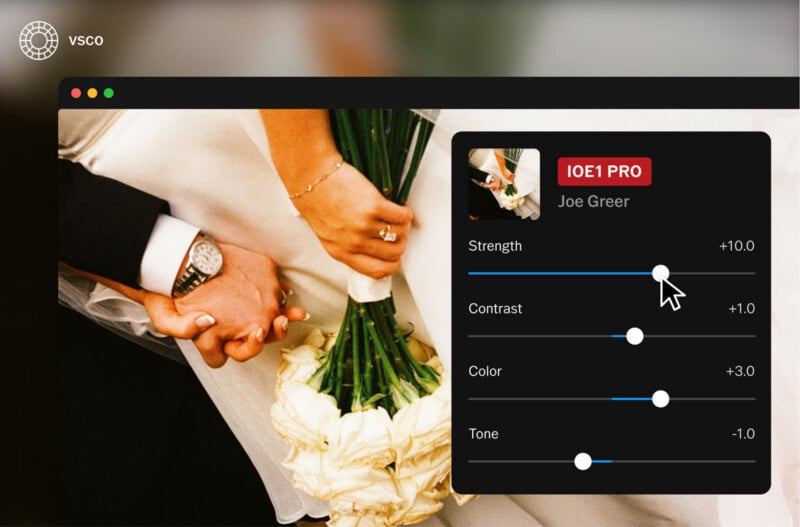
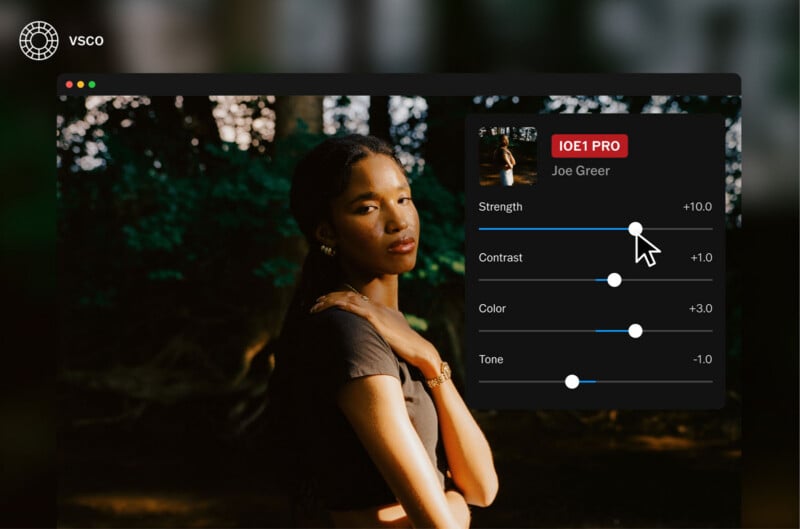
Greer’s preset delivers warm tones, crisp detail, and subtle saturation. As with all of VSCO’s other presets, users can fine-tune and customize it to match their personal preferences and save their edits as separate, unique presets.
Pricing and Availability
VSCO Studio Pro Desktop for macOS is available now for VSCO Pro and VSCO One members. VSCO Pro memberships start at $4.99 per month or $59.99 when billed annually. VSCO One is $41.67 per month or $499.99 annually.
VSCO’s Black Friday deals run through December 4, by the way. With the code “BLACKFRIDAY50,” users can save 50% on Pro and One memberships.
Complete purchasing details and breakdowns of membership tiers are available on VSCO’s website.
Image creditsVSCO
Affiliate Disclosure PetaPixel articles may include affiliate links; we may earn a commission if you buy through one.