VSCO Launches Studio Pro, a Mobile Photo Editor for High-Volume Photographers
VSCO has launched Studio Pro, its next-generation professional editing experience, on iOS. The company promises a macOS version later this year.
The initial Studio Pro release on iPhone is designed with high-volume photographers in mind, including those working across weddings, portraits, events, sports, school photography, and other large-scale photo shoots. Studio Pro aims to help photographers maintain a consistent, repeatable editing style across large batches of selects.
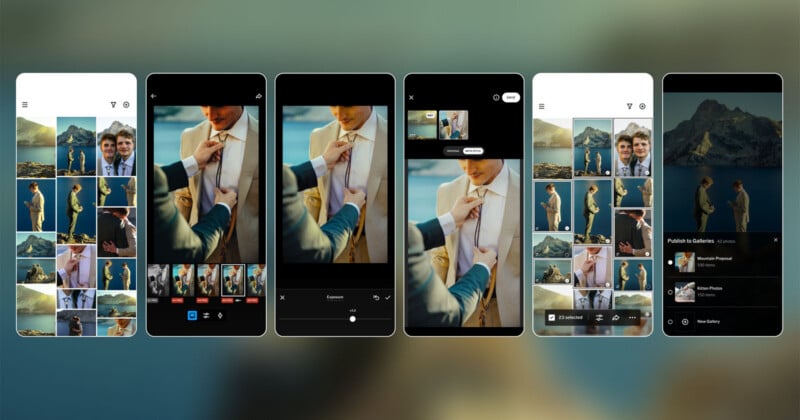
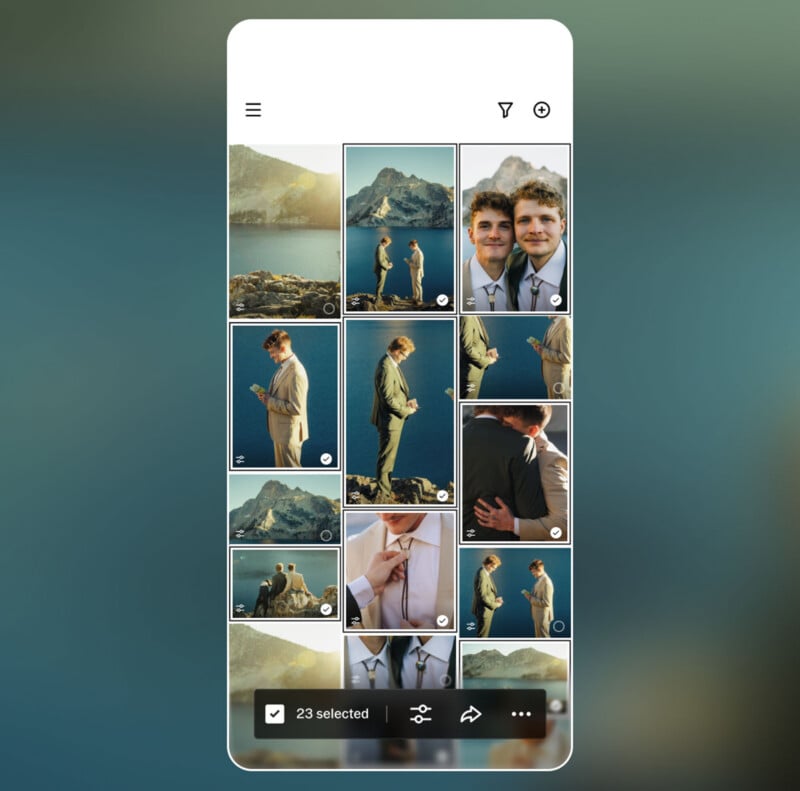
At launch, photographers can edit up to 100 photos with a single tap, including 200-plus VSCO presets and professional-grade manual controls. Manual editing sliders include exposure, contrast, film grain, white balance, tone, sharpening, and more.
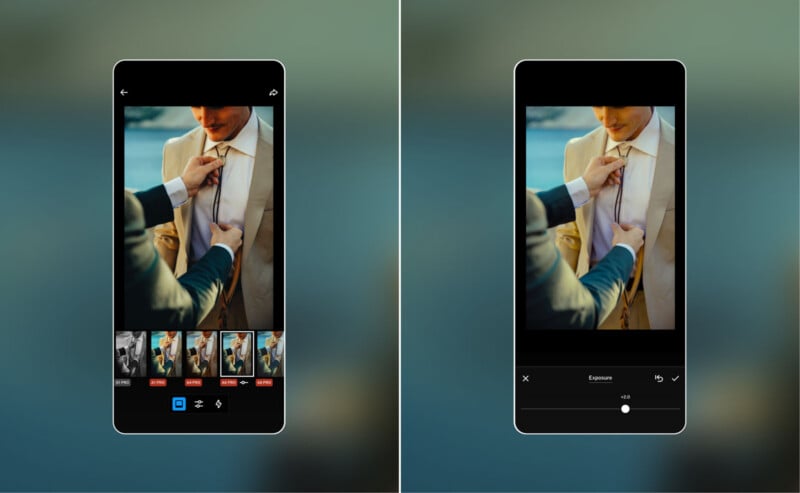
“Professional photographers often spend hours managing repetitive edits across hundreds or thousands of images after a shoot. Traditional editing workflows require photographers to manually adjust images one by one, creating significant time spent behind a screen instead of behind a camera,” VSCO says. “Studio Pro was built to address this challenge.”
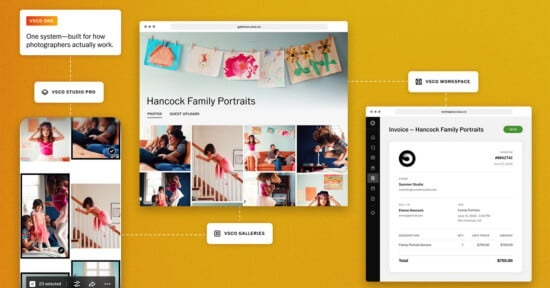
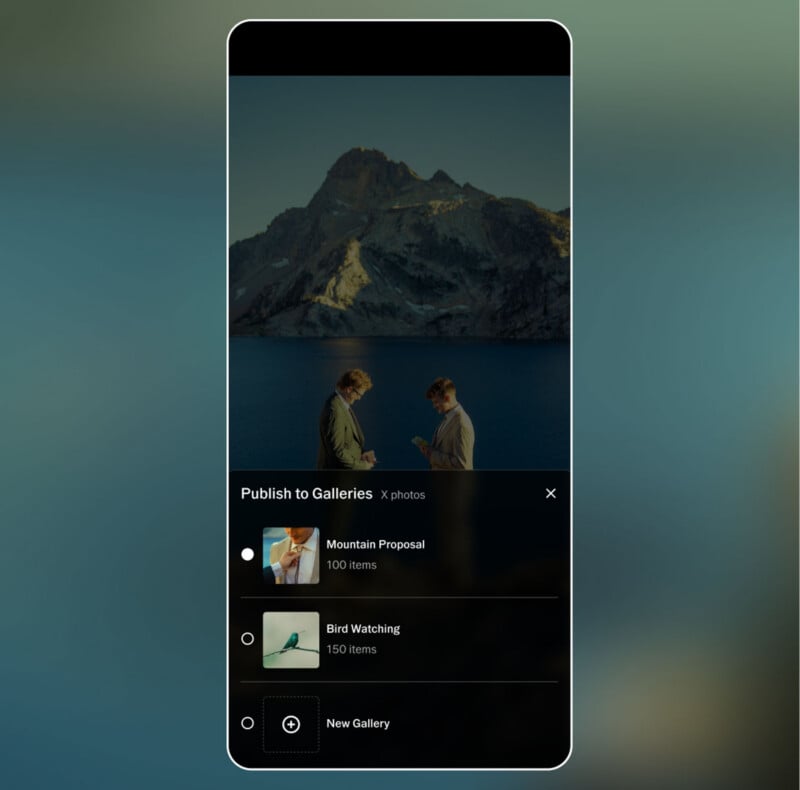
As of right now, VSCO Studio Pro on iOS supports batch editing for high-volume workloads, the ability to match a batch of selects with a reference image, and the option to share finished work with clients via VSCO Galleries. Some professional-grade features are missing, including support for importing from memory cards, editing RAW files, and more.
The AI-powered Style Match is a big feature for Studio Pro at launch. As VSCO explains, photographers can take an image they have already edited or a photo they’re inspired by, and the app’s AI will match the color, tone, and “mood” of a selected set of images to the reference.
However, VSCO says it has many features in development, including a macOS version of Studio Pro. Future versions of Studio Pro will enable VSCO profile integration and instant publication, additional editing features such as auto-leveling and curve adjustments, advanced export options, RAW image support, organization tools, manual culling and star ratings, and importing from attached media and cards.
VSCO says most photo-editing apps on the market force photographers to choose between speed and quality. Mobile image-editing apps, in particular, lack the workflow features that professional photographers require, VSCO says, and it believes that Studio Pro fills a void in the market.
“Studio Pro combines professional quality, full manual controls, and batch editing in a workflow fast enough to keep up with your ambition,” says VSCO.
VSCO Studio Pro is available on iOS for free right now, although full feature access requires a premium VSCO subscription. For example, the full suite of presets requires a subscription.
Image creditsVSCO
Affiliate Disclosure PetaPixel articles may include affiliate links; we may earn a commission if you buy through one.