
Instagram Edits Now Lets You Make Custom Photo and Video Carousels
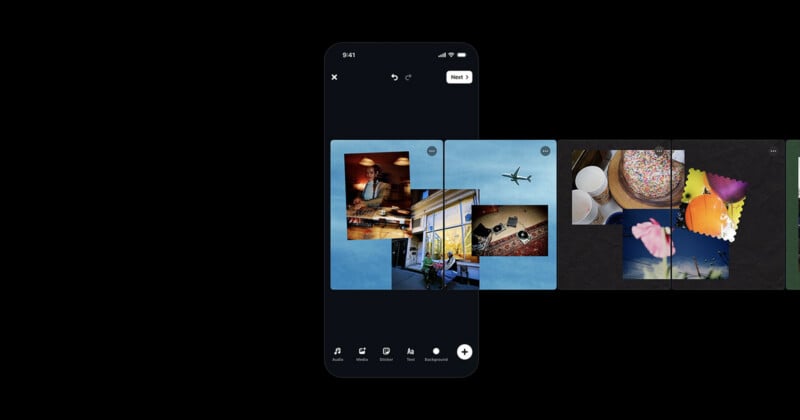
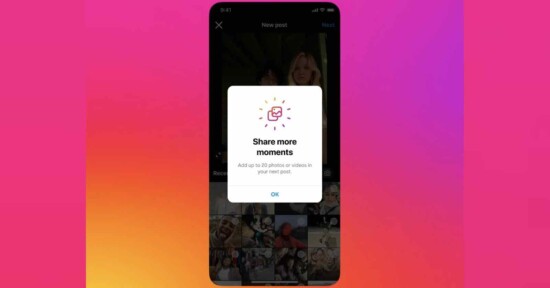
Starting today, Instagram users can make carousels in the platform’s free, dedicated video editing app, Edits. The update lets people mix and match photos and videos on a customized canvas using existing Edits tools, plus new ones built specifically for carousels.
“When we asked creators what they hoped Edits could do next, carousels came up again and again,” says Dan Moreno, Designer Engineer on Instagram’s Edits team. “Carousels are a powerful way to tell your stories, letting you string together photos and videos into something bigger.”
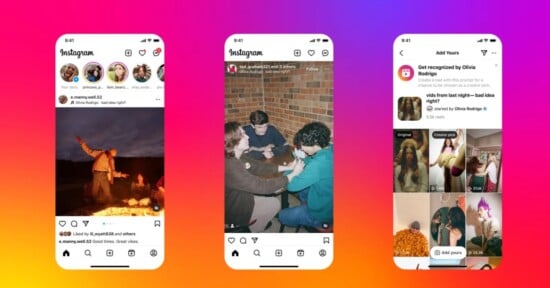
Carousels are individual Instagram posts that let users share multiple photos and videos at once across slides. They are an extremely popular post type on Instagram, especially for photographers who want to share a bunch of related images all at once.
Moreno says that Instagram users have shown a lot of creativity in how they design and use the platform’s carousel format, so the team wanted to build new tools that would keep up with their users’ creativity.
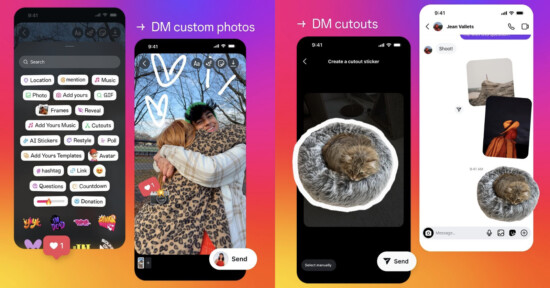
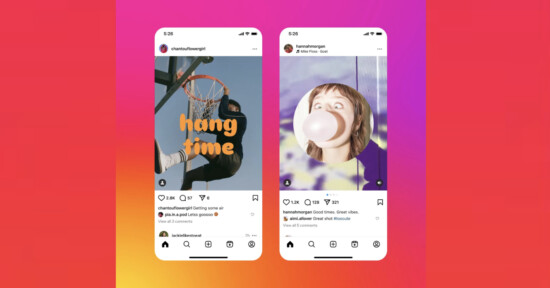
Carousels are growing beyond a linear sequence of photo and video sharing and include editing tools to add text, layouts, stickers, filters, adjustments, and more. Photos can bleed across slides with a unified headline that carries over, for example, which Instagram says turns the “swipe itself into part of the storytelling.”
Creating carousels requires precise placement of different photos, videos, and graphics, and Instagram says the existing tools in Edits make that easy. Users can color grade, scale, and rotate elements as needed. Users can also apply presets they’ve made in Edits before to carousels, including specific image and video adjustments, colors, audio, and text styles.
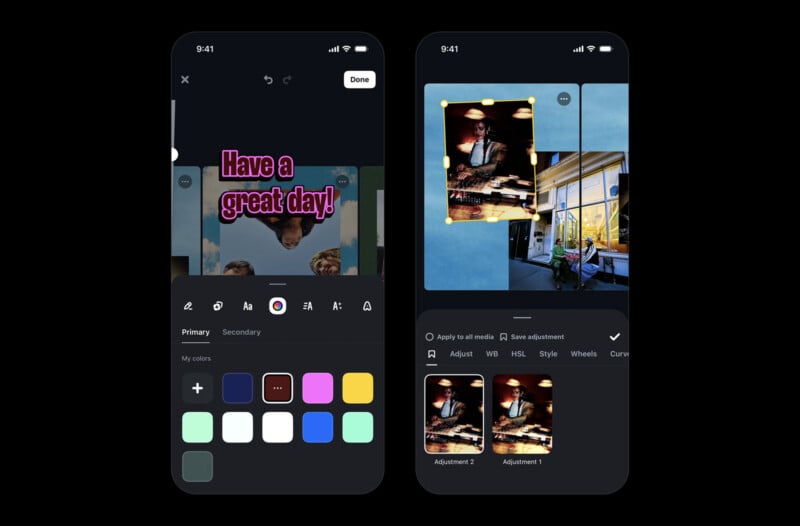
“Your visual identity is how people know a post is yours, and now it extends to the carousels you make in Edits,” Moreno explains.
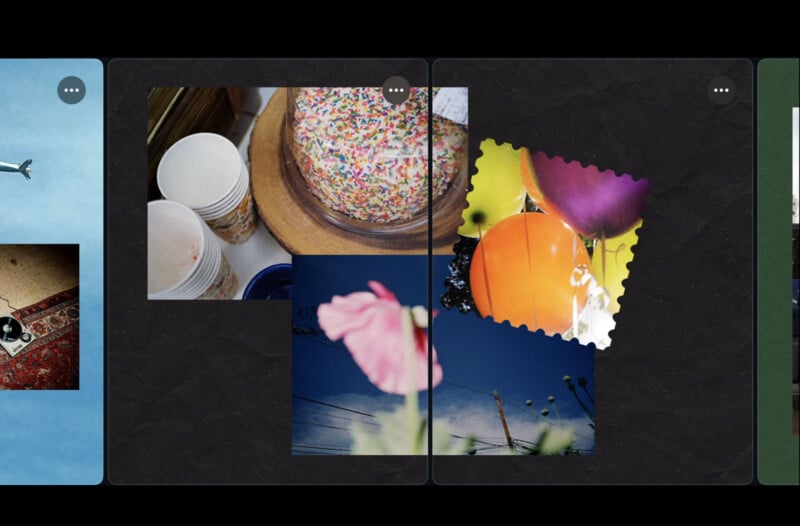
Once users finish creating their carousel in Edits, they can share it straight from Edits to Instagram. They can also download the carousel to post it later.
Carousel creation and editing is available inside Edits now on iOS, with Android support “coming soon.” Users just need to open Edits and go to the Projects tab. Carousel is available from the app’s “+” menu.
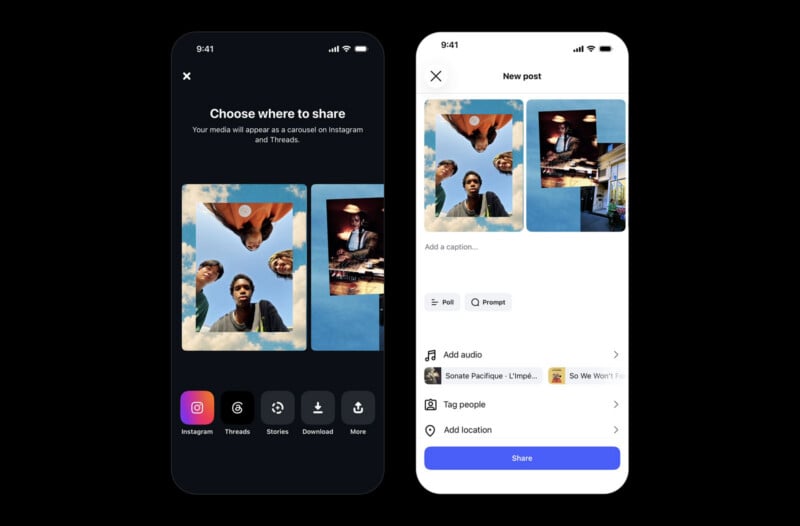
Creating a custom carousel is as easy as picking one or more photos and videos to include and then customizing it.
“We’ll keep building this editor with you. As carousels evolve, your creativity will shape what we build next,” Moreno concludes.
Instagram’s dedicated Edits app is available to download for free on iOS and Android. Again, carousel support is only on iOS for now.
Image creditsInstagram
Affiliate Disclosure PetaPixel articles may include affiliate links; we may earn a commission if you buy through one.