
Affinity 3.3 Powers Up the Free App’s RAW Photo Processing
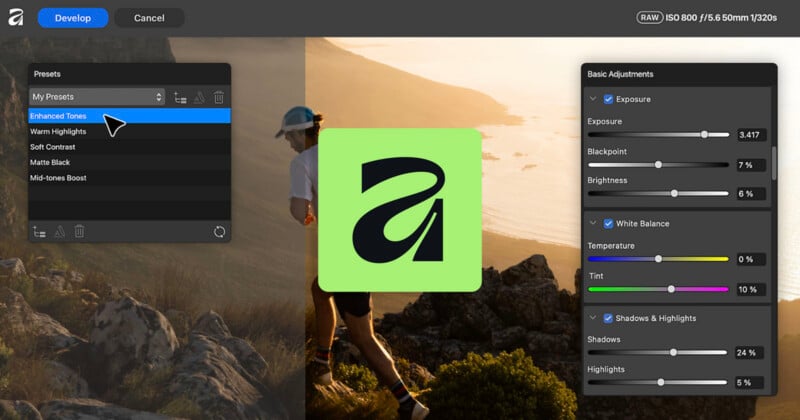
Canva launched ProSuite today, which connects its professional design tools including Affinity, Cavalry, Flourish, and Leonardo and adds 100 new features across the board. Affinity, Canva’s Photoshop competitor, remains free to use, and its new version 3.3 update brings a lot new to the table for photographers.
“We’re genuinely excited to be releasing such a huge swathe of new tools for professional designers, animators, photographers and other advanced users,” says Duncan Clark, CEO of Pro Design at Canva.
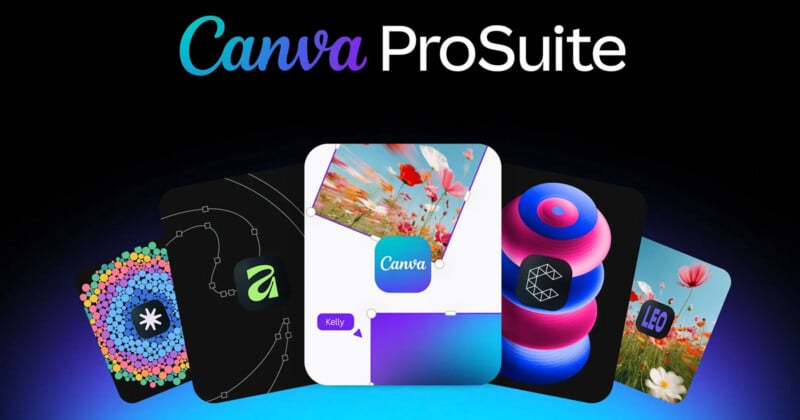
“Every one of today’s launches exists because we asked professionals what they actually needed to power their creative work, whether it’s tools that introduce new levels of precision or AI that automates the tedious tasks,” Clark continues.
“There’s a lot of noise right now about AI replacing human creatives, but we believe professional craft matters more than ever. We want the Canva ProSuite to be where that craft lives and thrives.”
Within the new Canva ProSuite, users can tackle a wide range of creative tasks from start to finish. PetaPixel‘s audience of photographers is understandably most interested in Affinity, which has many new features and functions.
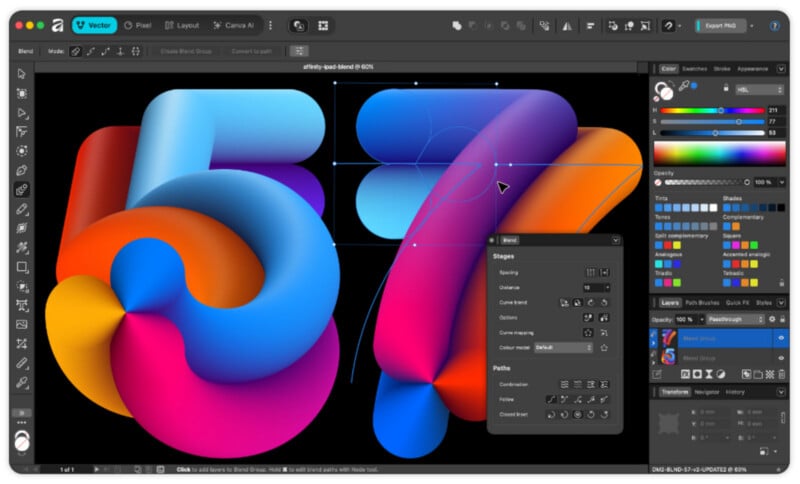
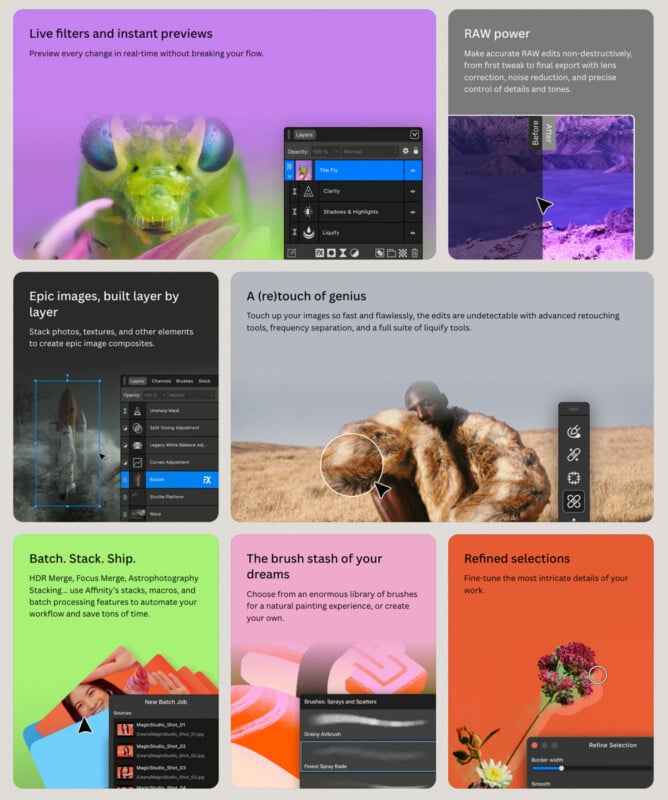
Affinity version 3.3 promises more precise control over every edit, including curves, blending, masking, and more. Among the most-requested new tools is the Blend Tool.
“Creating fluid effects usually requires hours of placing everything by hand. Affinity’s Blend Tool turns that painstaking process into something you can sculpt and play with,” Affinity explains.
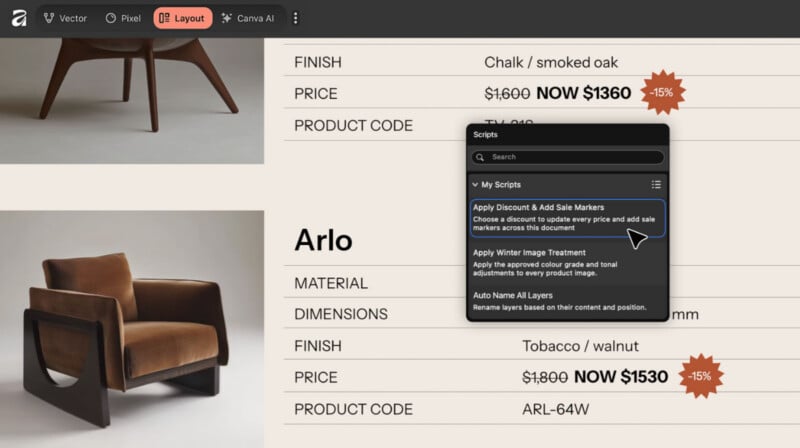
Affinity 3.3 also incorporates new Scripting functionality. With scripts, users can customize and automate a range of repetitive tasks, including pixel, vector-, and layout-related tasks. This applies to various photo editing tasks, too.
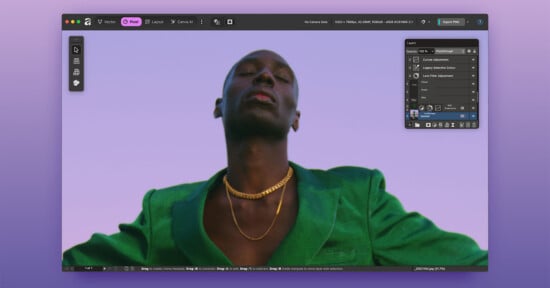
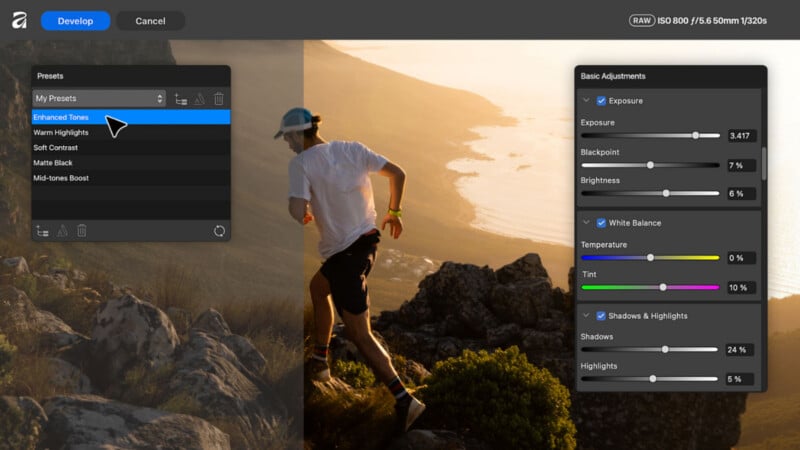
Speaking of photography, Affinity 3.3 brings a lot of new features for photographers. The headline improvement here is an improved RAW development engine. Affinity 3.3 promises faster, smarter, better-looking RAW photos thanks to major improvements in how the software handles exposure, shadows, and highlights adjustments. RAW edits look better with significantly more natural tones and colors.
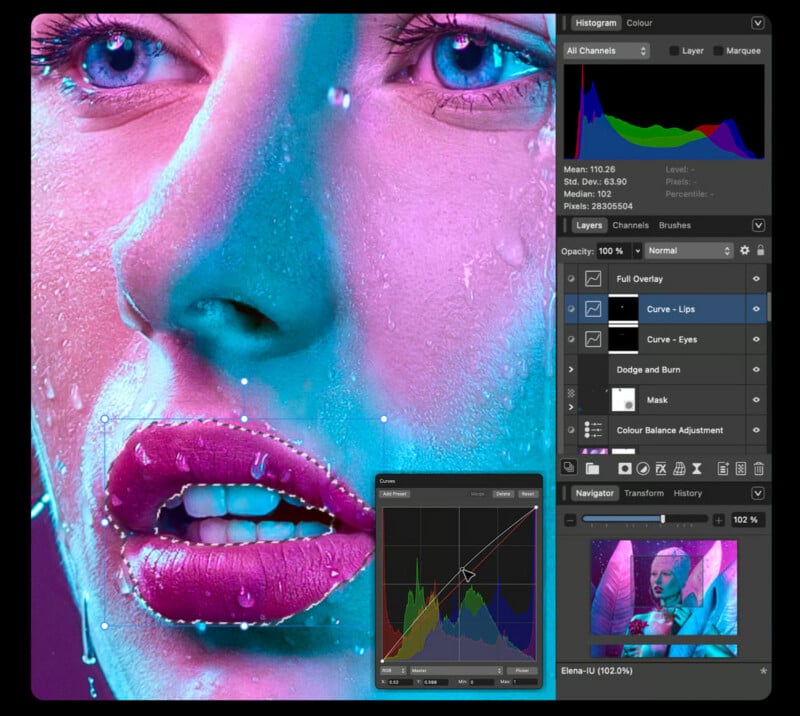
Another big change comes to Curves. Affinity’s Curves are now hue-preserving, which means colors stay predictable and accurate even when you make various tonal ranges brighter or darker in the scene.
New separate saturation and hue curves are also available, inspired by color grading tools in popular non-linear video editing software.
New global presets give photographers more ways to edit their photos, including when doing batch editing.
The key message here is that with Affinity 3.3, Canva wants photographers to have significantly more power and control. It is great to see the software really focus on RAW processing improvements in particular.
Affinity 3.3 also adds a new dedicated Astrophotography Studio that’s so robust and distinct it will get its own follow-up story later. Affinity looks like one of the most accessible and powerful ways for many stargazers to edit astro images.
Affinity 3.3 is available to download now for macOS and Windows. Affinity remains free to download and use, although some AI-powered features require a premium Canva subscription. Canva’s individual Pro subscription is $144 annually or $18 per month.
Image creditsCanva, Affinity
Affiliate Disclosure PetaPixel articles may include affiliate links; we may earn a commission if you buy through one.