Google Fixes Photos Bug That Left Users Unable to Share, Delete, or Edit Images

A Googles Photos bug was preventing users from sharing, editing and deleting, and adding images to an album.
Update 9/29 at 1:37 PM PT: Google says it has fixed the issue: “We’ve rolled out a fix for this issue. It is available now in the latest version of the Google Photos app (version 7.94.0.988717361).” The original story is below.
According to a report by Android Authority on Monday, Google has now confirmed the bug following a large number of user reports about an issue with the Google Photos app’s editor.
Google Photos normally lets users make several changes to a photo and then carry out other actions without leaving the editor. After taking a picture, users can use the editor to crop or rotate it, as well as share the image, delete it or add it to an album. However, the news outlet reports that a number of complaints online at the end of last week suggested that this functionality was being disrupted after a photo was edited.
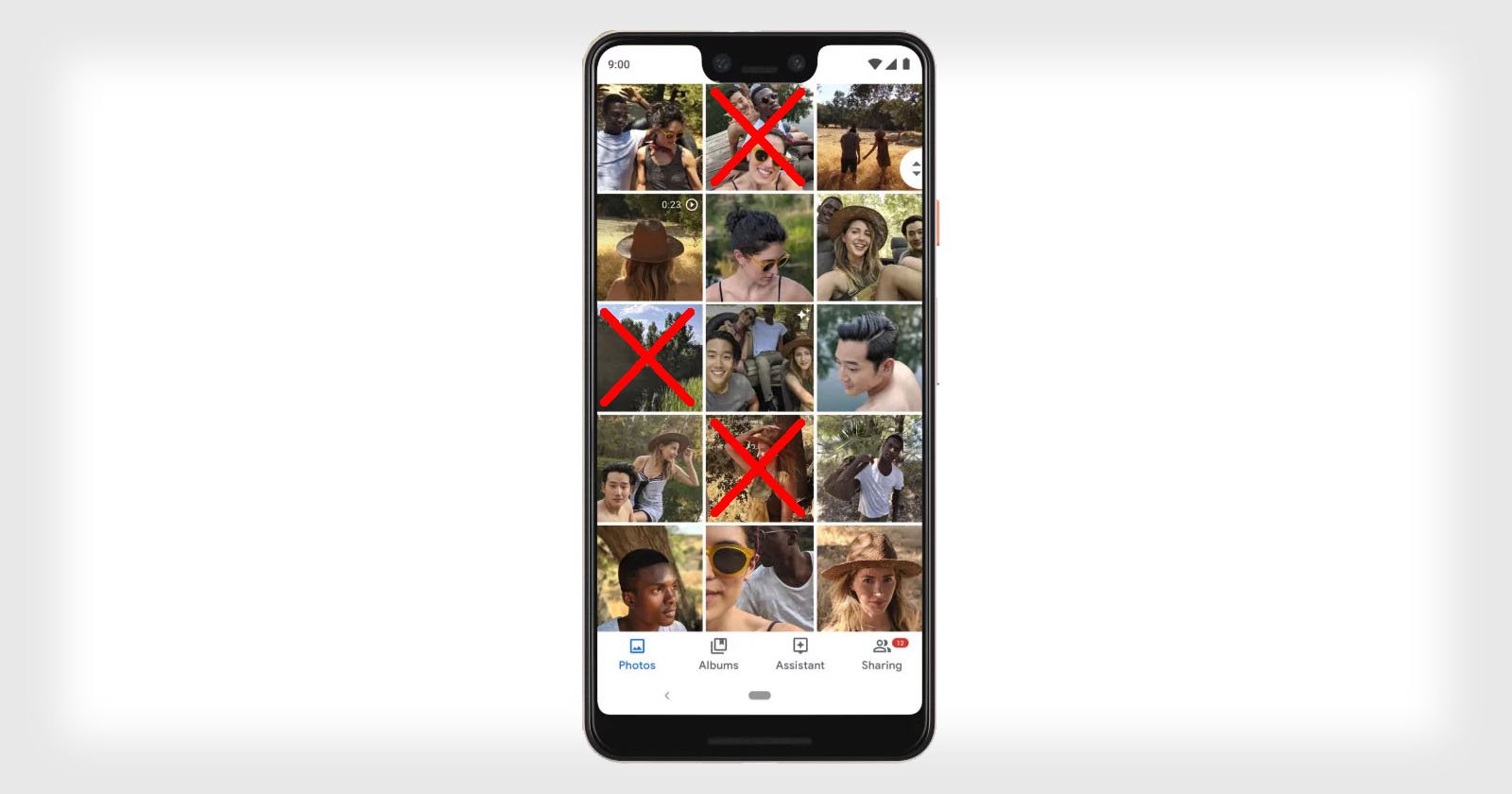
According to the reports, the buttons for Share, Edit, Add to, and Trash become unresponsive after a user crops or rotates an image. This means that users may be unable to carry out those actions from the editor after making changes to a photo.
Pixel 11 Pro XL – Cropped photos become unresponsive in Google Photos
by
u/iamshivamgupta03 in
pixel_phones
Reddit users reported encountering the problem on multiple generations of Google’s Pixel phones, including the Pixel 8, Pixel 9, Pixel 10, and Pixel 11 series. The issue does not appear to be limited to Google’s own devices. Android Authority also confirmed that one of its staff members encountered the bug on a Samsung Galaxy S25 Ultra.
After reaching out to Google for comment, a spokesperson acknowledged the issue to the news outlet. Google has suggested two temporary workarounds. Users can save future edits as separate copies to avoid problems with the original images, while those trying to delete or share photos they have already edited can do so through the Google Photos website instead of the mobile app.
The company spokesperson says in a statement: “The Google Photos team is working on rolling out a fix ASAP!… For now, users can try these 2 workarounds: 1) Tap “Save as copy” when saving new edits, and 2) Visit photos.google.com to delete or share already edited photos.”
Image creditsHeader photo licensed via Depositphotos.
Affiliate Disclosure PetaPixel articles may include affiliate links; we may earn a commission if you buy through one.