Meet Lexar Muse, the Credit Card Lookalike SSD for Your iPhone
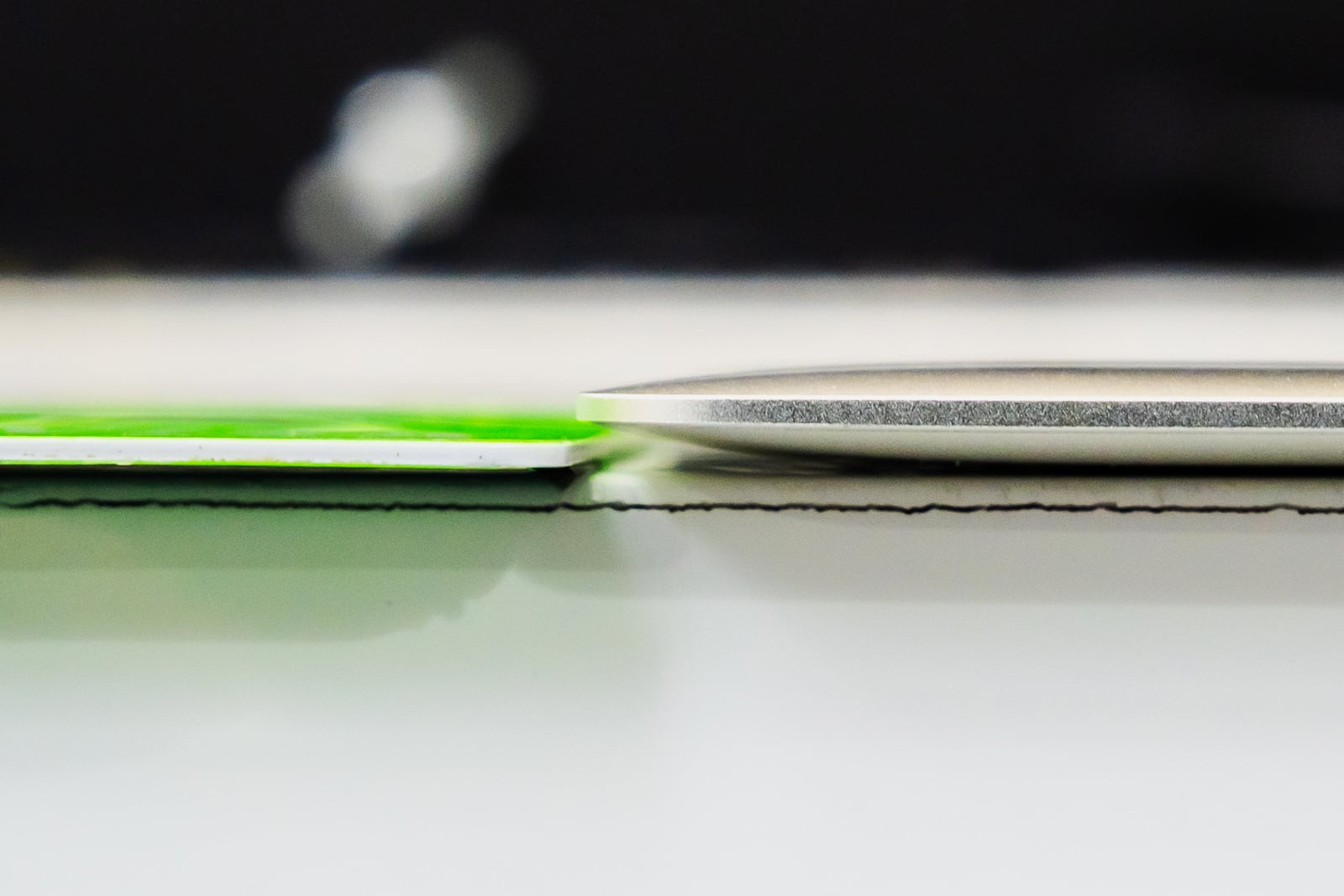
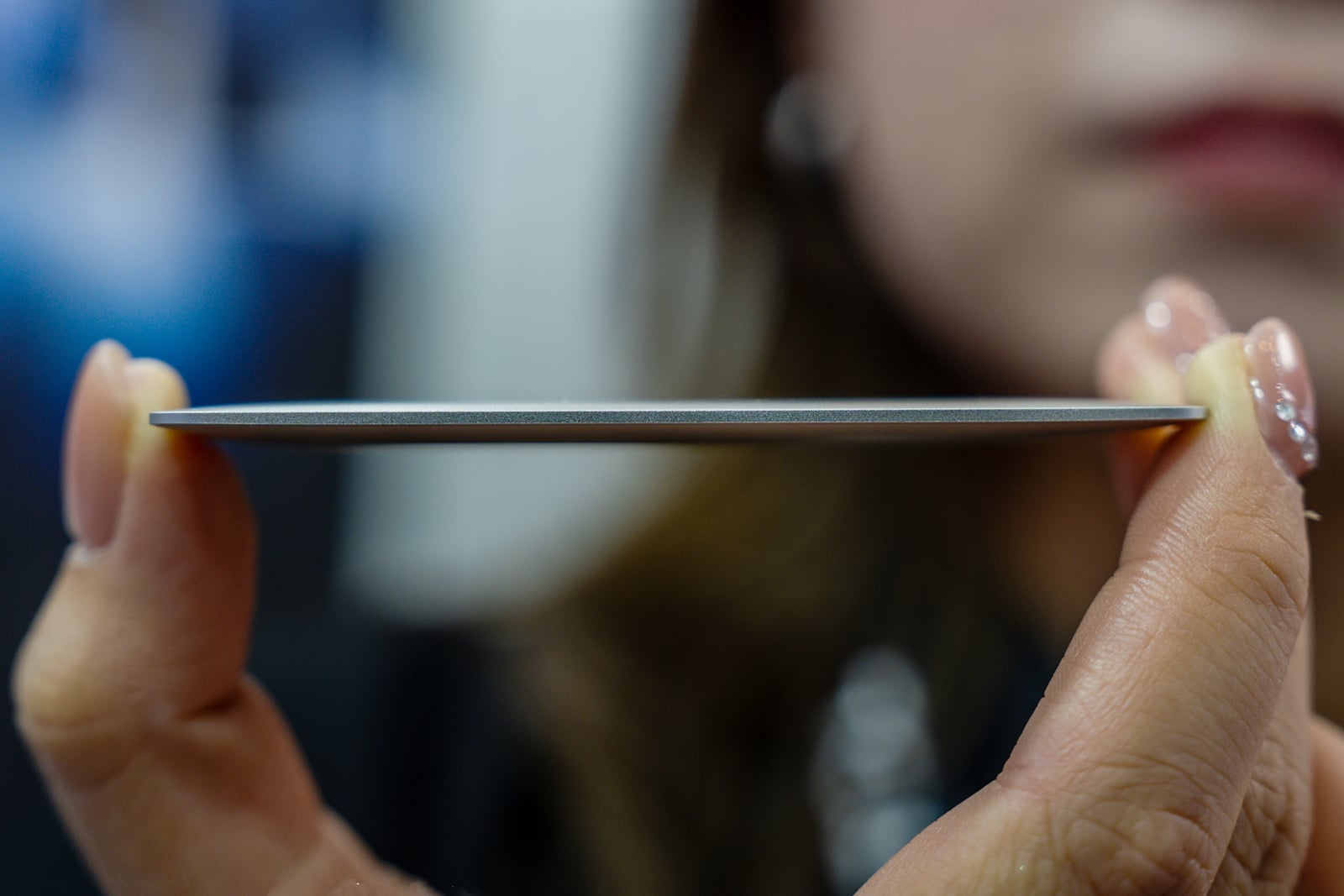
Pulling out a card to hold tons of data and capture ProRes video on an iPhone at a moment’s notice is exactly what the Lexar Muse is made for. Billed by Lexar as the “world’s thinnest portable SSD,” it shaves down to a single millimeter at its thinnest point and weighs a featherweight 40 grams. It’s thin enough to fit in a sleeve with your banking and ID cards.
Full disclosureThis article was brought to you by Lexar. Learn more about the Lexar Muse.
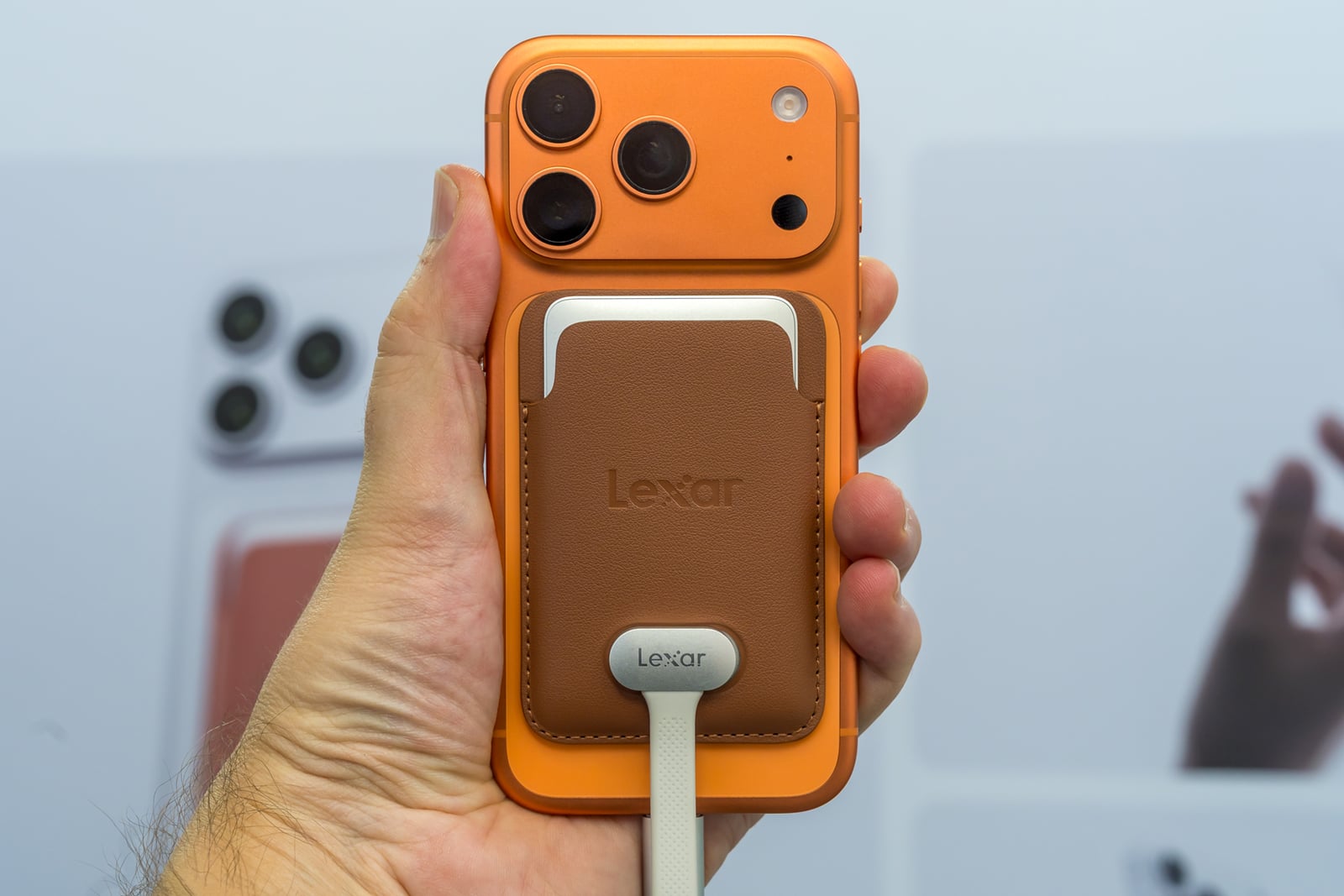
Most drives are small enough to toss in a bag but they don’t come this thin and light, nor do they all offer MagSafe compatibility. At first glance, the Muse resembles a card wallet or fancy business card, but once you slip it through the MagSafe sleeve, it becomes a dependable tool that remains thin enough to stay attached to the back of the phone at all times.
Like a Credit Card, Not a Brick
Even at its thickest point, the drive is 3.8 millimeters, tapering down to a mere 1 millimeter at the edges. From edge to edge, top to bottom, holding the Muse feels like a departure from other SSDs because it’s the opposite of chunky, even after sliding it into the sleeve.
The precision-machined unibody enclosure is a single piece of metal with an ultra-thin printed circuit board, high-density NAND flash memory stacking, and a tightly integrated internal structure to fit the components into the slim body. Instead of a USB-C port, the Muse’s onboard proprietary PogoPin magnetic data connection pairs with the included SnapLink Magnetic Cable to latch onto the Muse and then plug into the phone via USB-C on the other end.
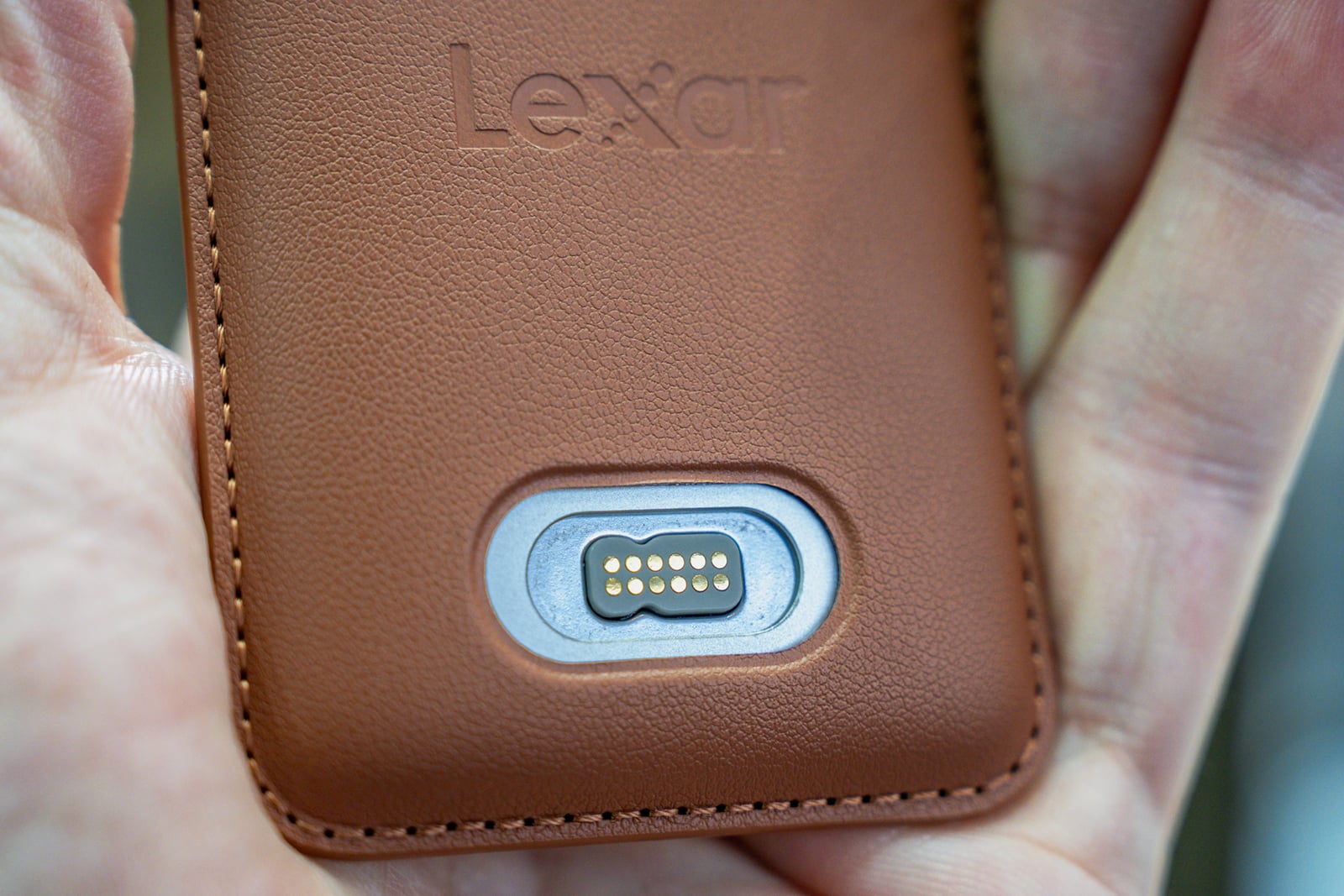
Losing a standard port means losing the ability to grab any old USB-C cable when the original goes missing. The SnapLink connection uses spring-loaded pins and N52-grade neodymium magnets, which Lexar says help align the cable and hold it securely in place.
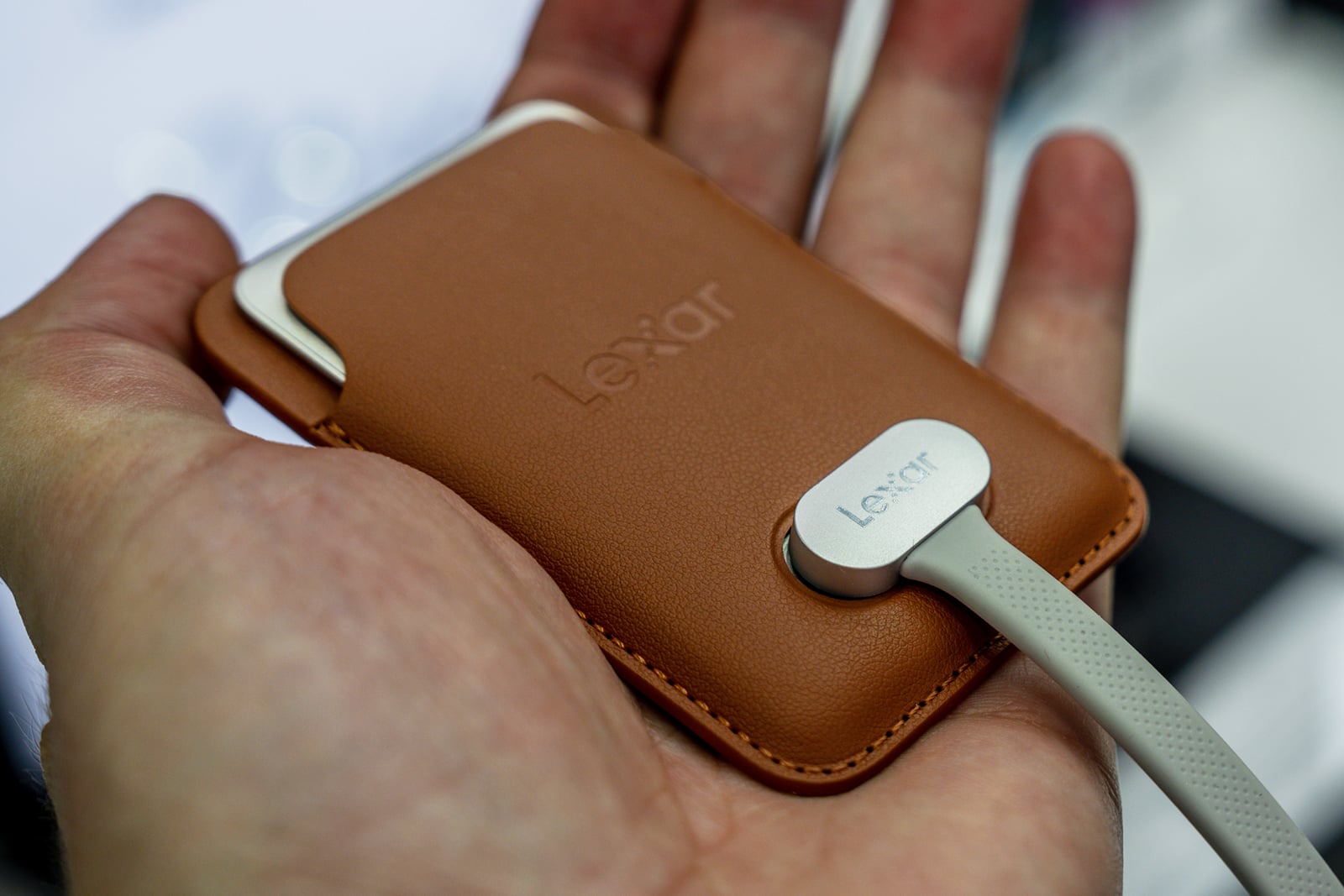
That’s also why the sleeve is of special importance. It’s what secures the device and gives it a veritable home by attaching to the phone’s back. In that scenario, you would only need to keep the cable handy and attach it when it’s time to either back up files or start shooting ProRes video.
Built to Ride Along on an iPhone
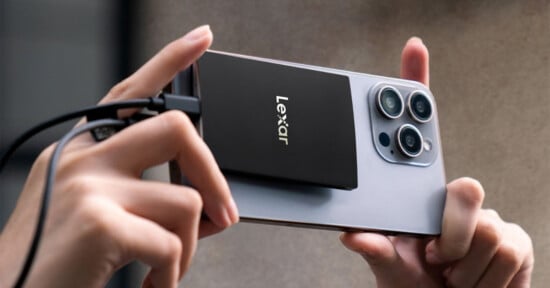
The sleeve attaches to compatible MagSafe iPhones or cases, but magnetic attachment and drive compatibility are separate considerations. Using the Lexar Muse with an iPhone requires a USB-C-equipped model from the iPhone 15 series or later. Instead of a cable snaking out of a phone case toward a drive sitting loose on a table or tripod, the storage rides on the back of the phone, held in place through the same magnetic system Apple already uses for wireless charging and accessories.
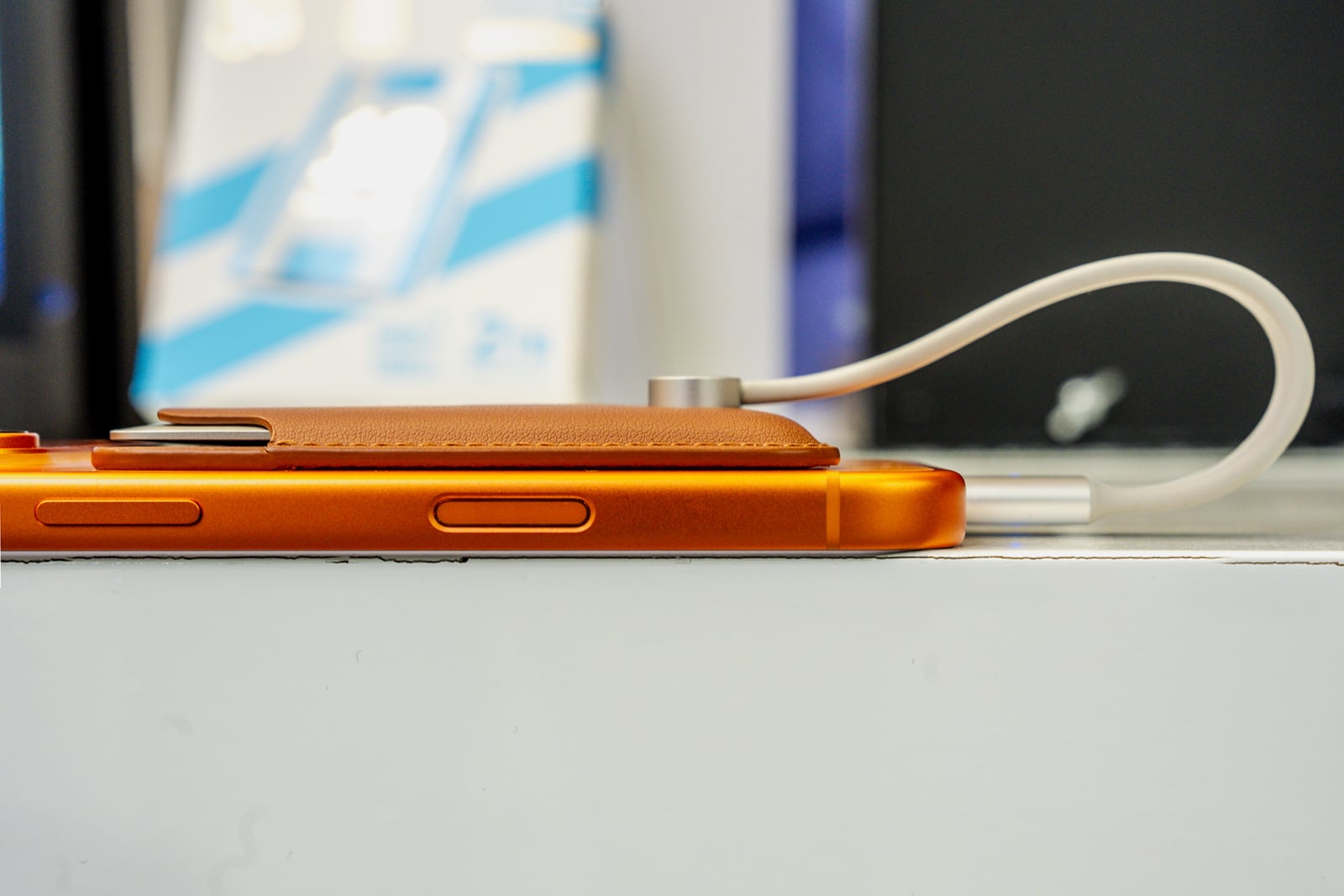
This means you don’t have to hold two items while shooting handheld video, though the cable still connects the drive to the phone. A phone with the Muse attached behaves like a single unit, with the extra storage riding shotgun on the back rather than dangling off the side. That matters most in the moments mobile creators actually care about: run-and-gun interviews, travel documentation, live events, or any shoot where stopping to manage cable slack isn’t an option.
The performance also keeps up, with Lexar rating it for read speeds of up to 1,050 MB/s and write speeds of up to 1,000 MB/s, both of which fall in the same ballpark as established USB 3.2 Gen 2 portable drives. The key difference is the Muse is doing that despite being so much smaller than a conventional drive.
The drive supports direct external recording of Apple ProRes video, a format designed for editing, at up to 4K and 120 frames per second on compatible iPhone models. In Apple’s Camera app, external ProRes recording requires an iPhone 15 Pro or later Pro model, with 4K at 120 fps supported on iPhone 16 Pro and iPhone 17 Pro models. Filming in ProRes at high frame rates generates enormous file sizes that add up really quickly, which is why recording straight to fast external storage means you can shoot longer clips without first making room on the phone’s own storage.
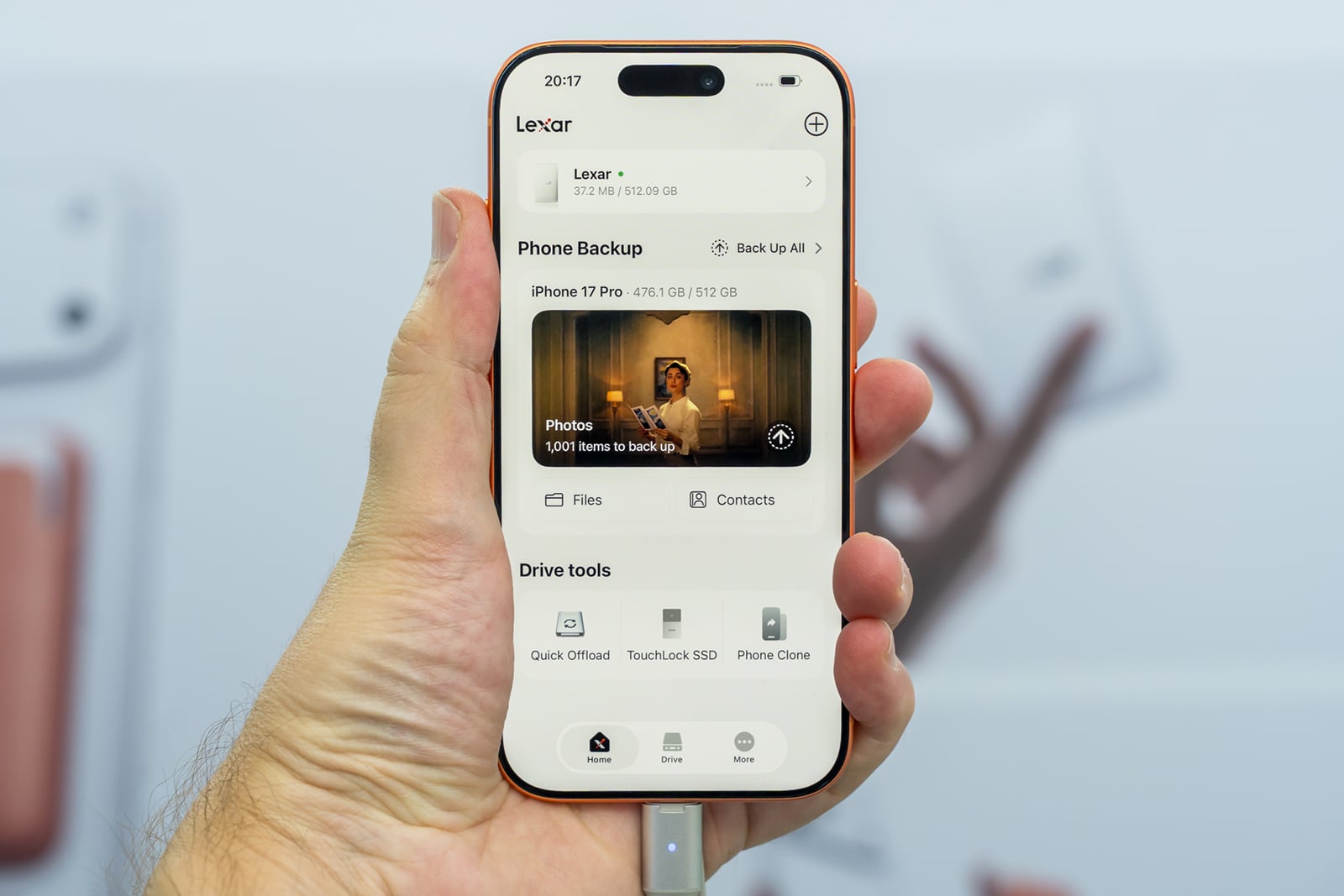
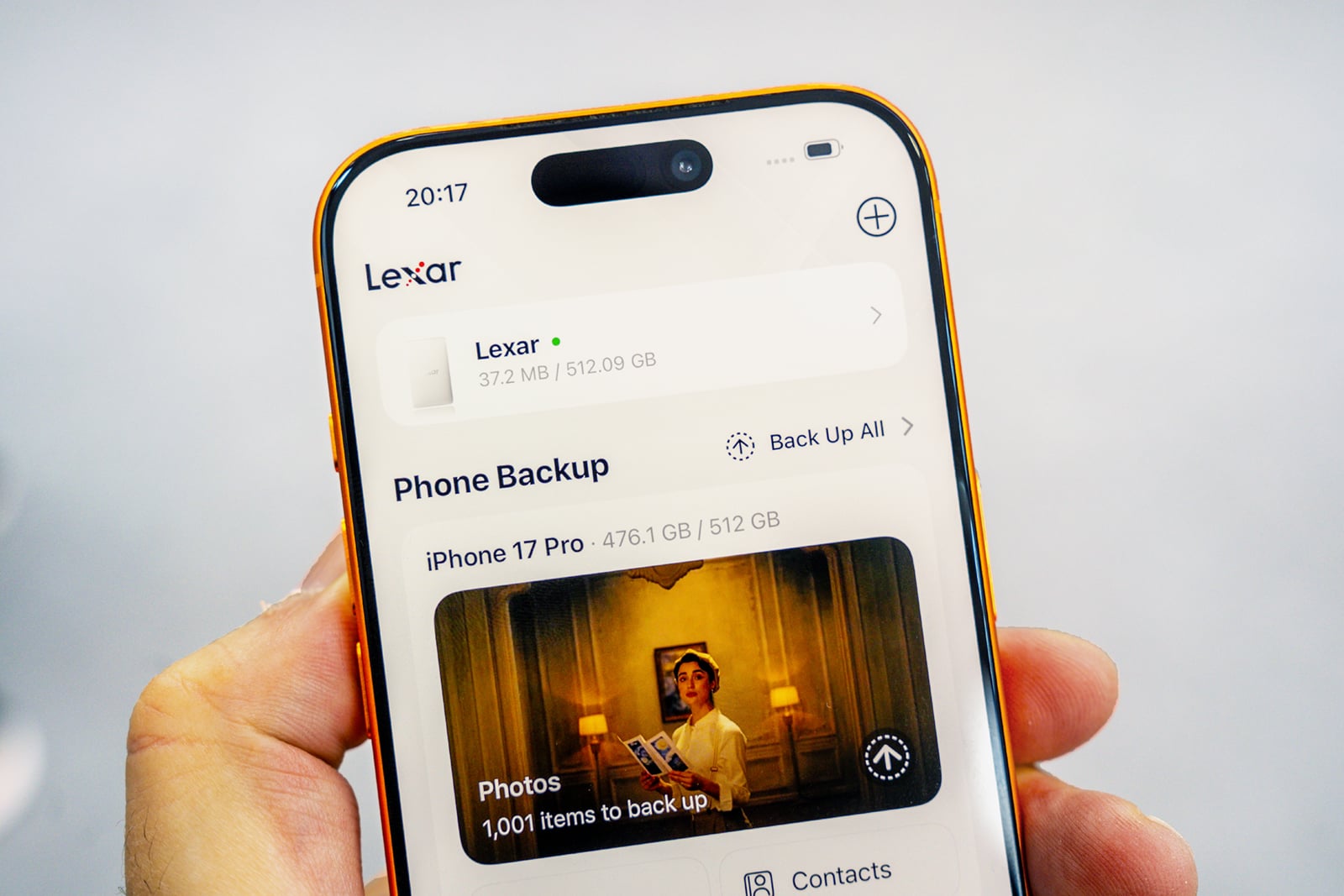
You can also use the Muse to transfer files between an iPhone, iPad, and Mac, offload a phone’s camera roll for backup, or keep an editing project on the drive. Actual transfer speeds depend on the device and connection. If you need to send a file over AirDrop, you can access it from the Muse on the phone and send it over.
Lexar says its app can automatically back up footage from an iPhone to the Muse.
Availability and Where It Fits
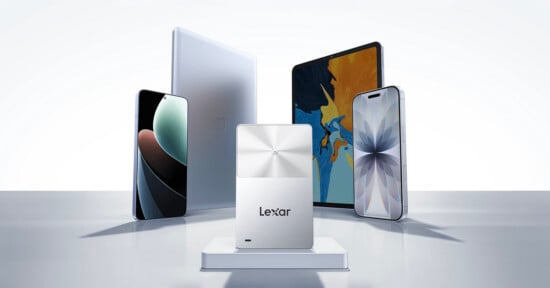
The Lexar Muse Ultra-Slim Portable SSD is compatible with iPhone, iPad, and Mac, but offers a broader level of compatibility with other USB-C devices on top of that. Compatible Android phones can also use the drive, with magnetic attachment depending on the phone or case. Recording directly to the Muse is a separate consideration: the Android camera app must support external USB storage recording.
On a Samsung Galaxy S26 Ultra, there is a setting to save directly to external storage when recording with Samsung’s APV codec, including Log footage designed for color grading. On other Android phones, support depends on the phone and camera app. If external recording isn’t supported, you can transfer files to the Muse after recording.
Plugging it into a Mac and working straight from the drive is another option in case you need to keep your phone free or need to charge. Just plug it in via USB-C; the same option is available on a compatible Windows PC.
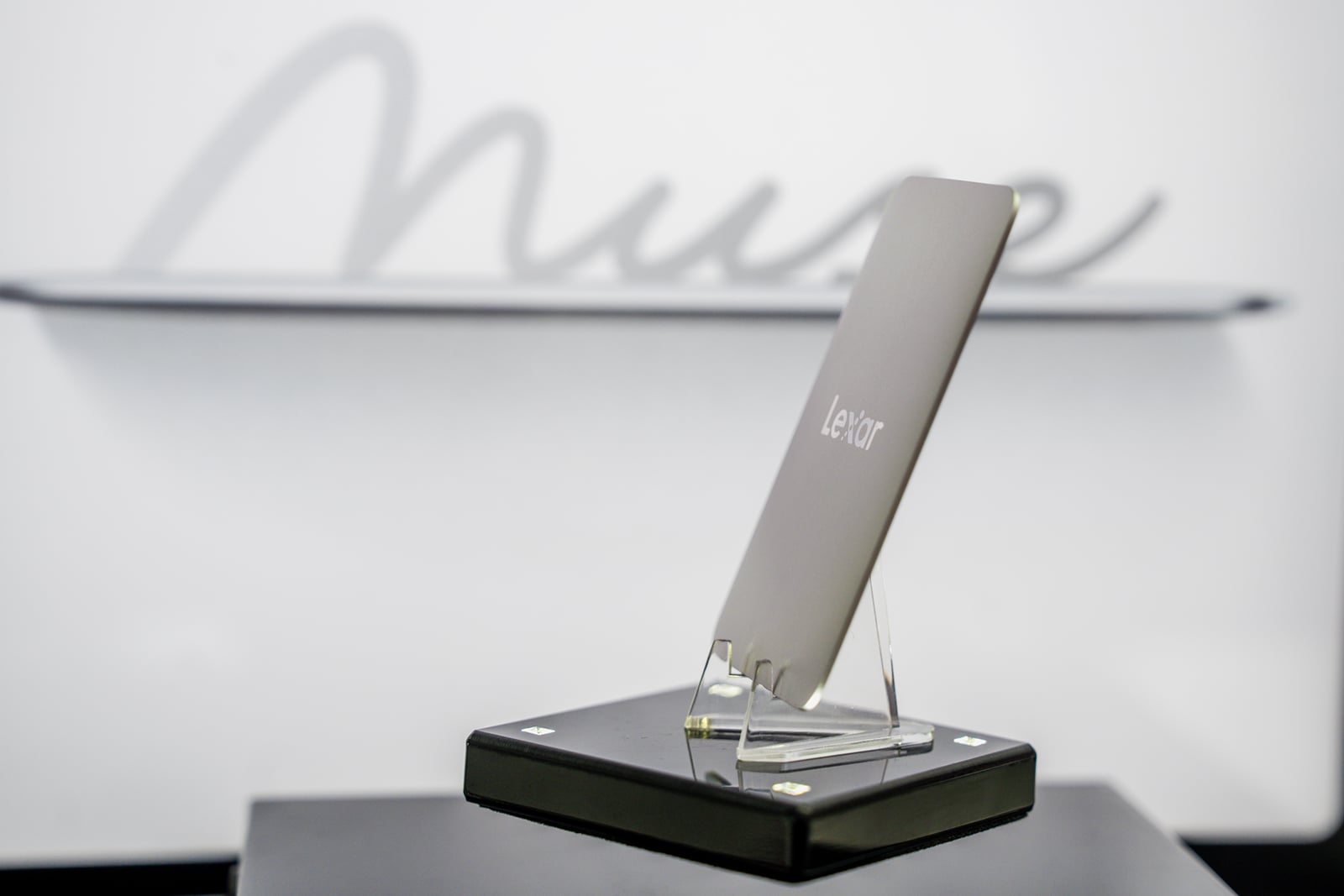
That makes Lexar’s diminutive SSD useful as a general-purpose drive as well as for iPhone-based content creation. Lexar plans to offer 512GB and 1TB capacities starting in Q4 2026, with availability varying by region.
For a mobile videographer, travel creator, or anyone building a lightweight, phone-centric production kit, keeping the drive attached to the phone may matter more than a few extra megabytes per second.
Full disclosureThis article was brought to you by Lexar. Learn more about the Lexar Muse.
Affiliate Disclosure PetaPixel articles may include affiliate links; we may earn a commission if you buy through one.