XPPen’s First Creative Editing Console Looks Like a Winner for Photo and Video Editing
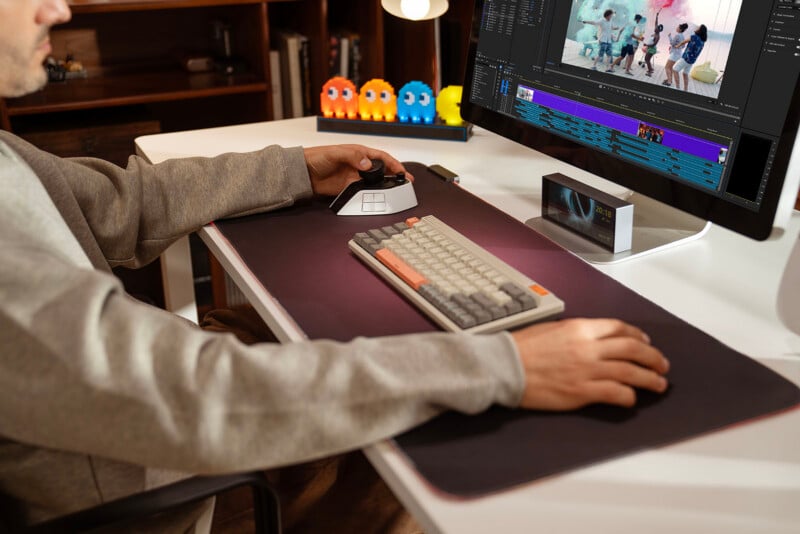
XPPen has announced its first-ever creative editing console, the Pilot Pro, and the company says it sets a new benchmark for professional editing workflows.
XPPen, best known for its drawing tablets and tablet displays, including the 27-inch 4K color-accurate Artist Pro 27 (Gen 2) pen display launched a couple of months ago, is targeting a different part of the creative editing space with its new Pilot Pro product.
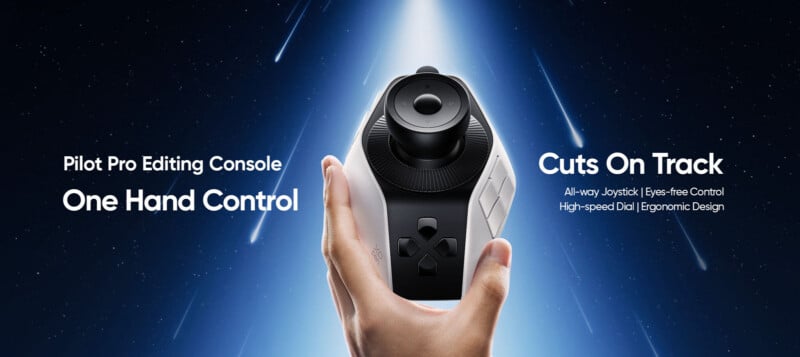
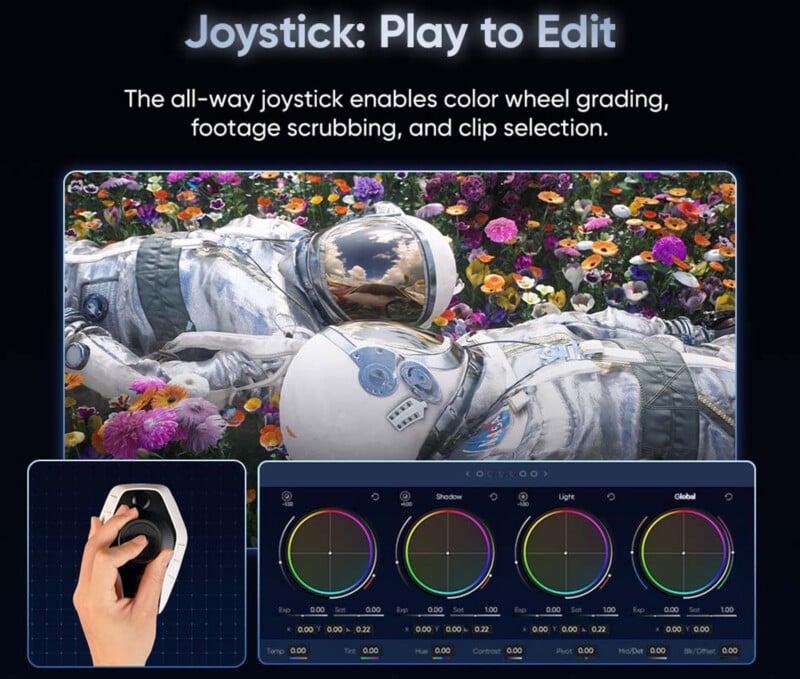
The Pilot Pro features an all-way joystick, a rotary control, and customizable buttons, enabling fast one-handed operation tailored to the user’s preferences and creative apps.
“The market has seen growing demand for hardware that seamlessly bridges the gap between creative intention and execution,” says Brian Huang, Marketing Director at XPPen. “With the Pilot Pro Editing Console, we are reimagining what editing professionals need: tactile, intuitive eyes-free control that feels natural and fluid, without being tied to keyboard. This product marks an important milestone in XPPen’s journey. It expands the boundaries of our digital creation tool ecosystem, reinforcing our commitment to serving creators across a wider range of creative workflows.”
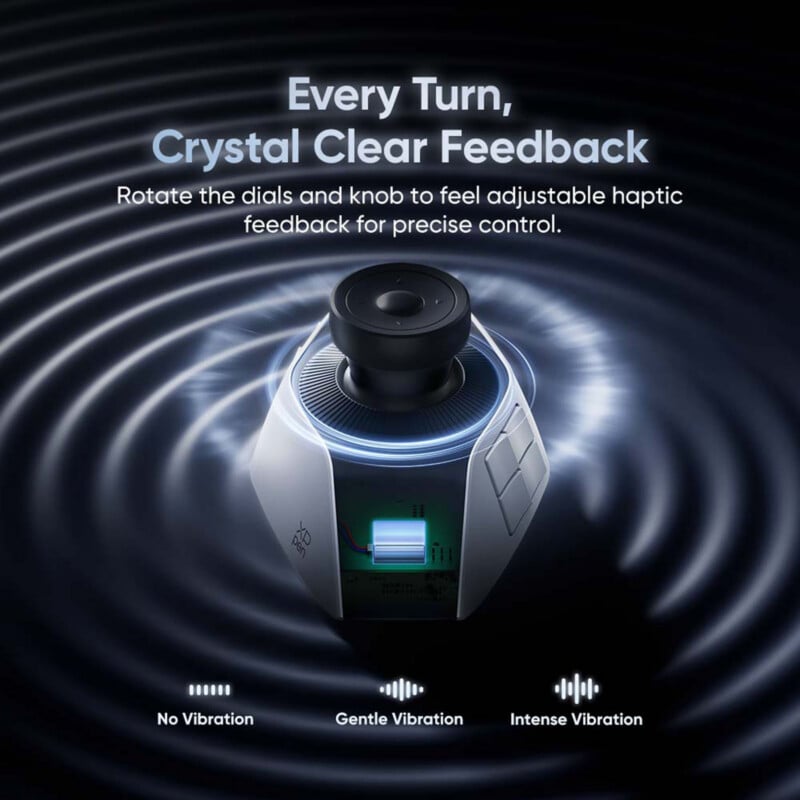
The Pilot Pro has 16 customizable buttons, a trio of dials, and a joystick. It is designed to be used without looking at it, so it also includes a linear motor inside to deliver subtle, precise haptic feedback.
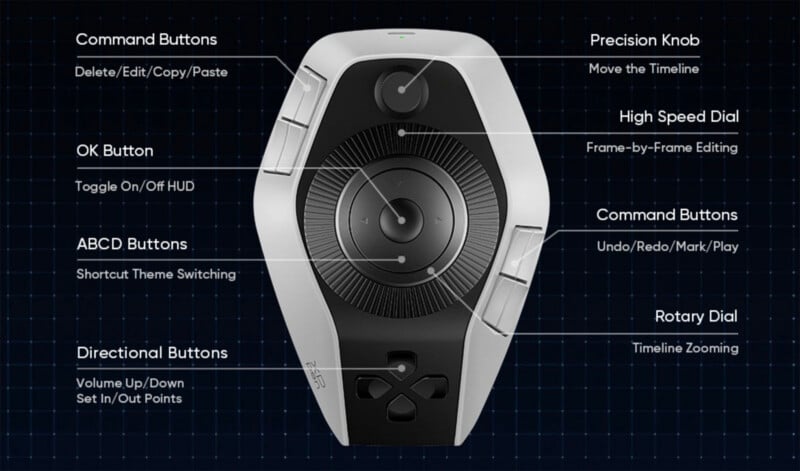
As with any creative editing tool, many users will want to customize Pilot Pro’s controls to meet their specific needs. However, the new device also works with presets built by industry experts for popular creative apps, including Adobe Lightroom Classic, Adobe Photoshop, Blackmagic Design’s DaVinci Resolve, Adobe Premiere Pro, CapCut, and Apple’s Final Cut Pro.
The Pilot Pro can be used to select and cut clips, adjust photo editing sliders, mark and rate selects, scroll through a timeline, rotate images, easily edit photos in full-screen mode, and much more. Users can create presets for each of their apps, and the Pilot Pro’s profiles automatically swap when opening a different app. This is great news for hybrid creators who routinely jump between Photoshop and Premiere Pro, or Lightroom and Resolve, for example.
“Our design philosophy centers on maintaining the editor’s ‘flow state’ through absolute immersion,” explains Li Jiang, Senior Industrial Designer at XPPen. “By strategically positioning every control for instinctive access and calibrating actuation for effortless triggers, we’ve created a console that effectively vanishes during use, ensuring focus remains entirely on the work.”

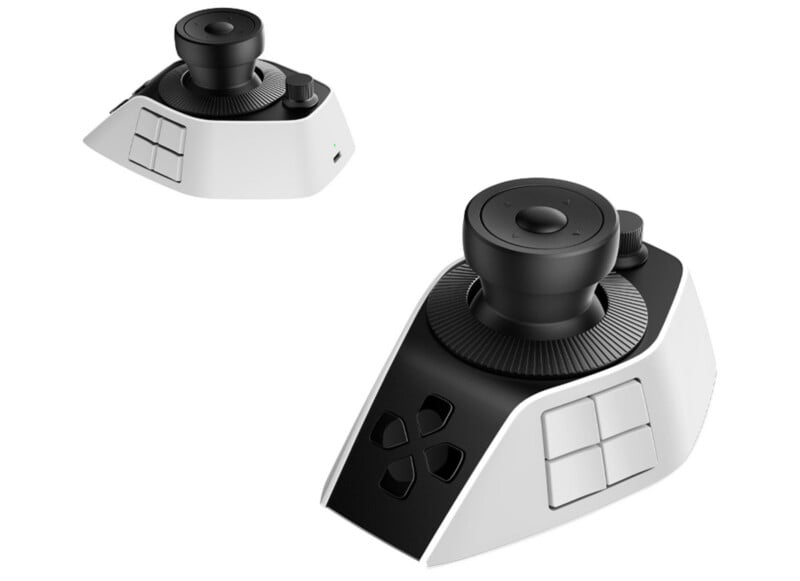
The XPPen Pilot Pro connects to macOS and Windows computers through wired (USB Type-C) or wireless (Bluetooth 5.4 Low Energy). It has a built-in battery promising up to 15 hours of battery life and recharges via USB. The device weighs 251 grams (8.9 ounces) and comes in white.
Pricing and Availability
The XPPen Pilot Pro Editing Console is available now for $199.99, a $10 launch discount off its standard $209.99 MSRP. While it is not yet available through B&H at the time of writing, B&H is an authorized XPPen retailer.
Image creditsXPPen
Affiliate Disclosure PetaPixel articles may include affiliate links; we may earn a commission if you buy through one.