Snapseed’s New Built-In Camera Has Film Simulations, Including Portra and Superia
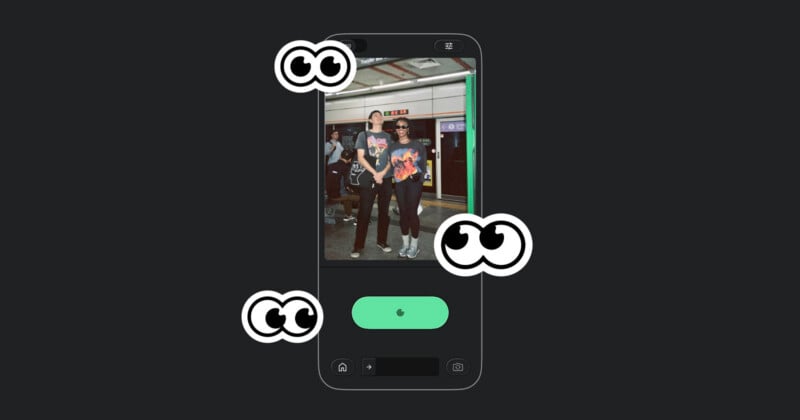
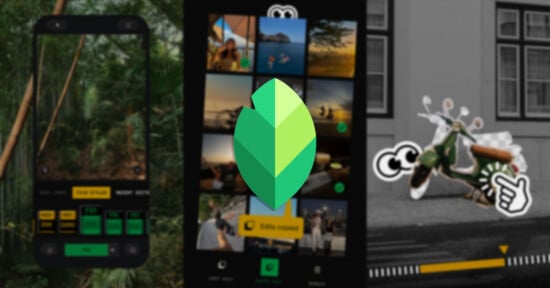
Snapseed suddenly updated its app last year after years of silence, and it doesn’t seem like the team is done. Today, it pushed an update to the iOS app that adds a camera to the interface; it’s the first time Snapseed has ever had a camera. For reference, it launched in 2011 and was acquired by Google back in 2012.
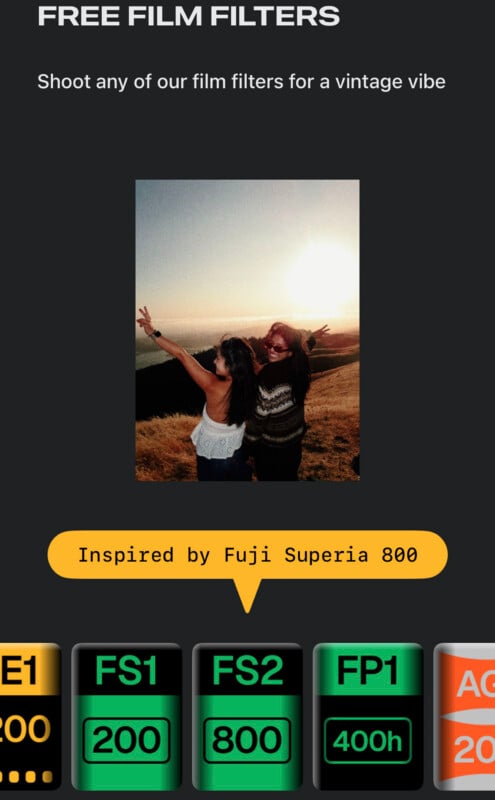
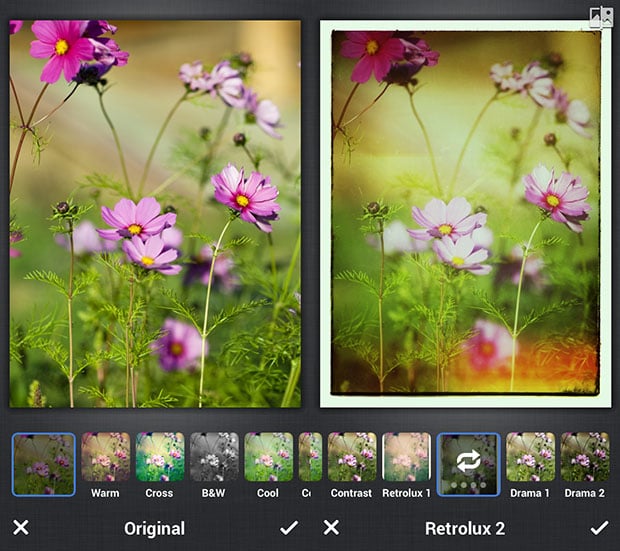
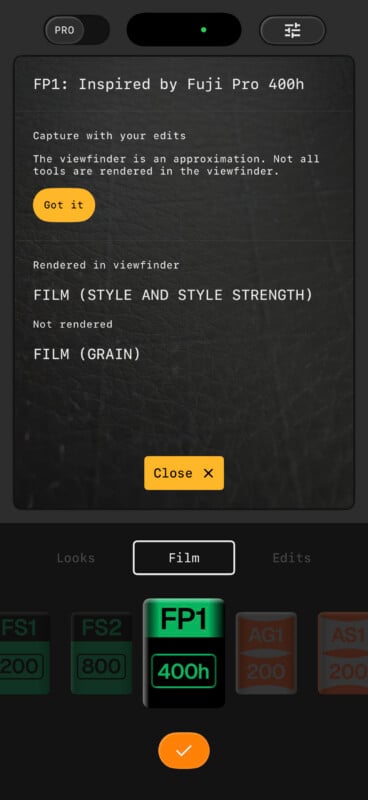
While it has taken 15 years to arrive, Snapseed seems to have made it worth the wait. The built-in camera features an array of film simulations including filters designed to emulate Kodak Portra, Gold, and E200, as well as Fujifilm Superia and Pro 400H. There are also filters for Agfa Optima and Scala, as well as Polaroid 600 and Technicolor. In addition to these, users can also access their in-app Looks and custom edit stacks and capture images that apply these effects directly.
“Your creative process now starts the moment you press the shutter. This update introduces the Snapseed camera, designed to give you professional control over every shot you take,” Snapseed writes in its App Store update.
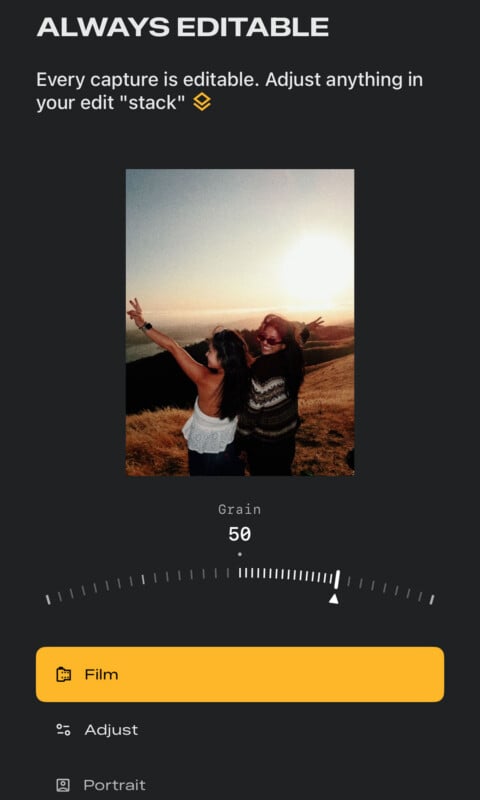
Snapseed’s camera doesn’t bake these looks into the capture either. Every image captured inside of Snapseed is still fully editable, and anything, including curves, film simulation strength, and all exposure settings, can still be adjusted after the capture.
“Every photo you take includes a full editing stack. This means you can change, fine-tune, or revert any part of the look even after the photo is saved to your gallery,” Snapseed explains.
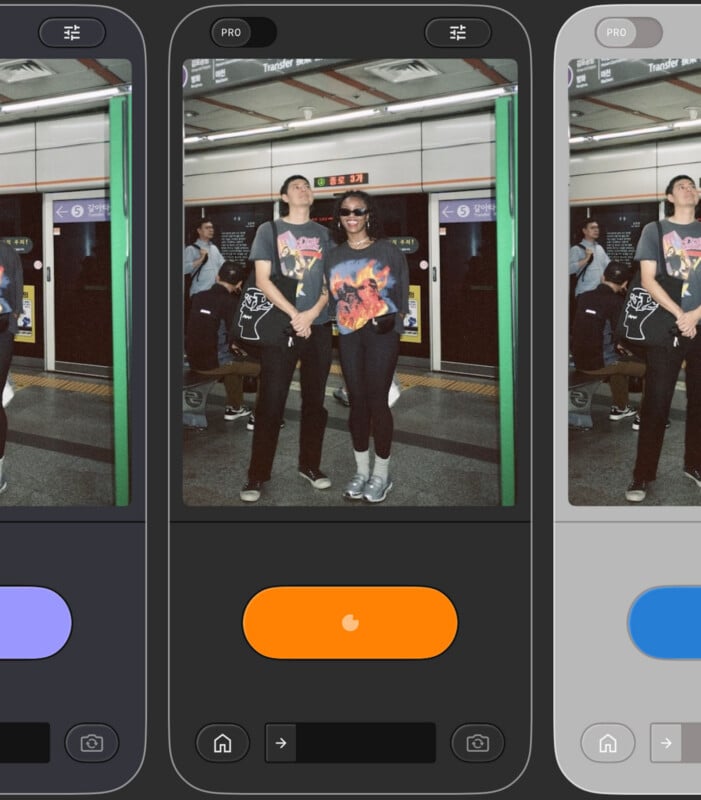
The camera portion of the app also has a customizable layout that lets users pick among a set of different “skins” for the camera experience. Snapseed’s camera has both a simple and “Pro” mode, with the latter providing significant manual control, from the ability to set specific ISO and shutter speeds as well as manually focus.
“Fine-tune your captures with manual adjustments for exposure and focus. You can also shoot using any of your custom saved looks or film emulations to see your final vision in real-time.”
The app can also be assigned to a Lock Screen widget or the Camera Control button on compatible iPhones, allowing photographers to fire up the app quickly and treat it like a default camera app.
The Snapseed camera update is free and available now.
Image creditsSnapseed