Generative AI Gemini Nano Banana is Now Inside Google Photos
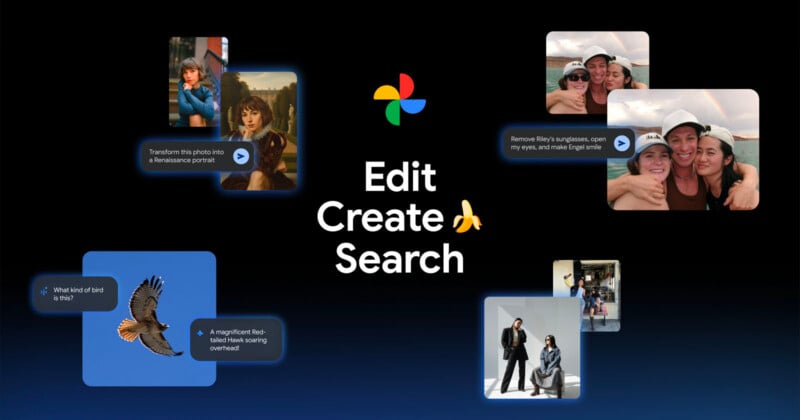
Google is updating Photos with six more AI-powered tools, including several that are powered by Nano Banana, which is one of Googles most popular and successful generative AI models.
The updates fall into three categories: editing, “transforming,” and searching. For starters, Google Photos is getting two new ways to edit by interacting with the platform’s AI. First, users can now ask Photos to “Help me edit” and typing in a specific prompt. For example, typing “Remove Riley’s sunglasses, open my eyes, make Engel smile and open her eyes.” Photos will use images from a user’s library to identify the people in the photo and then make the requested edits.
Beyond that, the second update here expands photo editing on iOS by boldly promising that editors can “forget switching between tools and adjusting sliders.” Users can simply describe the edits they would like to have made to a photo (in natural spoken language or by typing) and Photos will do them automatically. Google also says it is bringing the redesigned photo editor to iOS which supports simple gestures, one-tap suggestions, and today’s update of natural language support. These features are coming to users in the U.S.
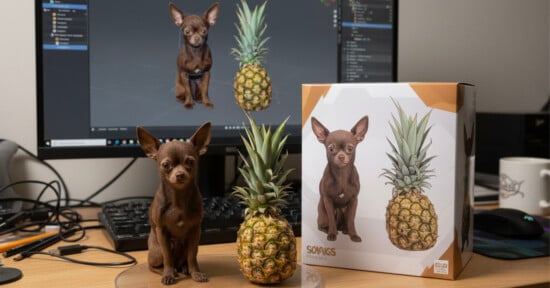
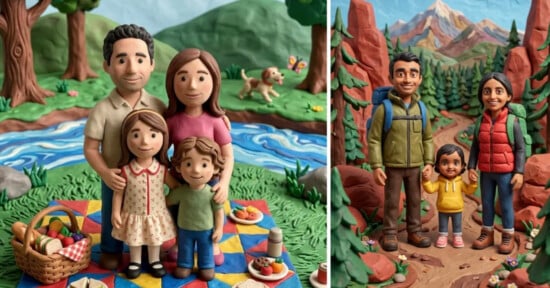
The next two updates fall into the “transforming” category.Firstly, Nano Banana is being integrated into Google Photos. Given its popularity and capability of recreating realistic-looking edits, it was only a matter of time. Google says its inclusion will let users make “all kinds of new transformations to your images.”
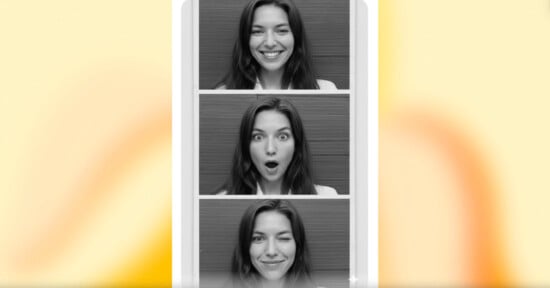
Secondly, Nano Banana powers a new set of AI templates. Google says that because many users don’t even know where to start with an edit even if they have access to AI assistance, the company created a new “Create with AI” section of the app that includes existing ideas such as “put me in a high fashion photoshoot,” “create a professional headshot,” or “put me in a winter holiday card,” among others.
“In the coming weeks, we’ll also roll out our first personalized templates, which use insights about you from your photo gallery to create edits unique to your hobbies and experiences, like ‘create a name doodle personalized to me’ or ‘create a cartoon of me and my hobbies,'” Google adds.
Finally, the last two updates improve Search inside of Photos. Firstly, Google is adding 17 languages and access in 100 countreis to “Ask Photos,” a tool that allows uers to more easily find specific photos by searching for them in a more natural way. Secondly, today’s update goes a layer deeper and allows users to ask specific questions about a photo through a new “Ask” button.
“While viewing your image, you can start a conversation to instantly get answers about its content, discover related moments or simply describe the edits you want and watch the changes appear in seconds,” Google says. The “Ask” button is rolling out on Android and iOS in the U.S.
These updates to Google Photos will begin rolling out to users starting today.
Image creditsGoogle