
Shooting and Editing Multiple Night Exposures: Moonrise Over Car Trails
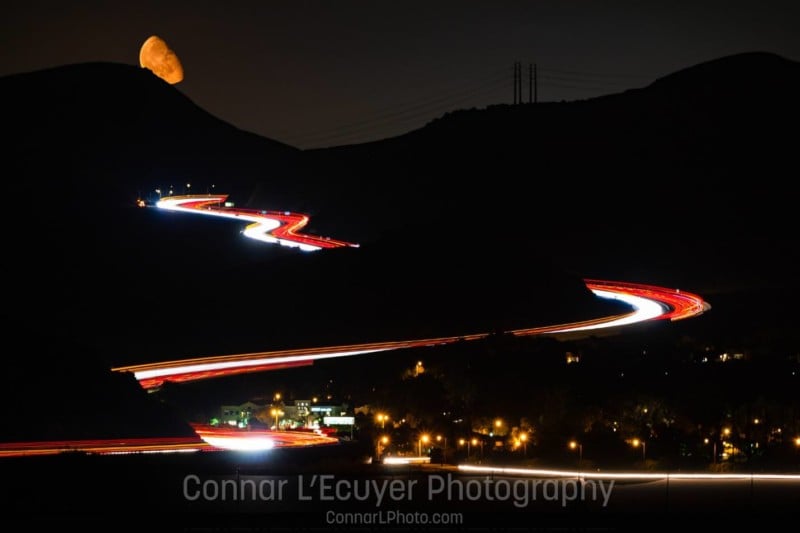
My name is Connar L’Ecuyer, and I’m a landscape photographer based in Southern California. A little while ago, I was driving on the highway at night and there is a section where the highway goes up some mountains. The moon was just rising over the highway. I thought to myself “That’s pretty awesome — I want to get a shot of that!”, and a few weeks later I was able to shoot it!
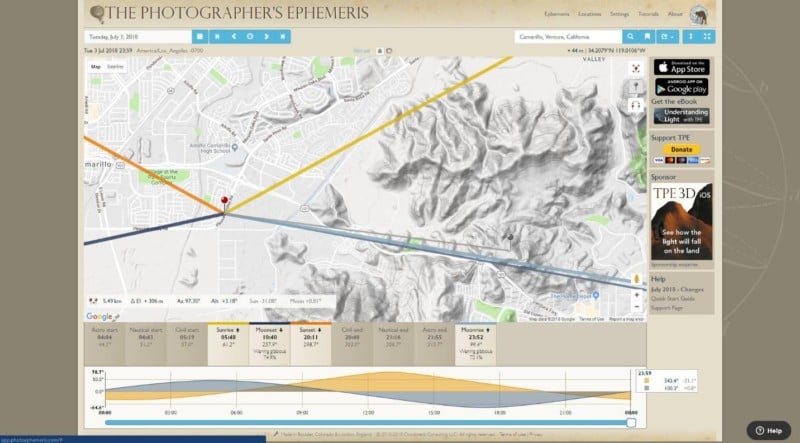
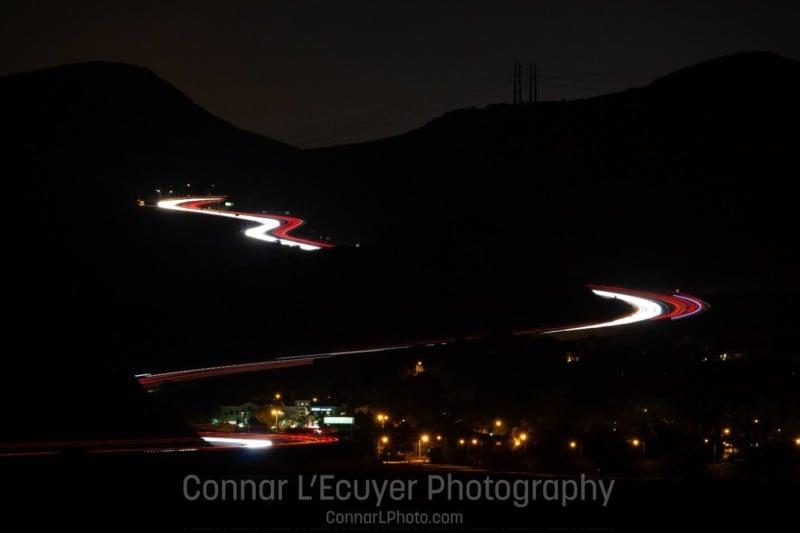
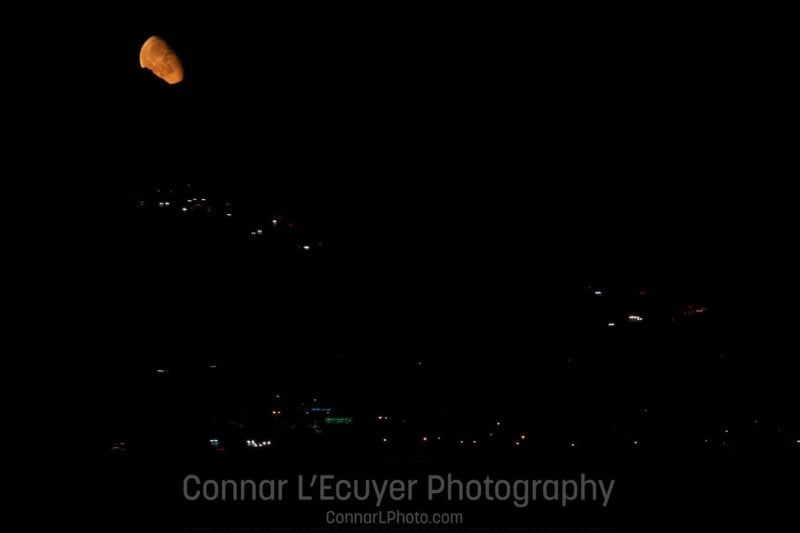
While I was out shooting, I knew that I would have to have different exposures for the light streaks on the highway and for the moon, but I still wanted a good amount of darkness surrounding everything. So, what I did was: I photographed several exposures of the highway before the moon had risen. I wanted to give the appearance of more cars driving on the highway than there really were since it was fairly late. Once the moon had risen above the peak, I changed my shutter speed to photograph only the moon. I have a video from a live stream while shooting if you would like to see how I had the camera set up.
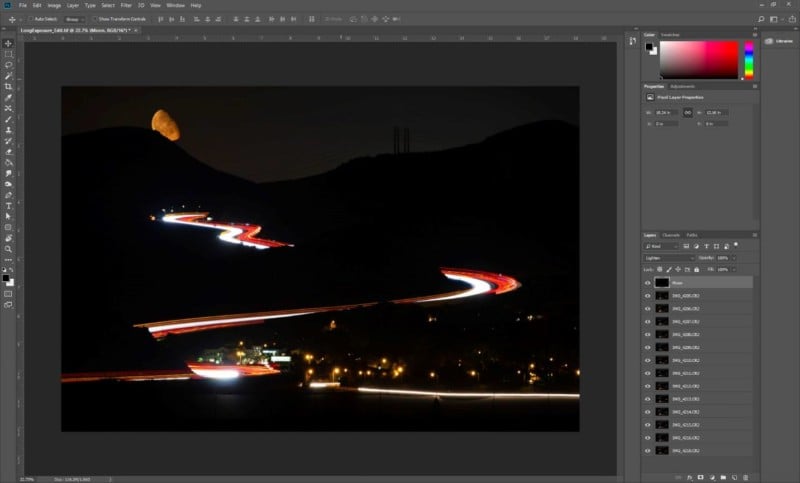
After importing the photographs into Lightroom, I did no editing on them, but I brought them all straight into Photoshop as layers. From there, I put the photograph of the moon on the top of the layer stack, and changed the blending modes of all the layers (except the bottom layer) to “lighten”. From there, I saved the file and finished all the fine-tuning of the editing in Lightroom.
I think this came out as a pretty awesome image while being easy photograph and edit. With landscape photography, simplicity is key — don’t overcomplicate the image, and think of how it will look printed.
Affiliate Disclosure PetaPixel articles may include affiliate links; we may earn a commission if you buy through one.