How to Film and Edit a High Energy Event Sizzle Reel
Earlier this fall, I wound up at a music festival in Southern California called Same Same But Different. I was there helping film a documentary with a friend and decided to actually document my whole process.
I used to regularly film festival sizzle reels and promos over a decade ago, and while I don’t do it much anymore, I still have the muscle memory to capture some good content. Here’s a crash course on how I used to put together these festival sizzles and recap videos.
Getting There
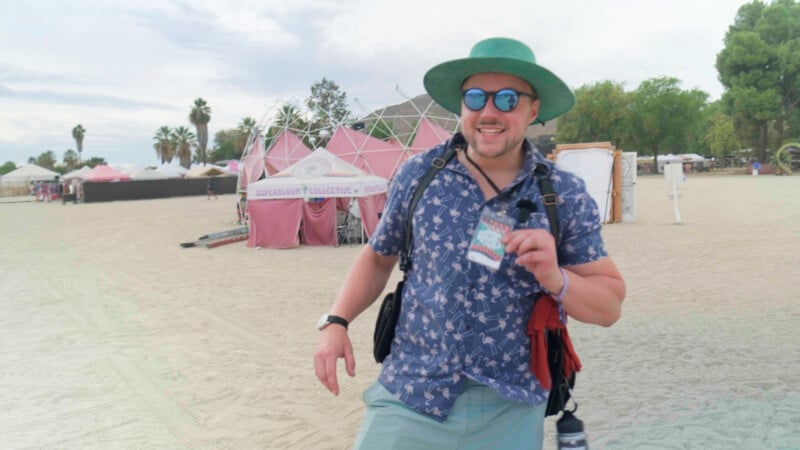
First, you have to actually get to the festival. I’ve been to enough of these in the past that I know how to pack light, and thanks to Tucker, The Festival Guy, I had some extra backstage credentials. That said, don’t put too much weight on that. Credentials don’t change how you film a festival; they get you a few extra cool angles, but most of what you’ll see here was captured from the GA section, since that’s where the real audience experience lies.
Filming with the Edit in Mind
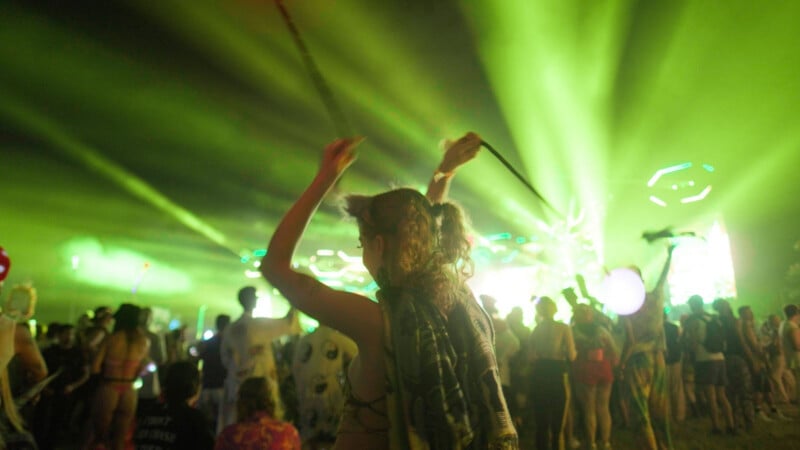
Because you’re capturing something so unpredictable, there are moments happening everywhere, so the first key thing is to always keep a lookout. Scan around you and find people dancing, action moments, anything that captivates and grabs your interest.
The second thing I do for these high-energy reels is look for ways to match movement across the camera. If I pan left, I’ll pan left again into the next scene. If I tilt up on one shot, maybe I tilt down out of the next. I’m always editing in my head, picturing how these pieces will fit together.
The last thing, and maybe the coolest part of festivals like this, is how much color and geometry surround you. I look for ways to build themes out of that. If there’s an umbrella spinning, I’ll find that shape and match it to another sphere or circle somewhere else. Match cuts are a huge part of this, and they add a lot of dynamic energy.
It’s important to note something here about appearance and consent. These festivals often tend to have a very friendly, open, and vibrant crowd, and most people are actually excited to appear in front of the camera and show off their outfits and their moves. Almost all festivals now have a waiver along with your ticket binding the festivalgoer to consent to be filmed, so they can use it for their own sizzle reels. Having said that, you should always approach people with respect, and if you’re unable to ask for consent due to high volume or energy, always visually check in with your subject—if they appear to be uncomfortable, put a hand up, or turn away, then pivot your camera away, give a sign of apology, and don’t use that clip in your edit—always be kind, polite, and respectful.
Diving into the Edit
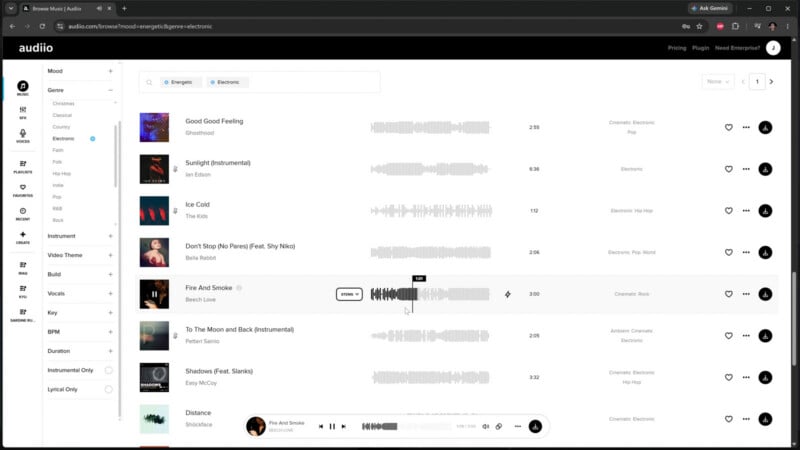
Before I even touch the edit, I always like having music in the back of my mind, a playlist or a selection of some kind, because a piece like this is driven by the track. I pulled up Audiio, our partners, to find it. For this one, I wanted something upbeat. It was an electronic music festival, so I narrowed the genre to electronic, then the mood to energetic. Instrumental only is a good call here so vocals don’t step on the footage or change the tone.
The way I listen is to click through very fast because I know within the first second or two whether the tone, style, rhythm, and pacing will work. I also tend to click into the sections with transitions to find out how the song’s energy moves and develops. There’s a ton to run through, so moving quickly is how I get through it, and I already know the flavor I’m after.
Prepping the Selects
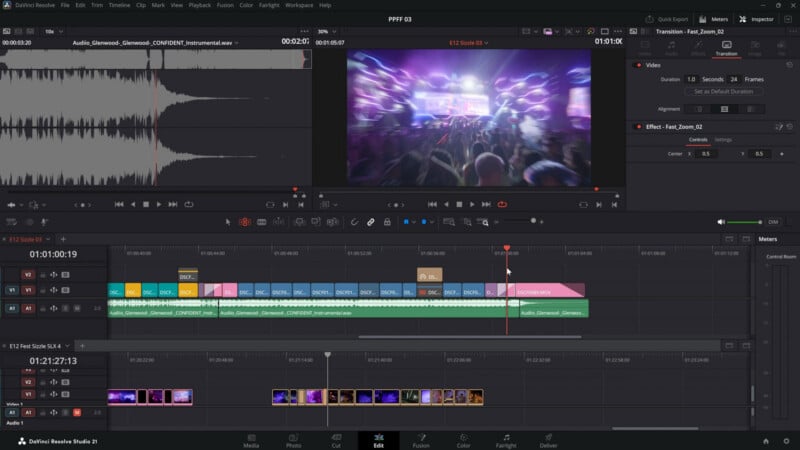
With the song picked, I drop it into the timeline. For the purpose of this sizzle, I trimmed it down to about a minute, landing on that first transition or breakdown before the second part of the song kicks in, which makes for a clean cut.
A trick that helps me work faster: I find the different sections of the song and make cuts on the track itself. That helps me remember where each section starts and ends, and snapping to those cuts helps with timing. You can use markers or whatever tools your NLE offers; I like cuts because I can snap to them quickly.
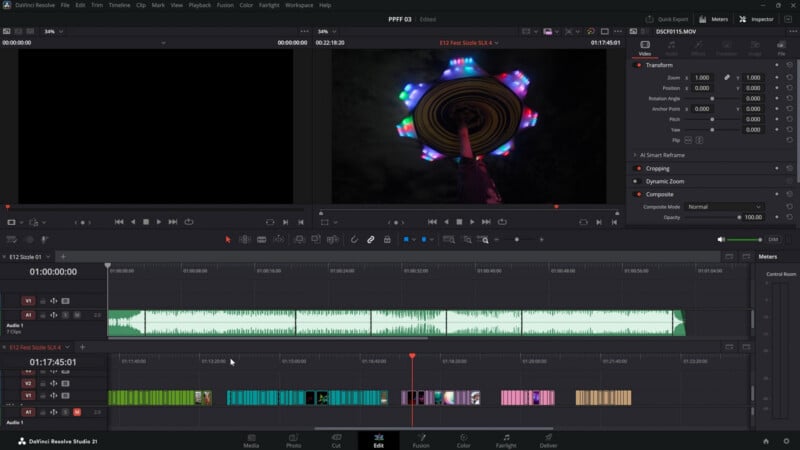
Next are the selects. I run through each shot, set the in and out points, and look for what I was filming for: the transitions and the movements. I’d hold on a shot, whip pan out of it, find another, and whip pan into it, so I want to retain those moments and not trim into them.
Then I categorize everything, which keeps me working fast. In this case, I’m using clip color as it’s quickly recognizable. One category is crowd shots: attendees dancing and looking at the camera. Another is transitional elements. Beyond the whip pans and tilts, I was hunting for spherical elements while filming, and I caught a lot of them on the day: parasols, flow toys spinning in circles, staffs people were twirling. Those made great transitions, and it turned filming into a fun challenge, always looking for the next spherical thing to match cut.
I also separated general B-roll, a walk-through category showing the different sections of the festival and its interactive experiences, a category just for flow toys and tools (poi, fire staff, hoops), stage elements, and stage close-ups. With everything categorized and color-coded, I can drop things in quickly and track where each element is going.
Building the Edit
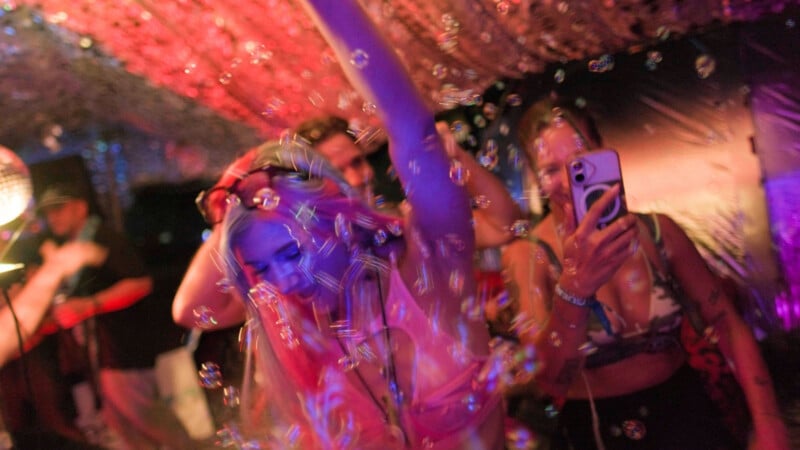
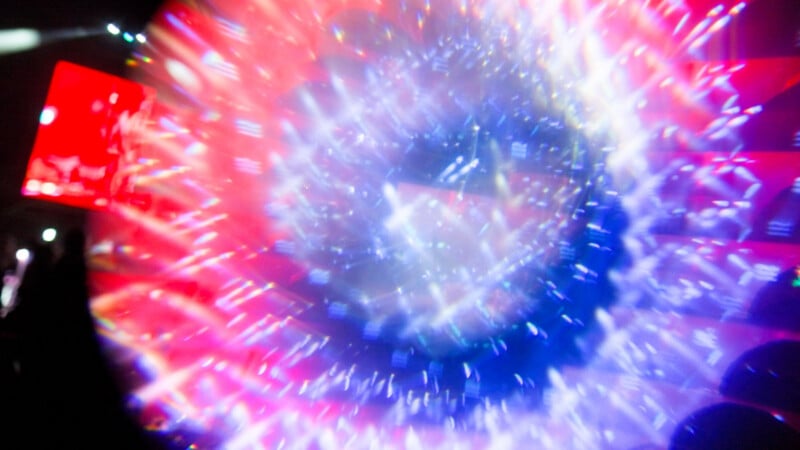
I start from my song cuts, and I like to place the transitional elements first—the movements and match cuts with the spherical elements—right on those cuts. Then I use the space in between to fill in as I go. For the opening, I listen to how the song starts slow and ramps up fast, so I want the energy to match that gradual build and sudden explosion into the beat. These will shift around as I work, but they’re bookmarks that tell me which sections are filled. I also had it in mind to move the piece from daytime to nighttime as it progresses.
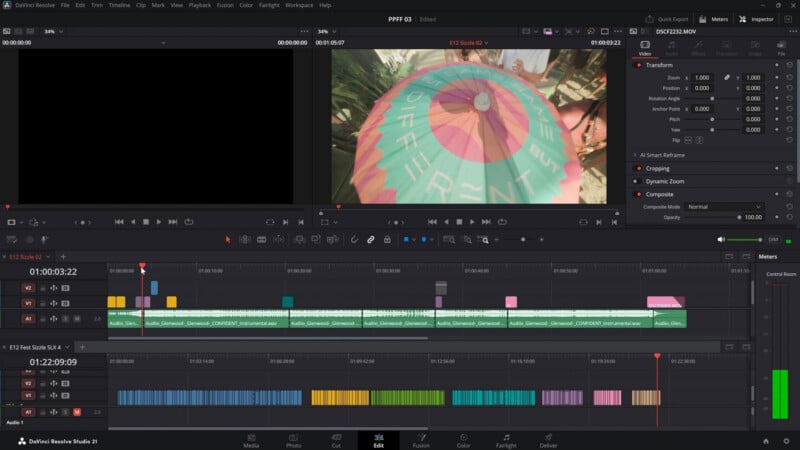
I like working in these small chunks first, then dialing in the timing so it matches the music. Keeping the music at the forefront as the driving element of these pieces is absolutely key. We cut to the beat, or at least make sure the actions on camera land on the beat. When a fan flies up, I cut on that motion and rise through the next shot with an intentional tilt up into the stage. A rapid zoom or pull-out works too; in one spot, we start on a painting and pull out quickly, right on the rhythm. Another jumps into an abstract shot just as the beat drops, then cuts in on one of those built-in movements—a rapid tilt up matched to the stage lights and lasers.
Finishing Touches
With everything in place, the edit is almost done. The last thing I do is go through and add motion transitions where they help enhance the movement I built in. If a zoom or a whip pan isn’t as pronounced as I want, a motion transition can amplify it, really driving a powerful zoom in and out of the next shot. I’ll add just a few, but otherwise the piece is in a good spot.
Check out the final video above, and I’ll make sure to post more stuff like this when the opportunity presents itself. Until next time!