Experimenting with Infrared Photography
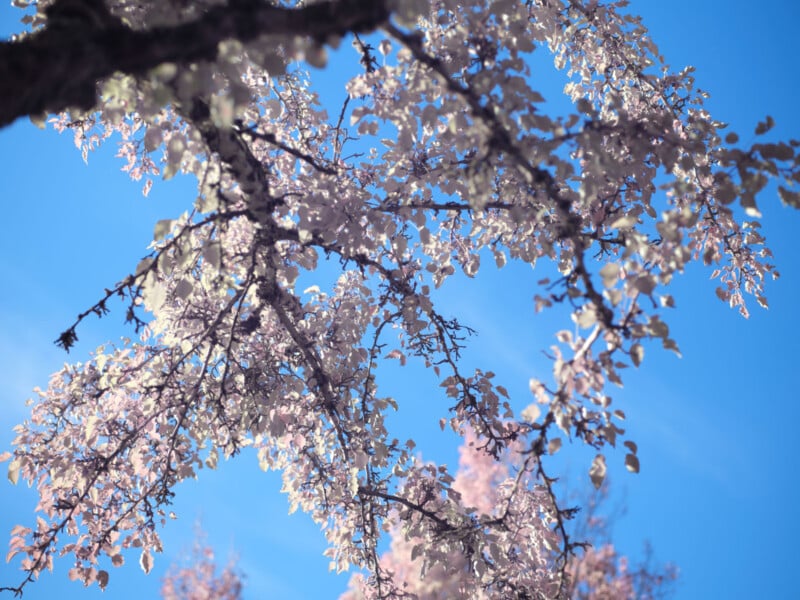
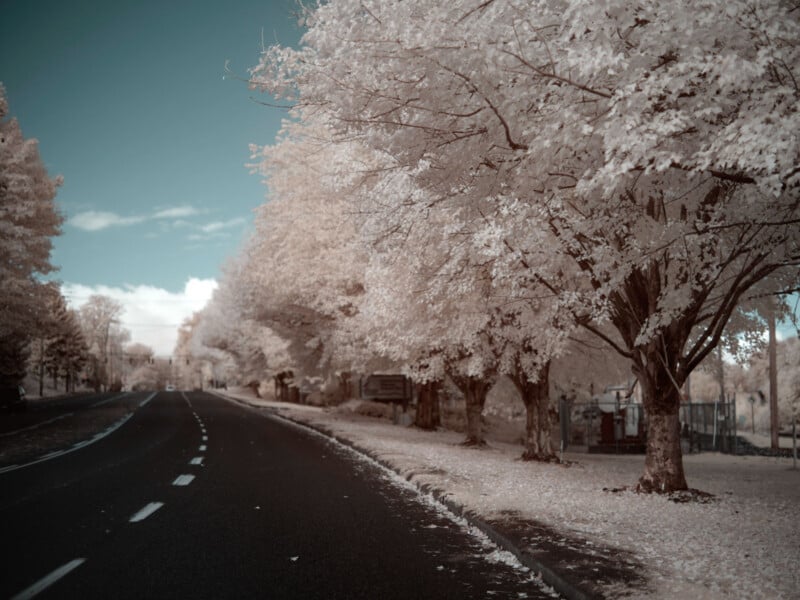
Some of you who saw my star timelapse video might’ve clocked me using a GFX 100 II IR, specifically modified to pick up infrared light frequencies, and since I had it for a few more days, I decided to take it on the road. I happened to be passing through Denver, so I drove over to Golden Gate Park to capture some beautiful fall colors on the aspens, plus a neighborhood photo walk in my hometown of Portland.
Heads up: I know practically zero about infrared photography, so this project is the first installment of many into the world of infrared photography.
The Filter Lineup
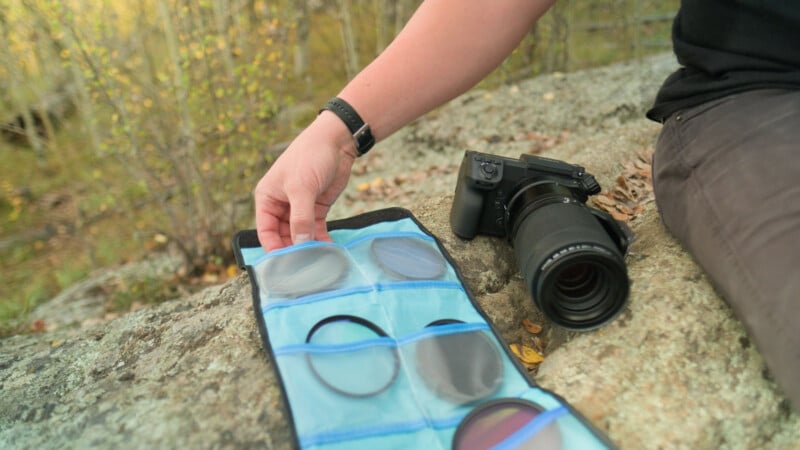
On top of photographing the scenery with the bare IR sensor (which picks up a full visible spectrum plus adds IR into the mix), I wanted to put a range of filters in front of it to see how they’d react. Maybe they’d make a difference, maybe not, but I brought a pile to find out.
We started with a K&F Concept Circular Polarizer, then a K&F Concept UV MRC for a bit of UV blocking to see if it shifted the colors. Then some more interesting ones: an ICE IR/UV cut, which should be intriguing because cutting IR might turn this into a regular spectrum camera, a K&F Concept Light Pollution Reduction filter, a Hoya StarScape, and finally a batch of fun color filters just to see how they’d look: orange, green, blue, red, purple, and yellow.
I should add that, as soon as I got home, I did more research and realized I’d probably missed a key component: a true IR pass filter. So I went to Pro Photo Supply in Portland and picked up one from URTH. I did some additional photography downtown in the Pearl District and around my neighborhood, capturing shots with the filter on and off to see whether it really made a difference.
Locking in the Settings
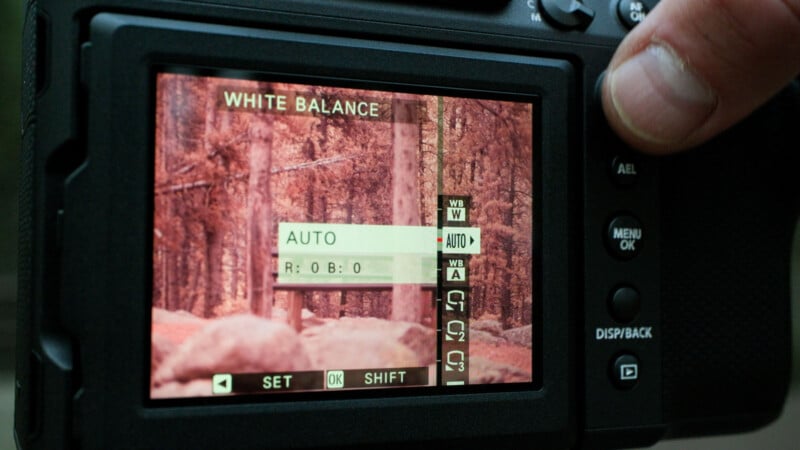
As usual, let’s lock down as many variables as possible so we can judge color and exposure accurately. The plan was to fix the white balance at one point, and keep it on aperture-priority to respond to the environment while holding EV0 throughout, and keep a low ISO when possible. Most of these comparisons I captured on a tripod, but a lot of the later ones without all the different filters were handheld and on-the-fly.
The tricky part with this camera is that when you first turn it on, everything has a wild red tint. The best practice I heard is to point it at foliage, ideally bright green, and balance to that. Balancing to the green makes the image read less red and more neutral or monochrome, and that’s when colors start to pop out instead of everything drowning in red. It also helps the yellow leaves stand out more.
Comparing Filters in Post
Back at the computer, I lined up all the Colorado frames side-by-side, to see the difference between them. The bare IR sensor images look quite interesting right off the bat. The green needles in the back read gray because we balanced to the green, and you get this cool pop off the yellow. The UV cut and light pollution filters looked fairly similar to each other, and the circular polarizer didn’t seem like it affected the colors or tone, as expected. The most interesting of the initial bunch was the ICE UV/IR cut filter. It gives the colors more pop and, by reducing the infrared, starts turning the needles and foliage green again, pulling away from our balance and looking more like a normal photo.
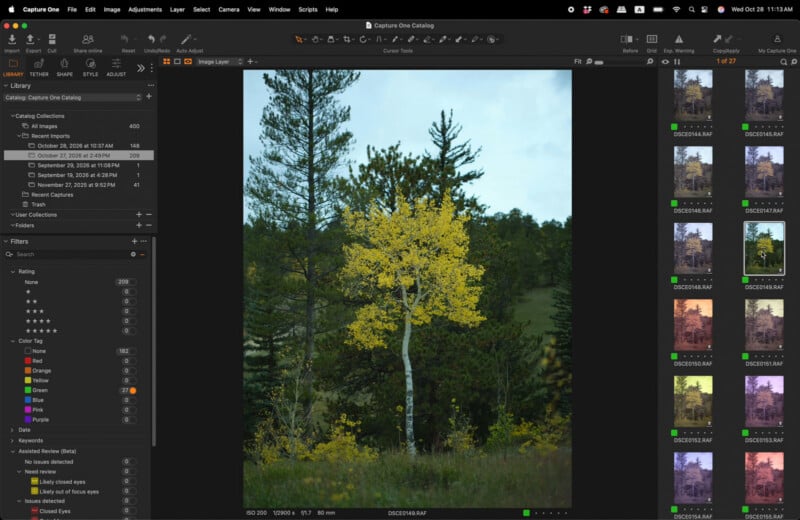
Then I rebalanced everything. Luckily with Capture One, it can drop manual color temperature all the way to 800K, which is around what others recommend for WB. Adobe only goes down to 2000K manual adjustment, so it would require extra profiles to drop below that extra CT floor. With some clouds around but a white aspen in frame, I used that tree as the focal point and eyedropped a white balance off it for every image. Rebalanced, some of the color filters showed a stark difference. The bare sensor became the baseline: yellow still popping, back branches muted, aspen white. The UV cut versions stayed close to that with only slight shifts in the greens, while the IR cut filter kept the greenery visible and let the yellow pop more, much like a regular photo.
The Channel-Swap Process
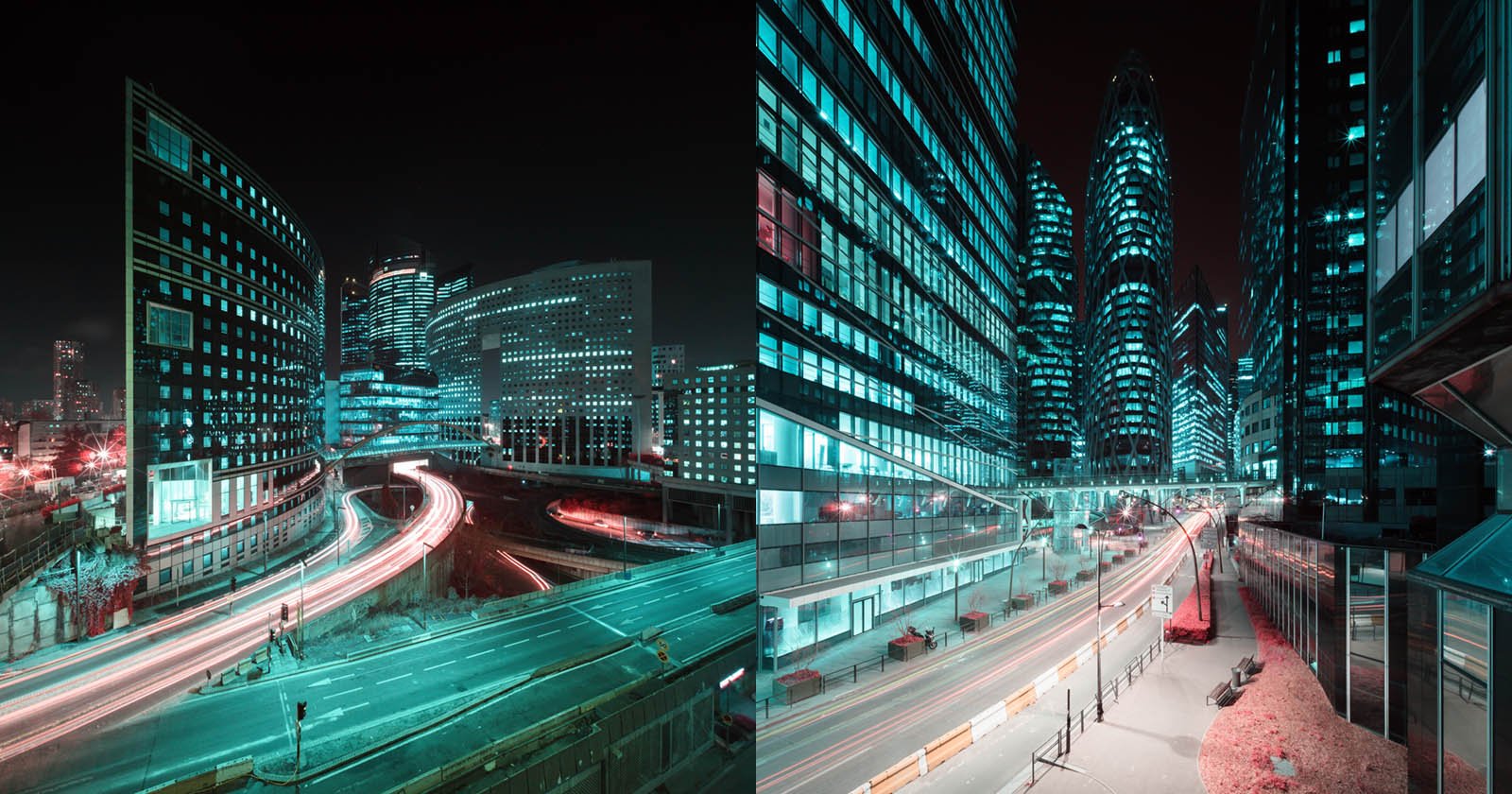
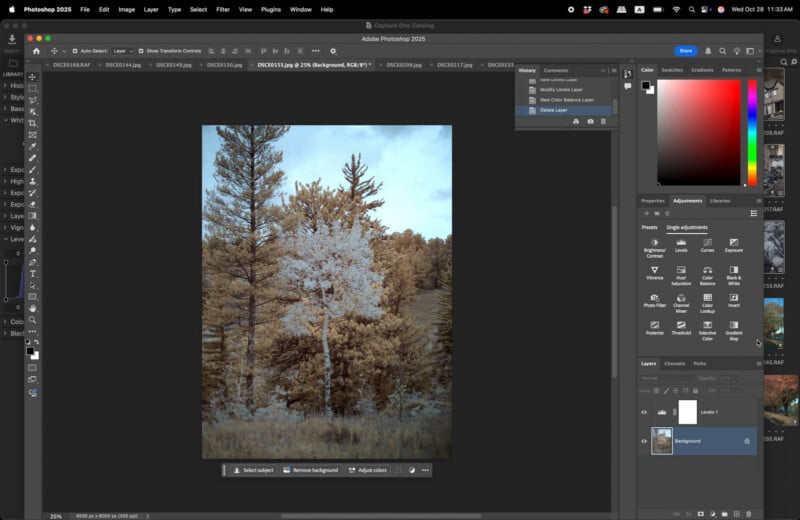
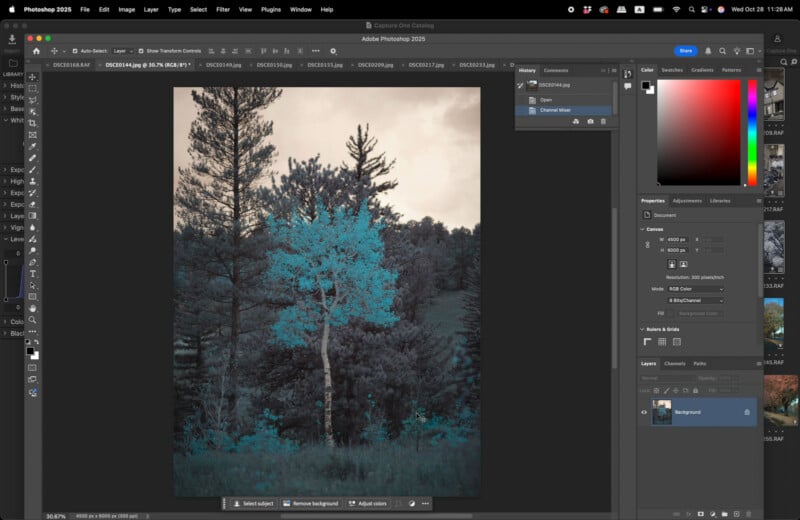
During my IR research, I kept seeing links to photographer Rob Shea, whose tutorials are excellent. The basic concept, as I understand it: balance your white to actual white in frame, or to the foliage, go into levels adjustment and trim each channel so there’s no dead space on the input, then control the output channel by channel. After that, you invert the blues and reds. Capture One can’t do that swap, so the files go into Photoshop, where you pull the red out and add blue to the red channel, then flip the blue to carry only red and zero blue. The idea is that the sky reads as a normal blue while the foliage pops out red and warm.
Since the Colorado shots weren’t captured with the IR pass filter, I wasn’t sure what I’d get. Flipping the channels gave a genuinely wild result. On the IR cut image, which already looked close to a normal photo, the flip turned it stark and intense; the closer a shot was to the visible spectrum, the wackier it looked inverted. The warm filter shots, the reds and oranges, came out closer to what I’d imagine infrared looking like, with the trees in the back really popping once I dialed up the contrast.
What the IR Pass Filter Actually Does
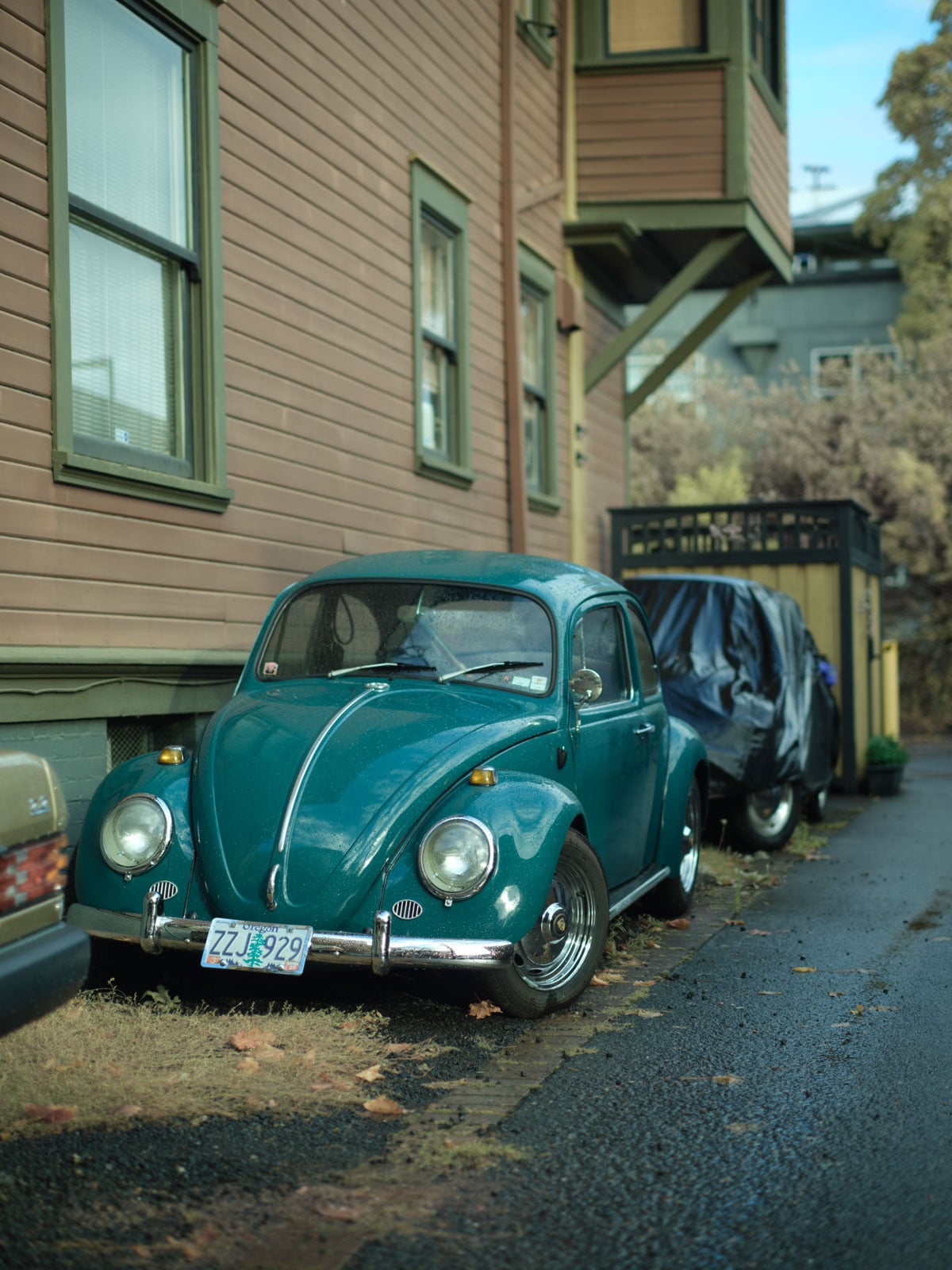
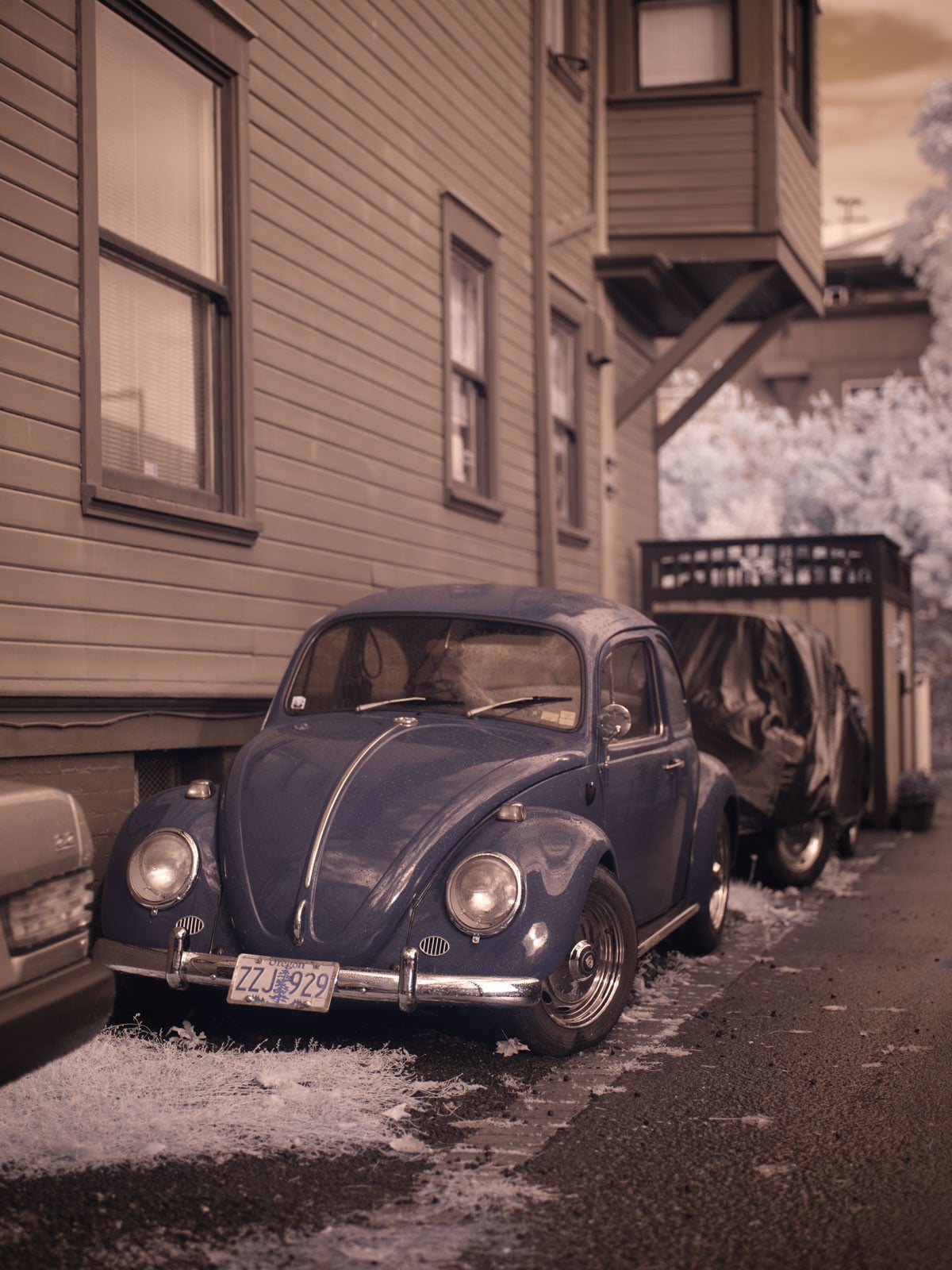
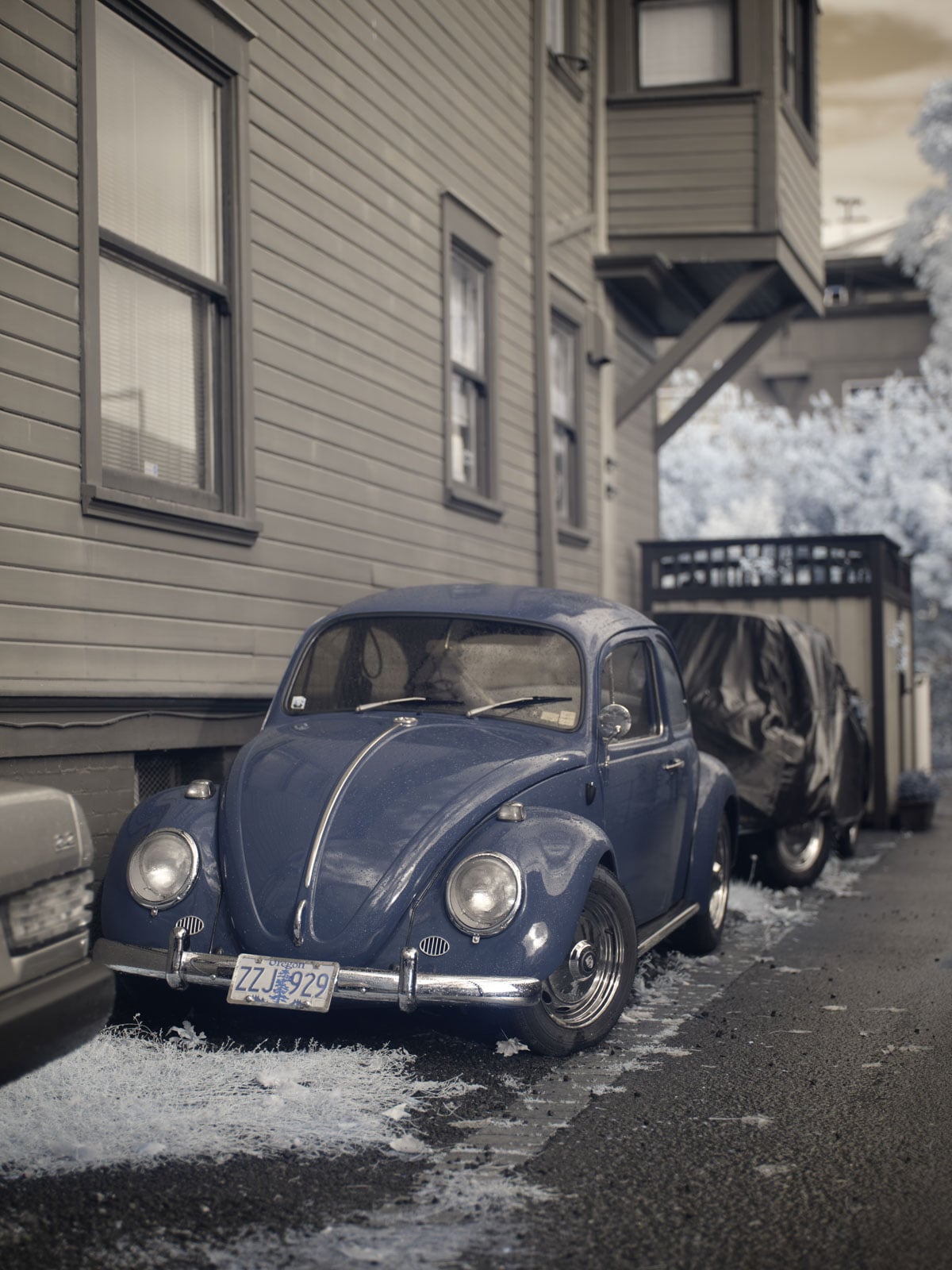
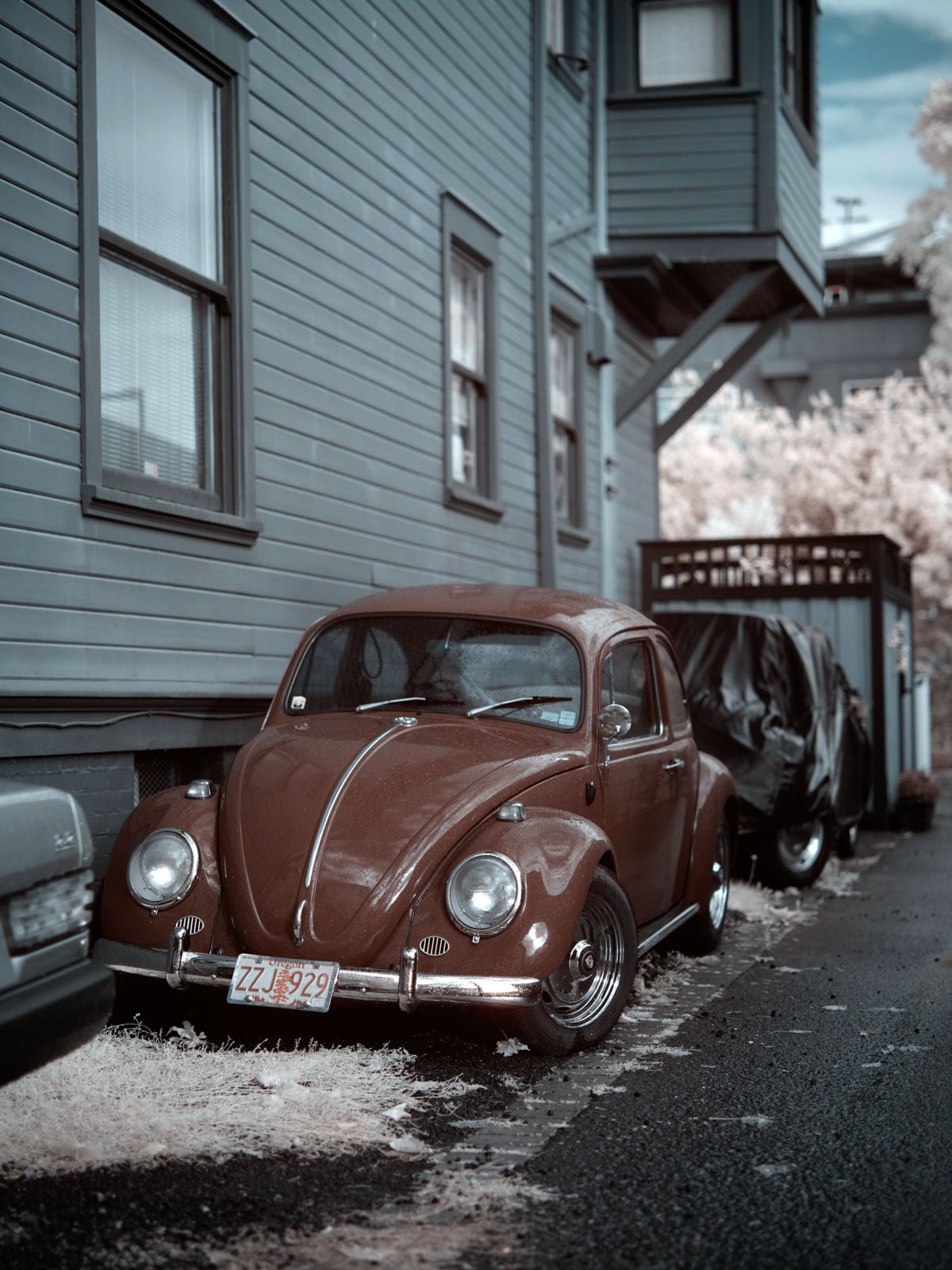
The IR pass shots were the fascinating ones – I captured each photo with and without the filter. I had balanced the WB with the filter on by pointing at a green bush to make it read neutral, though it still came out quite warm. In one example, a car turns a completely different color while the grass around it pops. In another, trees with a mix of yellow, green, red, and orange leaves become more uniform under the filter but pop harder against the surroundings, especially the sky.
Running those through the channel flip was where it clicked. I love how certain colors change dramatically under the process while others stay put. Balanced to the greenery and changing leaves, those areas hold their tone while everything around them shifts. Pushed to black and white, I think this is where infrared really shows its strength, because the eye gravitates straight to the bright leaves.
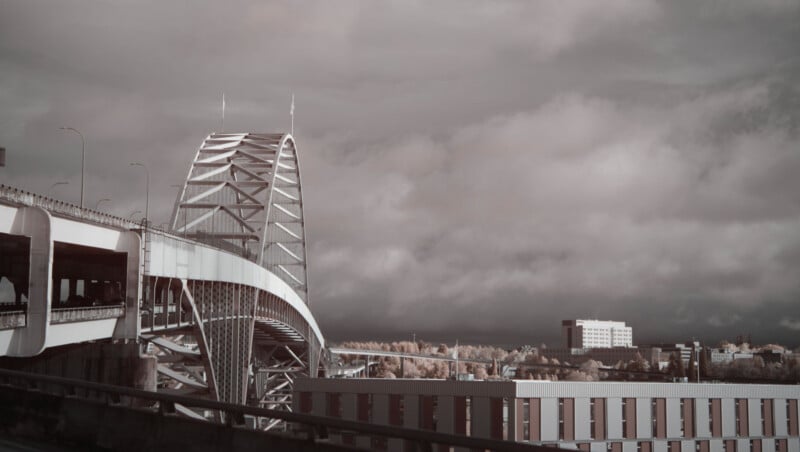
I grabbed one quick shot off a bridge while driving (don’t do that at home, but it looked too good to pass up), balanced to the white of the bridge, and the flip gave a subtle two-tone look with the trees and windows popping gently. A lot of these images settle into that halftone, two-tone feel.
The Takeaway
I kept learning as I edited this, and I definitely should have had the IR pass filter the whole time in Colorado, but you live and you learn. The results were not at all what I expected, which is exactly what makes it interesting to see how differently a camera can perceive the world than our own eyes do.
To sum up the look: the infrared sensor alone gets you cool, unique images. The full spectrum with IR added gets you something stranger still. But if you want the starkest, strongest look, put an IR pass filter on a camera like this and it gets genuinely wild. If I hang onto this camera a little longer, I’ve got more experiments planned. Stay tuned.
Affiliate Disclosure PetaPixel articles may include affiliate links; we may earn a commission if you buy through one.