DxO ViewPoint 6 Fixes Photographers’ Geometry Problems
DxO has announced ViewPoint 6, the latest version of its perspective correction software. The French software company calls ViewPoint 6 its “most precise version yet,” thanks to new AI masking technology.
“DxO Viewpoint 6 puts every element of the scene under precise geometric control, with local corrections guided by AI masks,” DxO explains.
For photographers, this means they can precisely reshape individual aspects of a scene. For example, users can correct the perspective or geometric distortion of one building independently of another.

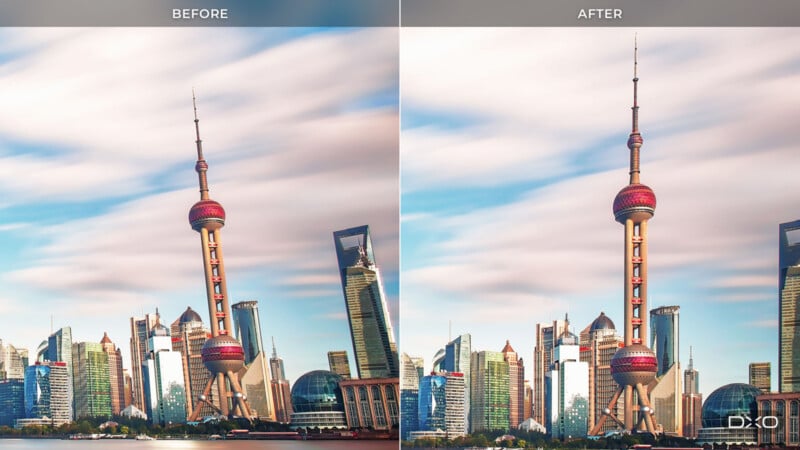
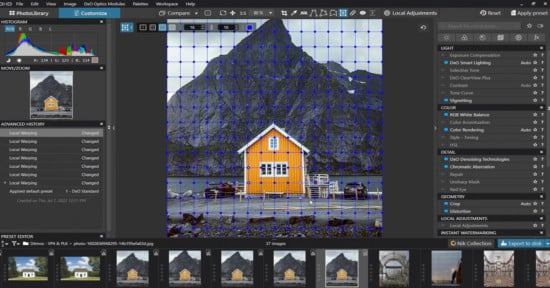
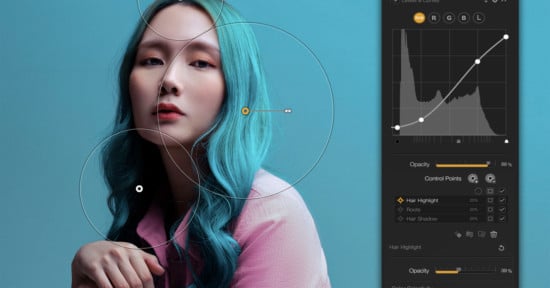
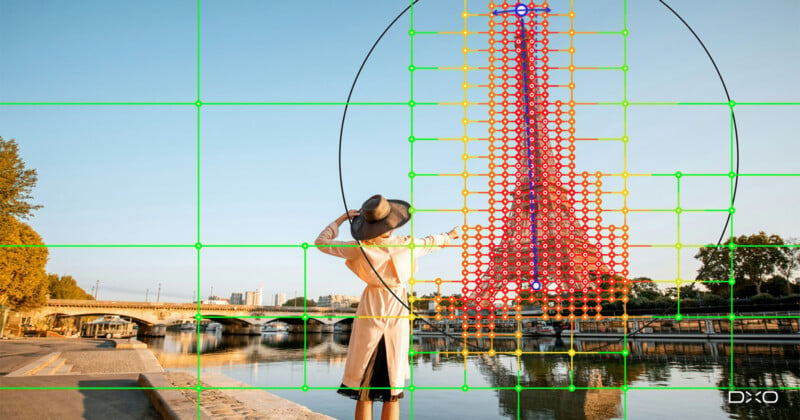
This builds upon the ReShape Fusion tool introduced in ViewPoint 5 two years ago, although new AI masking promises to make the tool significantly more powerful and useful. Instead of manually creating masks to use ReShape Fusion, the software can now build them automatically through subject analysis. ReShape Fusion can also automatically correct distortion, although users can, of course, take manual control.
“Photographers have long accepted a trade-off when correcting perspective: straighten the geometry and you can lose part of the frame,” says DxO’s VP of Product Strategy, Jean-Marc Alexia. “With AI masks in ReShape Fusion, photographers can define the element they want to work on, refine the mesh where greater precision is needed, and control how the correction transitions into the surrounding image. They are rearranging the components of the scene while preserving the framing they chose.”
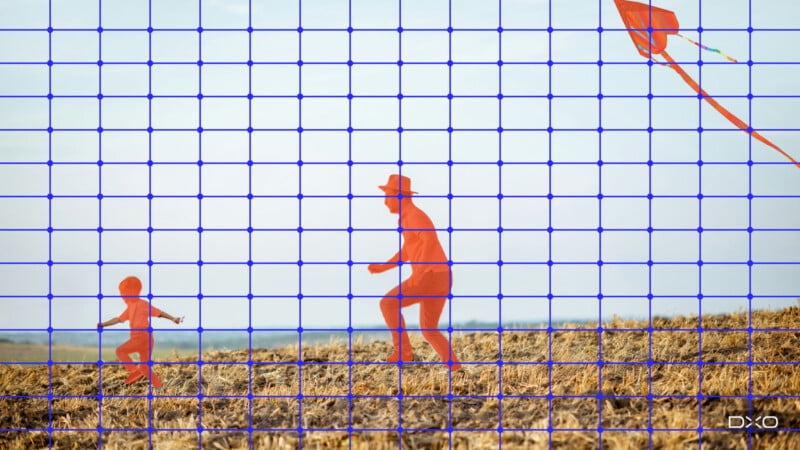
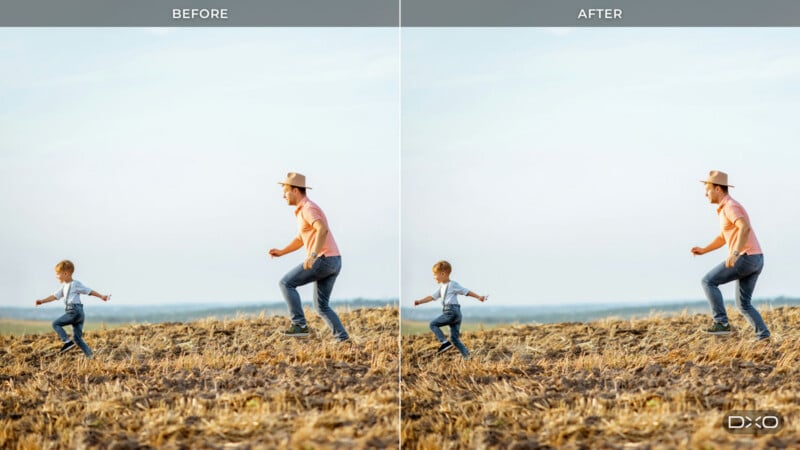
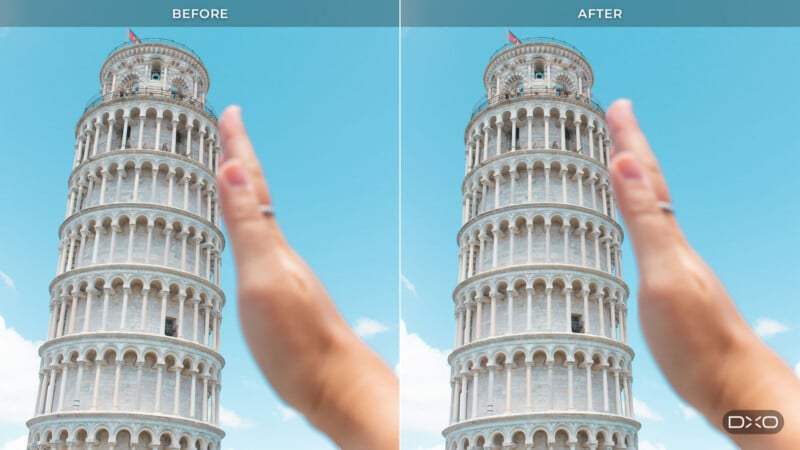
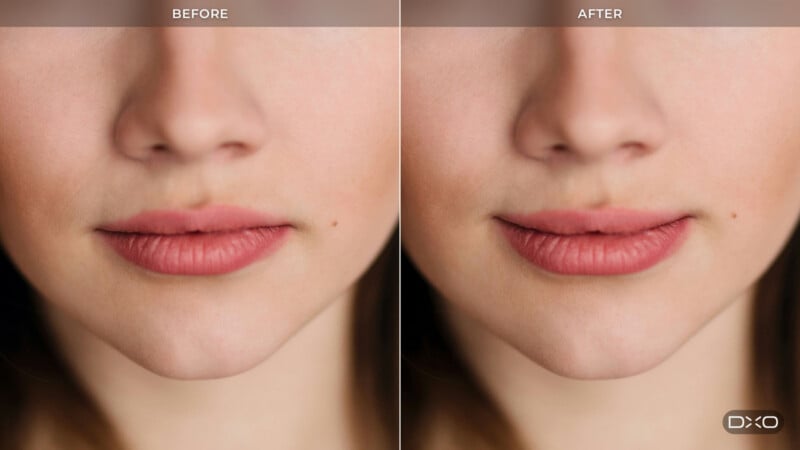
DxO offers numerous examples of when geometry problems can rear their ugly head in a photo. A building that leans because of its position relative to the photographer is common, or a building that looks wrong because the photographer had to tilt the camera up to capture it all. DxO also mentions a person in a group shot looking distorted because they are closer to the edge of the frame.
ReShape Fusion promises to fix these issues without affecting the rest of the frame, which means no more needing to crop a shot after performing perspective corrections. With traditional corrective measures, the entire image gets stretched and manipulated, which introduces blank space to maintain the same overall aspect ratio and pixel size.

“That cost has always been the trade-off. Conventional perspective tools work on the whole image: straightening converging verticals tilts the entire picture plane, the rectangle becomes a trapezoid, and recovering a rectangle means cropping. The stronger the correction, the more image area goes with it,” DxO explains.
However, ViewPoint does not create pixels from scratch. It does not generate pixels to fill in the edges. The software provides pixel-level control through a sophisticated mesh on the original image.
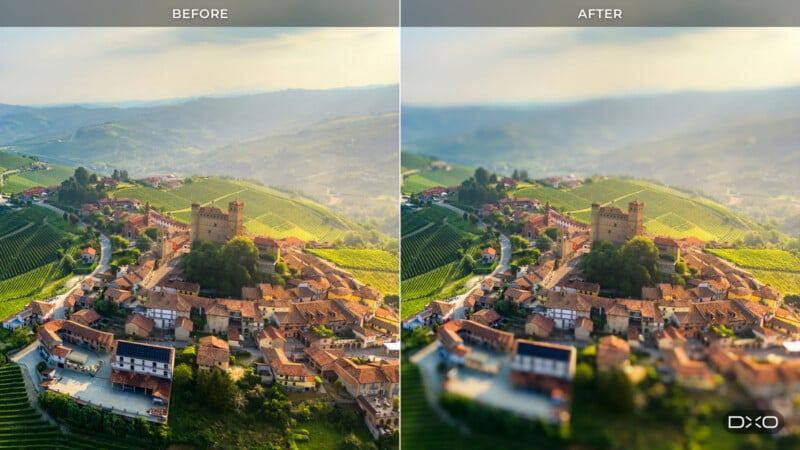
DxO says ViewPoint 6 corrects the three common, recurring geometry problems in photography. These issues, more prominent with a wide-angle lens, include converging vertical lines from a tilted camera, subjects near the edge of the frame being deformed by volume distortion, and straight lines bowing due to barrel distortion. There are also other tools, though, including horizon correction and a Miniature Effect.
DxO ViewPoint 6 works directly on RAW files, although it also supports JPEG and TIFF images. RAW files are opened using DxO’s own camera and lens profiles. The app also includes exposure and white balance corrections, but DxO’s other software is needed for robust RAW photo editing, like PhotoLab 10, which includes ViewPoint 6’s geometry tools in the Geometry palette.
ViewPoint 6 is especially useful for users who don’t use DxO’s other photo editing applications. ViewPoint 6 can be used as a standalone application or as a plugin for Adobe Lightroom Classic and Adobe Photoshop.
Pricing and Availability
DxO ViewPoint 6 is available now for $129.99 (€119.99 / £109.99) for new users or $84.99 (€74.99 / £69.99) for ViewPoint 5 owners as a discounted upgrade. A 30-day free trial is also available.
Image creditsDxO
Affiliate Disclosure PetaPixel articles may include affiliate links; we may earn a commission if you buy through one.