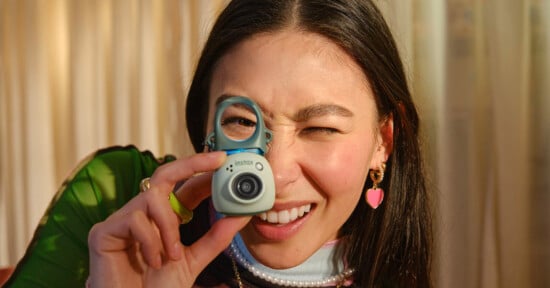
Fujifilm Instax Pal 2 Review: The Fujifilm Take on the Charmera
Taking risks is important in the camera industry. People want a unique shooting experience, and they will accept some compromises to the technical specification side of things if the payoff is fun.
The Instax Pal 2 does feel like a throw-away toy camera in some ways, but it also feels like something you would be less inclined to forget about.
Pros
- Tactile experience is enjoyable
- Color filters are varied and fun
- Built-in memory is generous
- Waist-level finder provides a unique viewpoint
- Very simple to connect to Instax printers
- The Pal app is robust
Cons
- USB-C port feels delicate
- Non removable battery
- Image quality is quite poor
- The general operation of the camera is slow
The Fujifilm Pal 2 sure looks like a fun time, but it is not what I would call an “affordable” toy camera at $169. Let’s also remember that the Fujifilm X-Half brought a lot of style, and a unique — if not extraneous — way of taking pictures, and still failed to justify its high price. The Pal 2 is banking on the success of the Reto Charmera and the risk-taking strategy of the X-Half, but it might be an exercise in frustration.
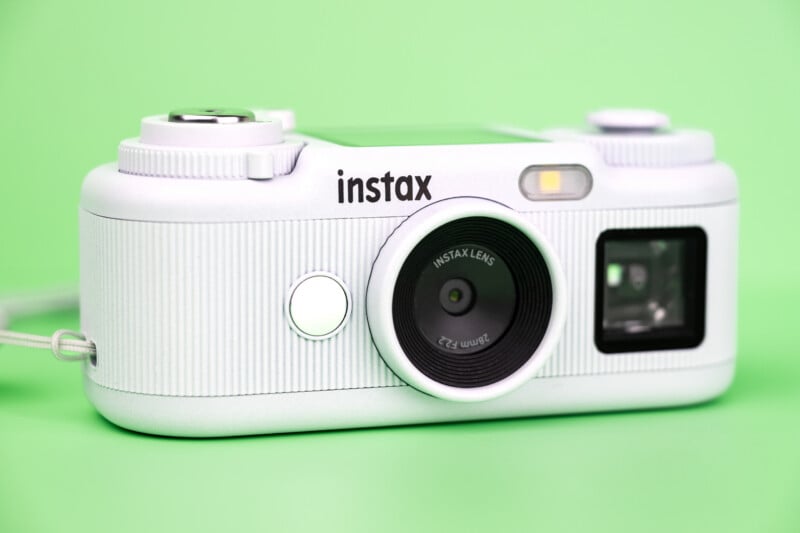
Fujifilm Instax Pal 2 Review: How It Feels
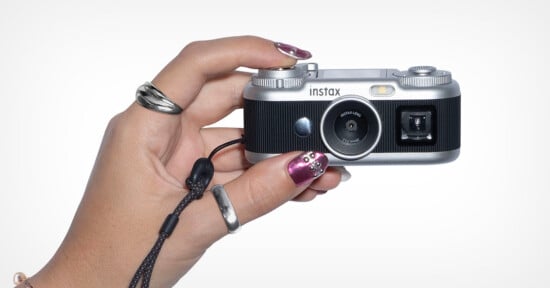
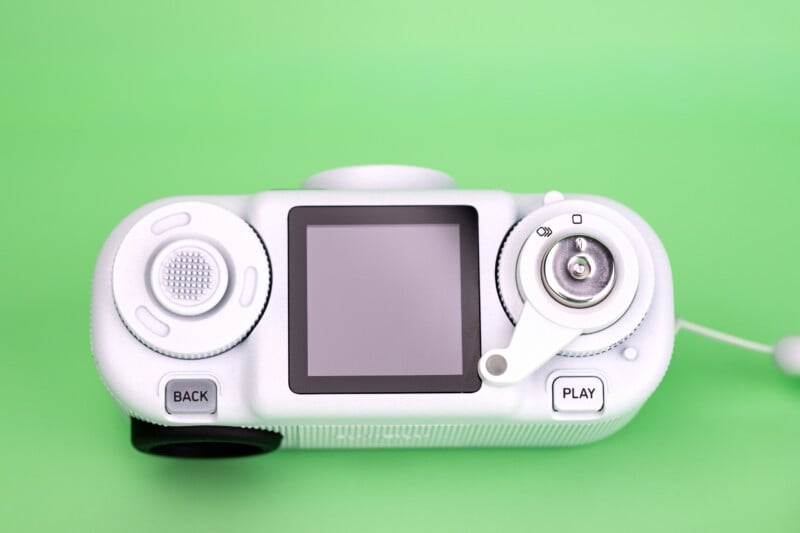
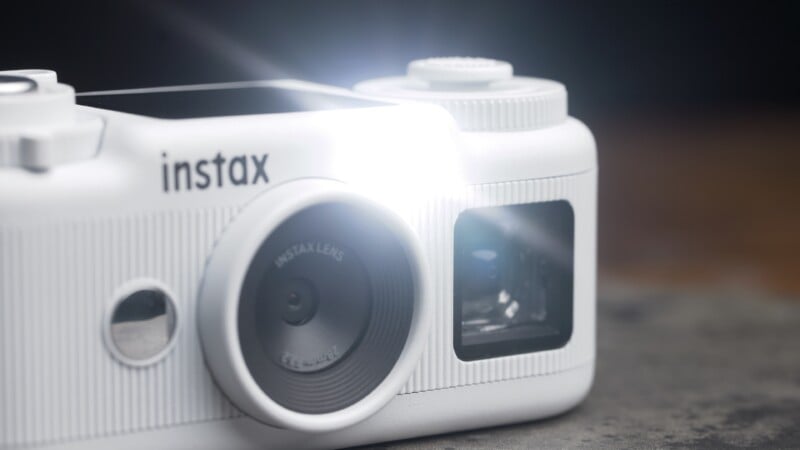
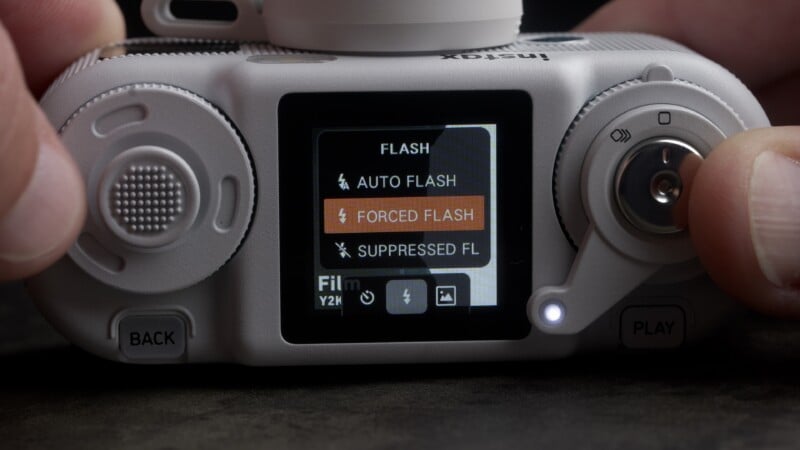
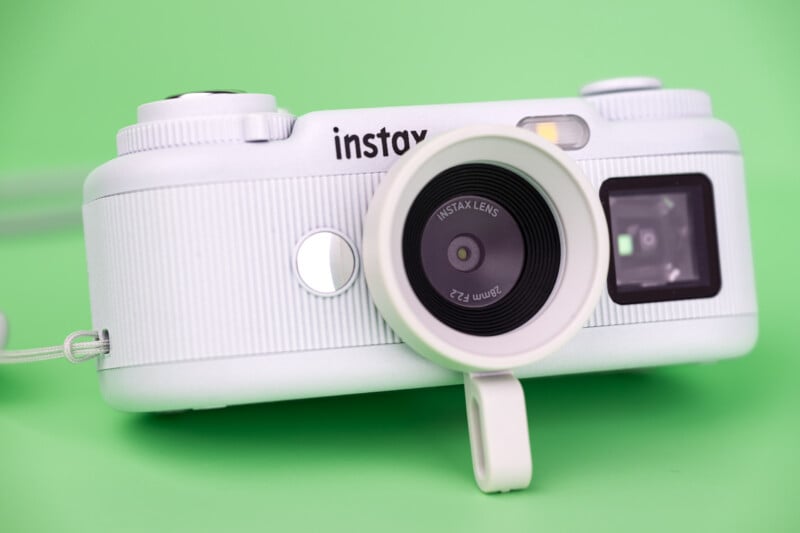
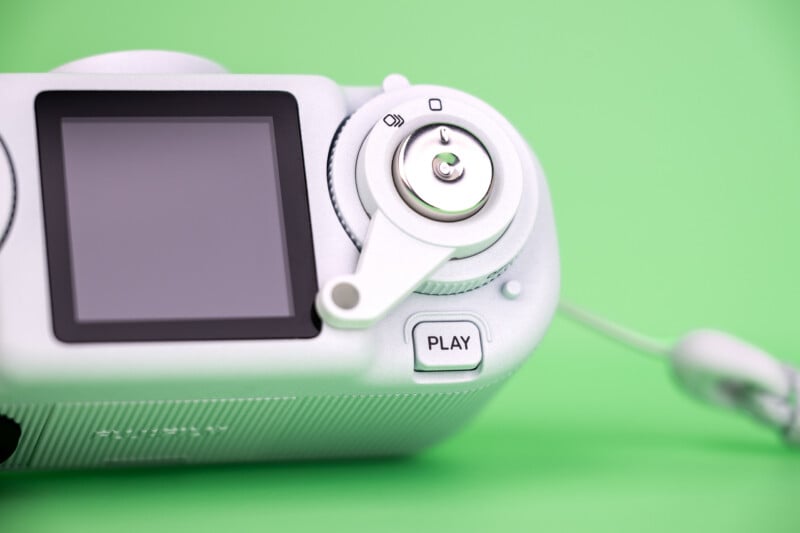
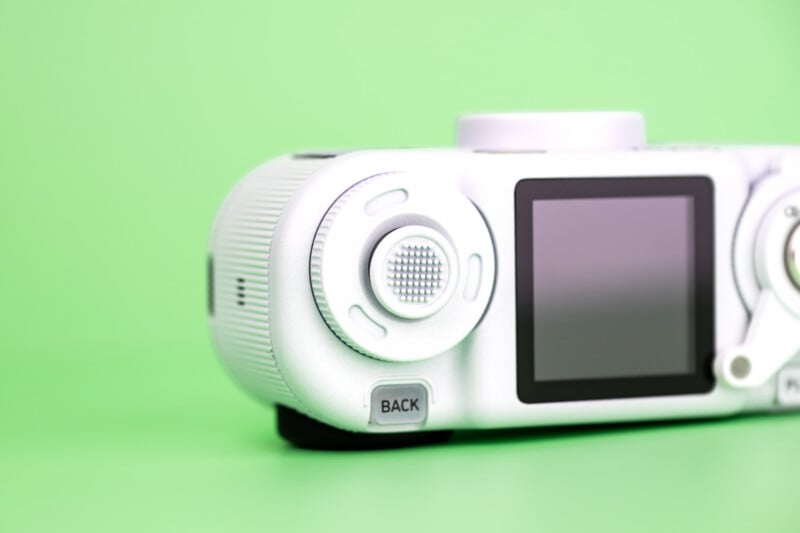
This is the fidget spinner of cameras, providing lots of things to flick and wind and so on. I like the joystick control for menu navigation, and the controls are easy to use and find for the most part. There is a rather yucky LED-based flash system and some exposure control to the camera, although it is buried deep in the menu.
A half-press of the shutter will focus the camera automatically, looking for faces, but focusing is in the center of the image otherwise. I appreciate having this true focusing system rather than a zone focus setup like you would find on the other Instax cameras.
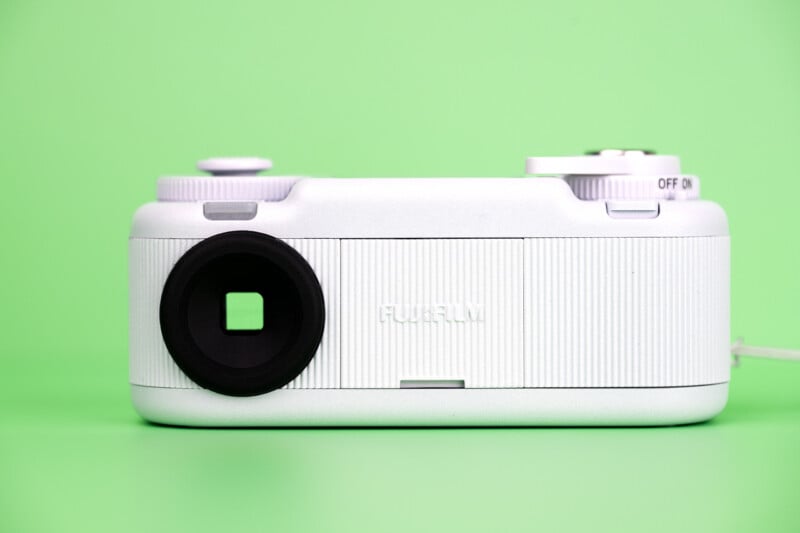
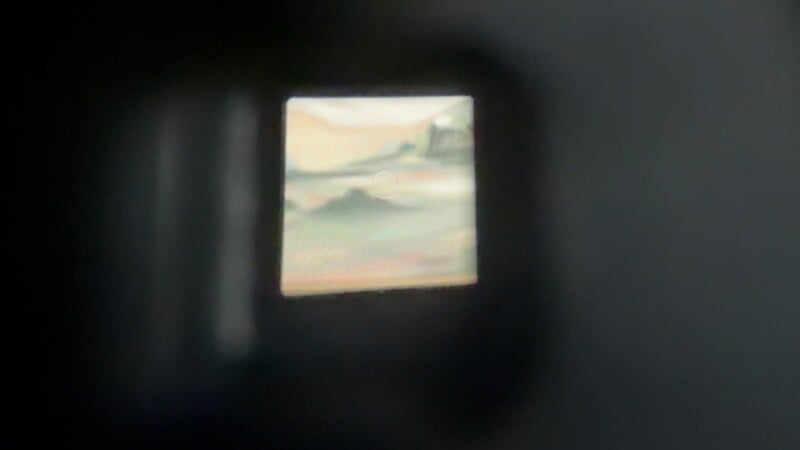
Having a waist-level setup and being able to use the camera easily in this mode is lots of fun. I really enjoy being able to see my composition and any filter effects that I am applying while looking down at the camera. Shooting through the analog viewfinder works well for framing purposes, but there is no indication of focus or whether the shot was taken, short of listening for the very subtle digital shutter sound. Either way, you have some fun options to compose your images.
Amazingly, there is a tripod mount, although you can’t set or force a slow shutter speed. You do get a standard rounded mirror for selfies and a rubber lens collar that allows you to prop the camera up on flat surfaces.
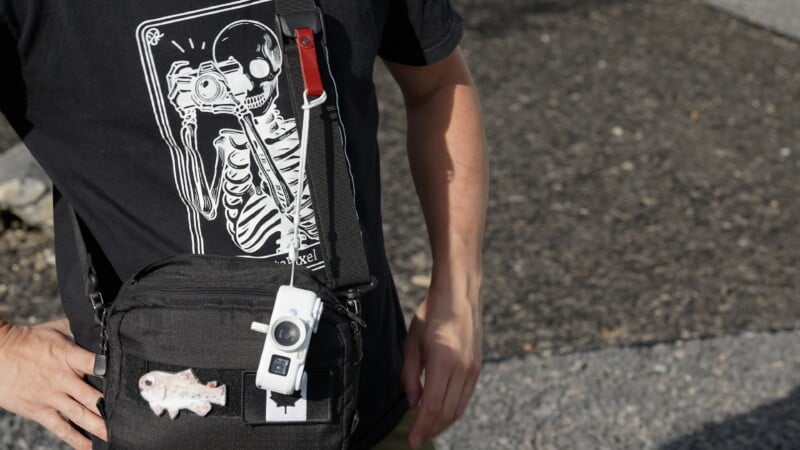
The camera itself weighs very little. At roughly three ounces (80 grams), you will hardly notice it as you wander around, or you can even hang it from your camera bag and always have access to it.
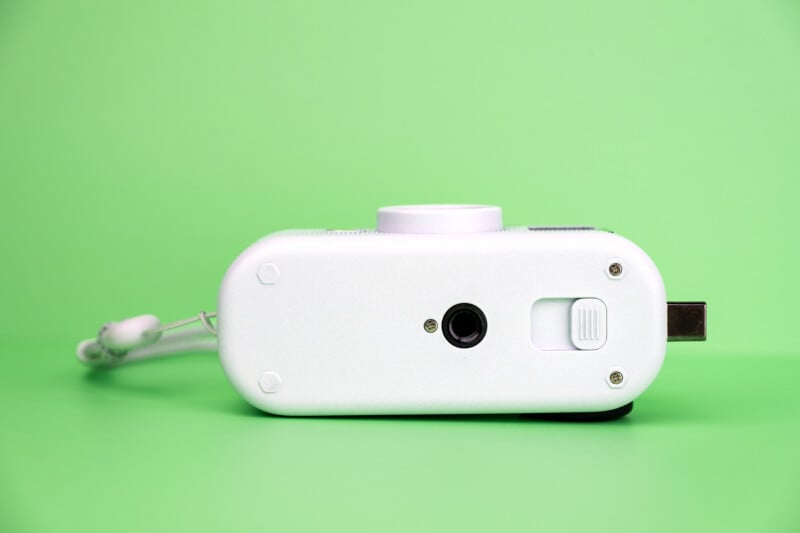
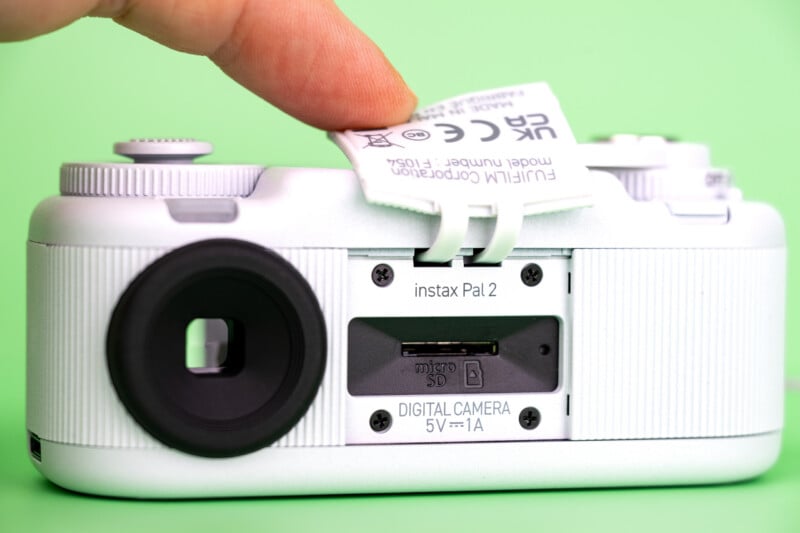
Unfortunately, the Pal 2 uses a rechargeable battery that is fixed inside the camera. I don’t love this approach as it means the battery cannot be replaced and it will likely fully die with time. The battery life is rated at around 500 shots on a full charge which is a respectable amount of shots by any measure. There is also enough onboard storage for about 100 images. This is an excellent amount, far from the three or four photos that usually come on toy cameras. You can also add a microSD card for more space or just to have the convenience of removable media.
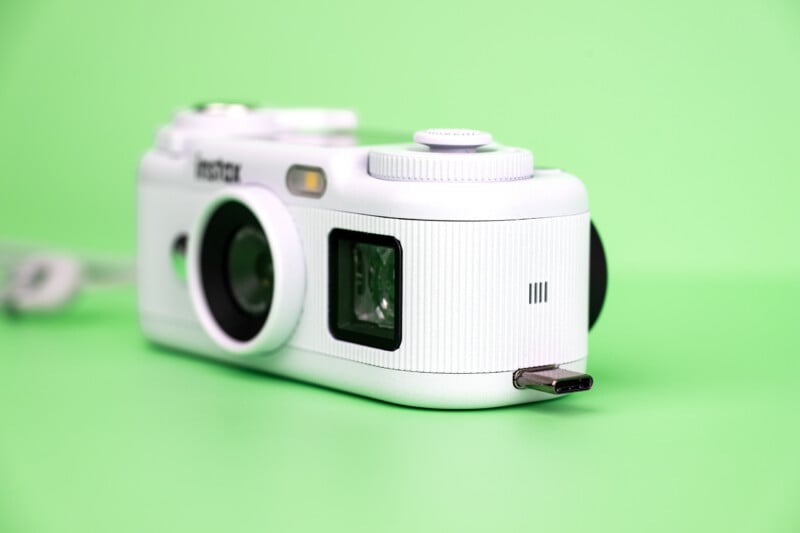
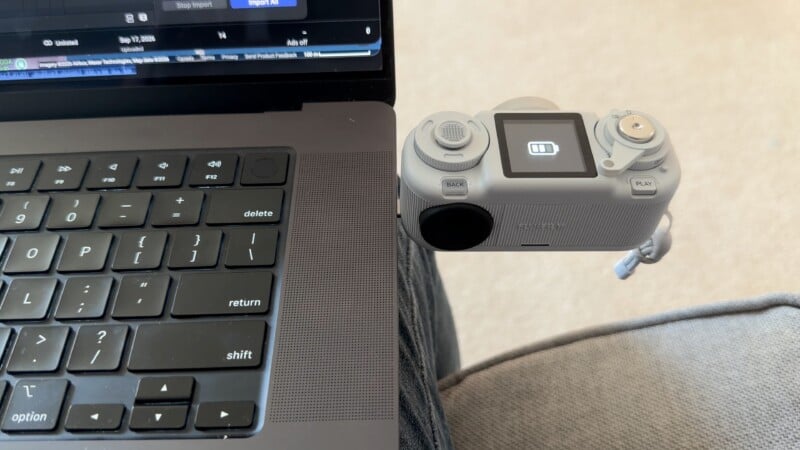
The USB-C port is taking a different approach due to the male port that extends from the camera. This lets you plug the camera directly into your smartphone, but it also means a male-to-female extension cable is a must for convenient image transfers and charging from other devices. You could, of course, plug the camera directly into a power brick or the back of your computer, but I worry about the longevity of the flimsy port.
Fujifilm Instax Pal 2 Review: How It Shoots
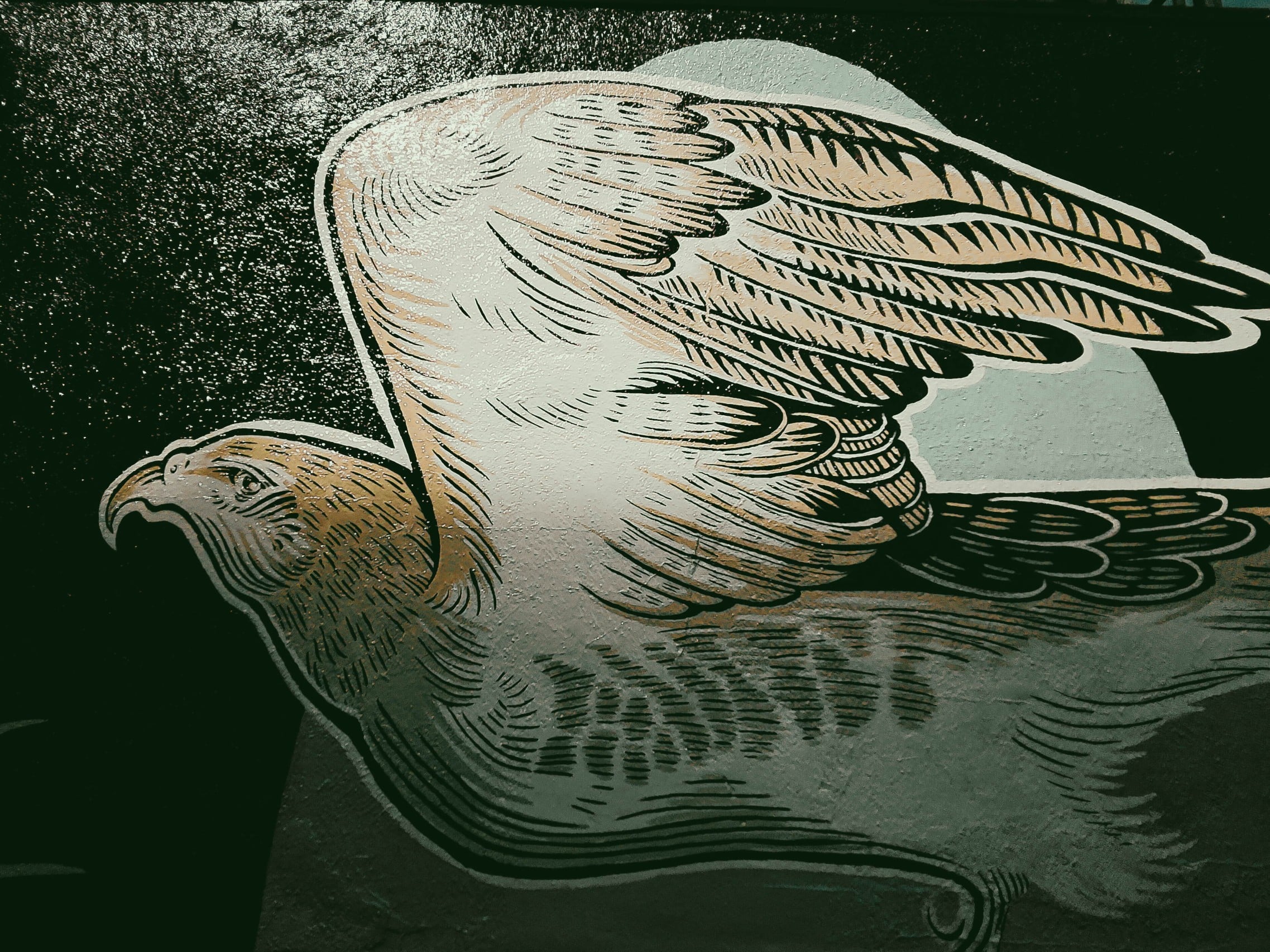
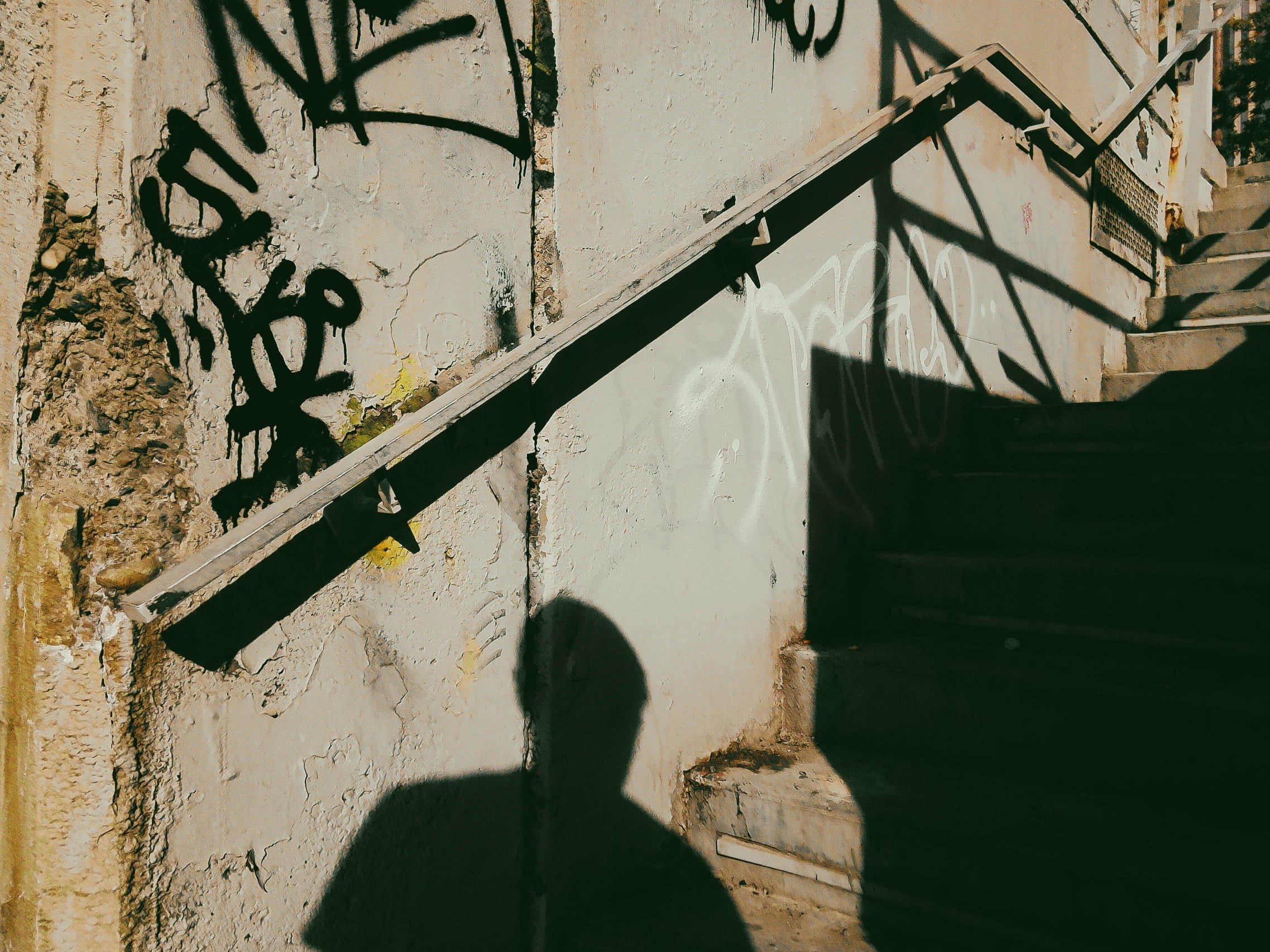
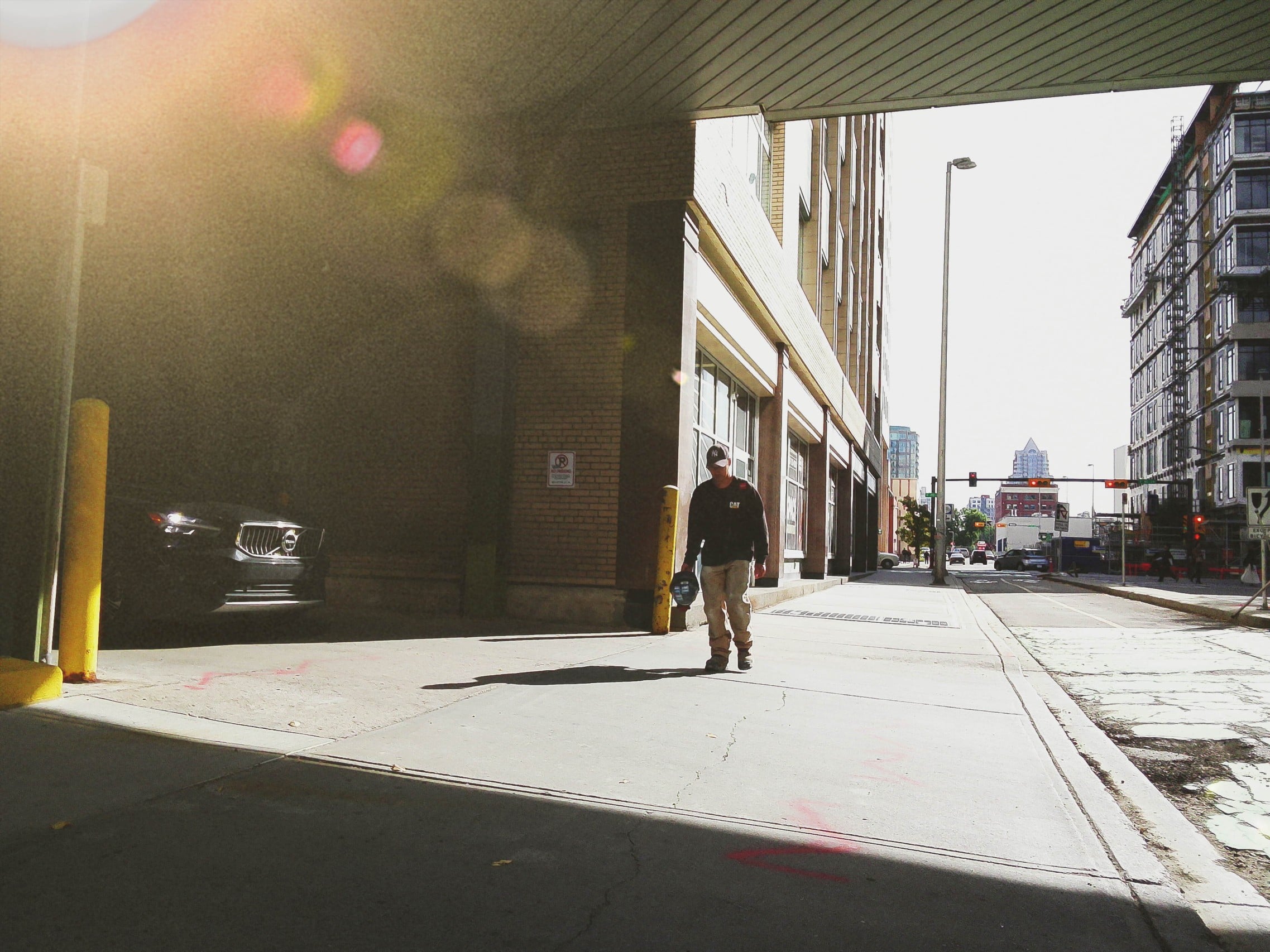
The new 10-megapixel sensor does provide more resolution than the older Pal and more than the digital hybrid cameras on the market, too. This should have opened up the possibility that the camera could be used as a walk-around device that you always have with you, but I still found the dynamic range abysmal. We have to remember that a Type 1/3.05 sensor is very small. This means a lot of overexposed highlights, black shadows, and noisy images in slightly lower light conditions. The color filters will also throw out a lot of detail in an attempt to add character, so images will tend to have an overly stylized look, rather than a realistic one.

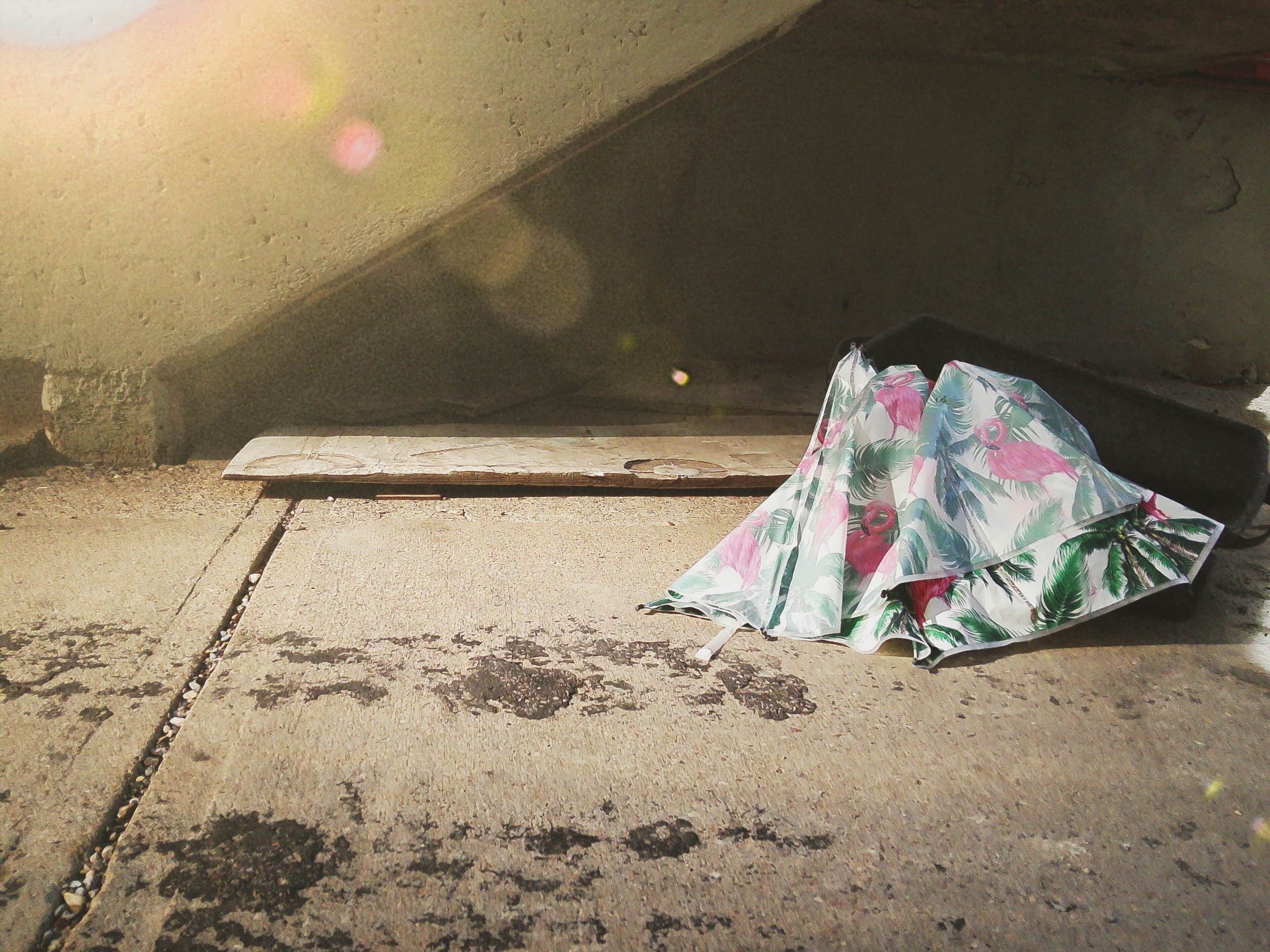
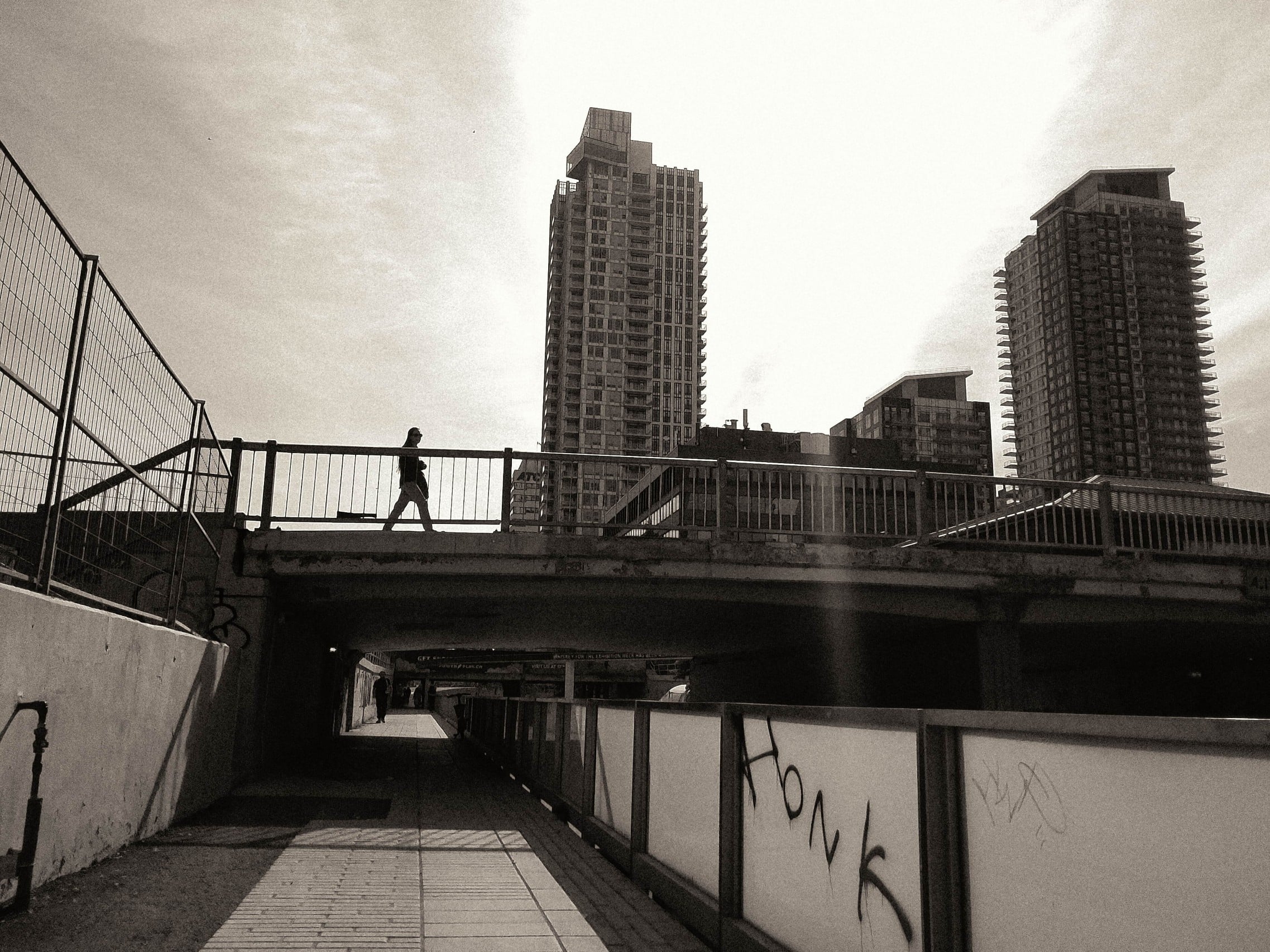
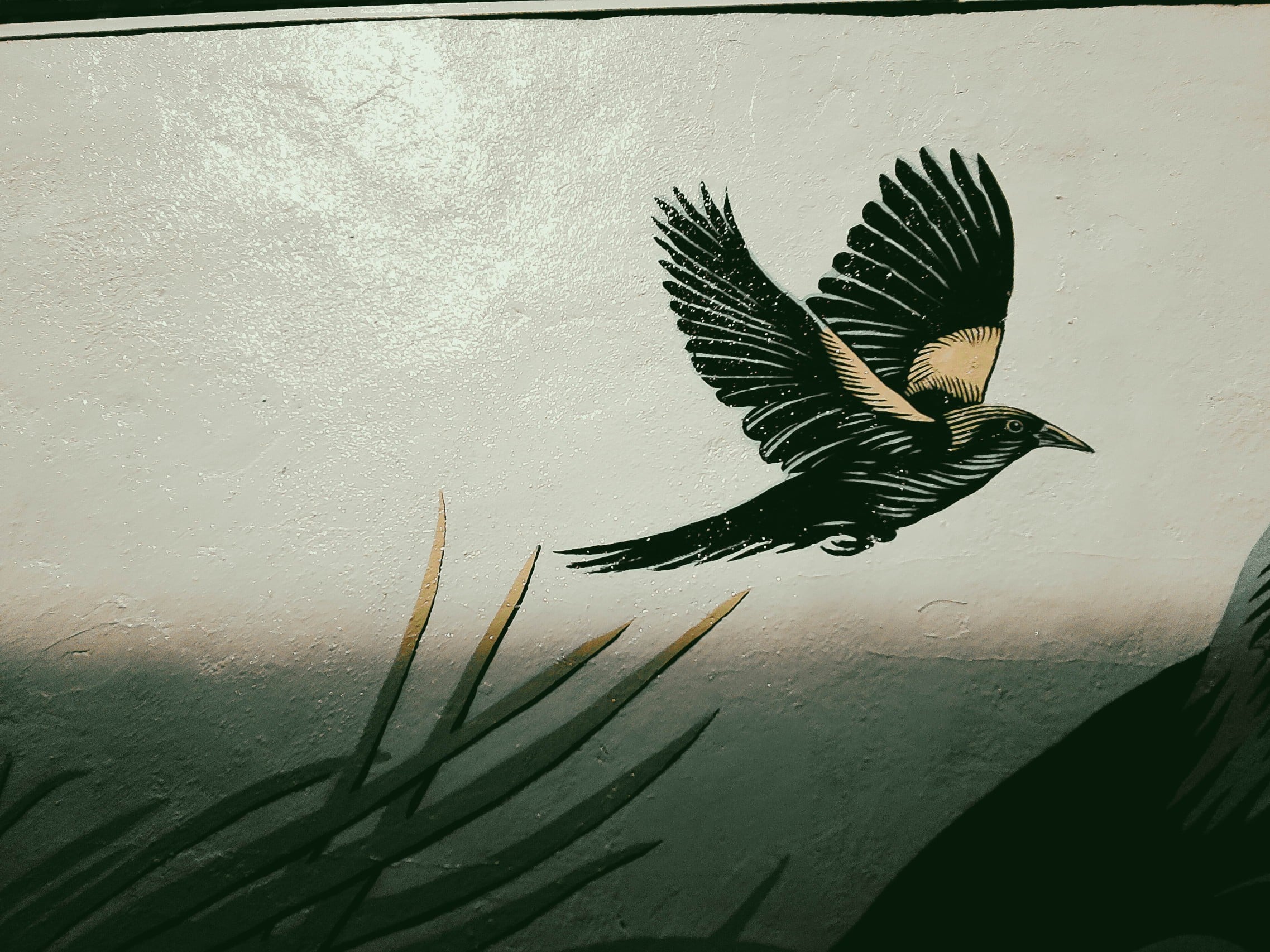
Shooting this camera in 10-megapixel mode is a pretty slow affair, with a noticeable delay getting the camera to focus and fire, and another delay before shooting again. It’s also a very slow experience to switch between color filtering modes, so don’t be in any hurry. In fact, turning the dial too quickly confuses the camera and slows things down even more.
I do like the overall variety of looks that the filters provide, and I would not be surprised if more were added in the future. I really like being able to curate my own selection of six looks and upload them to the camera via the Pal app. I was also amazed that the digital effect filters, such as light leaks or flare, seemed to change at random for each shot. This added some unexpected variety to my shots as well as an opportunity for fun experimentation.


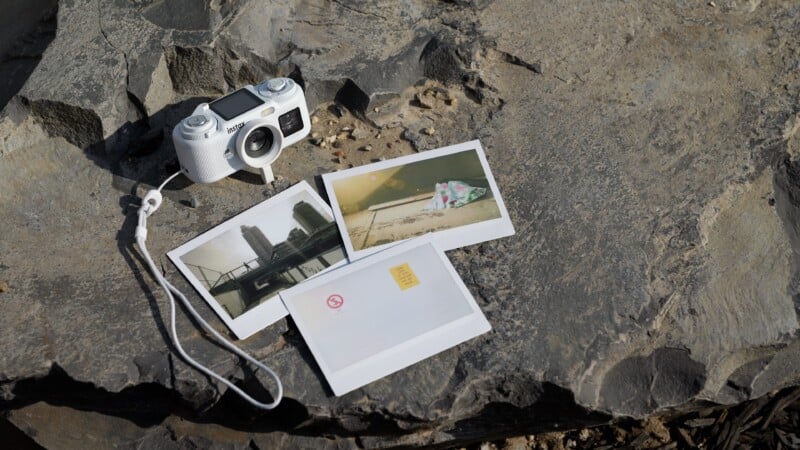
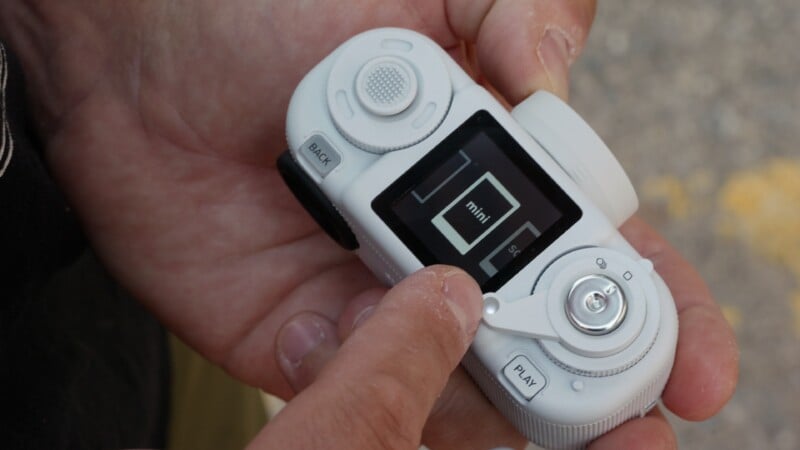
As you crank the thumb winder mechanism on the camera, you will be able to change the aspect ratio of the imagery, going from the native 4:3 frame to all the classic Instax formats. Switching to Instax Mini, Square, and Wide formats will also add a corresponding digital Instax print frame to the image. I found myself preferring to stick to a 4:3 ratio and then deciding in the app what crop factor and frame I would like to print to, but you have the freedom to take many different approaches to your final result.



Shooting in animation mode, or what I would casll burst mode, allows for up to ten quick 1-megapixel shots in sequence. You can then display these as a flipbook-style animation. You can also make animations from photos you’ve already taken via the Pal app. There really isn’t much more to the camera beyond this, though, and the Pal 2 is intentionally designed to be a fairly shallow shooting experience.
Fujifilm Instax Pal 2 Review: A Curious Camera
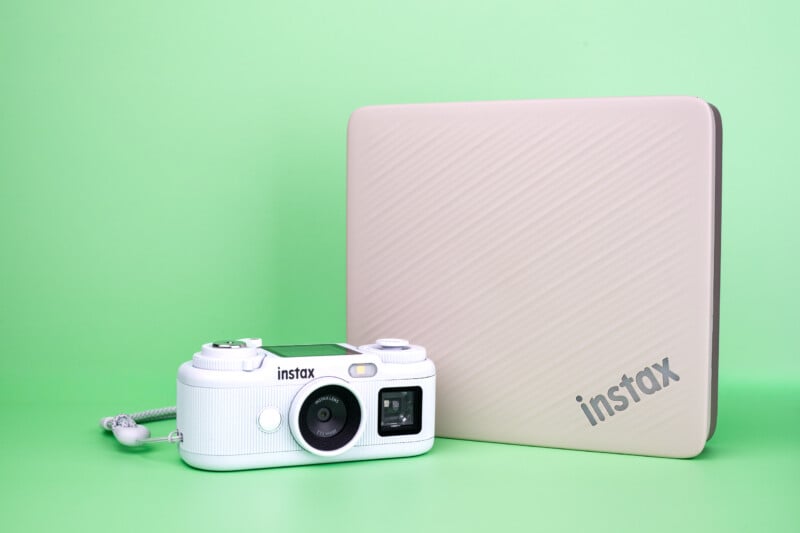
Although the Pal 2 is labeled an Instax camera, it isn’t really. Yes, Fujifilm has made it incredibly easy to connect to Instax printers and hybrid cameras in order to make prints, but you can do this with many of the Fujifilm cameras in the lineup. The Pal 2 is simply a way of capturing digital images in a fun way, but the real magic comes from the Pal app. You have access to different frames and aspect ratios, and you can place your digital photos in digital Instax frames when sharing them online. The Pal app will facilitate all the downloading of images and also the uploading of color profiles.



There is a fairly robust editing system where you can change the options above, but you can crop images, rotate files, change contrast and exposure, and more. You can also throw on some stickers and emojis, or add the date and time, and share these edited images with your friends on the app or with an analog print.
Fujifilm has a good command of how to make connectivity enjoyable, and the Pal 2 is a great example of this. In fact, my main issue with using the camera is that the connectivity is the only thing fast about the experience. Everything about the image capture process is quite slow, and this takes some of the fun out of the experience for me. I think the way to look at the Pal 2 experience is to think of it as a more powerful Charmera camera. The image quality, handling, color modes, and capabilities are better. The charm of having a hanging camera with you everywhere is also intact. However, the $169 price tag is also much higher. If you have a Kodak Charmera and wish it could do more in terms of picture quality, plus be able to make full use of the Instax line of printers, you’ll love this thing.
Are There Alternatives?
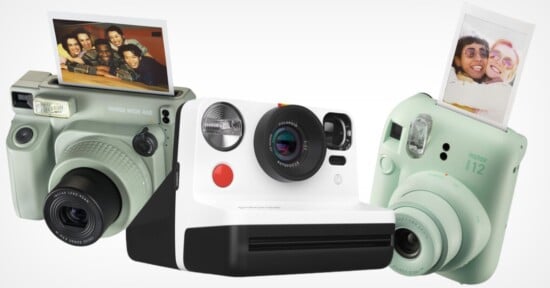
The Kodak Charmera by Reto is the obvious inspiration for the Pal 2. However, it is a far more basic and affordable experience. The Pal 2 does feel like a throw-away toy camera in some ways, but it also feels like something you would be less inclined to forget about. Otherwise, look to a more capable used point and shoot digital camera if you want better images and don’t need the Instax connectivity.
Should You Buy It?
Maybe. The Pal 2 is too expensive to be a casual choice made on a whim. If you want a Charmera-like camera that can bring the fun of sharing Instax prints to the table, this is guaranteed fun. If you only want a basic point and shoot camera, or a more serious picture taker look elsewhere.
Affiliate Disclosure PetaPixel articles may include affiliate links; we may earn a commission if you buy through one.