Imagen Adds Full Manual RAW Editing to Its AI-Assisted Photo Workspace
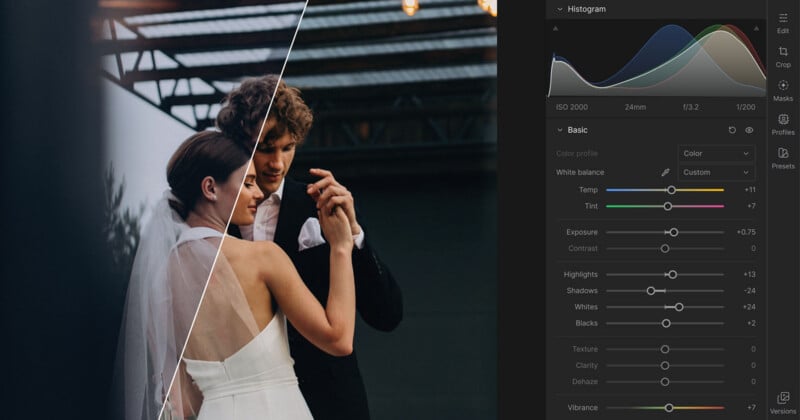
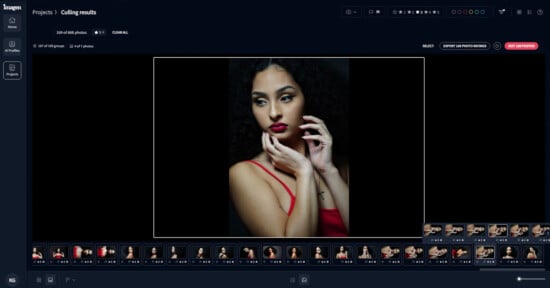
Imagen has launched a brand new post-production workspace, Intelligent Studio, that promises to adapt to a photographer’s individual workflow. Photographers can cull and edit in any order they want, rather than the industry standard cull, edit, and deliver.
With Intelligent Studio, Imagen is bringing a full manual RAW editing workspace into its platform for the first time. Photographers can edit both JPEG and RAW files with what Imagen describes as “the same range of manual control they’d expect from a dedicated editing program.” This includes controls over tone, color, detail, lens corrections, and creative effects.

As Imagen notes, this isn’t necessarily a replacement for Adobe Lightroom, since Intelligent Studio can coexist with existing photo editing and management workflows. The idea is to offer photographers another option, and one that utilizes a customized AI profile to speed up their workflow.
Imagen’s new Assistant promises to do a lot. Photographers can instruct their AI Assistant using plain language to find specific photos and edit them in a tailor-made way. For example, users can create duplicates and convert one file to black and white, adjust just the highlights or specific colors on selected subjects across a selection of photos, adjust a particular color tone on all images shot in a particular area, and more.
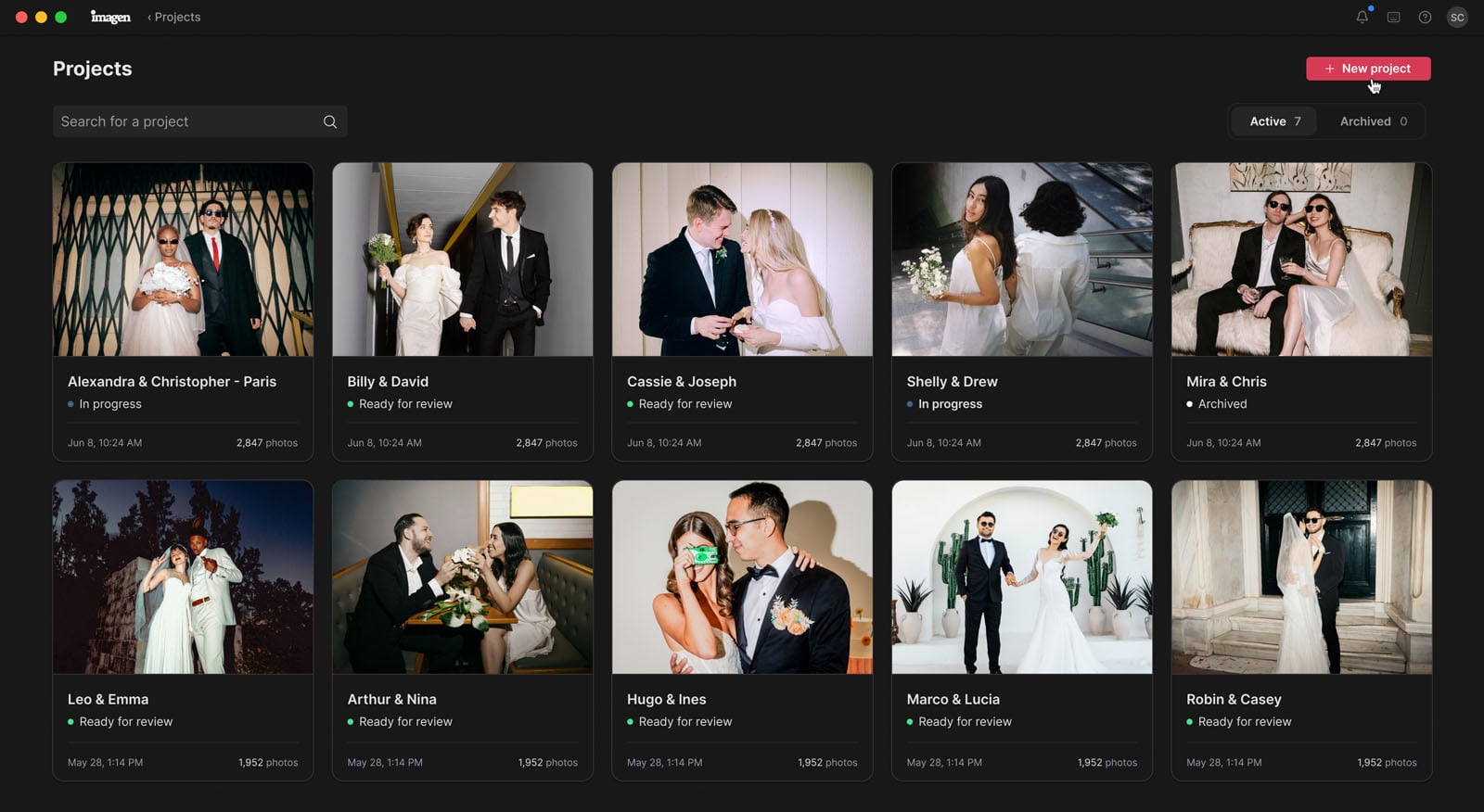
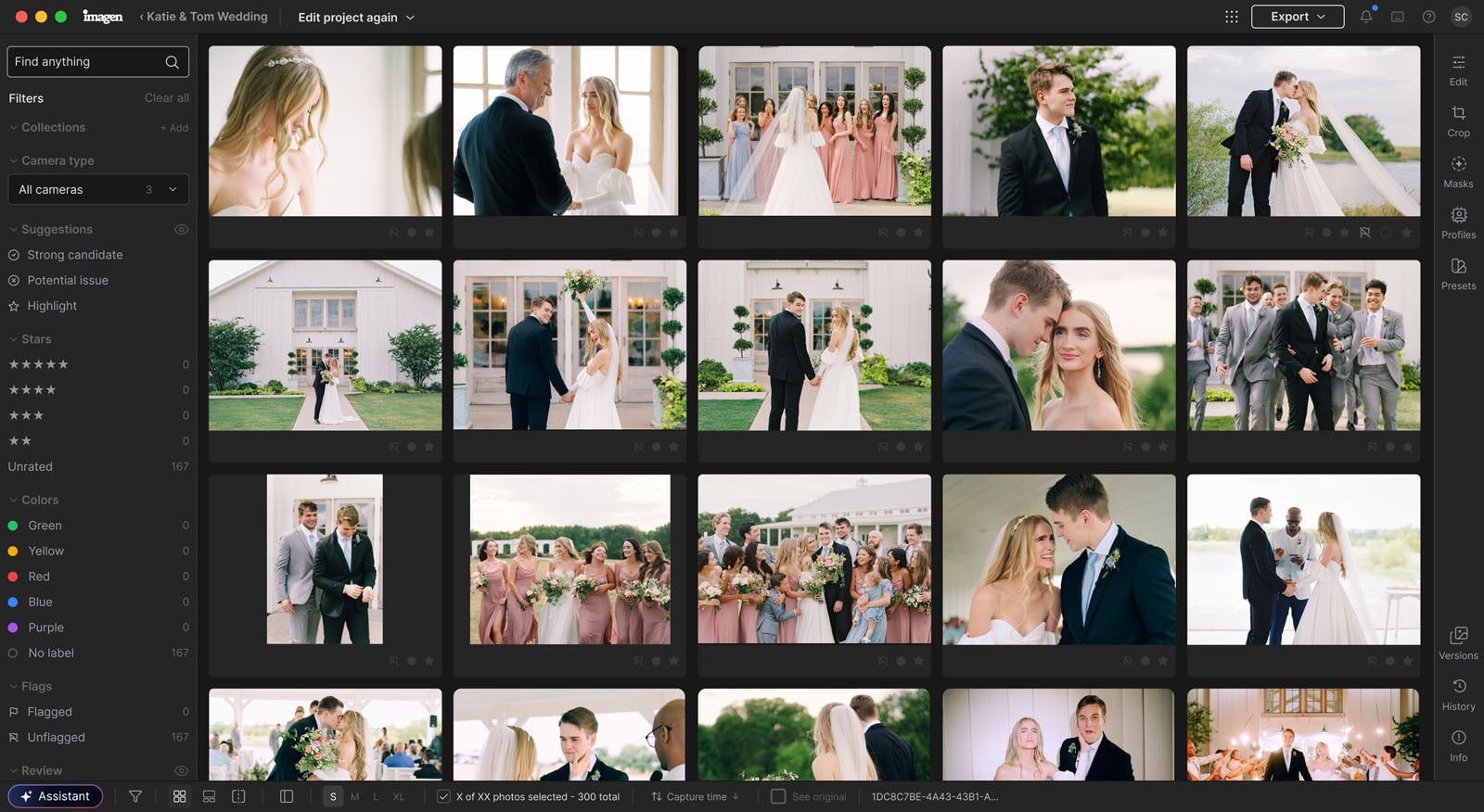
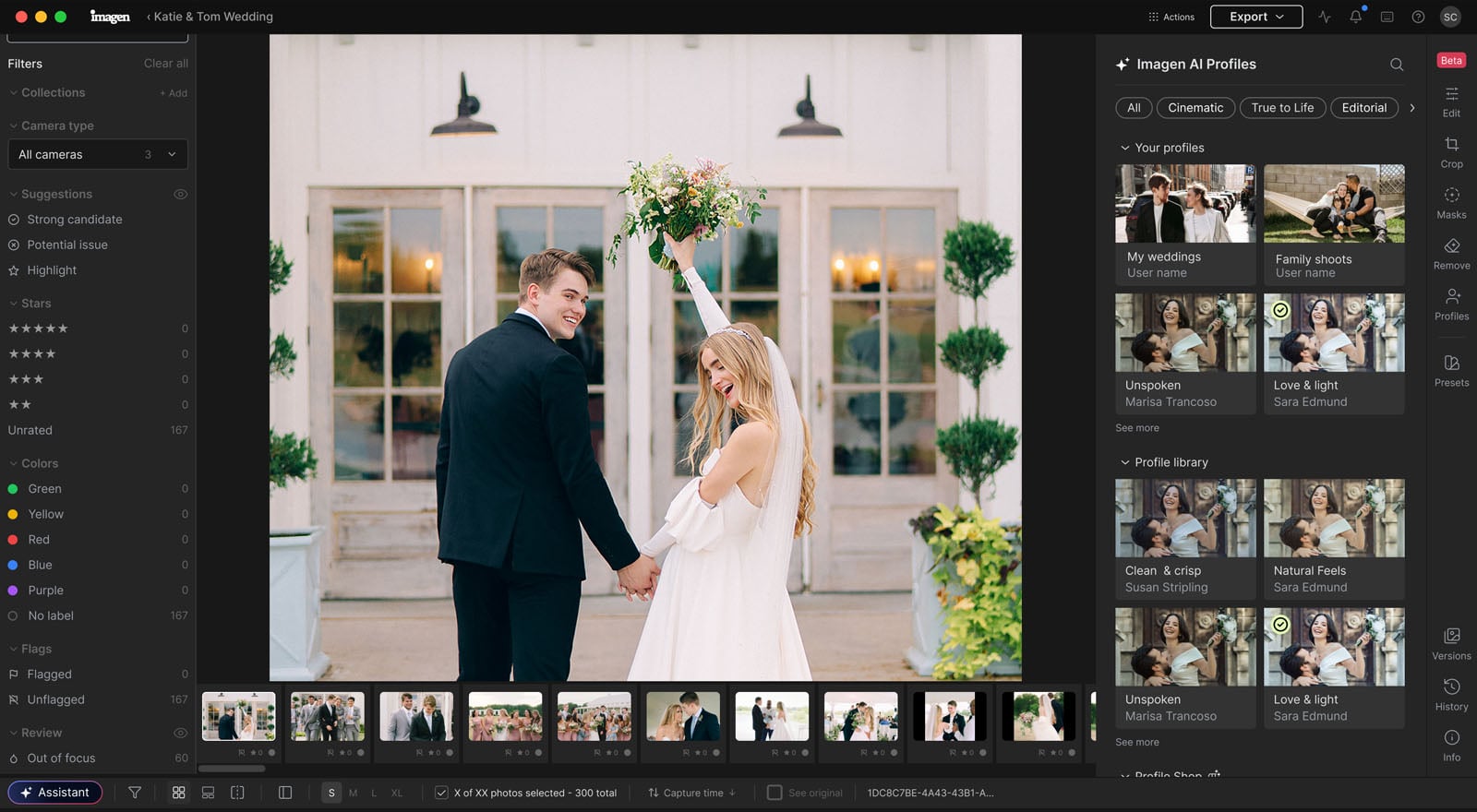
The idea is to use AI to shorten the pathway from capture to delivery without removing manual control. Imagen notes that photographers can decide for themselves how much they want to rely on AI, whether it’s just for making a quick first pass of image selects and applying very basic, custom image edits or effectively handling everything. The more that a photographer edits their images manually, the smarter the AI gets.
“Photographers don’t all work the same way, and we don’t think their software should expect them to,” says Yotam Gil, co-founder and CEO of Imagen.
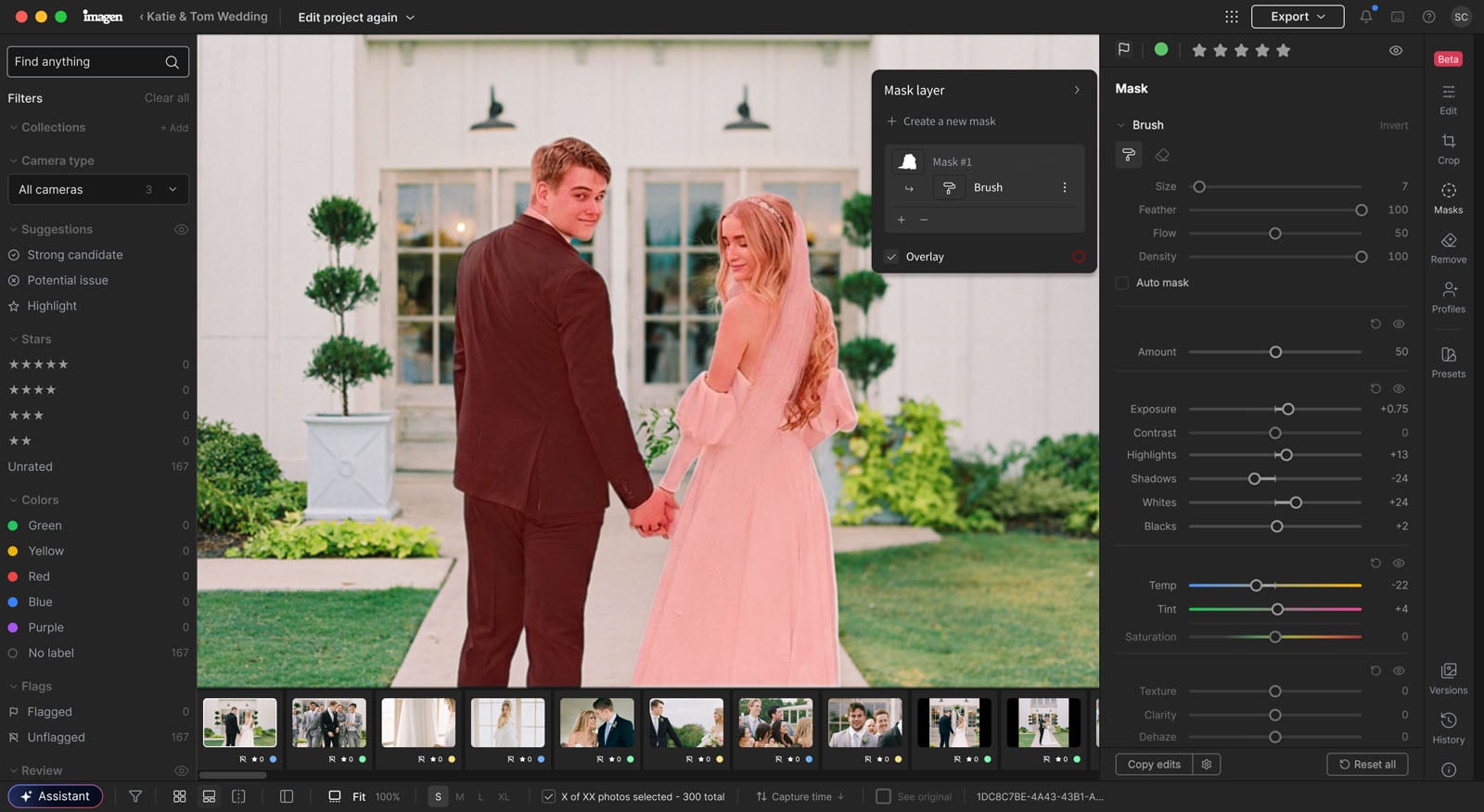
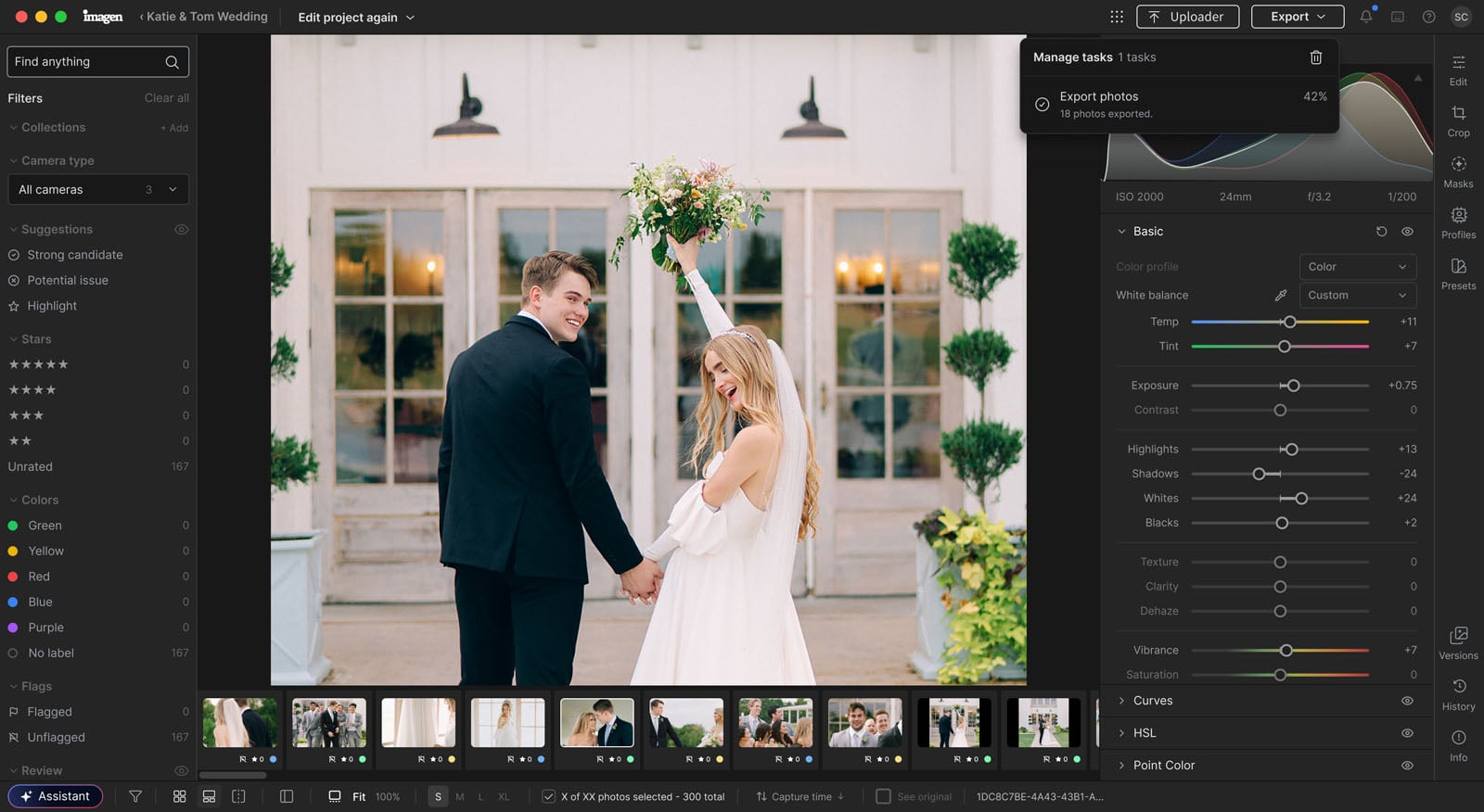
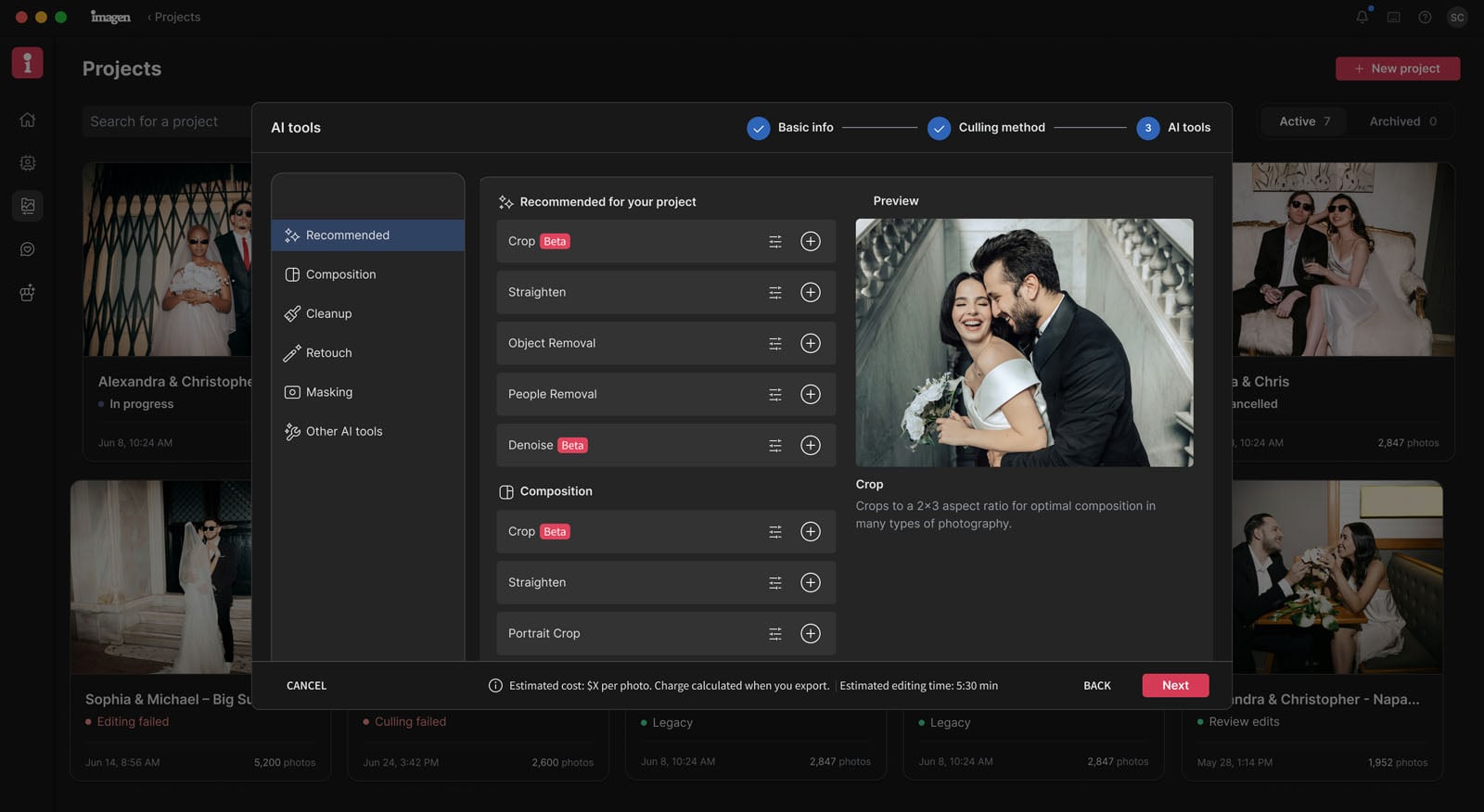
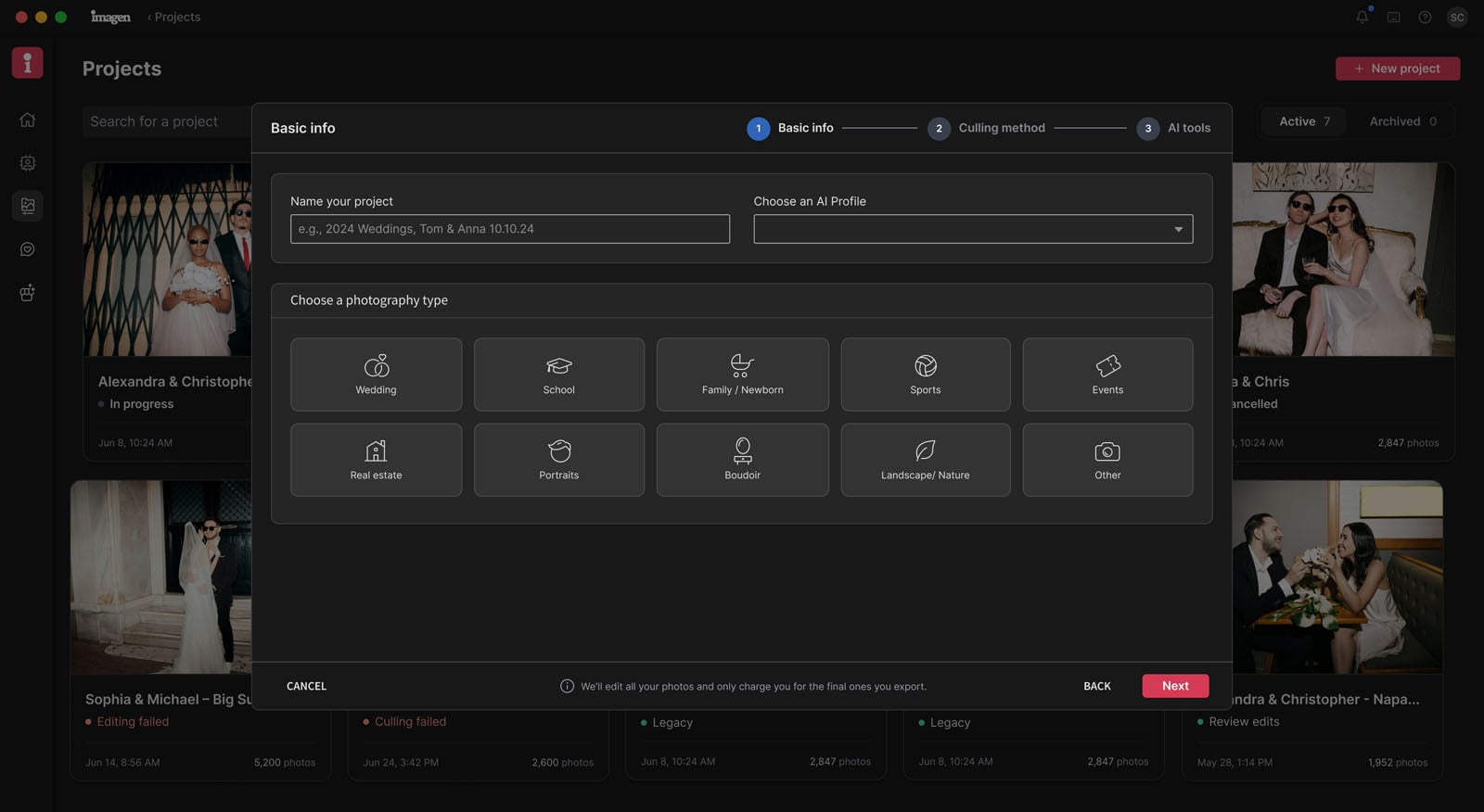
“Imagen gives photographers the tools to build the process that works for them. They decide what they want to do themselves, where AI can help, and how the final work should look. Our job is to give them more control over that process, not define it for them,” Gil continues.
Pricing and Availability
Imagen is offering two ways for photographers to access Imagen Studio. There’s a pay-as-you-go plan that starts at $7 monthly with usage-based additional charges. Pay-as-you-go customers pay for images they ultimately export, not individual actions inside the software. It starts at $0.05 per finished, exported photo.
There’s also a Limitless plan with a flat monthly rate for photographers who prefer not to worry about individual usage charges. It is $129 per month when billed annually.
Complete pricing and purchasing info is available on Imagen’s website.
Image creditsImagen
Affiliate Disclosure PetaPixel articles may include affiliate links; we may earn a commission if you buy through one.