BorderTool Pro Brings High-End Digital Framing to the macOS Menu Bar
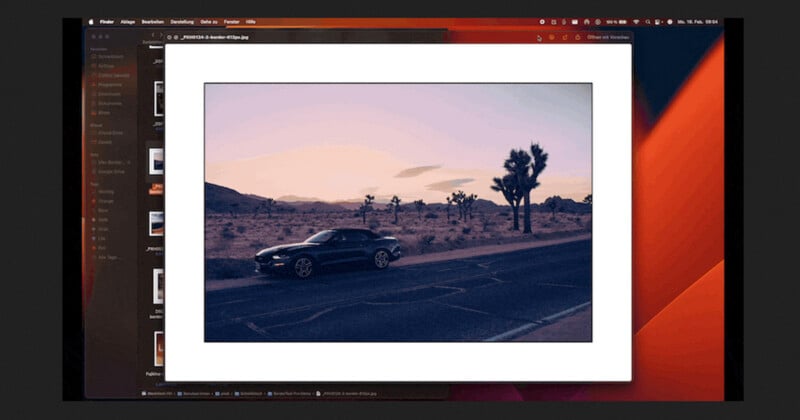
BorderTool Pro is a new macOS utility developed by Michael Damböck, a Fujifilm X Photographer, to streamline some of the more repetitive steps in a photographer’s workflow: adding borders, mats, and presentation-ready finishing touches to exported images. Built as a native menu-bar application, BorderTool Pro focuses on speed, batch processing, and preserving file integrity without requiring a full-fledged image editor.
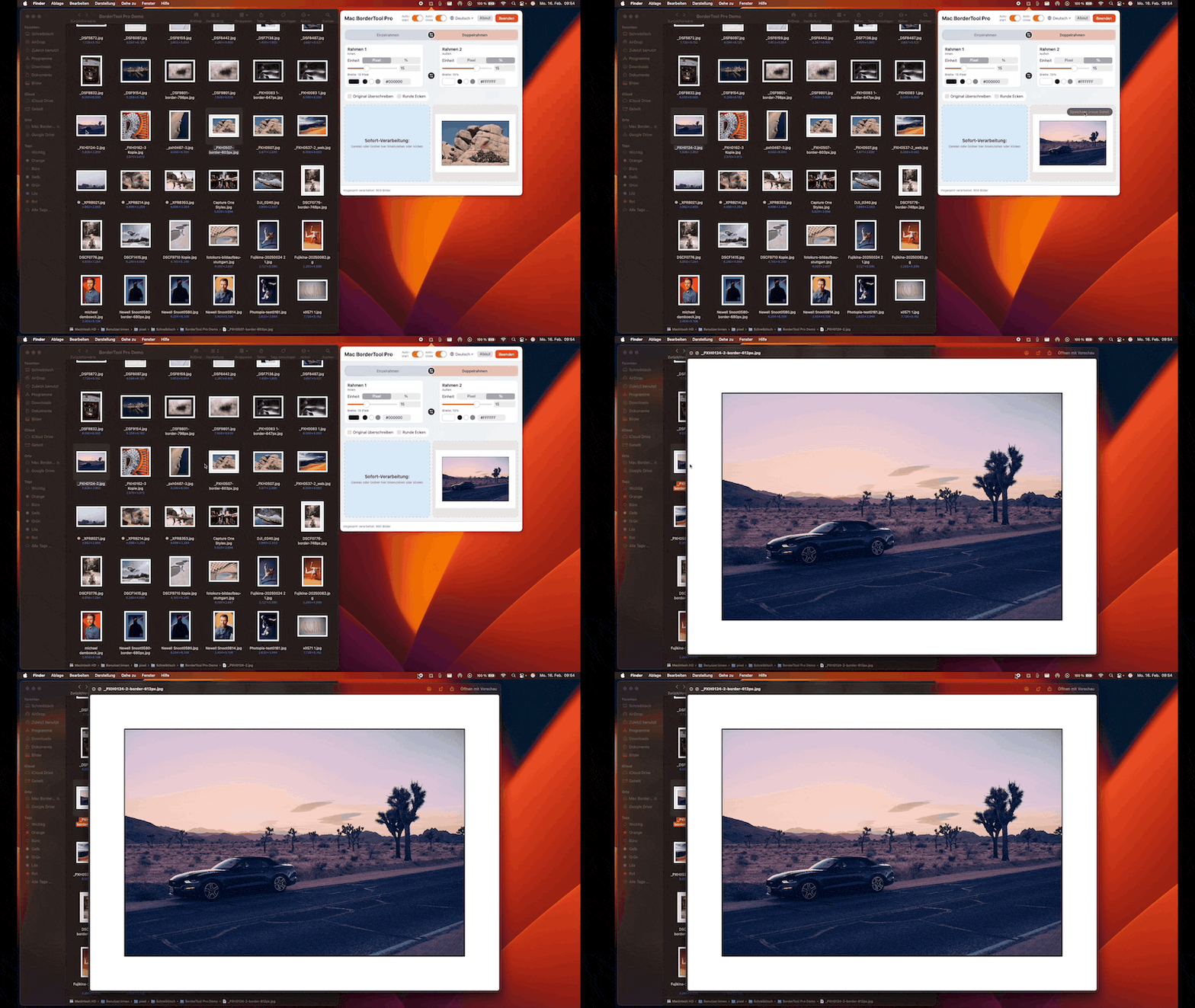
Positioned as an alternative to what Damböck calls the “Photoshop Export Circus,” the BorderTool Pro utility allows users to drag and drop single images or entire folders onto a menu bar icon. From there, it applies gallery-style borders, bevelled edges, and scale-stable drop shadows without interrupting the broader editing workflow.
Native macOS Utility Optimized for Speed and Accuracy
BorderTool Pro is developed in Swift and optimized for Apple Silicon while also supporting Intel-based Macs through a universal binary. It requires macOS 11.0 or later and is designed for high-speed batch processing, allowing entire shoots to run in parallel with a real-time progress indicator and an estimated completion time.
The software supports JPG, TIFF, PNG, BMP, GIF, and native HEIC/HEIF formats. It preserves EXIF metadata and ICC color profiles via Apple’s ImageIO framework, ensuring color accuracy and capture information remain intact. This makes the utility particularly useful for photographers preparing images for galleries, clients, or print labs.
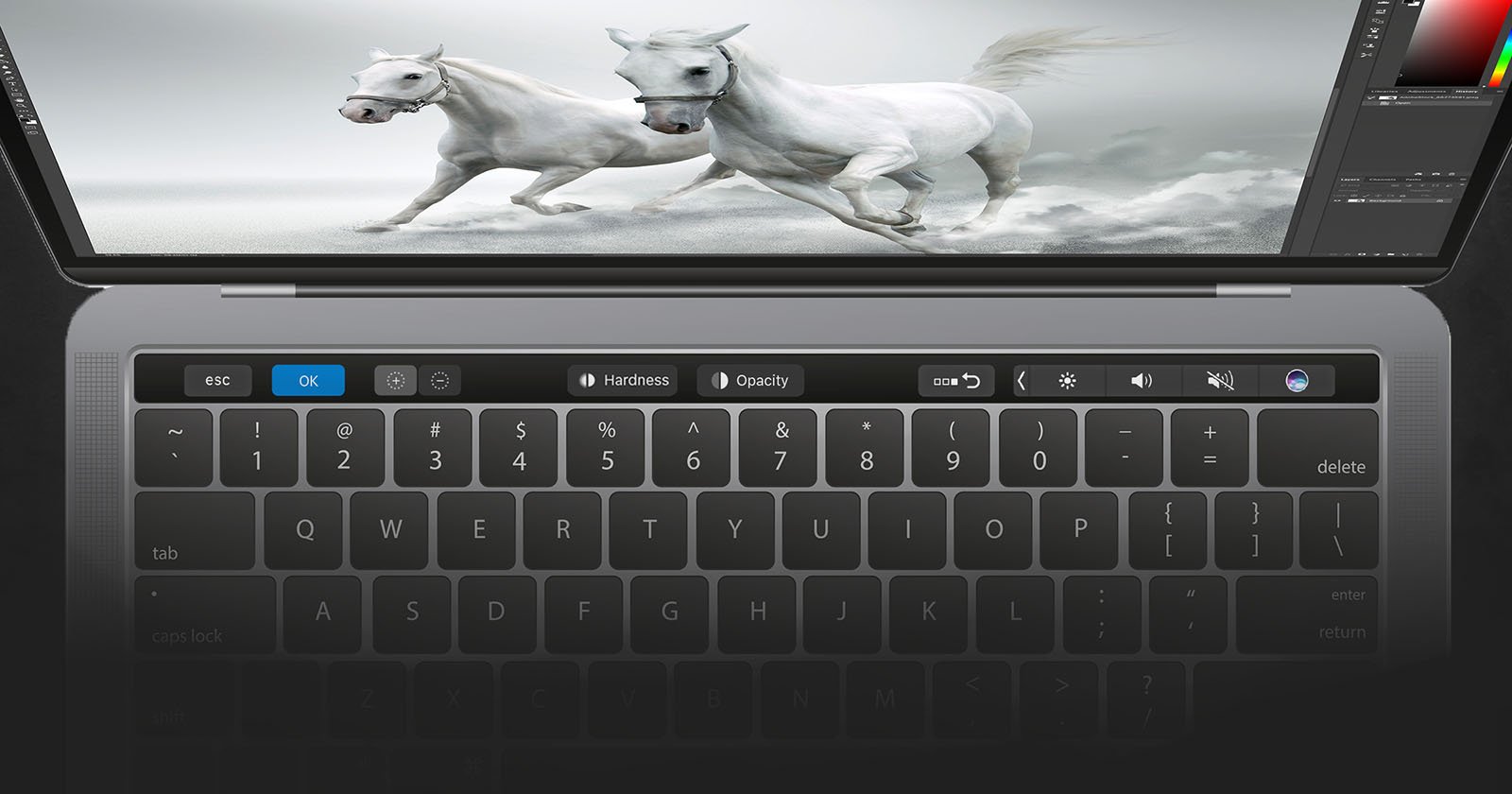
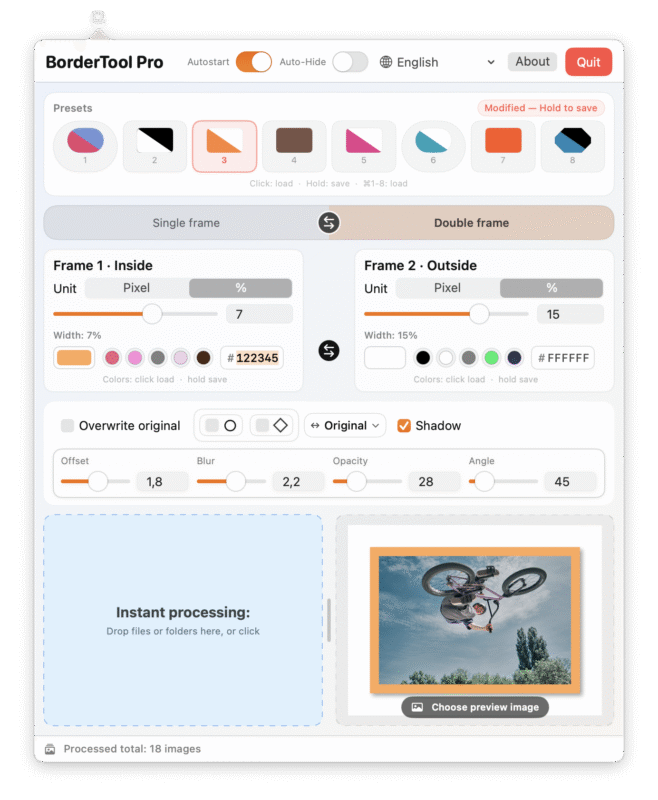
Users can save up to eight presets, storing complete framing configurations, which can be recalled instantly using keyboard shortcuts (⌘1–8). Where BorderTool Pro also shines is its modern, easy-to-navigate toolbar, designed to enhance productivity and make common actions immediately accessible. The application runs entirely offline, with no cloud integration, required account, or tracking, emphasizing privacy and local processing.
Where BorderTool Pro Fits Among Similar Tools
BorderTool Pro enters a space where several applications and plugins provide border, framing, or finishing tools, often within broader editing environments.
Adobe Photoshop remains one of the most common tools for adding borders and presentation effects. Achieving consistent gallery-style frames in Photoshop typically requires manual canvas resizing, layer styling, or third-party add-ons.
Popular Photoshop add-ons for textured digital mat borders include Photomorphis Photo Kit for high-quality textures, TheVectorLab’s Distressed Border Automator for distressed effects, and the Picture Frame Mounts plugin for customizable mat designs. Additional options include Richard Rosenman’s Solid Border for precision framing and Martin Bailey’s Web Frame tool for quick, automated framing. Other options like MBP Fine Art Border Tools are tailored for photographers seeking consistent, professional matting effects.
Adobe Lightroom Classic offers border and layout options through its Print module, allowing users to design presentation layouts and export them as image files. While effective, this workflow is tied to Lightroom’s catalog system and may not suit photographers looking for a lightweight, standalone finishing tool.
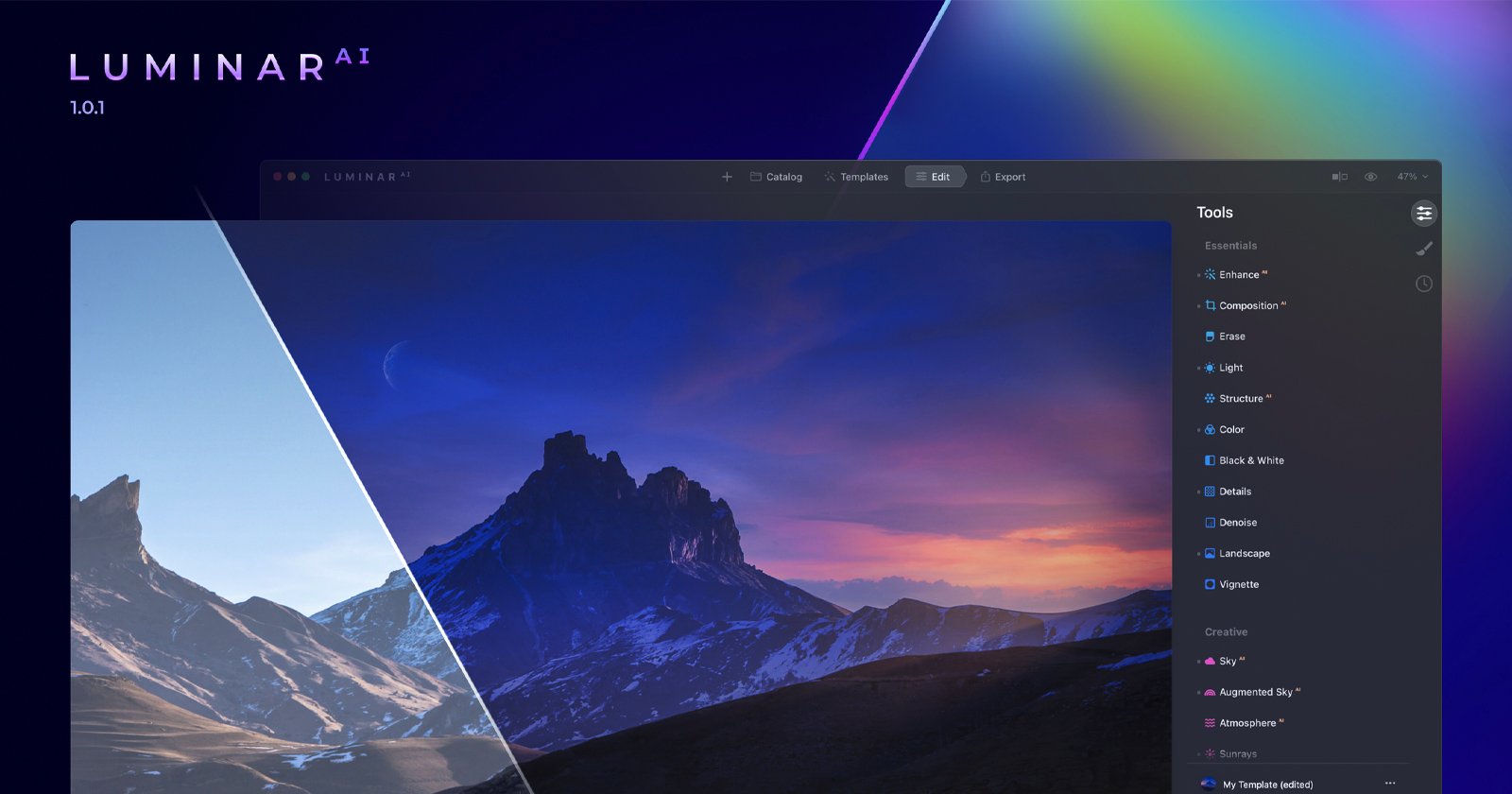
Luminar Neo includes framing and border tools integrated into its full editing suite, while Canva provides simple border and layout options in a browser-based environment, though it relies on cloud connectivity and does not preserve EXIF data or ICC profiles.
Compared to these alternatives, BorderTool Pro distinguishes itself by focusing solely on high-end digital framing and fast batch processing. It preserves metadata, works entirely offline, and exists as a lightweight menu bar utility rather than a full-featured editor. Most importantly, its modern toolbar makes it especially easy for users to maintain productivity and speed through repetitive finishing tasks.




Pricing and Availability
BorderTool Pro is available as a one-time purchase priced at $29 during its introductory period, with a regular price of $39. It supports macOS 11.0 or later and is compatible with both Apple Silicon and Intel Macs. The application operates completely offline, with no subscription model, cloud dependency, or tracking required.
Image credits: BorderTool Pro