TourBox’s New Dynamic Panel Takes Lightroom Classic Photo Editing Full-Screen

TourBox, makers of the excellent TourBox Elite creative editing consoles, has announced robust new integration with the popular photo editing application, Adobe Lightroom Classic.
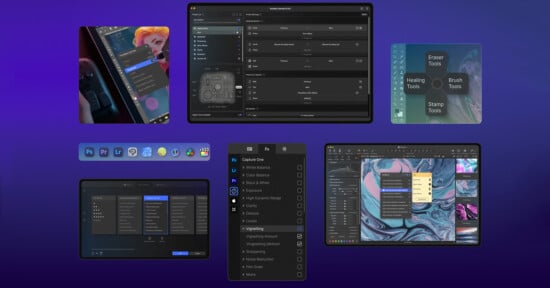
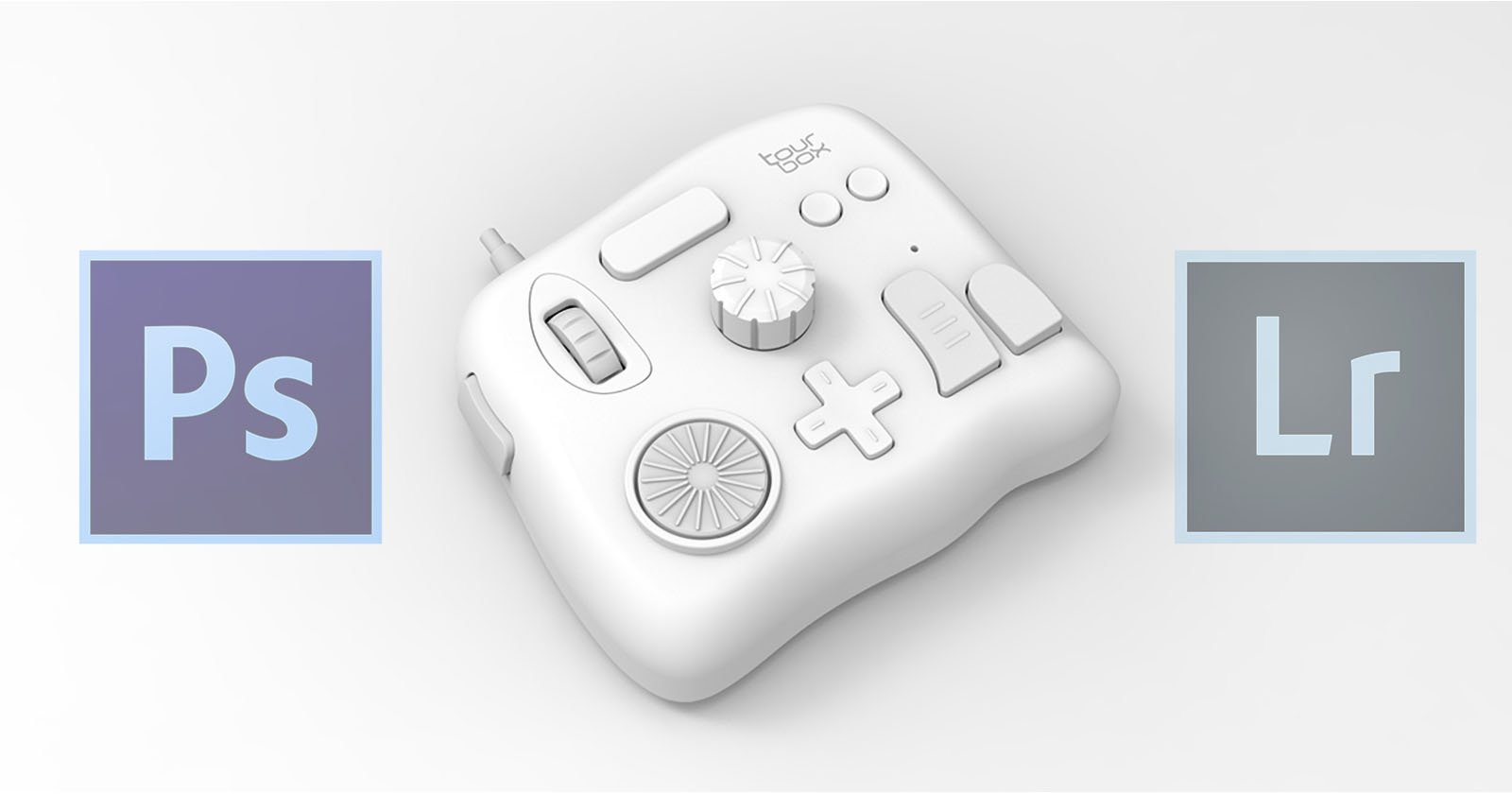
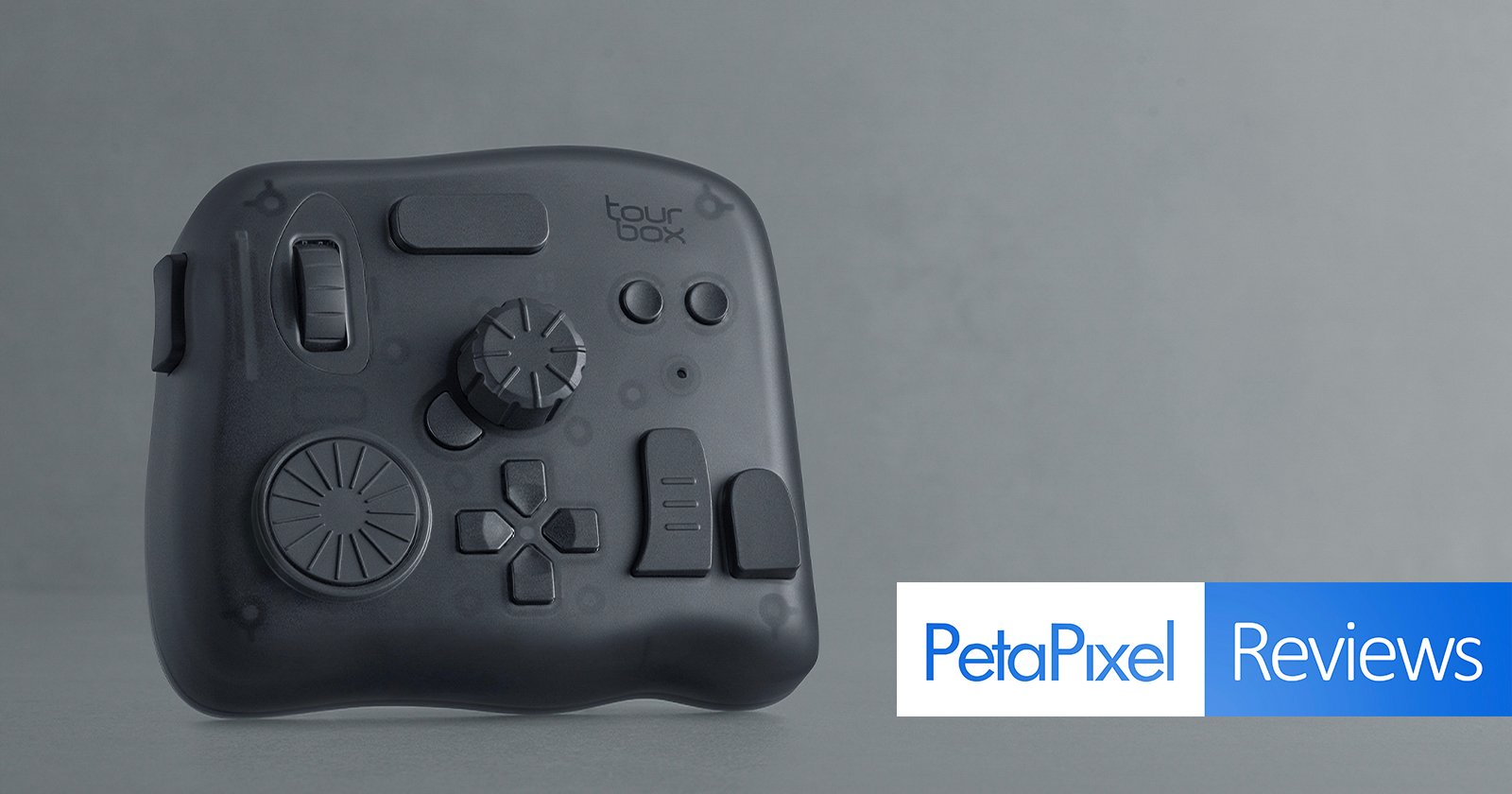
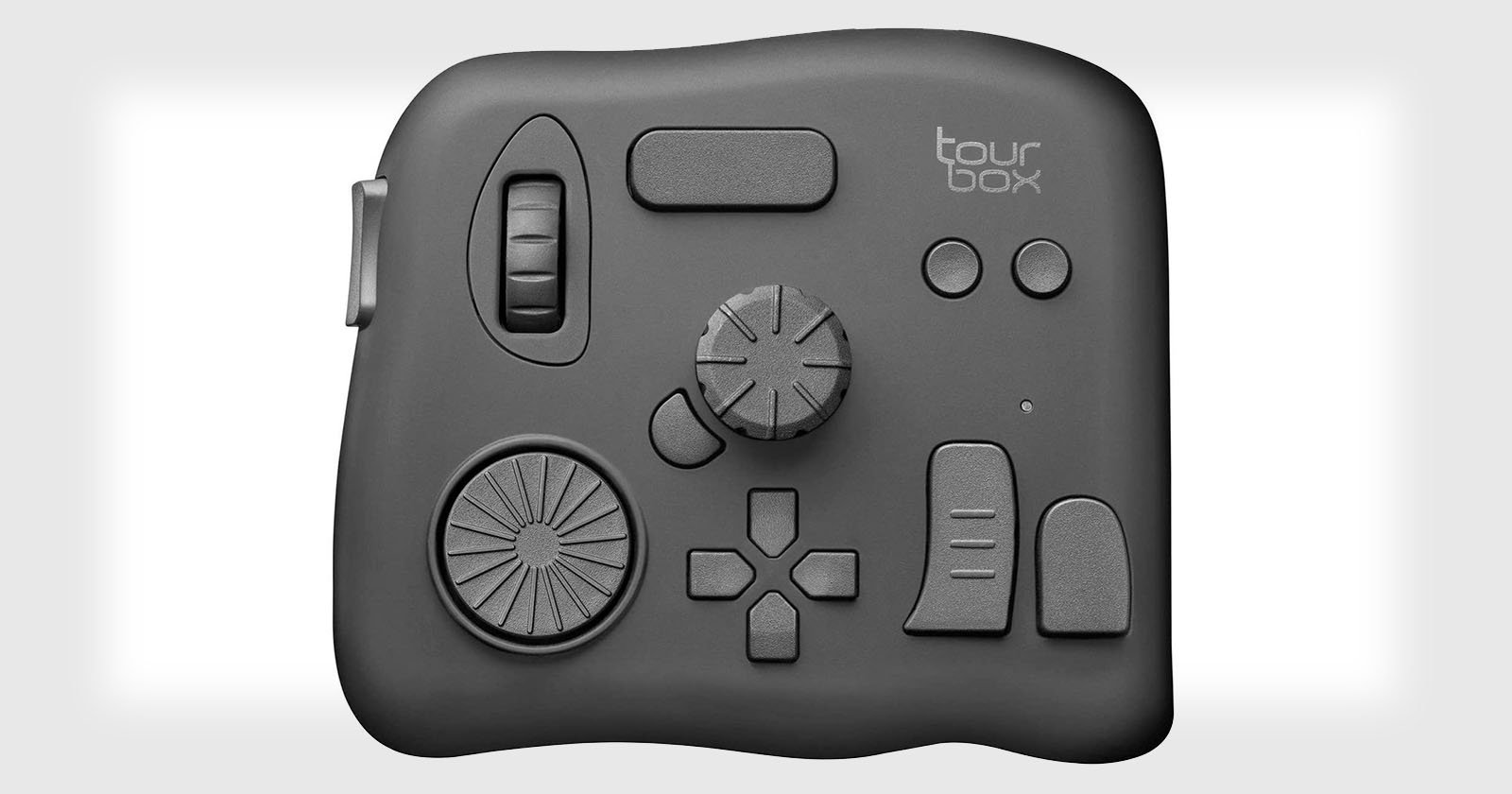
TourBox has created a new Dynamic Panel for Lightroom Classic that works alongside the TourBox hardware to deliver a seamless full-screen photo viewing and RAW image editing workflow. The new Dynamic Panel works with all of TourBox’s creative consoles, from the entry-level wired TourBox Lite ($95) to the wireless TourBox Elite Plus, which costs just under $300.

Of the many photographers who use Lightroom Classic to organize and edit their RAW photos, most rely heavily on the software’s native sidebars and panels. While these provide fast access to editing sliders and tools, they take up a lot of screen real estate, especially for those who work on single screens. The new TourBox Dynamic Panel aims to offer photographers all the same editing tools but without any wasted screen space.
The Dynamic Panel puts Lightroom Classic’s editing tools and sliders in floating panels that appear when the photographer needs them and fade away when they don’t. Photographers can place the floating panel wherever they want and decide which tools appear and when. The TourBox console itself provides buttons and dials to navigate and adjust settings without relying on the keyboard and mouse.
“Say goodbye to cluttered sidebars in Lightroom Classic,” TourBox promises. “Unlock a truly immersive workspace where every subtle color shift comes to life. A refreshed editing experience with unmatched clarity.”


TourBox has prepared default built-in Dynamic Panels to offer all the essential photo editing settings to photographers, while those with specific needs can customize their own panels as well. The panels include all the photo editing parameters in Lightroom Classic, such as exposure and contrast sliders, tone curves, HSL sliders, color grading panels, and more. The Dynamic Panel also works alongside more sophisticated Lightroom Classic tools like masking to provide fast access to context-sensitive adjustments, like mask refinements.
Although the new Dynamic Panel is currently only available for Lightroom Classic, TourBox is developing corresponding Dynamic Panel software for standard Lightroom, Adobe Camera Raw, and Capture One. The Dynamic Panel is free, although it does require the TourBox hardware.
Image Credits: TourBox