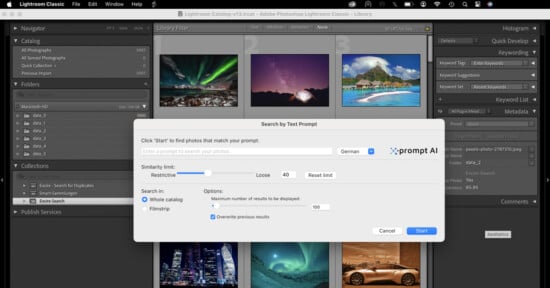
Excire Search for Lightroom Helps You Find Photos with AI
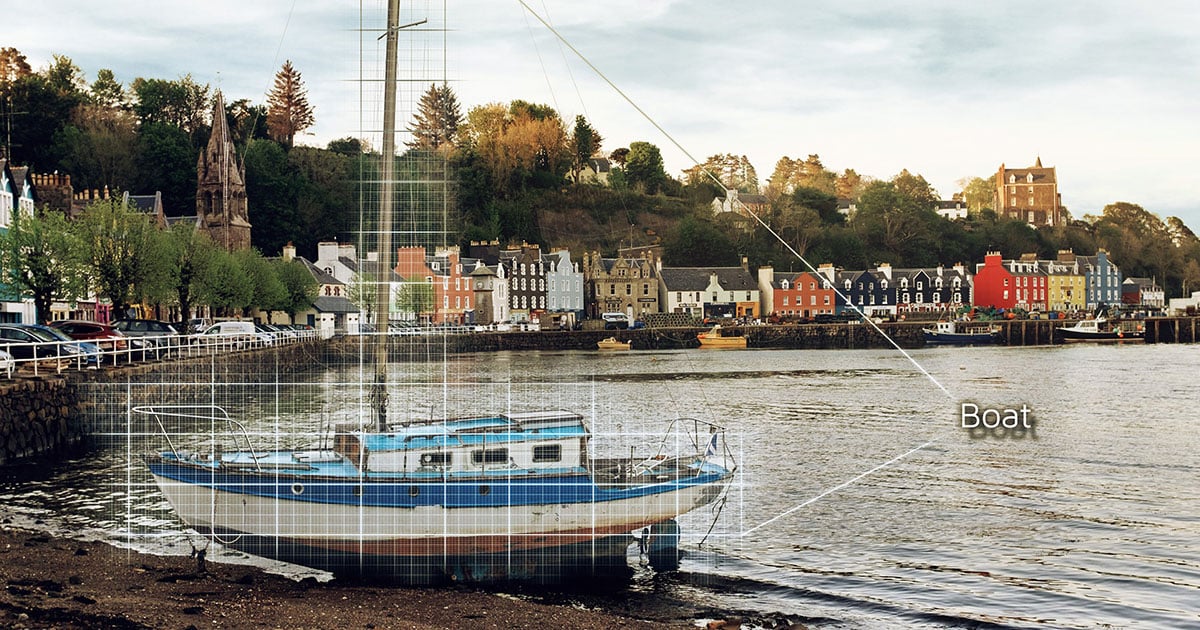
Excire Search for Lightroom is a new Lightroom plugin that lets you search for photos using powerful image recognition technology. Want to find a photo of your family on a beach? Just type in “beach,” and the software will search for photos based on the content.
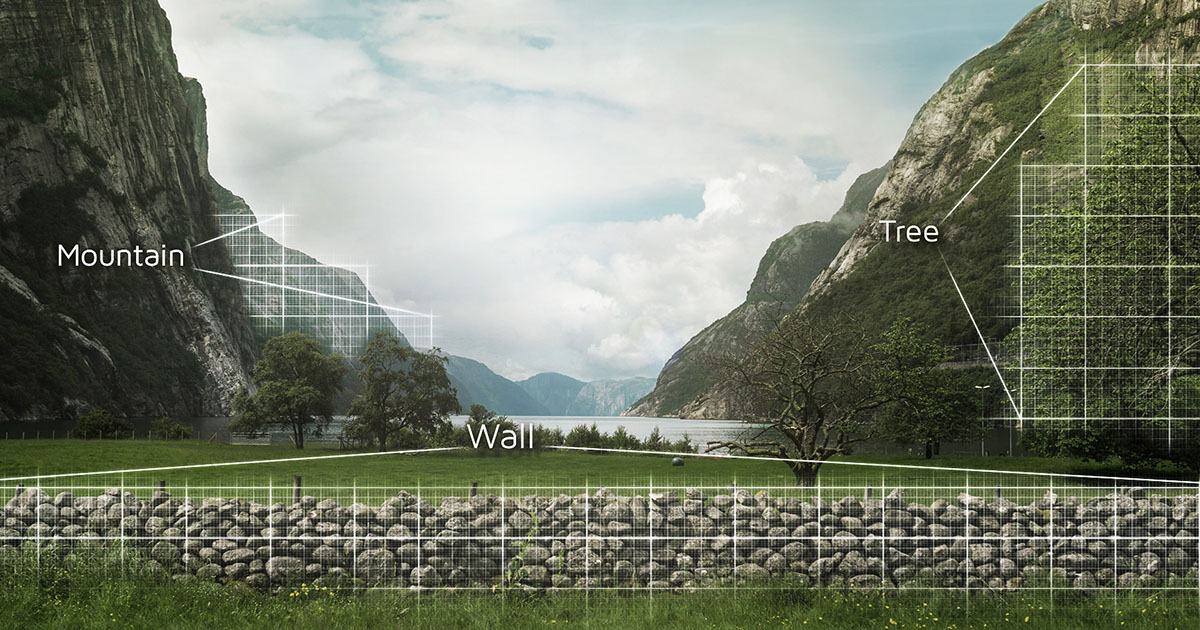
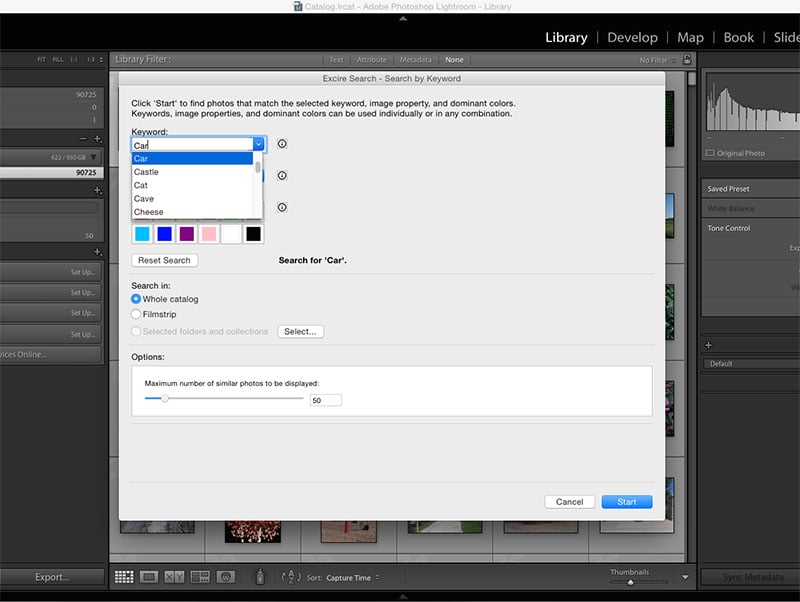
There are two separate search functions. Excire Search CT lets you search for photos based on the content, both by a keyword (e.g. “beach,” “bird,” “person”) or by dominant color and other image properties (e.g. “dark” and “red”).
Excire Search EX lets you select any photo and find photos that are similar to that example image.
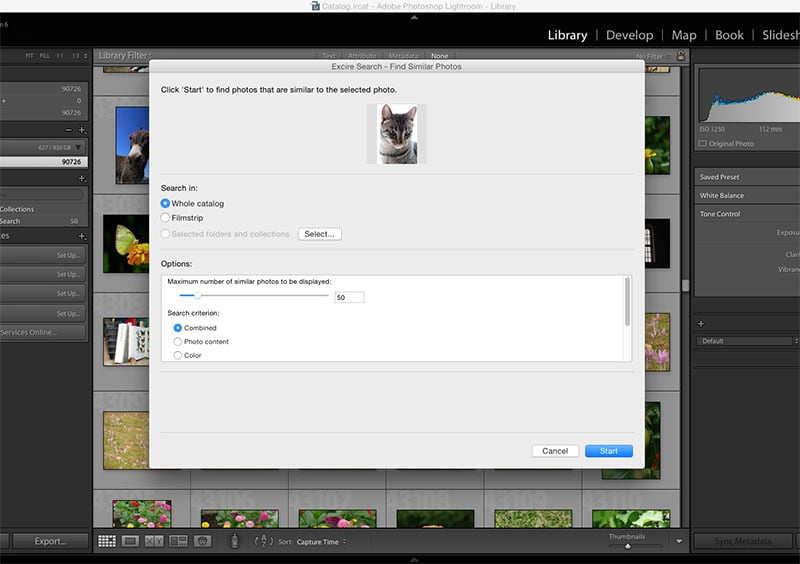
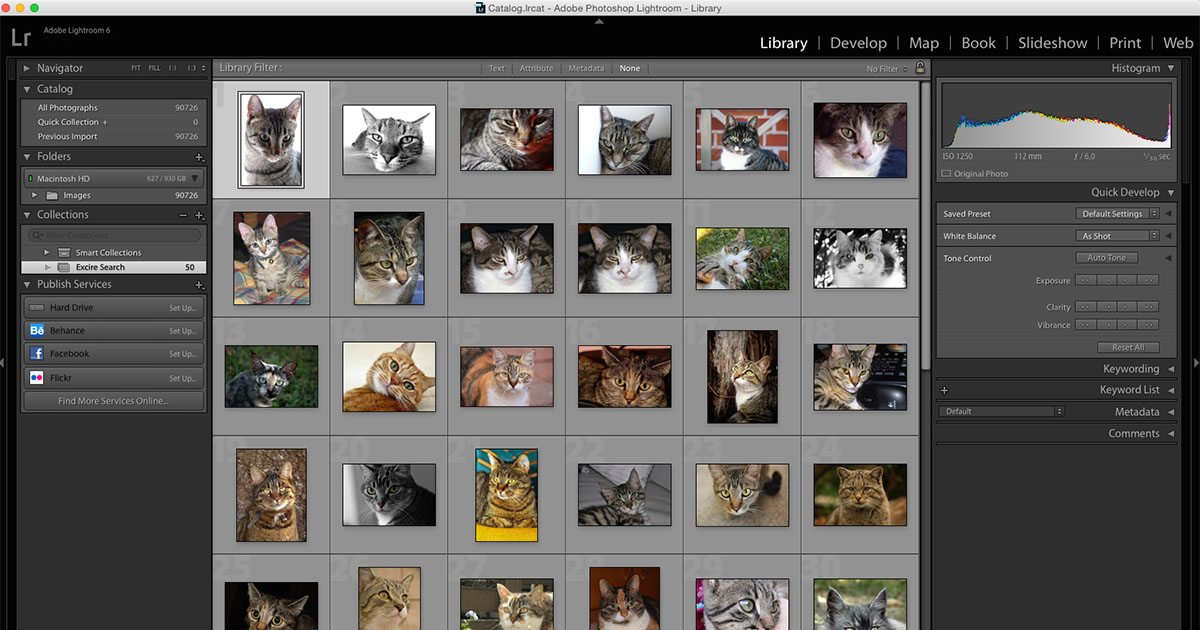
Here’s a video demo of both search modules in action:
The more photos you have, the better Excire Search will perform, the company tells PetaPixel. You’ll need at least 10,000 photos to see the benefits, and the initialization takes about 1 hour per 10,000 photos. Once the system is initialized, however, searches should be instantaneous, even if you’ve initialized hundreds of thousands of photos.
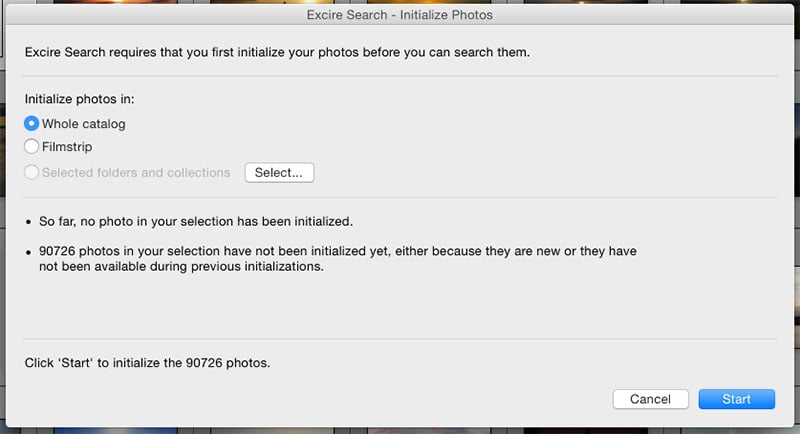
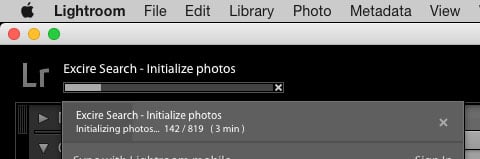
If you’d like to try out Excire’s technology, there’s an online demo here.
You can download and/or purchase the software — there’s a 15 day trial — through the Excire online store. At this time, the plugin is only available for Mac OS X (version 10.7 and up). If you decide to buy, the full version costs €59, or about $66.
Affiliate Disclosure PetaPixel articles may include affiliate links; we may earn a commission if you buy through one.