Prisma Gives Your Photos the Look of Famous Paintings
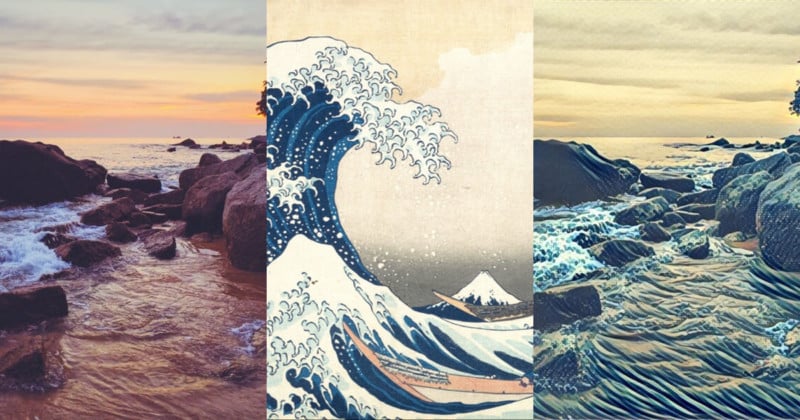
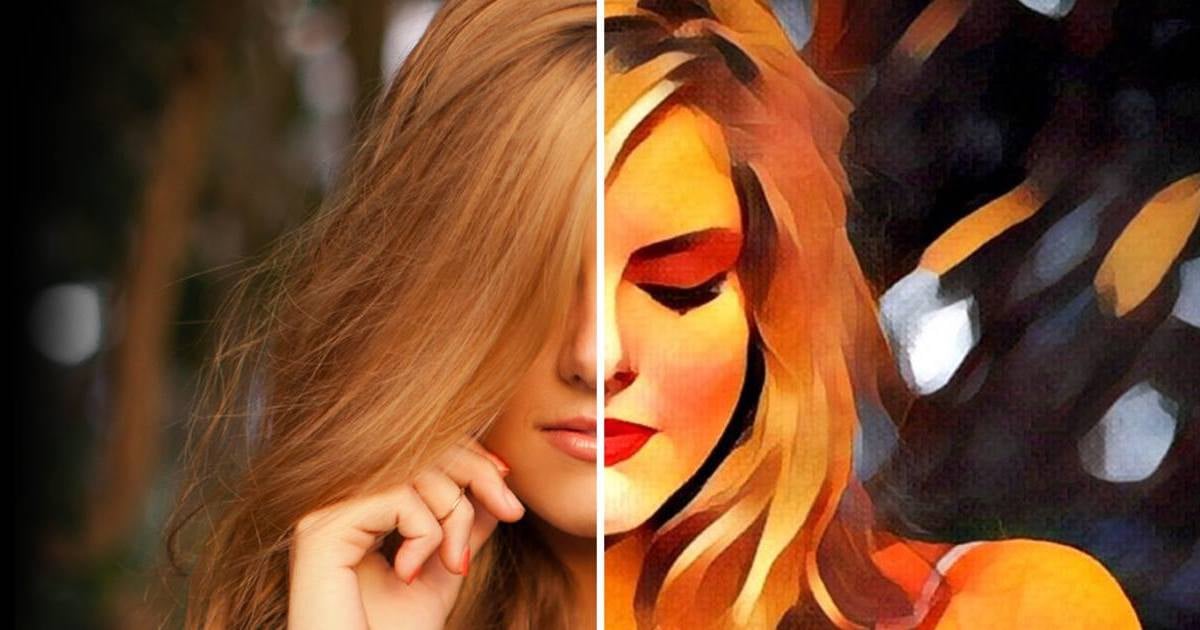
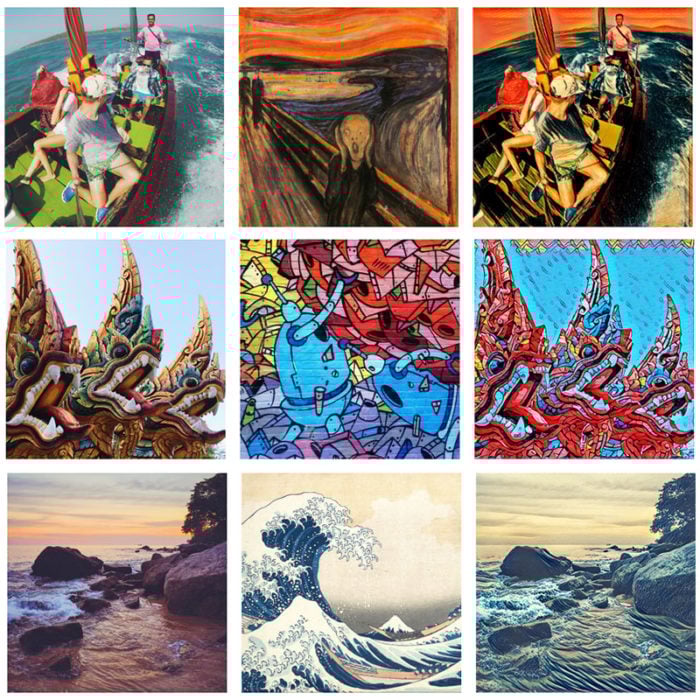
Prisma is a new camera app that transforms your photos to look like paintings by famous artists. It goes beyond the film simulation filters that are widely available these days to offer a surprisingly realistic painting filter.
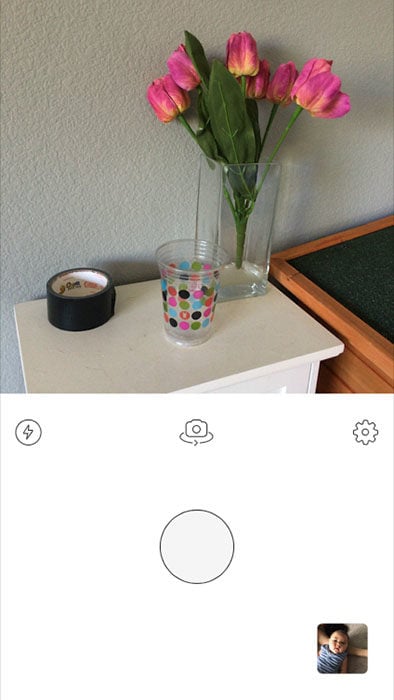
The app has a minimalist interface and is extremely easy to use. Once you load it up, you can either snap a photo with the built-in camera or select a photo from your device:
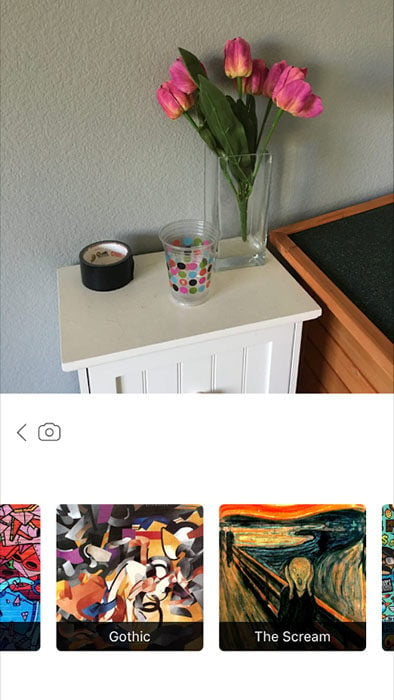
You’re then presented with a long list of icons representing the different art styles you can transform your photo into.
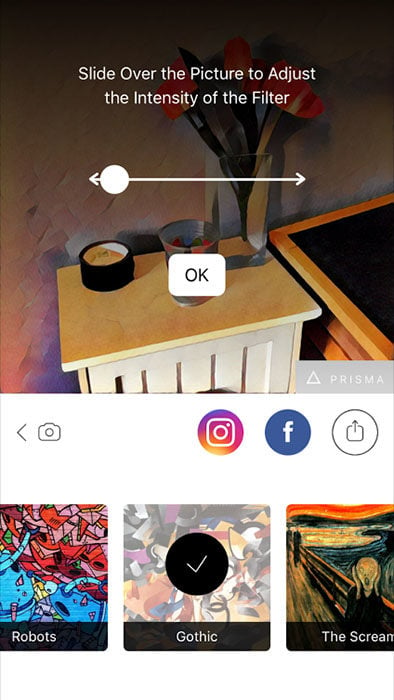
Tap a style and after a few moments of computation, the result is shown on the screen. You can slide your finger to the left and right to adjust the intensity of the look from 0% to 100%.
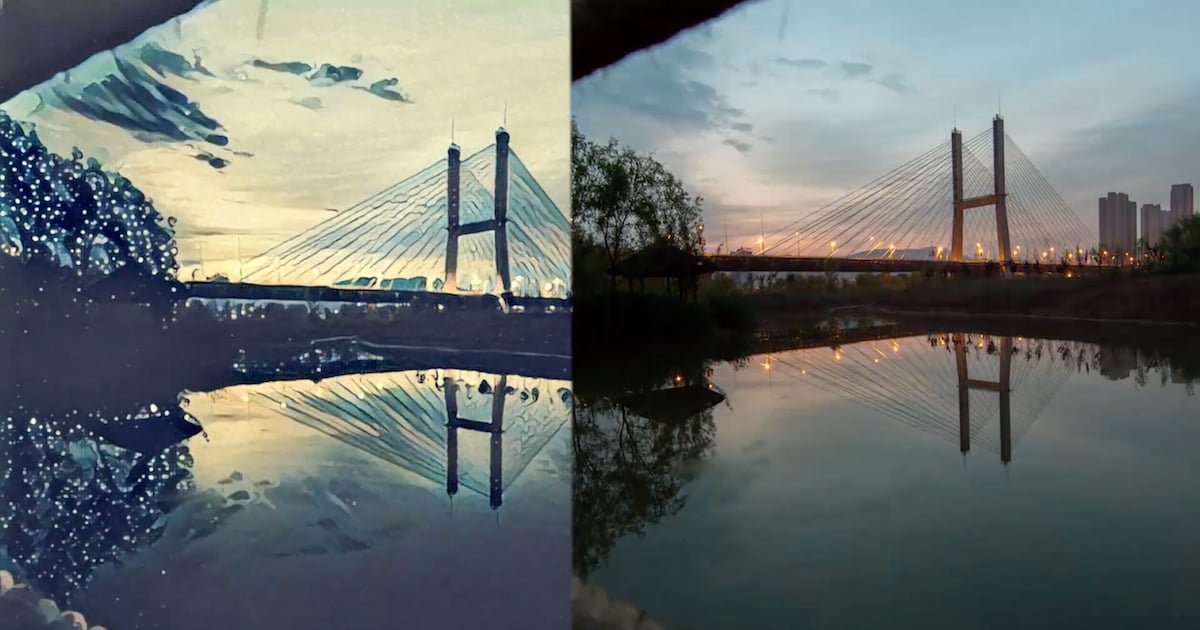
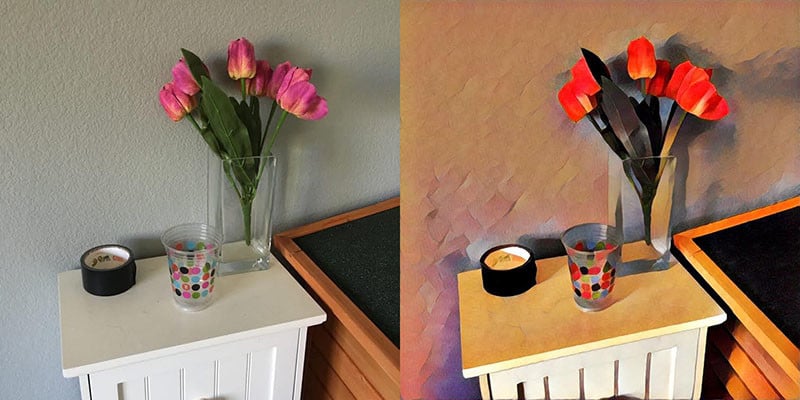
Here’s a before and after example of a photo that had the style “Gothic” applied:
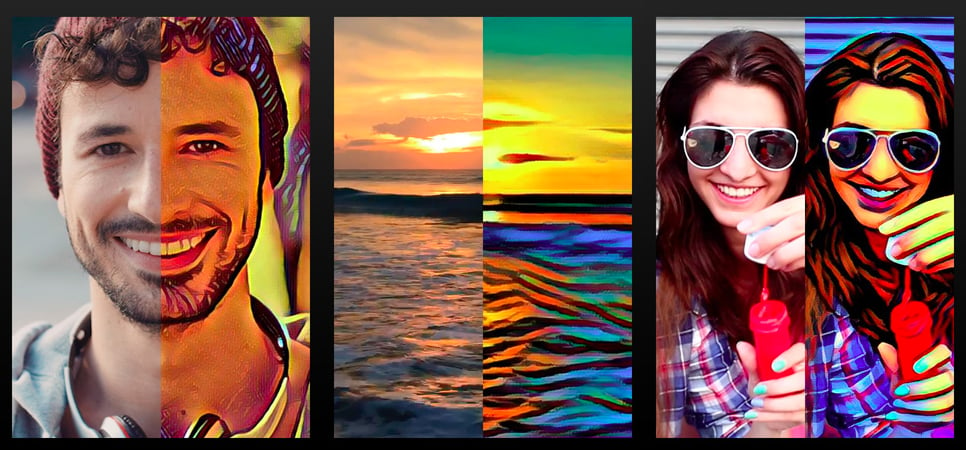
Here are a few more examples from the Prisma website that show what the app is capable of:
You can get started with using Prisma by downloading the free app from the iTunes App Store. Video and Android support are both reportedly coming very soon.
Affiliate Disclosure PetaPixel articles may include affiliate links; we may earn a commission if you buy through one.