Creator Studio Is Apple’s Long-Awaited Answer to Adobe Creative Cloud
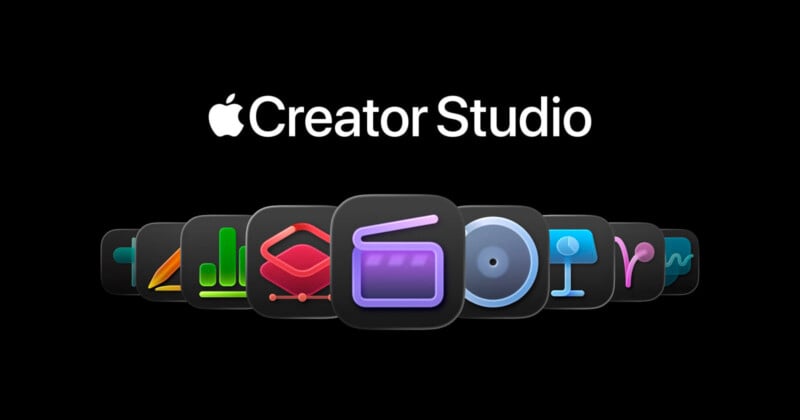
In a shock move, Apple has unveiled Creator Studio, a new collection of the company’s most powerful creative apps, including Final Cut Pro, Pixelmator Pro, Logic Pro, and more.
Apple characterizes its new Creator Studio as a “groundbreaking collection” of powerful creative apps designed to deliver “studio-grade power into the hands of everyone.” As Apple explains, its Creative Studio collection caters to a wide range of users across iPhone, iPad, and Mac, including video editors, photographers, musicians, illustrators, and more.

Alongside a new subscription option and rebranded apps, Apple is introducing intelligent new features across the board, including in popular apps Final Cut Pro and Pixelmator Pro, which Apple formally acquired nearly a year ago.
Specifically, Final Cut Pro features new video editing tools for Mac and iPad designed to improve efficiency in complex workflows. At the same time, Pixelmator Pro is coming to iPad for the first time, with an experience designed explicitly for touch and the Apple Pencil. Logic Pro for Mac and iPad promises a new Synth Player and Chord ID to help artists dial in the perfect mix.

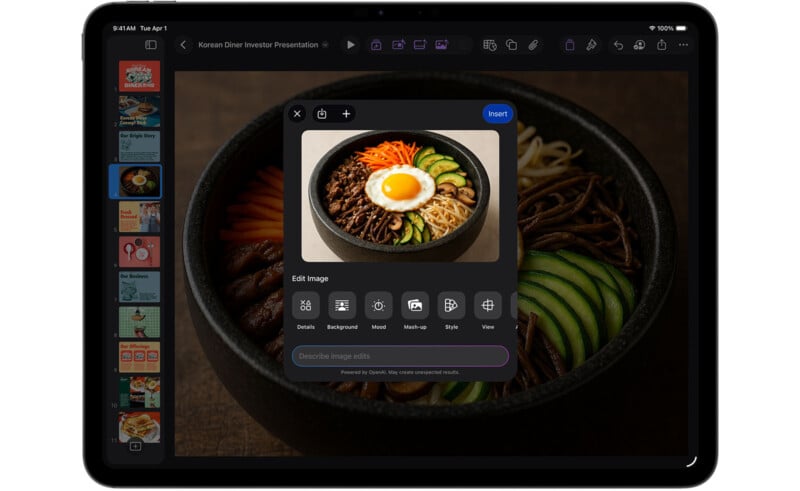
Although not explicitly creative apps, Apple’s Office competitors — Pages, Numbers, and Freeform — also live within the new Creator Studio. These apps are typically free, and still are, but premium Apple Creator Studio subscribers will have access to additional content and “intelligent features” across Apple’s entire ecosystem, the company explains.
“Apple Creator Studio is a great value that enables creators of all types to pursue their craft and grow their skills by providing easy access to the most powerful and intuitive tools for video editing, music making, creative imaging, and visual productivity — all leveled up with advanced intelligent tools to augment and accelerate workflows,” says Eddy Cue, Apple’s senior vice president of Internet Software and Services.

“There’s never been a more flexible and accessible way to get started with such a powerful collection of creative apps for professionals, emerging artists, entrepreneurs, students, and educators to do their best work and explore their creative interests from start to finish.”
Final Cut Pro Promises Faster and Smarter Video Creation
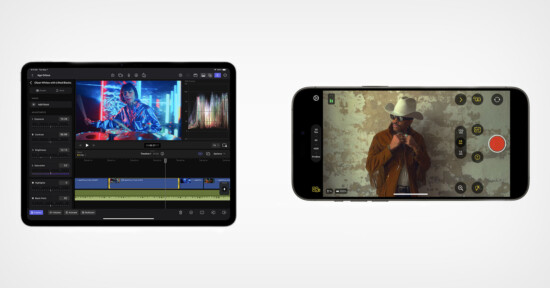
Apple says that Final Cut Pro for Mac and iPad now delivers improved performance thanks to smart on-device “intelligent features.” One such intelligent feature is Transcript Search. Available on both Mac and iPad, users can easily search through hours of footage to find the perfect soundbite through simple text searches.

“Video podcasts and interviews can be assembled quickly, eliminating extensive time spent skimming through footage,” Apple explains.
A similar search function is available for finding the perfect video clip, too, through an intelligence-based Visual Search. Apple says users can find specific moments in their video projects and add them to their visual timeline “in seconds.”
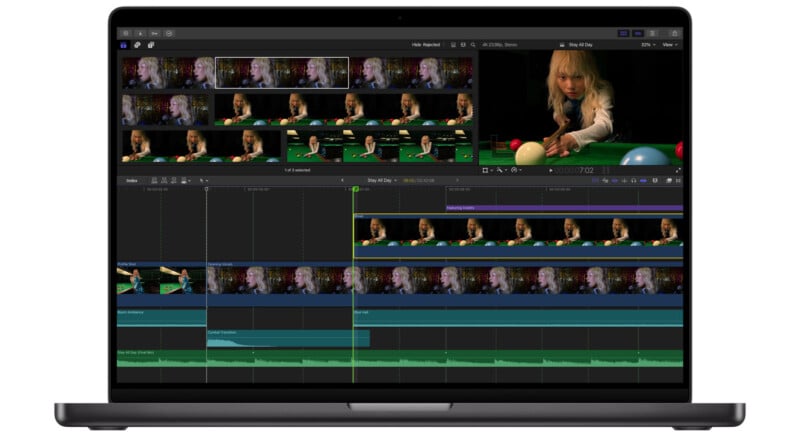
Final Cut Pro for Mac and iPad also includes Beat Detection, which uses an AI model from Apple’s Logic Pro app to analyze music and display a beat grid that users can match to video clips. Final Cut Pro also includes tools to help users re-edit music tracks to the perfect length.
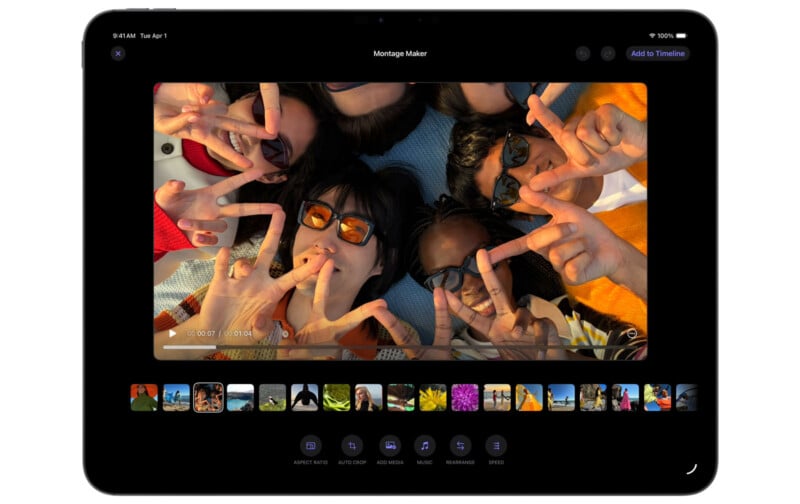
iPad users get a special new Montage Maker tool. Montage Maker uses AI to analyze and edit a video from a selection of footage. The dynamic video can be fine-tuned for pacing, music, and even reframing to vertical video using Auto Crop.
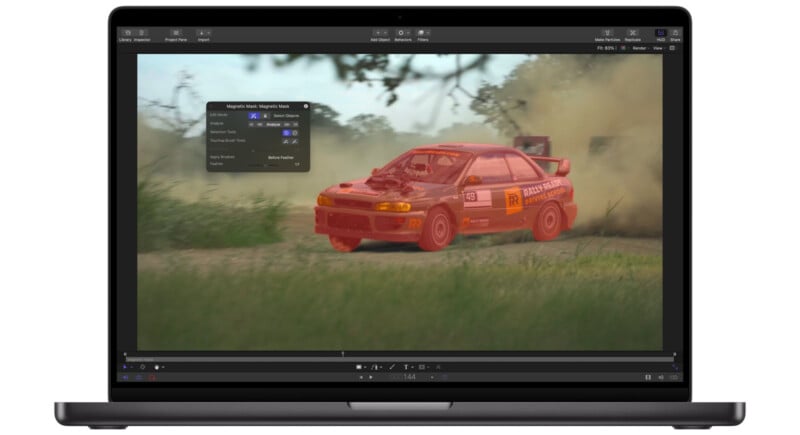
Finally, Apple Creator Studio subscribers have full access to Motion within Final Cut Pro. This motion graphics tool includes features such as Magnetic Mask, which isolates and tracks people and objects within video clips. Subscribers also get access to Compressor, which lets them customize output settings for distribution.
Pixelmator Pro Brings Creative Imaging to iPad
When news broke in November 2024 that Apple was going to acquire Mac-based photo editing company Pixelmator, speculation quickly began that Apple might go for Adobe’s jugular with a full-blown suite of photo editing software, maybe even bringing back the glory days of Apple’s Lightroom competitor, Aperture. Based on today’s Creator Studio news, it doesn’t seem to be happening.
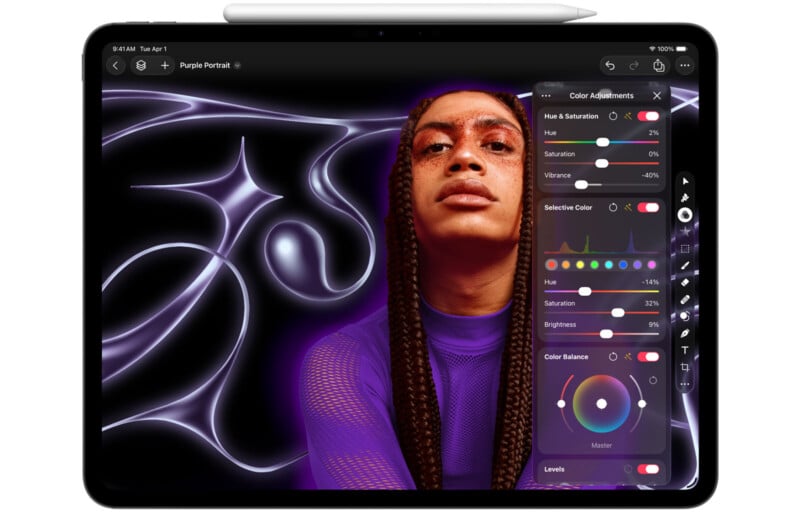
However, Apple is absolutely targeting Photoshop. Pixelmator Pro includes powerful image editing and illustration tools and, for the first time, is available in full for iPad. The new iPad version of Pixelmator Pro features a touch-optimized workspace that fully leverages the Apple Pencil. Apple says the two versions deliver feature parity, so users can jump back and forth between iPad and Mac or collaborate with others across multiple platforms. Pixelmator Pro for iPad has been built from the ground up to take full advantage of Apple’s latest tablets and iPadOS.
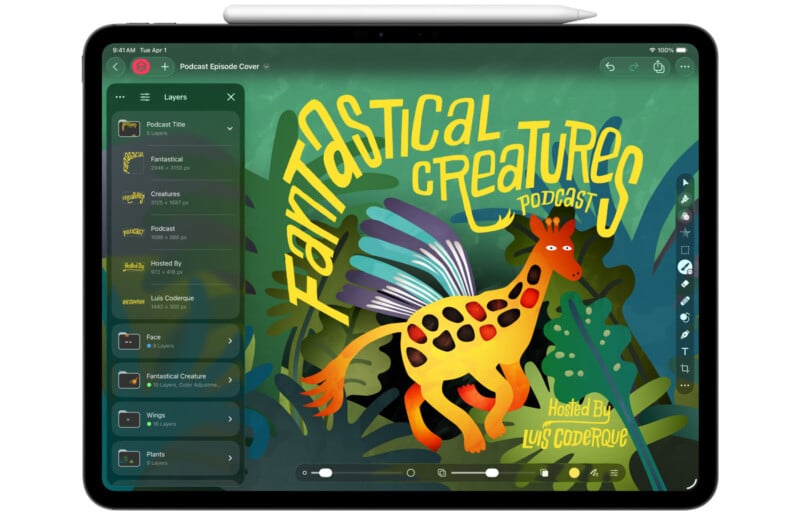
Pixelmator Pro on iPad includes a complete layers-based workflow, AI tools like Super Resolution and smart selection (masking), and Pixelmator Pro continues to offer its class-leading Demand and Auto Crop tools.
Apple Creator Studio subscribers get special access to some new tools as well, including a powerful new Warp tool that twists and shapes individual layers.
Pricing and Availability
Apple Creator Studio will be available on the App Store beginning January 28, starting at $12.99 per month or $129 annually. A one-month free trial will be available. College students and educators can subscribe for $2.99 monthly or $29.99 per year.
All of the creative apps in Creator Studio, including Final Cut Pro, Pixelmator Pro, Logic Pro, Motion, Compressor, and MainStage, remain available separately as one-time purchases in the Mac App Store; however, some features are locked to the subscription versions of these apps. One-time purchase versions of Apple’s creative apps will continue to be available and will be updated, but they will not offer access to all intelligence-based features.
Image credits: Apple