Untouched SSDs Are Not Part of a Good Data Backup Strategy
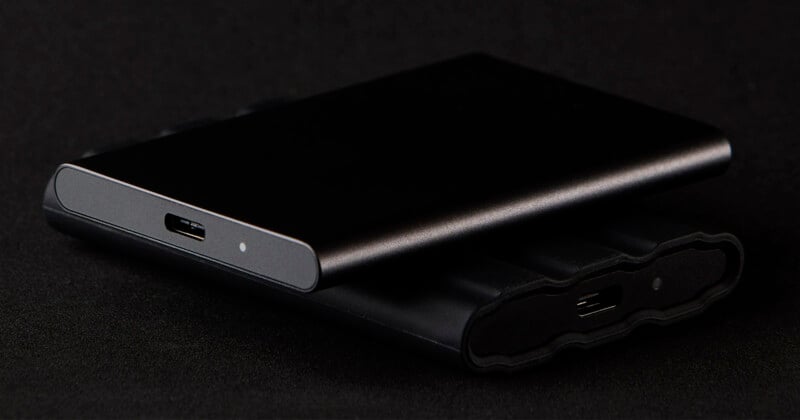
There is no such thing as a failproof storage device, which is why good backup workflows are so important. Even SSDs, as great as they are for many storage tasks, can (will) fail over time.
As XDA warns, unpowered SSDs sitting in drawers are creeping ever-closer to failure all the time.
“SSDs have all but replaced hard drives when it comes to primary storage. They’re orders of magnitude faster, more convenient, and consume less power than mechanical hard drives,” XDA explains. “That said, if you’re also using SSDs for cold storage, expecting the drives lying in your drawer to work perfectly after years, you might want to rethink your strategy. Your reliable SSD could suffer from corrupted or lost data if left unpowered for extended periods.”
Another story from XDA adds that a hard disk drive (HDD), although slower than SSDs, may be a better long-term data storage solution. HDDs are cheaper per gigabyte and are more reliable when left untouched for years.
SSDs can retain data when powered off, but not infinitely. Precisely how long an SSD will work as advertised when left untouched depends on many factors, including the underlying technology, the conditions of its storage, and, of course, sheer chance. Expensive, high-end MLC and SLC NAND SSDs can last for five to 10 years unpowered without issue, XDA says, but some cheaper SSDs may retain data without power for only a year or two.
This limitation can be overcome by occasionally writing new data to the SSD, giving it a fresh charge, but it’s easy to forget an SSD with a bunch of files in a drawer in an office.
Backblaze, experts in data storage and backup, explains that SSDs have numerous potential fail cases to consider. SSDs can be programmed and erased only so many times, and they can only handle so much data written to them over their lifetimes before the risk of failure becomes very high.
On the other hand, SSDs don’t have moving parts, unlike HDDs, so that is one potential failure case that SSDs entirely avoid.
As to the most crucial question of all, “How reliable is an SSD?” Backblaze says that in most cases, an SSD will last as long as its manufacturer says it will, which is typically five years of regular, everyday use. Regular use is doing some heavy lifting here.
“SSDs, like hard drives, are meant to be used,” Backblaze explains. “An external drive stuffed into a closet for a couple of years is never a good thing, and it doesn’t matter whether it is an SSD or HDD inside. The evidence of whether an SSD will fare better than a HDD in such a circumstance is anecdotal at best.”
The most important takeaway here is the same as it always is: All storage can, and given enough time, will fail. Period. This is especially true when talking about cold storage, or long-term storage with unused drives. The best long-term storage workflow combines numerous strategies simultaneously.
The 3-2-1 rule is the gold standard for a reason. Photographers should always have three copies of every file they care about on at least two different storage media, and one copy of every file in an off-site location, whether stored physically elsewhere or in the cloud. If part of your long-term storage plan includes HDDs and SSDs, set a reminder to plug them in and check their health at least once a year, ideally more frequently.
Throwing your precious files on an SSD (or HDD) and chucking it in a box is not a safe or wise way to archive your photos, and is a big gamble, perhaps a bigger one than you realized.
Image creditsHeader photo licensed via Depositphotos.
Affiliate Disclosure PetaPixel articles may include affiliate links; we may earn a commission if you buy through one.