The Best Monitors for Photography and Photo Editing in 2026
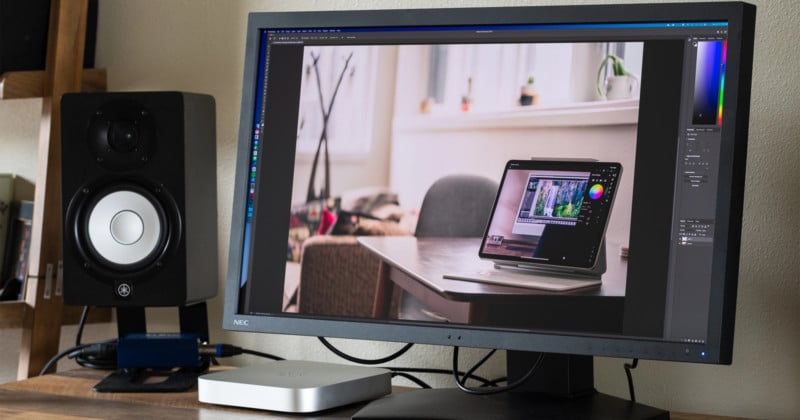
There’s one piece of equipment that the working photographer uses more than any other. No, it’s not their camera. Not their favorite lens either. I’m talking about their photo editing monitor.
Updated 3/19/2026 by Jaron Schneider
Unless you plan to outsource your post-production, you will probably spend many more hours staring at a monitor than you do looking through a viewfinder. As such, a high-resolution, color-accurate display is absolutely indispensable, and while we will definitely continue to publish in-depth monitor reviews here on PetaPixel, this roundup will serve as a catch-all for readers who need a quick overview and some buying advice.
Unlike the daily news and individual product reviews you see on the site, this article will be updated regularly as new products and more advanced display technology hits the market, so you can come back to it every time you’re looking to upgrade your photo editing setup. Whether you’re looking for the best curved monitor, the best monitor for HDR, or the best monitor on a budget, we’ve got you covered.
What We’re Looking For
The best monitor for photo editing strikes the right balance between resolution, color depth, color accuracy, and price. When evaluating the best monitors for photography we prioritize color depth and color accuracy, then resolution, then judge whether the price justifies this combination. For example, a monitor with a true 10-bit panel, high AdobeRGB coverage, and 4K resolution is really difficult to find under $4,000… but they do exist.
Other factors play a part: USB-C connectivity is almost expected by now, power delivery is a big plus, the ability to check different color spaces on the fly is a major benefit, and high-end features like extreme peak brightness, full-array local dimming, and a built-in colorimeter help to justify some of the expensive options, especially if you want to edit HDR content.
At a Glance
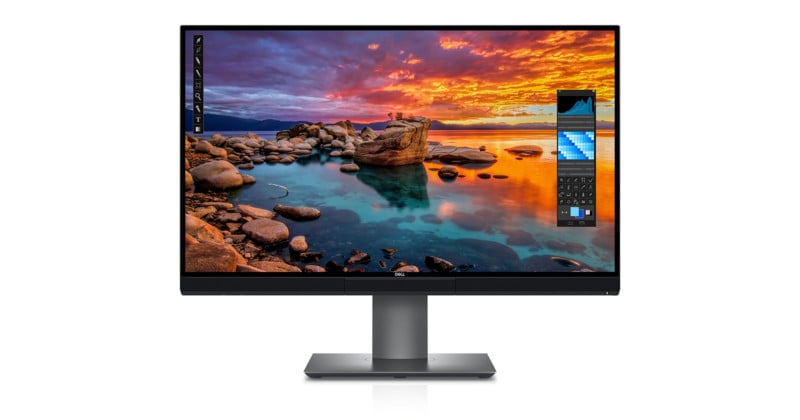
Best Overall Monitor for Photo Editing: Dell UP2720Q
Size: 27 inches
Resolution: 4K
Brightness: 250 nits
Color Depth: 10-bit
Color Accuracy: 100% AdobeRGB (claimed), 98% DCI-P3 (claimed)
Extras: Built-in Colorimeter, Monitor Shade
Price: $2,000 ($1,600 on sale as of this writing)
When you look at all the factors: size, resolution, color accuracy, color depth, price-to-performance ratio, and the smattering of photo-centric features that you will find useful, it’s hard to beat the Dell UP2720Q. The BenQ SW321C comes close for the same price, but it lacks the built-in colorimeter and we were able to confirm that it uses an 8-bit panel with FRC, not a true 10-bit panel like the Dell.
In fact, the Dell is a rare find in this price range—most other monitors that claim 10-bit at or around $2,000 almost all use 8-bit + FRC, a trick used to create 10-bit color depth from an 8-bit panel by flickering between two colors very quickly. Another 10-bit option in this price range is the EIZO ColorEdge CS2740.
If you need to edit video, and especially if you’re doing work with HDR10 or Hybrid Log-Gamma, there are better monitors out there that hit higher peak brightness and feature full-array local dimming. Check out the “Best for HDR” category below for something that can really burn your retinas and reach the required contrast. If you want unparalleled color and uniformity from a company that specializes in exactly that, the “Best for Ultimate Color Accuracy” category is the place to look. But for the typical reader of this site who wants a large, high-resolution monitor with all the bells and whistles at a shockingly reasonable price, the Dell UP2720Q is our top pick.
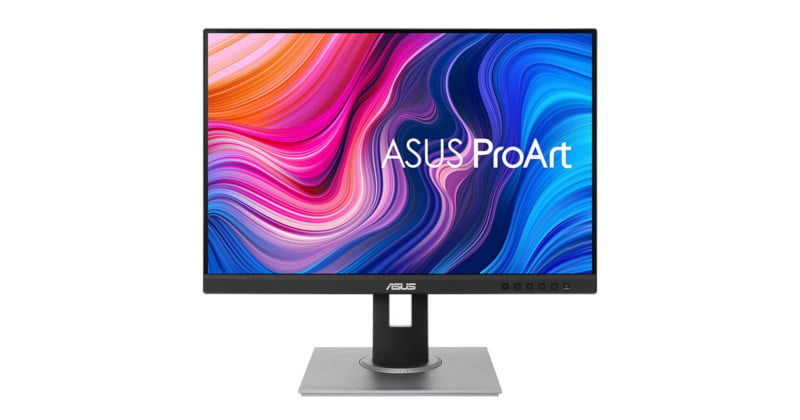
Best Budget Monitor for Photo Editing: ASUS ProArt PA278QV
Size: 27 inches
Resolution: 2K
Brightness: 350 nits
Color Depth: 8-bit
Color Accuracy: 100% sRGB (claimed)
Extras: Quick-Fit Virtual Scale and Built-In ProArt Presets
Price: $290
The terms “budget monitor” and “color accuracy” don’t typically go together, but ASUS does a decent job at an extremely accessible price with the ProArt PA278QV. Factory calibrated and Calman-certified, it might not get you amazing AdobeRGB or DCI-P3 numbers (neither are even mentioned) but it compares favorably against its main competition, the BenQ PD2700Q.
It lacks some nice-to-have features, like USB-C connectivity, 4K resolution, or Frame Rate Control (FRC) which many companies use to boost their affordable 8-bit panels to a simulation of 10-bit. But the price is right, the advertised DeltaE is < 2, and the 100% coverage of sRGB will get you where you need to go, especially if you're only producing content for online consumption. With display technology advancing in leaps and bounds, we're hoping to see more competition at this price range very soon. For now, if you're looking for the best budget monitor for photo editing, the ASUS PA278QV is the way to go.
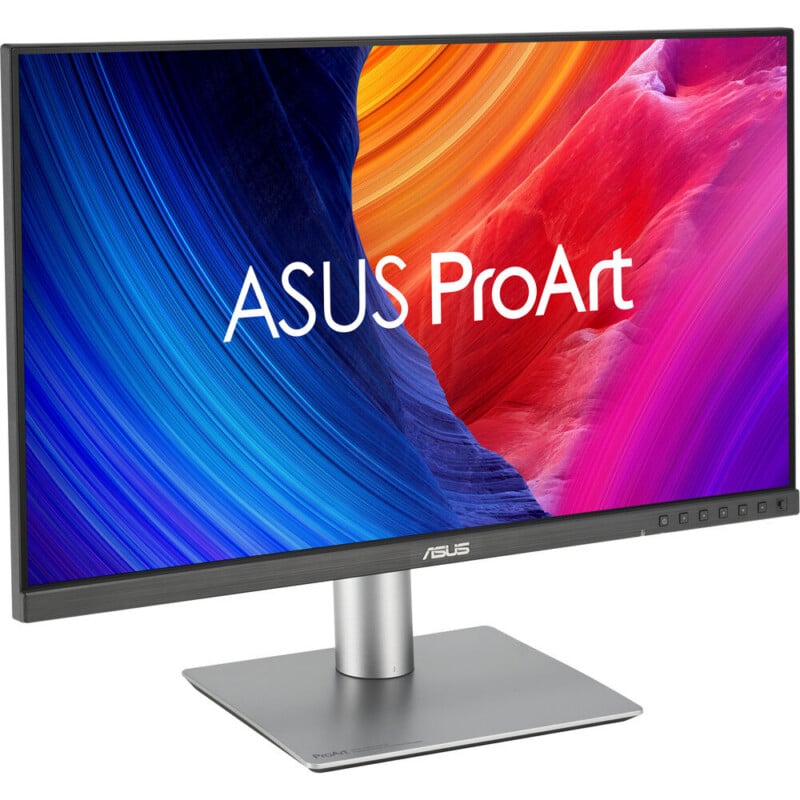
Best “Bang for Your Buck” Monitor for Photo Editing: ASUS ProArt PA27JCV HDR Monitor
Size: 27 inches
Resolution: UHD 5K (5120 x 2880) at 60 Hz
Brightness: 500 nits peak brightness
Color Depth: 10-bit with FRC
Color Accuracy: 100% sRGB (claimed) and 99% DCI-P3 (claimed)
Extras: One USB-A port, one USB-C port, one HDMI 2.1, one DisplayPort 1.4 Input
Price: $699
It is getting difficult to find a monitor that provides a mix of decent brightness, good color accuracy, high resolution, and affordable price. HP used to be the best here with its Z27xs G3, but it has since significantly pulled back on options and discontinued our prior recommendation. Luckily, Asus has done a pretty good job picking up the slack with its ProArt PA27JCV 27-inch 5K HDR Monitor.
While it doesn’t get super bright (it caps at 500 nits peak, which we argue isn’t enough to actually enjoy HDR footage), it is very color accurate, has better than 4K resolution, and has a decent refresh rate of 60Hz. Given it’s $700 asking price, that’s pretty darn good in 2026 when everything just keeps getting more expensive.
PetaPixel‘s Jordan Drake picked one up shortly after it was announced and has been happily singing its praises ever since. That’s good enough for us to stamp this one with our seal of approval.
Best Mid-Range Monitor for Photo Editing: ASUS ProArt PA329C
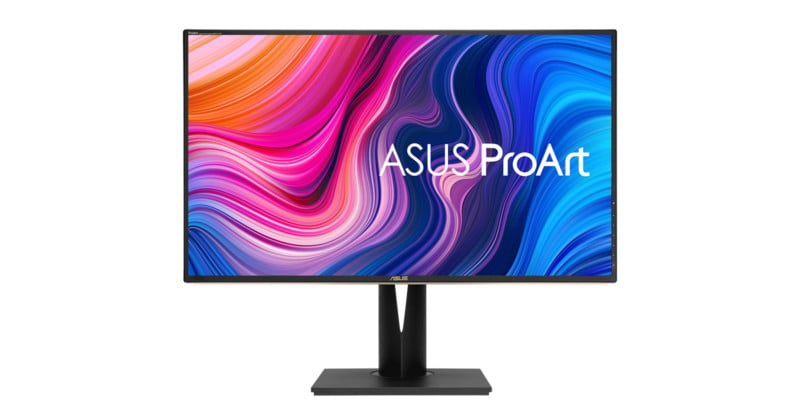
Size: 32 inches
Resolution: 4K
Brightness: 400 nits sustained, 600 nits peak
Color Depth: 10-bit from a 14-bit LUT
Color Accuracy: 100% AdobeRGB (claimed), 98% DCI-P3 (claimed)
Extras: USB hub, Picture-by-Picture Mode, DisplayHDR 600 certification
Price: $1,150
Best mid-range ended up being a tight race between the BenQ SW271 and the ASUS PA329C. Both offer great color accuracy, but ASUS wins out with its combination of a true 10-bit panel, 100% AdobeRGB coverage, higher DCI-P3 coverage for video editors, 600 nits peak brightness for viewing or editing HDR content in a pinch, and a 32-inch screen, all for the same price as the BenQ.
The monitor also has a USB-C connection with 60W power delivery, a built-in 4-port USB-A hub, a Picture-by-Picture mode that lets you compare color spaces side-by-side, and earns a VESA DisplayHDR 600 certification. All extremely useful features in our book.
Your main problem will be finding one to buy, since the ProArt PA329C has been “on backorder” several times since its release. But if you can find one, it’s the best choice until and unless you can afford our Best Overall pick.
Best Curved Monitor for Photo Editing: Dell U4021QW
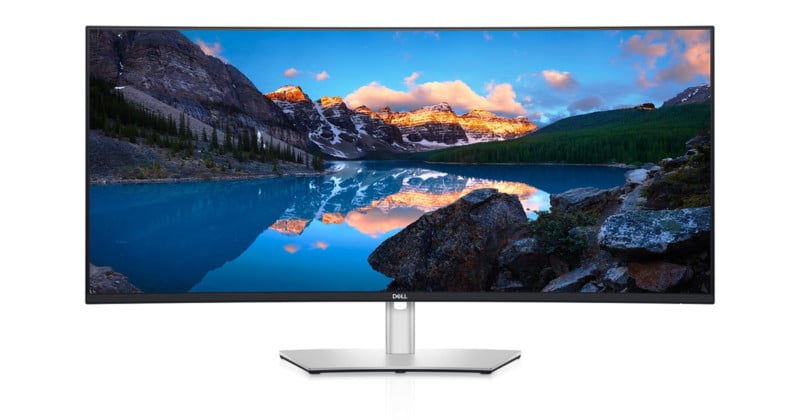
Size: 40 inches
Resolution: WUHD 5K x 2K
Brightness: 300 nits
Color Depth: 10-bit
Color Accuracy: 98% DCI-P3 (claimed), 100% sRGB (claimed)
Extras: KVM switch with 4 USB-A ports, one USB-C port, and an Ethernet Port. 9W speakers.
Price: $2,100
The Dell U4021QW is the latest and greatest in curved color-accurate displays. Unveiled just last month at CES, the U4021QW is being hailed as the world’s first color-accurate 40-inch WUHD 5K2K monitor, touting exceptional (for its class) color accuracy, with 98% coverage of DCI-P3 and 100% of sRGB, and 5,120×2,160-pixel resolution in a screen that gives you 33% more screen area than a typical 32-inch 16:9 4K monitor.
It also comes with every connection you could possibly need, including Thunderbolt 3 with 90W of power delivery, an extra USB-C port, two HDMI 2.0 ports, a DisplayPort, a built-in KVM switch with 4 USB-A ports, an audio-out, and an ethernet port. There are even built-in 9W speakers.
There will always be one or two trade-offs when using a monitor like this. For one, you should make sure that your computer/GPU can actually drive it at full resolution, and you’ll almost always be giving up some color performance in order to replace your 2-monitor setup with a massive single display. Dell doesn’t list AdobeRGB performance and we haven’t had a chance to test it yet (stay tuned). But for sheer efficiency, a 40-inch curved monitor is hard to beat, and the Dell U4021QW is currently the best choice for photo and video editors.
Best Photo Editing Monitor for Mac: Apple Studio Display XDR
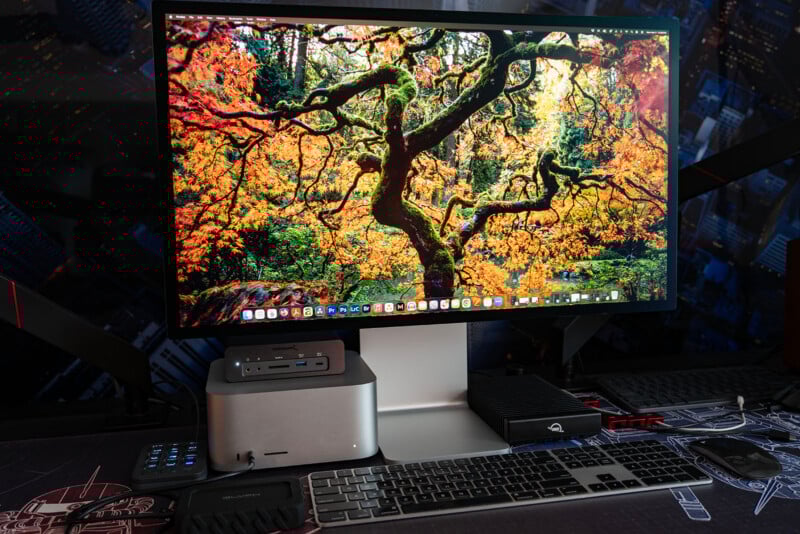
Size: 27 inches
Resolution: 5K at 120Hz (with caveats)
Brightness: 2,000 nits peak HDR, 1,000 nits peak SDR
Color Depth: 10-bit
Color Accuracy: 100% sRGB (measured), 98.3% DCI-P3 (measured), 85.7% AdobeRGB (measured); Delta E of 0.49 (measured)
Extras: Built-in Presets, mini LED display with 2,304 zones
Price: Starts at $3,299
If you want the ultimate photo editing monitor that’s tailor-made for the Mac, well, there’s no escaping the Apple ecosystem. Luckily, Apple has brought the price down versus the very old Pro Display XDR with the new Studio Display XDR: it only costs $3,200 instead of $5,000. However, if you want to get the nano-texture display and the built-in stand, that will raise the price to $3,600.
Luckily, that asking price is largely worth it.
If you are looking at picking up an Apple Studio Display XDR, it’s because you value a few things: integration with Macs, look and feel, high performance, and lifespan. Apple asks a lot in exchange, but it delivers across all four categories. If you buy this monitor, you get what you’re paying for. It is difficult, if not impossible, to find a monitor that combines all of what Apple offers here: super bright, HDR compatible, extremely color accurate, a built-in USB-C and Thunderbolt 5 dock, and a glass panel that has the option to be very resistant to glare.
It’s easy to rag on Apple for being expensive, but when you look what its products in the last few years actually deliver, the Studio Display XDR included, you get what you pay for.
Best Monitor for Photo Editors Who Want Ultimate Color Accuracy: Sharp NEC MultiSync PA311D
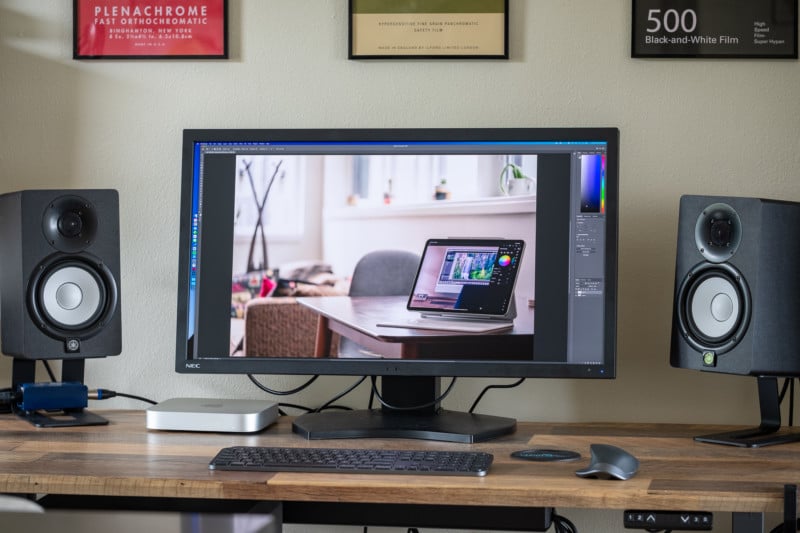
Size: 32 inches
Resolution: DCI 4K (17:9 aspect ratio)
Brightness: 350 nits
Color Depth: 10-bit
Color Accuracy: 97.9% Adobe RGB (measured), 97.3% DCI-P3 (measured)
Extras: USB Hub, Picture-in-Picture and Picture-by-Picture modes, 3D LUT Emulation
Price: $3,000 ($3,250 with colorimeter)
The Sharp NEC MultiSync PA311D gives you more colors, more accurate colors, and more control over your colors than any other monitor we’ve tested to date. In terms of specs, it’s nearly identical to EIZO’s $5,700 CG319X, except that it costs just $3,000, or $3,250 if you buy it alongside NEC’s bespoke XRite colorimeter (which you should).
Click here to read PetaPixel’s full review of the Sharp NEC MultiSync PA311D.
In our testing, the NEC PA311D covers nearly 98% of both the AdobeRGB and DCI-P3 color gamuts, with exceptional uniformity across the entire panel and a maximum Delta E 2000 of less than 1.5. It also gives you an absurd level of control over your colors, allowing you to select the exact chromaticity coordinates of your panel’s primaries, change your white point, adjust gamma and color temperature, and trim the hue, saturation, and brightness of your monitor’s colors in six axes: red, green, blue, cyan, magenta, and yellow.
It’s not the prettiest monitor, but if you don’t care about that, the downsides are really limited to two things:
- Maximum brightness is limited to 350 nits, which is a deal breaker if you shoot or edit HDR video.
- You have to buy a special NEC-branded XRite colorimeter if you want to calibrate the monitor’s internal 14-bit LUT. No third party colorimeters are supported for hardware calibration.
Assuming these are not deal breakers for you, the NEC PA311D is a hell of a deal, delivering true professional-grade color accuracy and color control for a lot less than the equivalent monitors currently available from EIZO, Dell, Apple, or ASUS.
Best Monitor for HDR: Dell UP3221Q
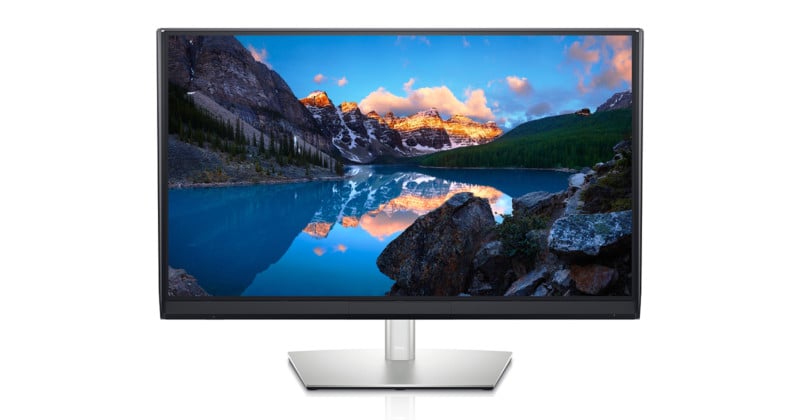
Size: 32 inches
Resolution: 4K
Brightness: 1000 nits sustained
Color Depth: 10-bit
Color Accuracy: 100% DCI-P3 (measured), 94% AdobeRGB (measured)
Extras: Built-In Colorimeter, Monitor Shade, Full Array Local Dimming (2,000 zones)
Price: $5,000
If you want true HDR performance, you need three things and you need them in spades. They are: brightness, contrast, and color accuracy.
The Dell UP3221Q gives you the best of all three worlds: sustained full-screen brightness of 1000 nits, a staggering 2,000 Mini LED backlight with full-array local dimming, and 100% DCI-P3 paired with 94% Adobe RGB coverage. This is a true VESA DisplayHDR 1000 certified display with more local dimming zones than anything else on the market, so until OLED technology is able to maintain this kind of sustained brightness and uniformity, it’s your best bet for working with HDR content.
Other great features include a built-in Calman-powered colorimeter, an included monitor shade, a built-in USB-A hub, Thunderbolt 3 connectivity with 90W power delivery, and a mode that lets you compare two color spaces side-by-side on the same display. All of this is packed into a 32-inch, 4K display with a true 10-bit panel that doesn’t play around.
Affiliate Disclosure PetaPixel articles may include affiliate links; we may earn a commission if you buy through one.