Apple Brings New Masking Tools to Final Cut Pro Amid Creator Studio Update
Apple has introduced a series of new updates to Apple Creator Studio, the collection of creative apps the company unveiled earlier this year.
The updates bring new features and functionality to Apple’s photo-editing app, Pixelmator Pro, its video-editing app, Final Cut Pro, and more, across Mac, iPad, and iPhone.
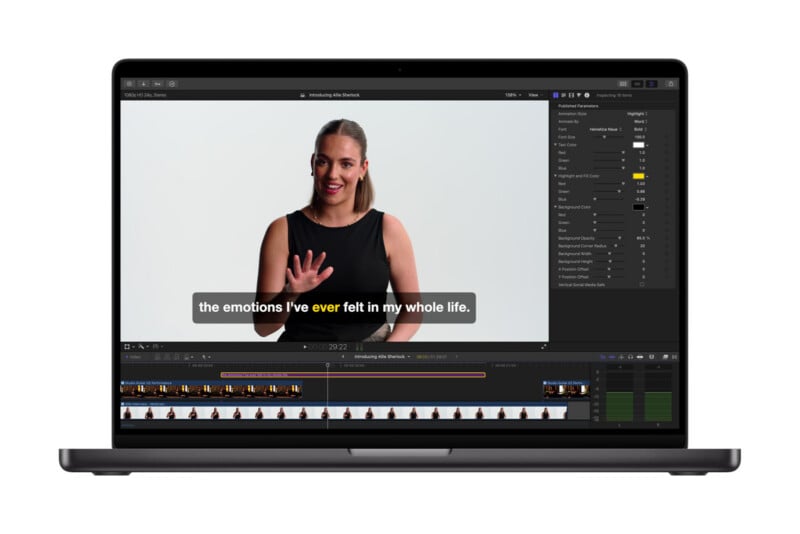
Looking first at Final Cut Pro, arguably Apple’s most widely used professional creative application and the app with the biggest updates for visual creators. On Mac and iPad, new AI tools like Generate Captions, Edit Detection, and more aim to empower video content creators in new ways.
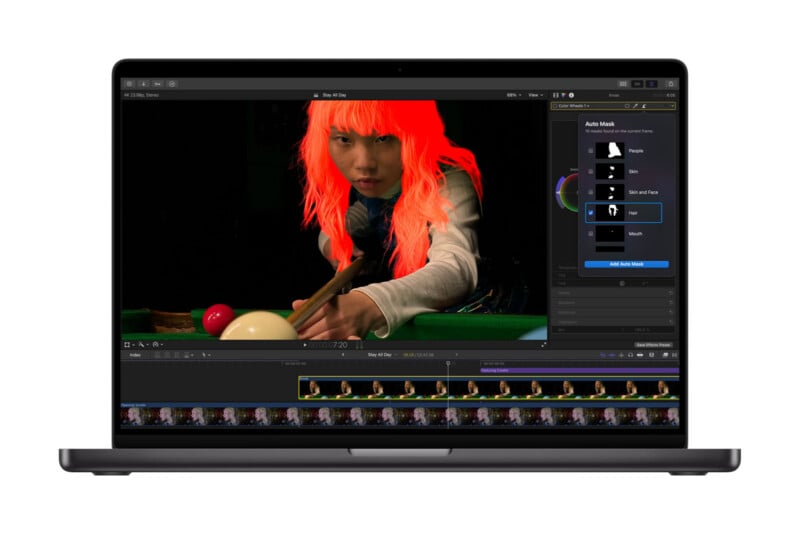
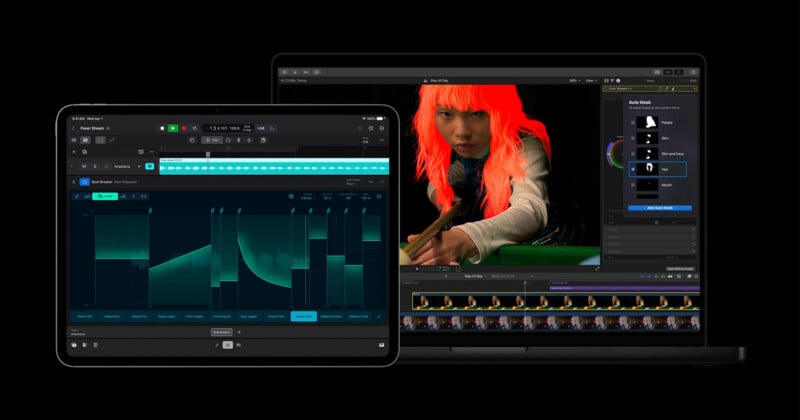
On Mac specifically, a new Auto Mask tool promises big workflow improvements. This is a new way for video editors to easily isolate and refine specific elements in their footage. On-device AI automatically recognizes various subjects, including skin, hair, sky, foliage, and clothing, without the need for manual tracking.
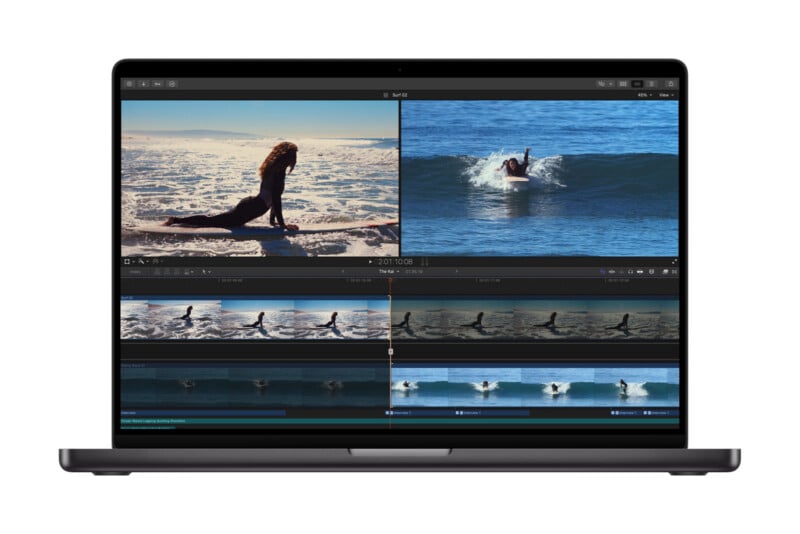
Users hover over their clip, and Final Cut Pro’s Auto Mask tool shows a live preview of what it detects. Users can then click on the detected subject or select it from a drop-down list inside the app’s inspector. These masks can be paired with color correction or effects tools to edit a subject locally. Auto Mask works alongside the powerful Magnetic Mask Apple introduced in late 2024.
There are also some big changes to existing tools, including Match Color. Apple says that a new and improved version of Match Color makes it even easier for editors to match the color of various clips, including those shot in highly varied lighting conditions. Editors select a reference frame, and then Final Cut Pro analyzes shots to bring them into “perfect harmony.”
Additional new Final Cut Pro tools include AI-generated captions, a highly requested feature, Edit Detection, which analyzes rendered video and splits it back into original clips on the timeline, and more.
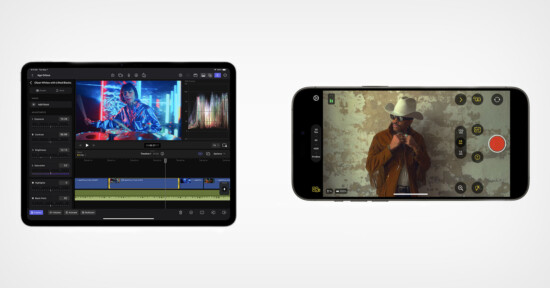
For Final Cut Camera, Apple’s dedicated video capture app on iPhone and iPad, there is new support for Clean HDMI Out, letting filmmakers send a “pristine video signal” directly to external monitors and recorders. There is also new ProRes support, including for ProRes LT.
Pixelmator Pro has some big changes on offer as well. Hybrid creators, of whom there are a growing number, can now bring a chosen frame directly from Final Cut Pro into Pixelmator Pro, making it easy to create custom thumbnails or social media graphics.
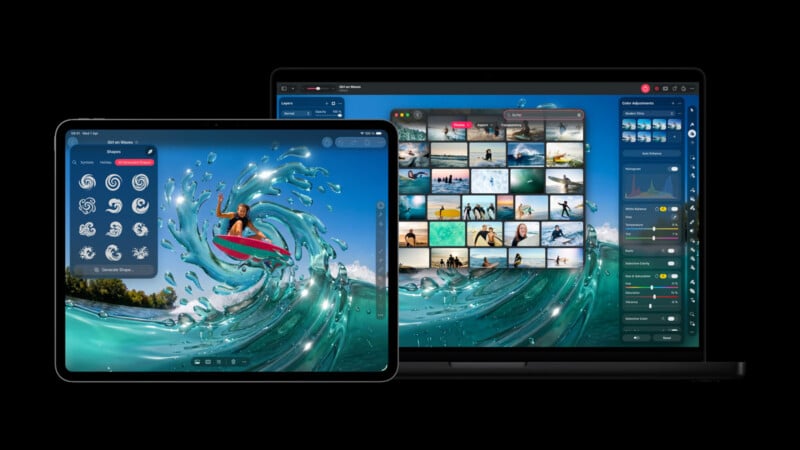
Apple is also bringing its generative AI image tools directly into Pixelmator Pro. Apple has also updated Pages, Keynote, Numbers, and Logic Pro.
Image creditsApple
Affiliate Disclosure PetaPixel articles may include affiliate links; we may earn a commission if you buy through one.