Tecno Camon 50 Ultra Review: Decent Cameras Buried by AI
The best camera features generally go to top flagships for good reason, but mid-range brands like Tecno always try to punch above their weight. The Tecno Camon 50 Ultra may be a phone you’ve never heard of, yet its camera system is varied enough to stand out.
Plugging in a fair amount of AI plays a big role in that, though it’s not necessarily something you always have to rely on to capture a good photo with this phone. As much as the Big 3 in North America have coasted with their flagships, they’ve been glacial with their mid-rangers, making Tecno’s attempt here even more unique.
Tecno Camon 50 Ultra Review: Design and Build
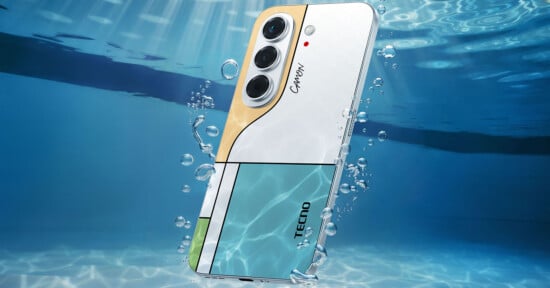
Looking at it from the back, you could be forgiven for confusing this for a Samsung device. Just the way the lenses line up could trip people up, but look closer, and the “Techno Camon” etching clarifies things. My Nebula Titanium review unit seems muted next to the colorful alternatives like Cypress Green, Luminous Orange, and Misty Purple.
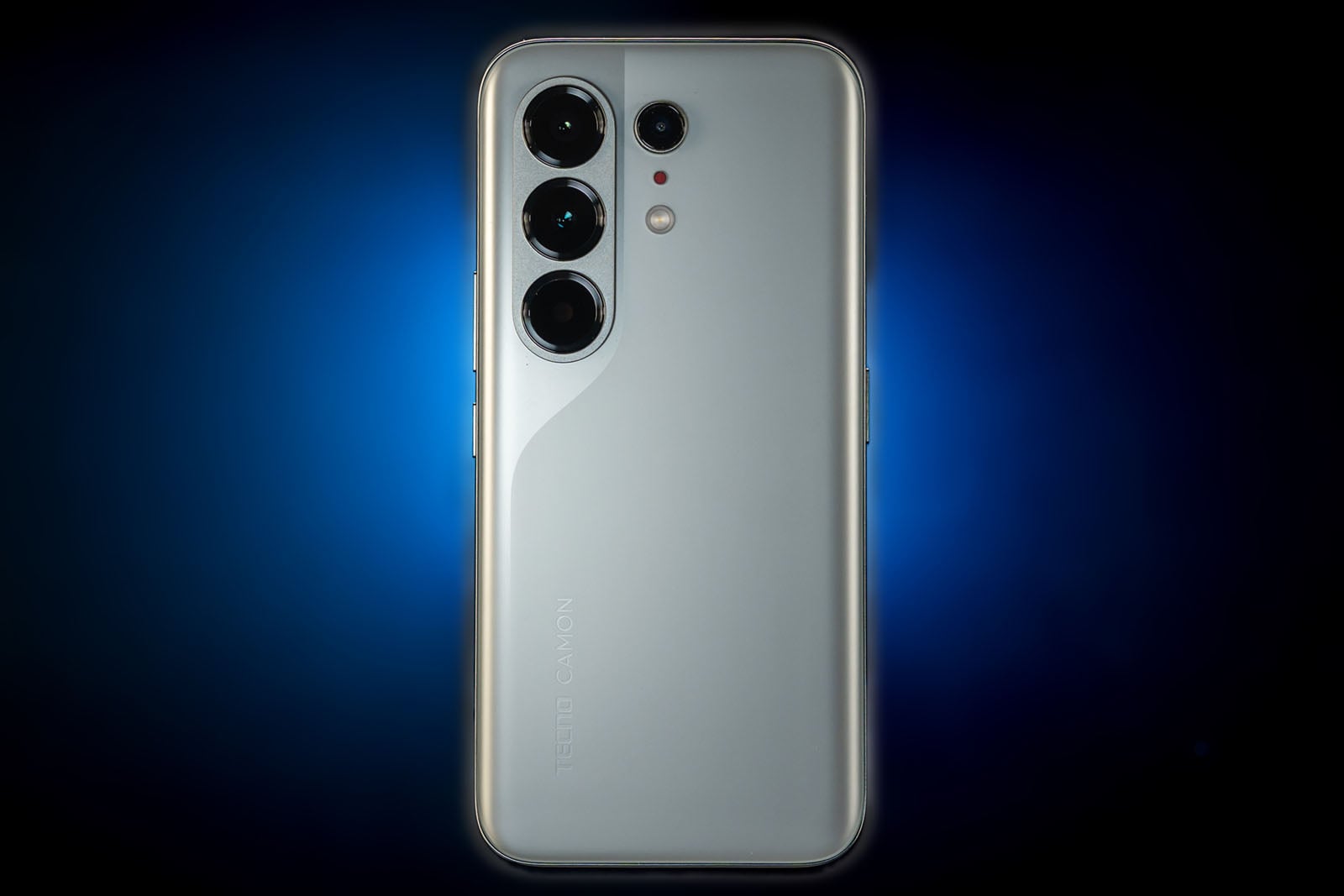
The 6.78-inch AMOLED display (2644 x 1208) with 144Hz refresh rate (limited to specific apps and gaming) uses a curved panel, matched on the back panel to make the phone look thinner. Personally, I’ve never been a fan of curved displays, and this Camon 50 Ultra does nothing to change that. At least it’s Gorilla Glass Victus 2 on both sides for some durability, along with IP68/69/69K dust and water resistance for the body.
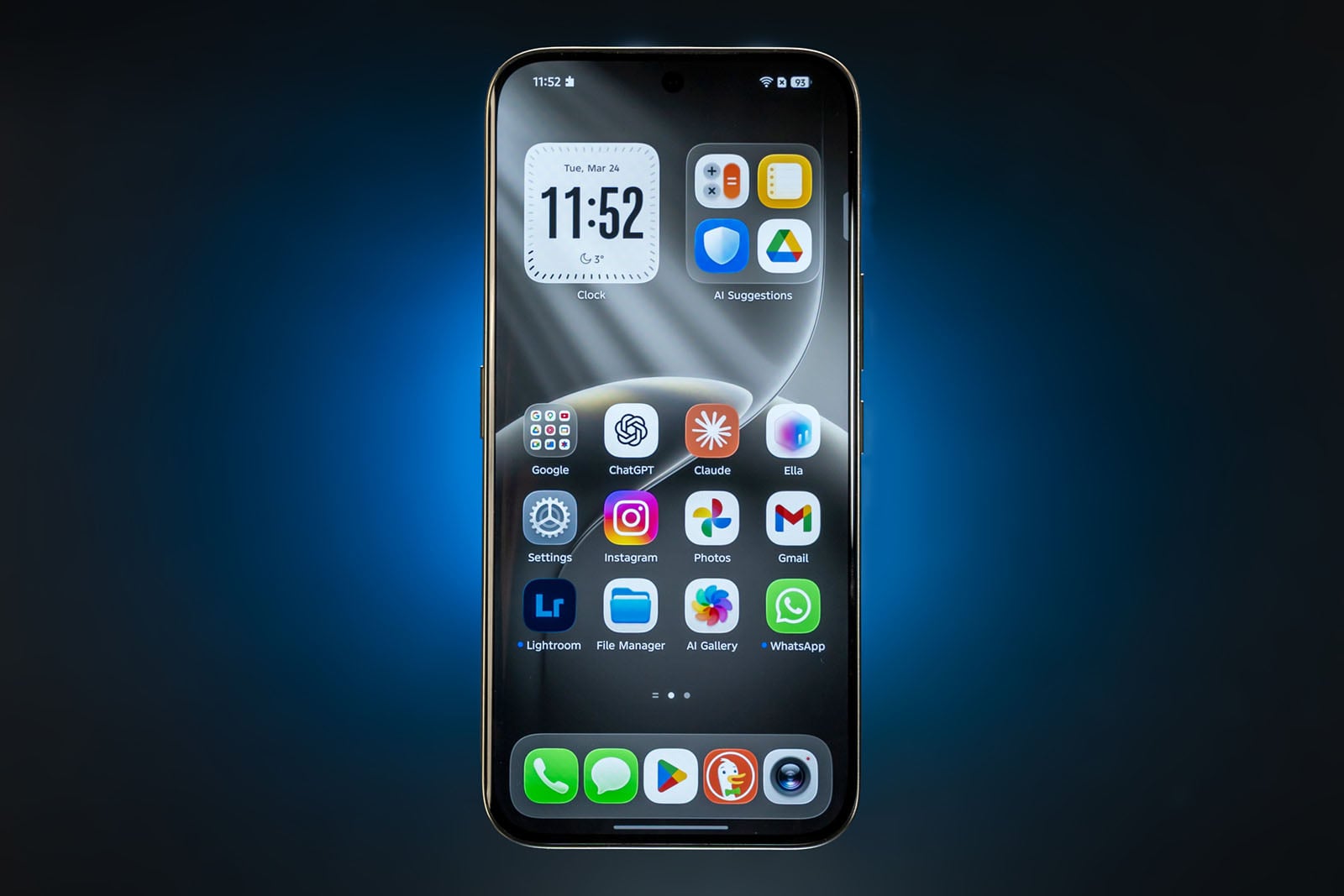
My dislike for curved panels aside, Tecno succeeds in making the phone feel more premium than its sub-$600 price would indicate. The 6500mAh silicon-carbon battery is huge for a device in this range, further underscoring the forward progress coming from Chinese brands, regardless of specs. It holds up extremely well, even with heavier camera use, outlasting bigger-name rivals in impressive ways. Charging speed maxes out at a respectable 45W, making a full 0-100% recharge take about 80 minutes.
Running on the MediaTek Dimensity 7400 Ultimate chip, the phone prioritizes camera performance but is hardly a slouch within its range. Configurations start at 8GB of RAM and 256GB of storage, going up to 12GB of RAM and 512GB of storage.
Tecno Camon 50 Ultra Review: Camera Features
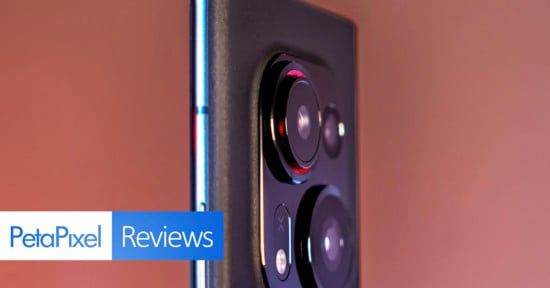
The triple rear camera array starts with the 50-megapixel main wide camera (23mm equivalent), which uses a Sony LYT-700C Type 1/1.56 sensor with f/1.8 aperture and optical image stabilization. The 50-megapixel telephoto (70mm equivalent) uses an OmniVision OV50M 1/2.88-inch with f/2.2 aperture. Finally, in what feels like a throw-in, the 8-megapixel ultra-wide (14mm equivalent) uses a budget GalaxyCore GC08A8 Type 1/4 sensor with f/2.2 aperture and fixed focus. The 50-megapixel front-facing camera is a 20mm equivalent using a Samsung Isocell JN1 Type 1/2.76 sensor with f/2.4 aperture.
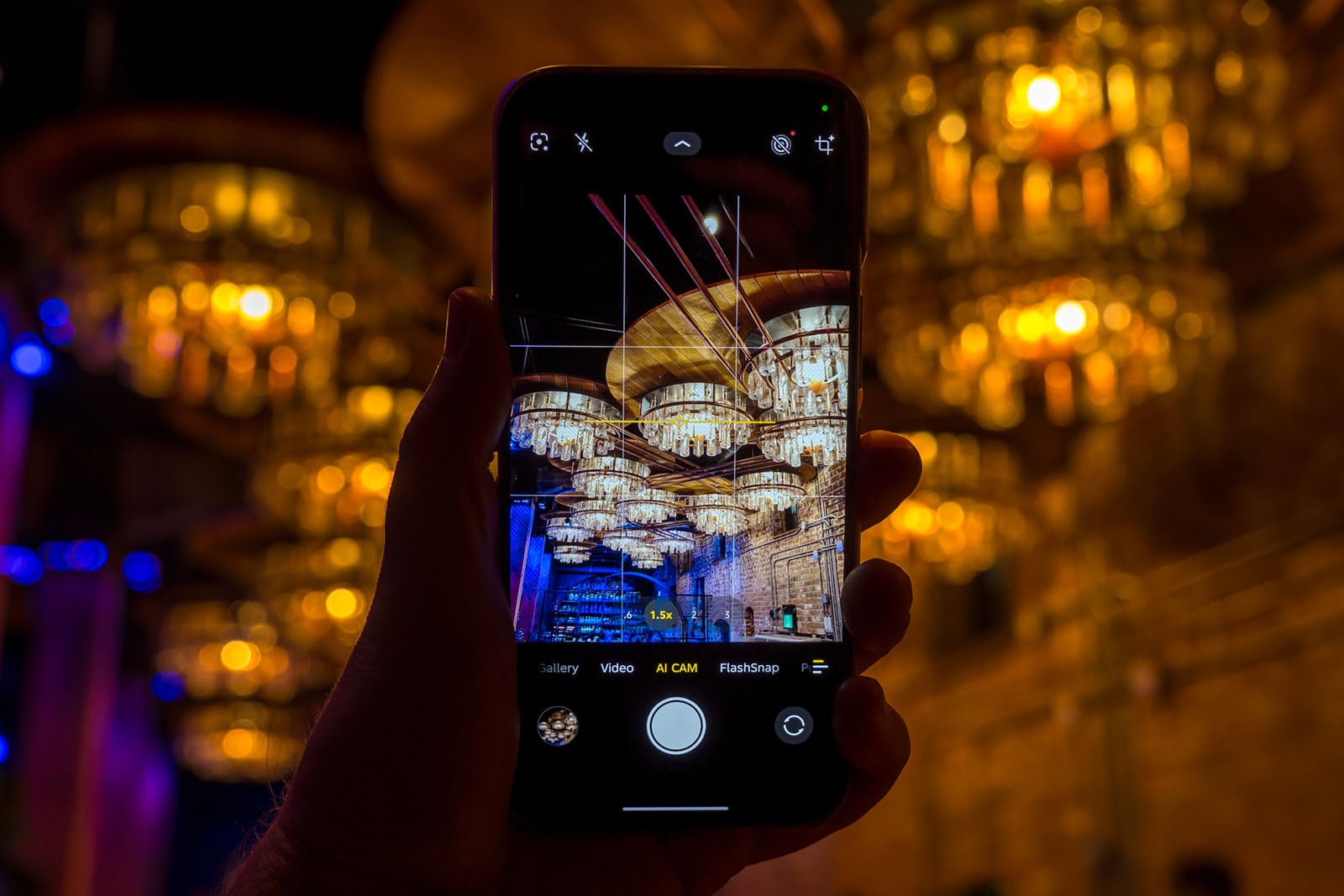
Tecno’s image processing is key to squeezing more out of these cameras, leaning into AI-driven imaging to assist. It’s a bit of an odd mix, trying to restrain overexposure while pushing HDR to produce good photos under varying conditions. Mid-range phones usually pick their battles by doing better in, say, daylight or portraits, while low-light or action shots tend to be more of a struggle.
The Camon 50 Ultra gets more interesting the more you shoot with it, simply because it tries to buck the trend. Tecno clearly aligns its color science more with social media, so we’re not talking supreme authenticity here, but at least the company’s engineers put thought into composition. The Standard color style is the most authentic — less saturated, more balanced — whereas Bright and Camon go deeper with colors, while swinging warmer and cooler in temperature, respectively.
These main styles can work together alongside a set of filters, with Original being the default. A few of them are surprisingly pleasing on the photographic eye, though it’s clear they’re not going for a purist look. In addition to those, there are “Scene” presets (Food, Sunset, and Stage) that tweak processing to enhance light and colors in an image. Stage will look to reduce the chance of clipping from bright lights during a performance, while Food and Sunset tinker with colors for a little more drama.
Tecno Camon 50 Ultra Review: Plenty of AI to Choose From
Tecno doesn’t hide the AI focus at all. The main photo mode is called “AI Cam,” even though it doesn’t necessarily do something beyond the existing processing with each snap. Other modes clearly do, like AIGC Portrait for portrait photos, which you can then use to generate others of the same subject by choosing one of the available templates.
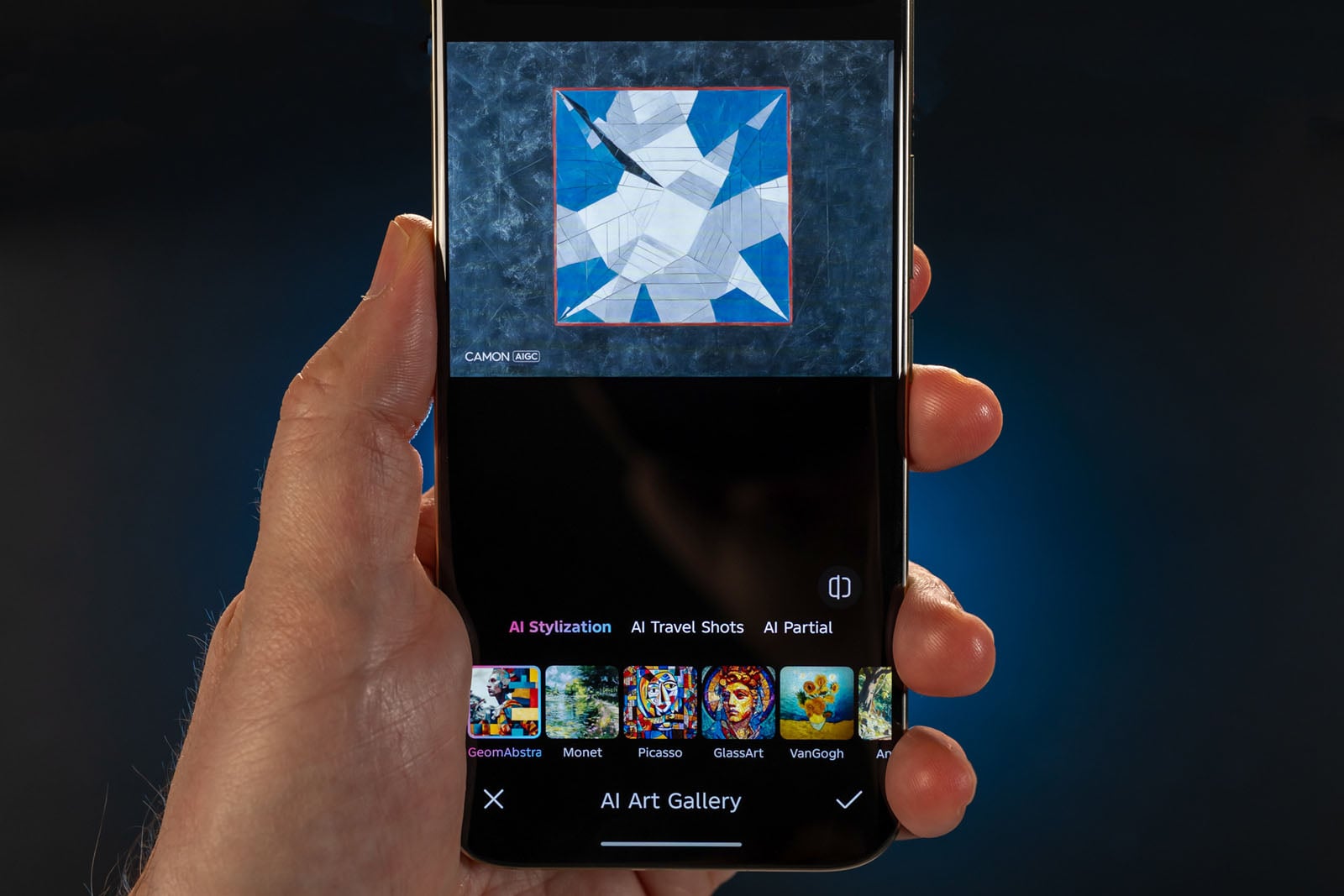

The AI Art Gallery is the most obvious because it fully delves into generative AI. Here, you can take a photo and apply an artistic effect to it at the same time. That could be a Monet, Picasso, Van Gogh, or Frida Kahlo painting, or art based on stained glass, abstract art, anime, or the Tinga Tinga children’s series. If you missed the chance to do it the first time, you can always take any photo in the AI Gallery app and try out the effects in the editing suite. In addition, there are “AI Partial” scenes that can apply certain patterns to a subject’s clothing or add a henna tattoo to a subject’s arm. There’s even a way to add 3D depth to a 2D image.

All of these AI features, including the editing features, are cloud-based, so you need a data or Wi-Fi connection to use them. Aside from that, the Camon 50 Ultra offers a slew of shooting modes that cover a wide range of scenarios — more than most mid-range phones. They all generally use on-device AI processing, whereas some, like Super Night, tend to use a bit more processing to pull more detail out of a scene.
There’s even an Aqua mode for underwater photography (you still need to use a waterproof pouch for saltwater), plus FlashSnap for action, Long Exposure, and Super Macro in the mix.
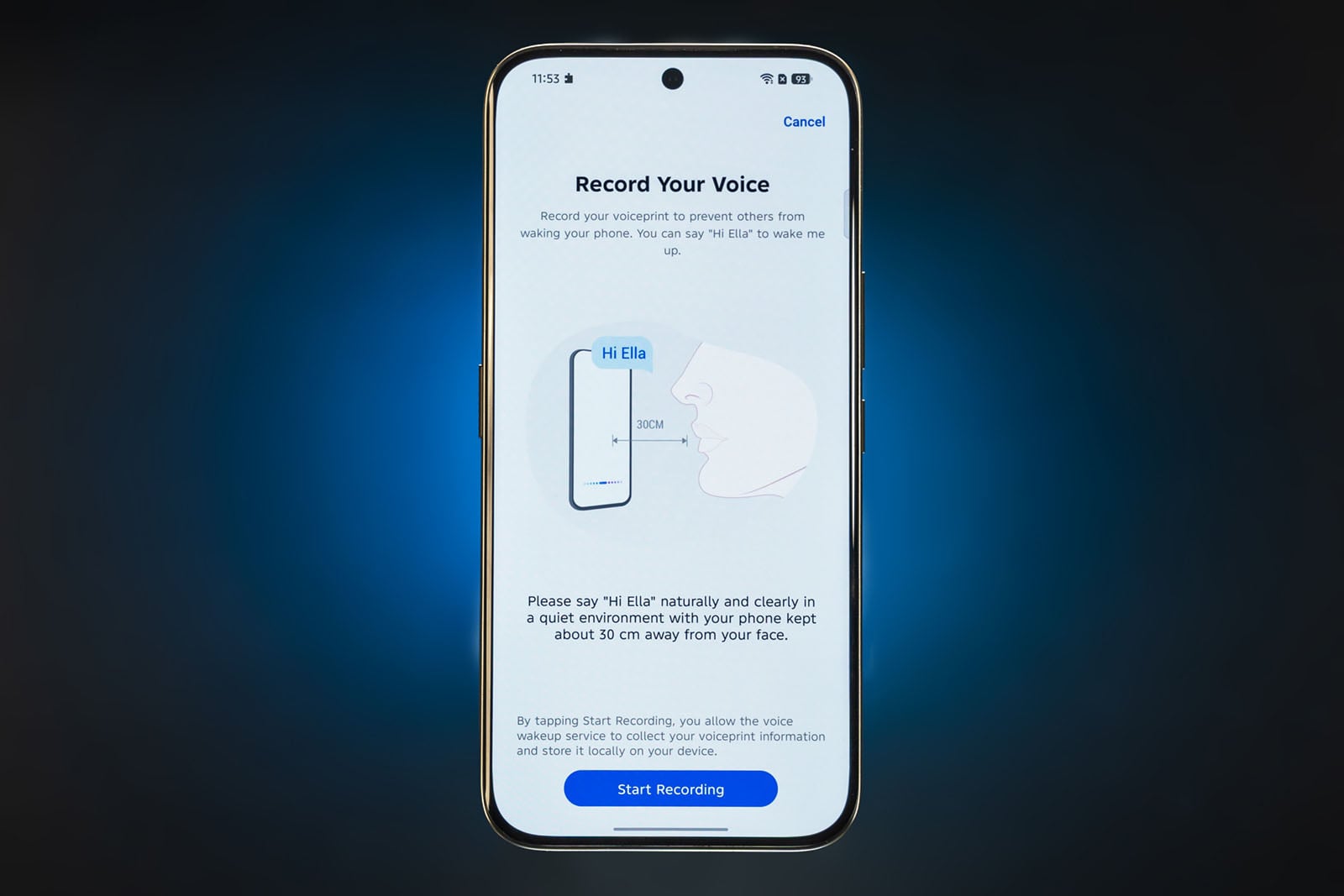
I should mention the One-Tap button on the left edge of the phone, which acts as the main AI conduit for access to Ella, Tecno’s own AI voice assistant. A single press does a FlashMemo, basically a screenshot that Ella can then read and parse for you. Swipe right from the home screen, and you go to an AI hub that includes access to MindHub, where those screenshots and all Ella-related queries go. What’s cool is that you can choose another AI chatbot; Deepseek is the default, but ChatGPT, Gemini, MetaAI, and Grok are also available.
Tecno Camon 50 Ultra Review: Image Quality
Shooting Past the AI
Despite the waves of AI in this device, the Camon 50 Ultra can still take some really good photos. Since they’re pixel-binned to 12.5 megapixels by default, it’s not uncommon to see some softness when peeping pixels, but there’s a surprisingly broad dynamic range throughout.

Colors also don’t go awry when using the Standard style instead of the Bright and Camon styles and combining it with the Original filter. This also holds for the full-resolution Ultra HD mode, which removes access to the styles and filters. Pro mode is basically the same, except you have manual control over the usual composition settings to shoot more to your liking. Notably missing is the option to capture RAW images, leaving everything in JPEG format, no matter which mode you choose. Plus, Pro mode shots are also binned, so you can’t even shoot at full resolution in JPEG using those same controls — a major limitation that other mid-rangers offer. No workarounds exist for either of them, even in the camera settings.
I also don’t like that you can’t turn off the shutter sound despite providing no less than eight different tones to choose from. It just makes it harder to take a photo in a very quiet environment without attracting some attention.

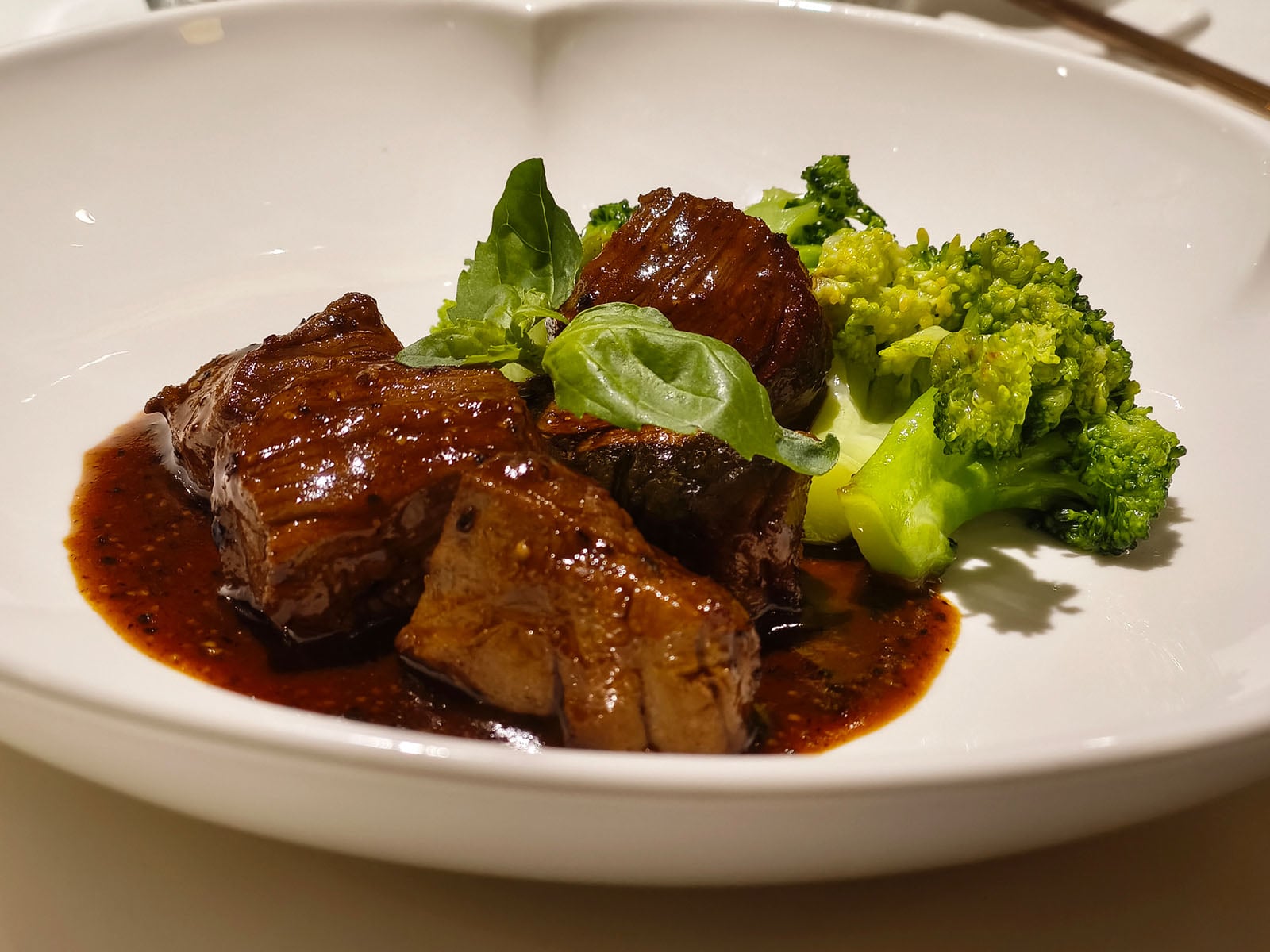
Given its mid-range focus, Tecno figures users may not want the missing features, but I would argue otherwise. If a phone can take good photos, giving photographers more options to tailor them is never a bad idea. As is, though, there’s no shortage of ways to capture a scene or subject.
FlashSnap is okay for action shots, but only in daylight or bright settings. It struggles in low light or at night. Dynamic range also takes a hit when there’s some movement involved with an otherwise static subject, like capturing a fire on top of a torch light, for instance, where the flame is likely to see clipping.


This happens regardless of which lens you use. The ultra-wide is terrible and not very capable under most circumstances. The telephoto is much better, though nuances come into play here as well. For example, you can use it for macro photos but not at the optical 70mm range. Tap it again to switch to the 85mm in-sensor crop, and the subject suddenly becomes clearly focused.
Taking Over the Reins — Somehow
I get the sense the Camon 50 Ultra is about being creative, only without you, the user, thinking too much about how to compose the photo. An AI-driven auto-zoom feature is an example of that, but it won’t be as convincing if the crop is from an already-binned 12.5-megapixel shot.

And so, I would look for any way to apply my own imprint on what the phone could do. One method is to play around with the styles and filter combinations to find an interesting mix, as well as experimenting with HDR on or off. That, in tandem with manual editing in the Gallery app, helps to some degree.

FlashSnap includes a feature called Auto Capture that automatically captures a moving subject without you pressing the shutter. When off, you need to manually tap the shutter yourself — my preferred option. In either case, you can select AI Focus for subject or face recognition to help the cause. It’s off by default, but proves useful when leaving it on.
Wisely, Tecno includes a guide for every mode that’s worth reading through because it not only explains the mode but also how to utilize it and what settings to turn on. Most flagships don’t even have that, so it’s a welcome sight.

For the most part, however, Tecno holds your hand in a majority of situations based on how things are configured. It’s hardly blatant, but you’re sort of encouraged to use the various AI tools available, including the generative AI elements. I will admit they can sometimes deliver cool results, but it’s not real photography for photographers at that point.
Video Features
I focused on still photos, but there’s a fair amount of video to work with. The Camon 50 Ultra can record in 4K at 30fps or 1080p at up to 60fps with both the wide and telephoto cameras, as well as the front camera. While there are a few different video modes (Slow Motion, Vlog, Dual Video), there’s no Pro video mode, nor the ability to record at 24fps. Footage isn’t bad across the board, but not all that exceptional, either.
Tecno Camon 50 Ultra Review: Value for the Uninitiated
Tecno’s phone won’t appeal to purists — that much is obvious. It leans so hard into AI that it stands to hold greater appeal for those who want that kind of creative assist. It’s certainly not creating images from the camera out of thin air via prompts, but the AI Portraits and AI Art Gallery are right in that ballpark.

Tecno doesn’t need to label modes, like the standard photo mode, with “AI Cam” when AI isn’t necessarily driving it all the time. The company clearly sees these features and integrations as a way to stand out, so I get it. We’re also fooling ourselves if we think bigger brands won’t test the waters with features like these in due time, too.
And so, the Camon 50 Ultra suits those who like a bigger helping hand, like, frankly, most iPhone, Samsung, or Pixel users. While computation differs between them, the artificial assistance in those devices isn’t all that far off from how the processing works for many images in Tecno’s device.
Are There Alternatives?
It’s hard to find a phone that delves into these themes in the same way but the Motorola RAZR 2026 is a couple hundred dollars more and includes Moto AI, which mostly combines Gemini with Perplexity and Microsoft Copilot. That casts a wide net for smarts but also splits your data into three directions, and their integration into the camera may be limited. It’s naturally cool that it’s a flip phone, but it also doesn’t have a telephoto lens.
Others, like the Oppo Reno15 Pro, Vivo V70, and Xiaomi 15T stand out as solid photography competitors because they can often take better photos with more control. The Honor 600 also recently launched as a mid-range competitor.
On the other side, the Samsung Galaxy A57 feels like a clone of the A56. Same with the Google Pixel 10a. The iPhone 17e is hardly a serious mobile photography tool and it’s considerably more expensive. Consider the Nothing Phone (4a) Pro, which comes at a good price and features a pretty reliable camera system.
Should You Buy It?
Yes, if you’re into the AI side of things. Other brands offer a more photography-focused experience with limited AI, so it comes down to what you want to prioritize.