EvrBridge Brings Automated Camera Metadata Workflows to Resolve
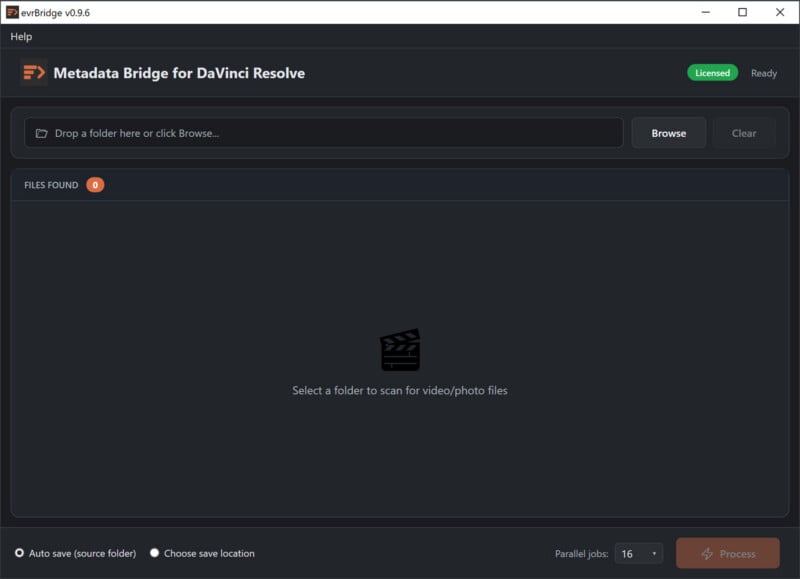
EvrApp has introduced EvrBridge, stylized “evrBridge,” a new Windows application designed to automate one of post-production’s more persistent workflow challenges: extracting and organizing camera metadata for use inside DaVinci Resolve. The app marks the company’s first native Windows solution built around its established metadata processing pipeline.
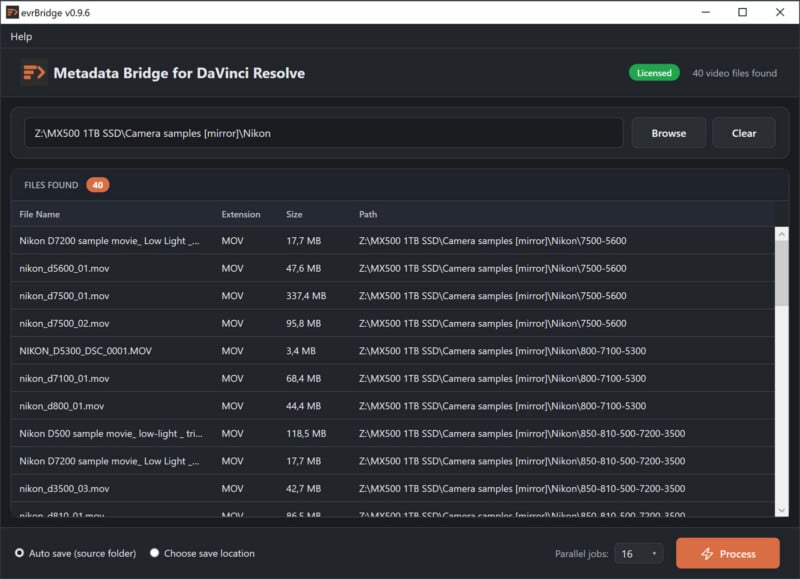
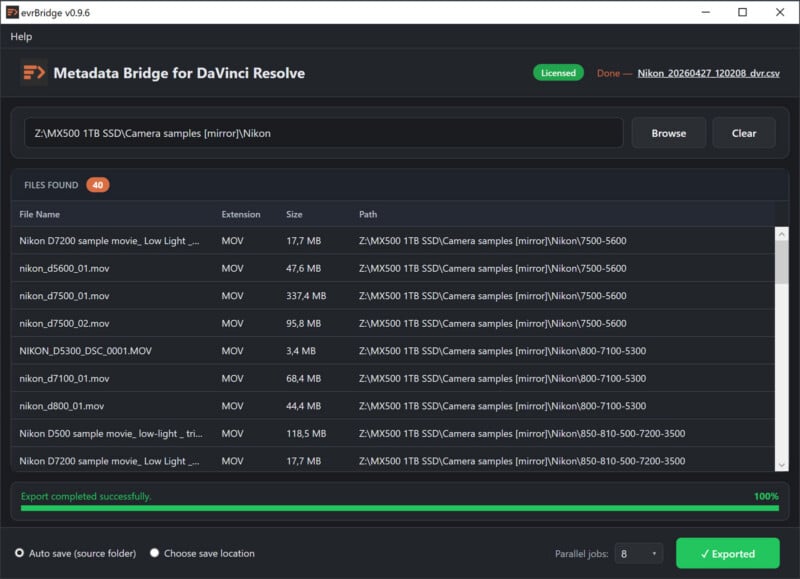
Positioned as a streamlined utility for editors and colorists, EvrBridge reads embedded metadata directly from video and image files and converts it into a structured .csv file that can be imported into Resolve’s Media Pool. The goal is to eliminate the need for manual data entry or custom formatting, particularly in projects involving multiple cameras or complex shoots.
Automating Metadata for a Faster Post-Production Workflow
Metadata management has long been a friction point in video editing, especially within workflows that rely on accurate information such as camera type, lens data, exposure settings, and timecode. While much of this information is embedded in source files, it is not always accessible or automatically populated within editing software.
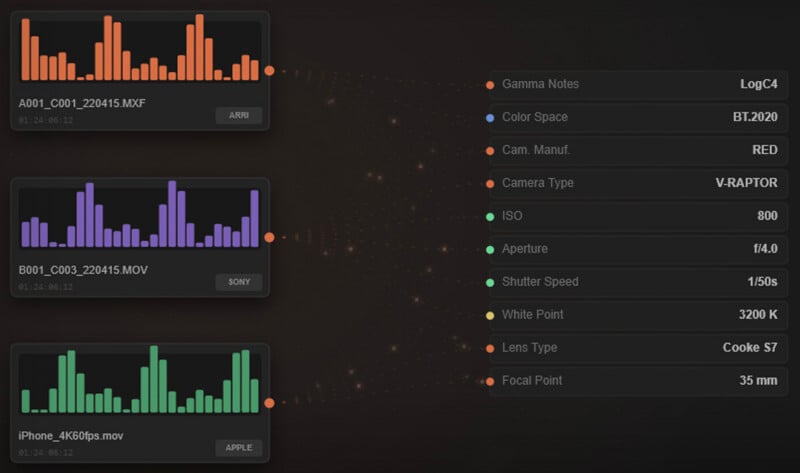
EvrBridge addresses this by extracting metadata at scale and preparing it in a format that Resolve can immediately recognize. Once imported, editors can populate key metadata fields such as scene, take, ISO, aperture, shutter speed, color space, and lens data without additional processing.
The application supports a wide range of camera manufacturers, including Sony, Canon, Arri, Blackmagic, Nikon, Panasonic, Fujifilm, Z-Cam, Kinefinity, GoPro, and iPhone. It also automatically detects and processes companion sidecar files, such as XML metadata generated by certain camera systems, helping ensure that additional data captured during production is not lost in post.
Built on an Established Metadata Engine
Although EvrBridge is new to Windows, it is built on the same underlying metadata engine used in EvrExpanse, EvrApp’s macOS-based tool. This allows the application to inherit a mature, field-tested pipeline while adapting it to a Windows-native environment.
The software bundles widely used analysis tools, including ExifTool, MediaInfo, and FFmpeg’s FFprobe, removing the need for users to install or configure third-party dependencies. This integrated approach is intended to simplify setup while maintaining compatibility with a wide range of file formats, including common video containers and still image formats such as RAW, JPEG, PNG, and HEIC.
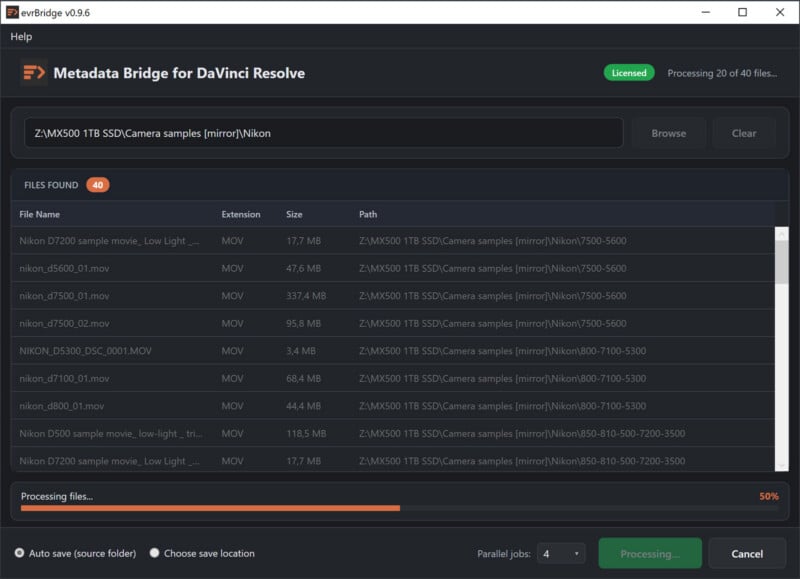
In practice, the tool can process batches of media files in parallel, exporting up to dozens of metadata fields per clip. These include not only technical capture details but also information on color science, GPS data, and timecode, depending on the source material.
System requirements are relatively straightforward for its intended audience, supporting Windows 10 and Windows 11 on 64-bit Intel x64 processors, and compatible with DaVinci Resolve 17 or later.
Why Metadata Is Becoming More Central to Editing Workflows
The release of EvrBridge reflects a broader shift in how post-production workflows are evolving. As productions increasingly rely on multiple cameras, higher resolutions, and hybrid photo and video capture, metadata is becoming more critical for organizing and navigating large volumes of media.
In platforms like DaVinci Resolve, metadata is closely tied to sorting, filtering, and conforming footage. When that data is missing or incomplete, editors often resort to manual input, which can be time-consuming and prone to error. By automating this process, tools like EvrBridge aim to reduce overhead and improve consistency across projects.
This becomes particularly relevant in color grading and finishing workflows, where accurate metadata can influence everything from shot matching to HDR grading decisions. As Resolve continues to expand its capabilities across editing, color, and now photo workflows, the role of structured metadata is likely to grow alongside it.
With EvrBridge, EvrApp is extending its metadata-focused toolset to a broader user base, bringing a previously macOS-centric workflow to Windows users while addressing a longstanding gap in Resolve-based post-production pipelines.
Pricing and Availability
EvrBridge is available now, priced at $28 during an introductory period through May 12, 2026, after which it will return to its standard price of $40. A 15-day full-feature trial is also available.
Image creditsEvrBridge
Affiliate Disclosure PetaPixel articles may include affiliate links; we may earn a commission if you buy through one.