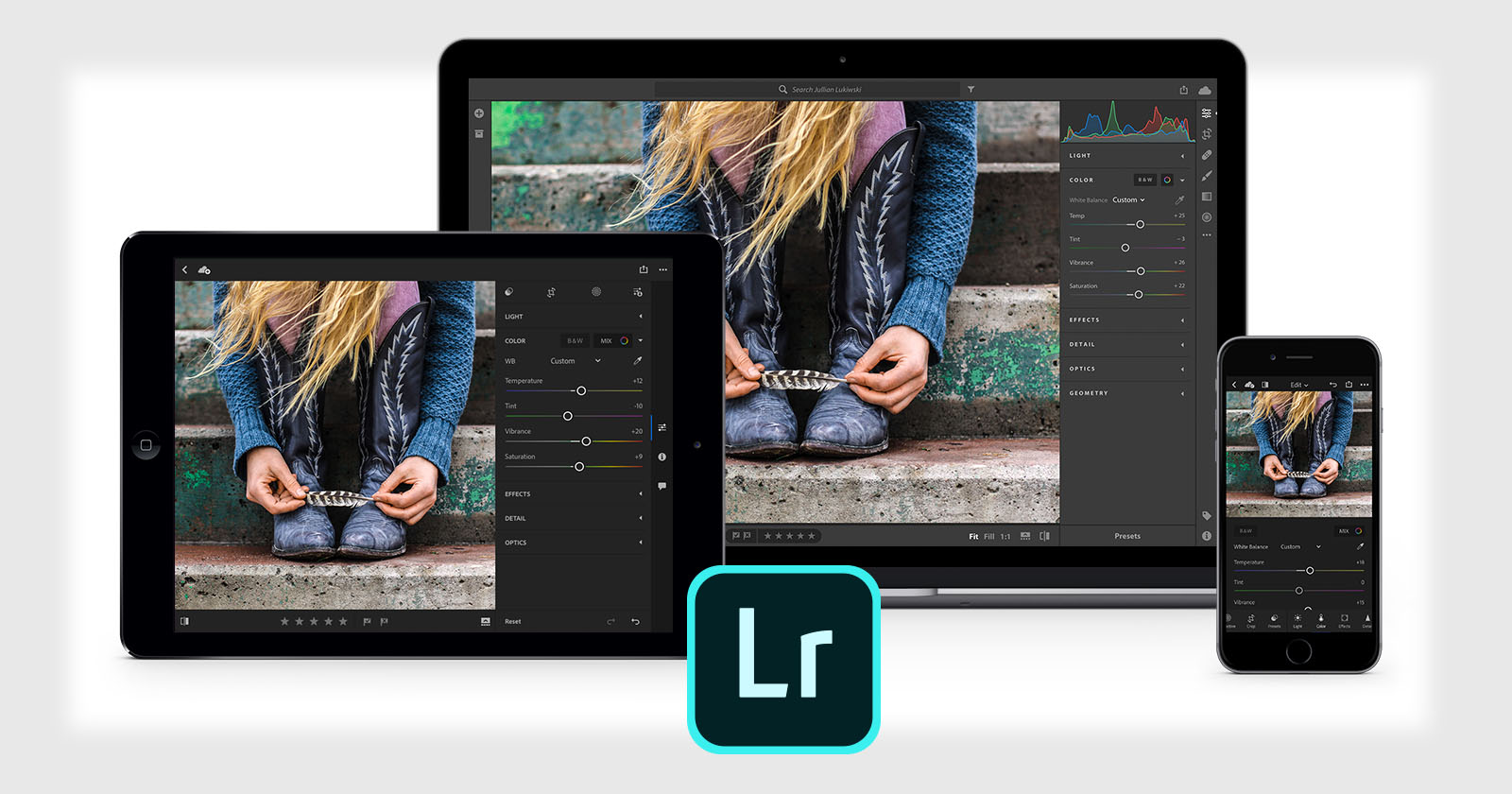
Adobe Lightroom Updates Brings Faster AI Workflows and New Tools

Adobe has rolled out a new round of updates across its Lightroom ecosystem, including Lightroom Classic 15.3, Lightroom Desktop 9.3, and Lightroom Mobile 11.3. The releases introduce a mix of performance improvements, AI workflow enhancements, and new creative tools designed to streamline editing and expand flexibility across devices.
Faster, Less Disruptive AI Editing
One of the most meaningful updates in Lightroom Classic 15.3 is how AI-powered edits are handled during batch workflows. Previously, applying settings through copy, paste, or sync would trigger a blocking process while AI adjustments updated in the background. In this release, those updates now run without interrupting the rest of the application.

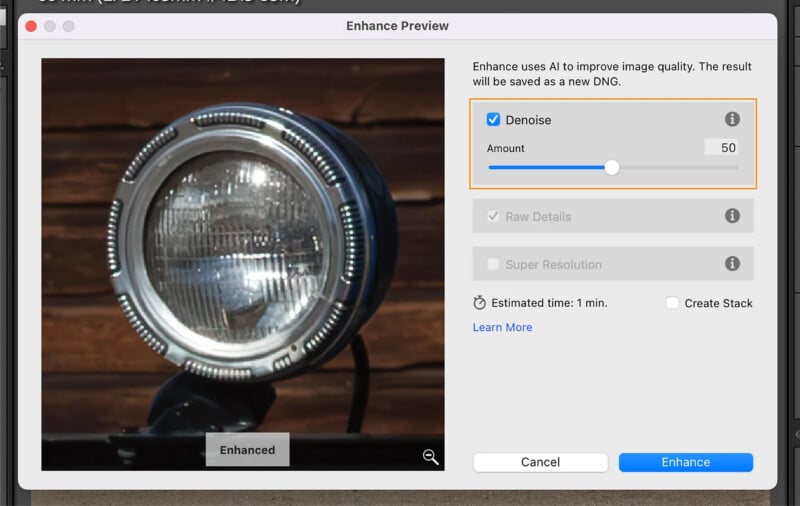
Enhance features such as Denoise, Raw Details, and Super Resolution, along with AI adjustments applied through Copy, Paste, Presets, Synchronize, and Auto-Sync workflows, now run as a single background process. While affected images may still be temporarily unavailable during processing, photographers can continue working elsewhere in the catalog, making large editing sessions significantly more fluid.
Adobe has also added a new “AI Updates Required” warning during export, alerting users if selected images still need their AI settings refreshed before final output.

Film-Inspired Presets Expand Creative Options
Lightroom Classic 15.3 introduces a new set of film-inspired presets and profiles designed to give images a stylized, analog feel. Rather than emulating specific film stocks, these presets focus on broader tonal aesthetics with names like Warm Gold and Light Sage.
They are available within the Presets panel under the Style: Film-Inspired group, with corresponding profiles accessible in the Profile Browser, offering photographers a quick way to experiment with mood and color grading across Classic, Desktop, and Mobile.
Improved Assisted Culling and Subject Detection
Adobe has refined its Assisted Culling tools, particularly in how the software evaluates focus in images with shallow depth of field. Subject Focus scoring is now better tuned for situations where only part of a subject is in focus, reducing false rejects in images with intentional background blur.
The Reject system has also been updated, with a redesigned exposure issues control that includes a slider ranging from light to strong, giving users more precise control over how strictly images are flagged. Labeling for eye detection and subject recognition has also been clarified for more intuitive filtering.
Better Performance and Workflow Enhancements
Performance improvements are a central part of this release. Lightroom Classic now delivers more responsive slider adjustments for both global and local edits, making real-time image tuning feel more immediate.
Adobe has also improved memory usage in full-screen mode and increased cloud sync download speeds, helping photographers manage large libraries more efficiently. Batch AI edit optimizations further contribute to smoother high-volume workflows.
Another notable addition is support for PSB files, allowing large Photoshop documents to be imported, edited, and synced more seamlessly across Adobe’s cloud ecosystem.
This release also adds support for new camera formats, including Sony’s latest compressed and compressed HQ RAW formats, expanding compatibility for newer hardware.

Firefly Integration for Mood Boards
Lightroom Classic 15.3 also strengthens its integration with Adobe’s broader creative tools, enabling users to send images directly to Firefly Boards. Users can export up to 10 images at a time to build mood boards, organize concepts, and experiment with AI-driven edits without affecting original files.
It adds a new layer to pre-production and creative planning, particularly for photographers working on concept-driven shoots or collaborative projects.
Updates Across the Lightroom Ecosystem
Beyond Lightroom Classic, this release introduces several updates across Desktop and Mobile. Lightroom Desktop gains improved natural language search, allowing users to find images using detailed phrases rather than simple keywords, along with enhancements to editing workflows with Photoshop, including more control over file types and bit depth.
Desktop users can now also zoom and pan while cropping for more precise adjustments. On mobile, Adobe has improved shared album management with faster approval workflows and enhanced support for opening multiple images directly from native photo apps.
Across all platforms, performance enhancements include faster preset browsing, improved white balance previews, and quicker distraction removal tools, further refining the overall editing experience.

A More Fluid Editing Experience
As with most Lightroom updates, Adobe has addressed a range of user-reported issues across the ecosystem, including bugs affecting cropping, presets, interface translations, and overall stability.
Taken together, these updates are less about a single standout feature and more about refining how Lightroom works as a whole. With faster AI processing, improved culling, broader format support, and better performance across Classic, Desktop, and Mobile, the release focuses on reducing friction throughout the editing process.
For photographers managing large catalogs or working across multiple devices, those incremental improvements may ultimately have the biggest impact.
Image creditsAdobe
Affiliate Disclosure PetaPixel articles may include affiliate links; we may earn a commission if you buy through one.