Affinity’s First Free Update Adds New Features and Camera RAW Profiles
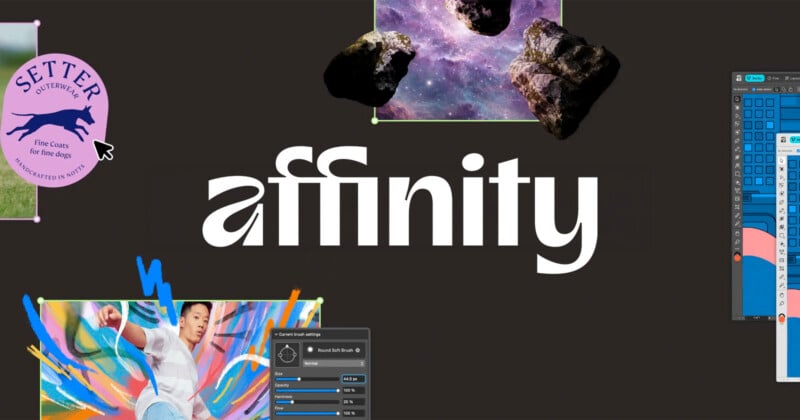
Affinity, the free multi-disciplinary image editing app, has been updated with three major features that it says were highly requested among users, as well as several smaller changes, including expanded camera RAW support.
Purchased by Canva in 2024 and then fully revamped and released for free last October, Affinity has grown to over three million users, most of those acquired within the first month of its relaunch. The company has been relatively quiet since then, but today announced that it has updated the editor with several highly requested features.
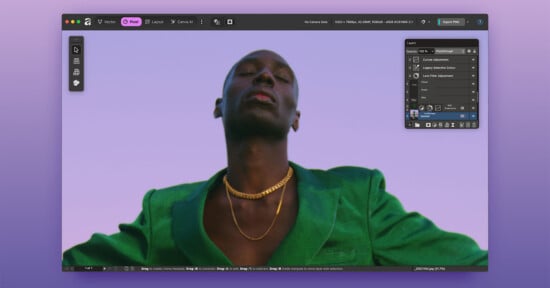
First is a lighter user interface (UI), as Affinity launched with only what most would describe as a dark theme. Now it is possible to toggle between the two.
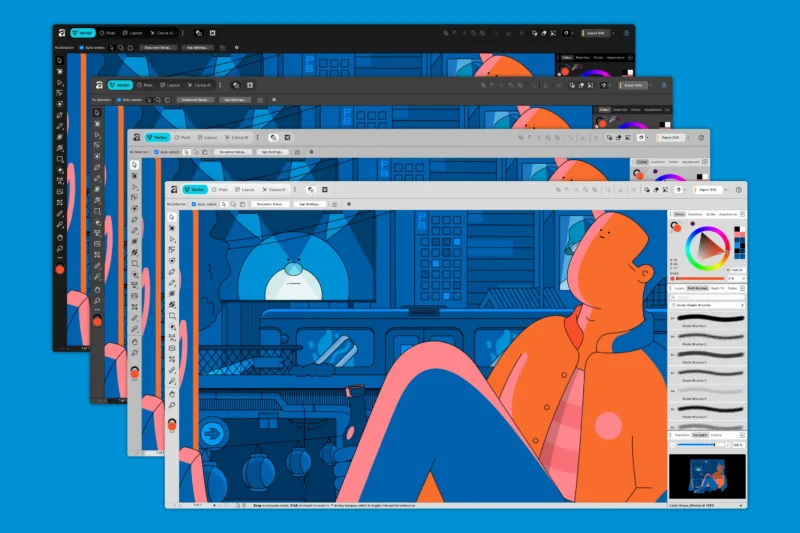
“For layout-heavy projects, long studio days, or simply personal preference, Light UI creates a cleaner, more luminous environment to work in. And just like Dark Mode, it’s fully adjustable. You can fine-tune the interface brightness to suit your preference, whether you want something crisp or a little more muted,” Affinity says.
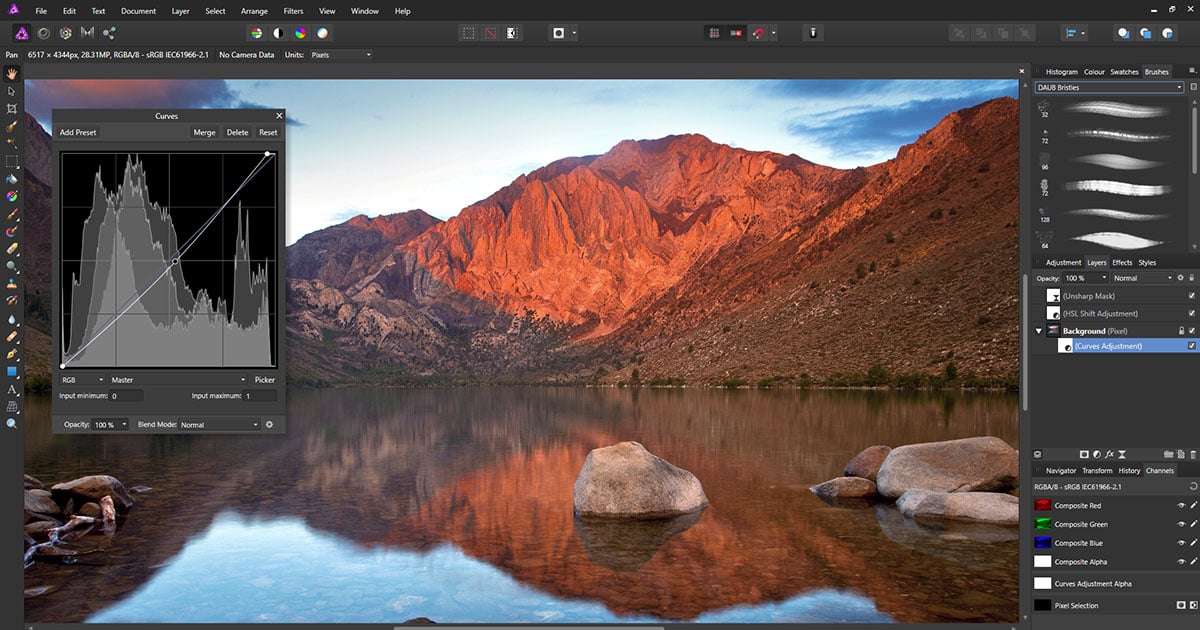
The next update is actually a feature improvement: Convert to Curves. This allows editors to more quickly move from a raster to a vector, turning a pixel selection into a fully editable vector curve.
“For designers and illustrators looking to turn parts of a photo into clean vector artwork, this removes the need for manual tracing. A selected subject can be converted and refined without redrawing every contour. Silhouettes, logo-style graphics, and cut-outs for posters or social media thumbnails can now be created in a fraction of the time,” Affinity explains.
Finally, Affinity has added Live Tone Blend Groups.
“When you place layers inside one of these dynamic groups, they begin blending with the underlying composition in real time, completely non-destructively,” the company says.
“For compositors, digital artists, and image editors, this simplifies the workflow. Instead of manually matching tones with clipped adjustments and channel manipulations, blending becomes a one-click process. And unlike destructive harmonizing tools in other software, Live Tone Blend Groups remain fully editable and render smoothly even in complex documents. Blending settings can be refined at any stage, and individual layers can still be adjusted whenever needed.”
Those are the main new features, but Affinity also made some other additions and refinements. Illustrators can now right-click the brush menu to see their full brush library. Right-clicking on the document tabs now provides more options, including showing Color Format and Size, the ability to close other files and float a window, and more.
In the Develop Studio, photo editors can now have their choice of tone curves: Compressed, Natural, High Contrast, and Log. Additionally, Affinity’s RAW processor has been updated with new camera support, including the Canon R6 Mark III, Sony a7 V (lossless compression only, which is also a limitation in Adobe Camera RAW at the time of publication), Fujifilm X-T30 III, and the Sony RX100 VIIA.
A full list of release notes can be read on Affinity’s website.
Image credits: Affinity