DaVinci Resolve Now Supports 32K Video Editing on M5 Macs
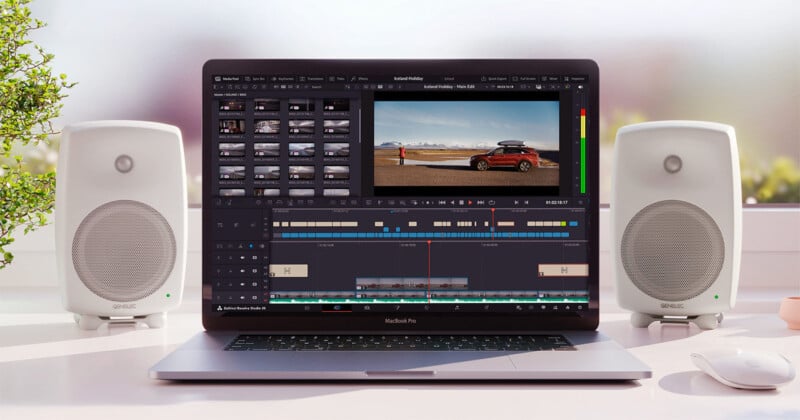
Blackmagic Design has released DaVinci Resolve 20.3 today, bringing a wealth of new features and improvements to the popular video editing software.
The most noteworthy new feature in DaVinci Resolve 20.3 is exclusive to Mac users with M5-powered machines, which, as of now, includes the latest 14-inch MacBook Pro with M5, which PetaPixel reviewed at launch in late October, calling it the best laptop for photographers.

The machine actually left a bit to be desired for high-end video editing workflows, given that it features a base M5 chip and not the more powerful, versatile, and yet unannounced M5 Pro and M5 Max chips that analysts expect to arrive in 2026. Nonetheless, despite some relative weaknesses in professional video editing workflows, the M5 clearly shows exceptional promise, as evidenced by its support for 32K resolution in DaVinci Resolve 20.3. Although 32K video editing is an extremely specialized niche use case, it points to significant video editing potential for more powerful M5 Macs that are believed to be in development.
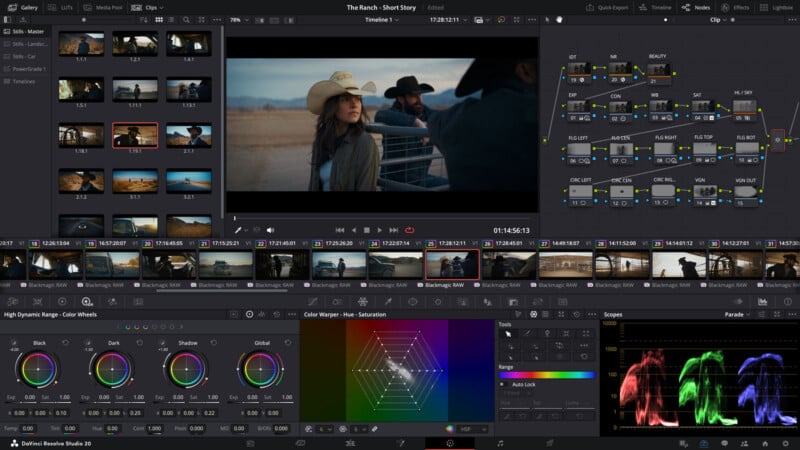
There’s a lot more in DaVinci Resolve 20.3 worth noting, though, including improved performance for Resolve FX Noise Reduction, improved timeline backup workflows, new metadata field options, improved Media Pool performance, new 2.39 and 2.40 broadcast safe aspect ratios, HDR10+ metadata embedding in QuickTime and MP4 encodes, and a wealth of performance improvements and bug fixes. The complete list of changes is available on Blackmagic Design’s DaVinci Resolve support website.
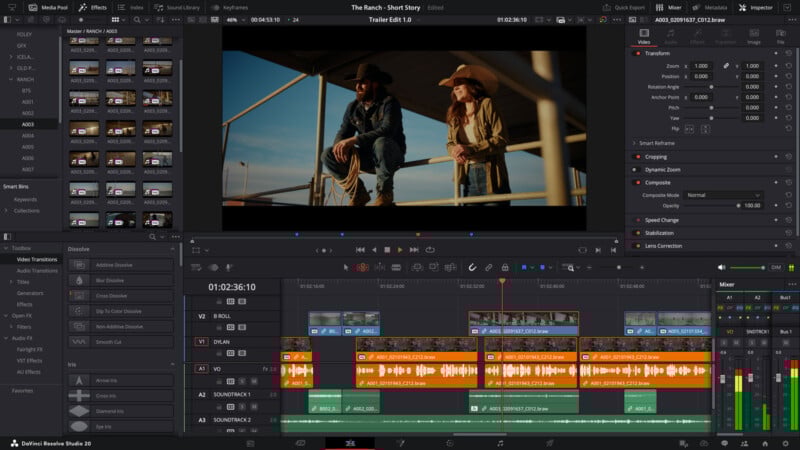
As CineD notes in its coverage, DaVinci Resolve 20.3 also adds alpha channel support for specific special effects, including the software’s Film Look Creator, Film Damage, and Analog Damage effects features.
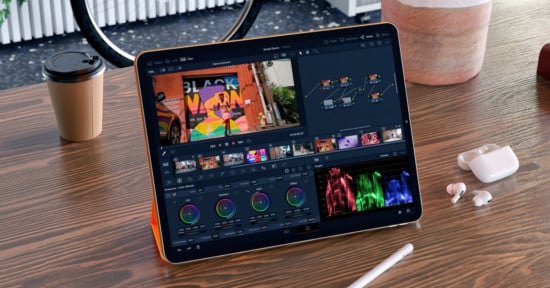
Alongside DaVinci Resolve 20.3 for macOS, Windows, Windows for Arm, and Linux, Blackmagic Design also released DaVinci Resolve 20.3 for iPad. As News Shooter reports, this update has some key new features, the most prominent of which is the ability to render in the background on iPadOS 26 on iPad tablets with M4 and newer chips, which includes the new M5-powered iPad Pro. This is a huge workflow improvement for DaVinci Resolve on iPad, transforming it into a much more powerful multitasker for video editing. DaVinci Resolve 20.3 on iPad also promises improved Resolve FX Noise Reduction performance, Media Pool improvements, support for 2.39 and 2.40 aspect ratios, Alpha support for the film look creator, and general performance and stability improvements.
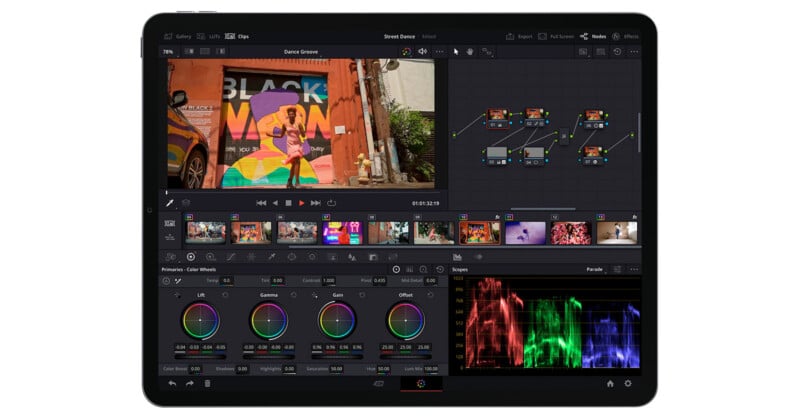
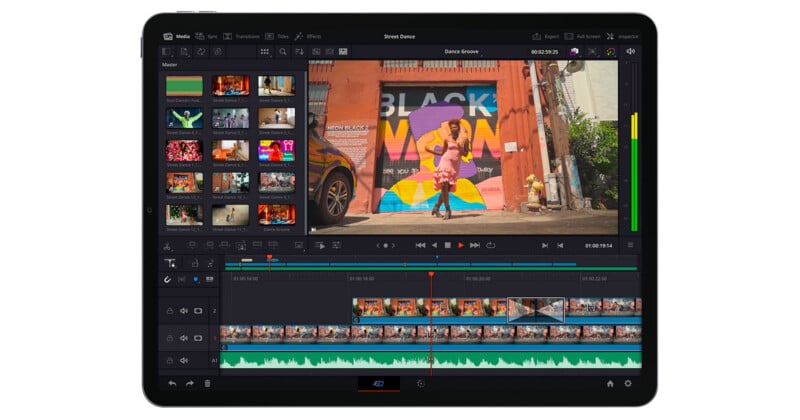
Since Blackmagic announced DaVinci Resolve for iPad in late 2022, it has become an increasingly powerful and competent mobile video editing solution, offering professional-quality features that live comfortably alongside DaVinci Resolve on desktop.
DaVinci Resolve 20.3 is available now for free, while DaVinci Resolve 20 Studio is a one-time cost of $295. A detailed breakdown of what features are exclusive to the paid Studio version is available on Blackmagic Design’s website.
Image credits: Blackmagic Design