
You Can Use Your Hand as a Graduated ND Filter for Landscape Photos
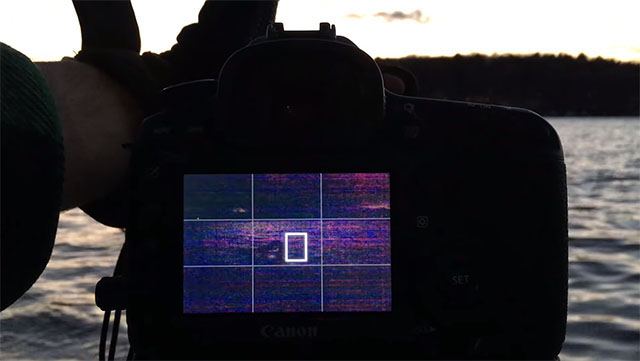
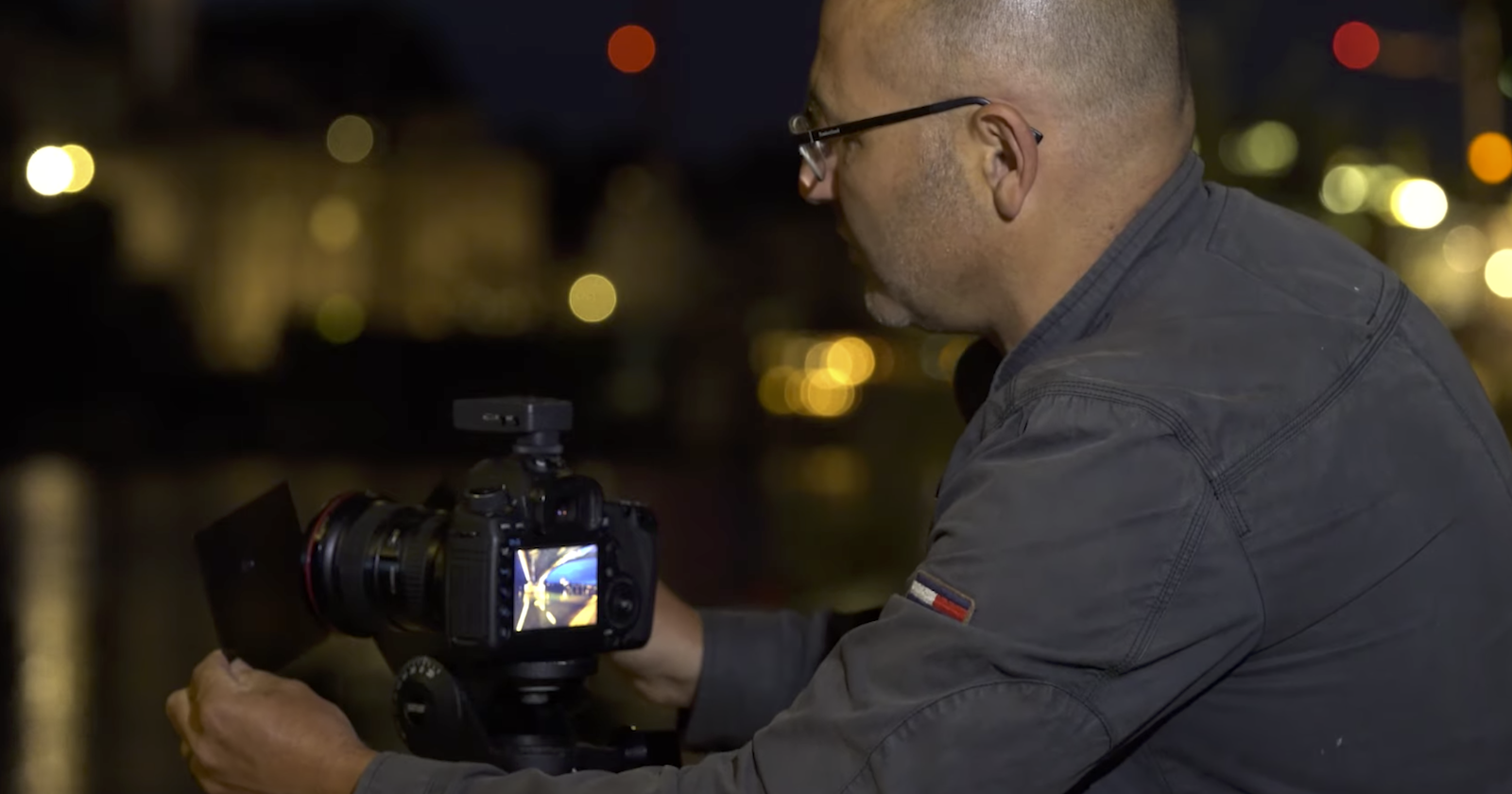
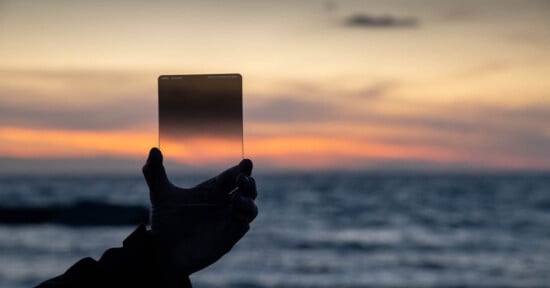
Here’s a simple trick for landscape photos: when shooting a landscape photo that needs a hard edge graduated ND filter, you can use your hand. Yes your hand! It’s a technique I’ve been using in my own work recently.
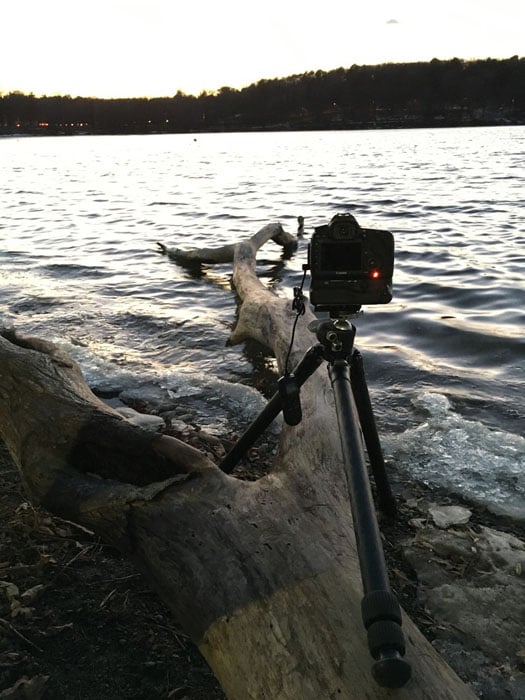
You can see that the sky is totally blown out — it’s way too bright, compared to the log. Although the water looks very bright as well it is still less bright than the sky. A hard edge graduated ND filter here would be perfect to place along the edge of the water/treeline since its a hard edge already.
But I don’t have one. So I used my hand:
I leave my hand there for about a third of the exposure at first and then adjust from there. I normally do exposures over 30 seconds, but you can use this technique for shorter times as well.
I use the live view mode to position my hand and then an external remote to trigger the shutter. Here are a few more photos in which I used this technique to properly expose both the sky and the scene:
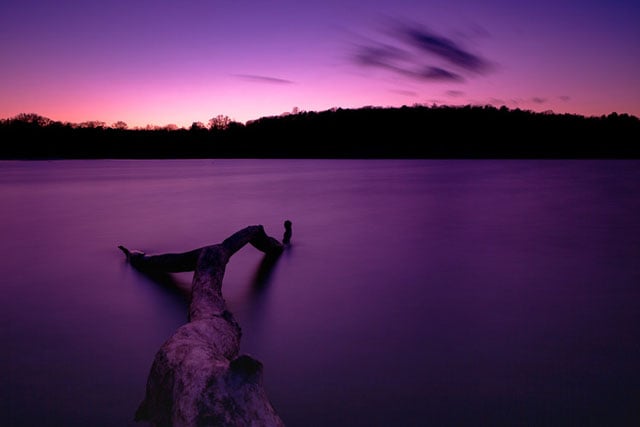
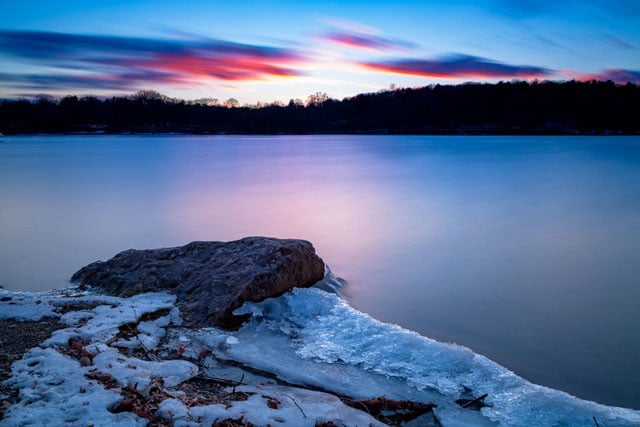
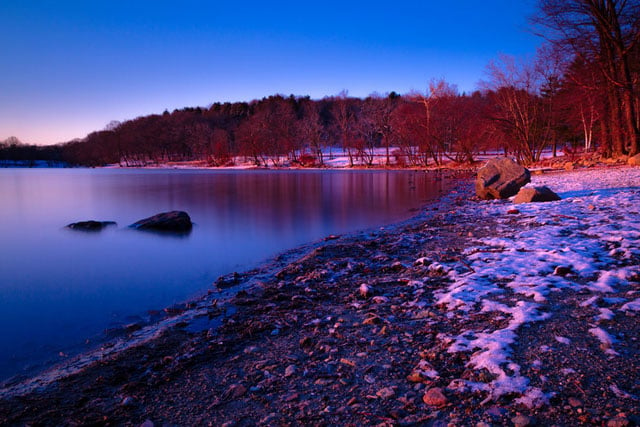
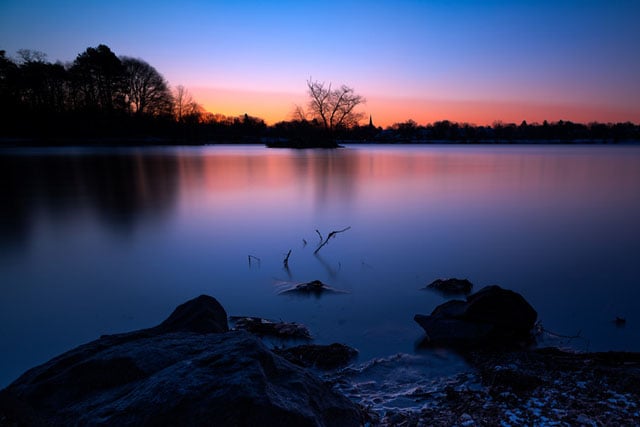
Of course you have to be careful not to bump the camera. Of course, a graduated ND filter may be the way to go in many situations, but this is a nice trick to have in mind if you forget your filter or don’t have one (like me)! Happy shooting!
Affiliate Disclosure PetaPixel articles may include affiliate links; we may earn a commission if you buy through one.