Hasselblad Phocus Mobile 2’s New Masks Offer Pro Editing on the Go
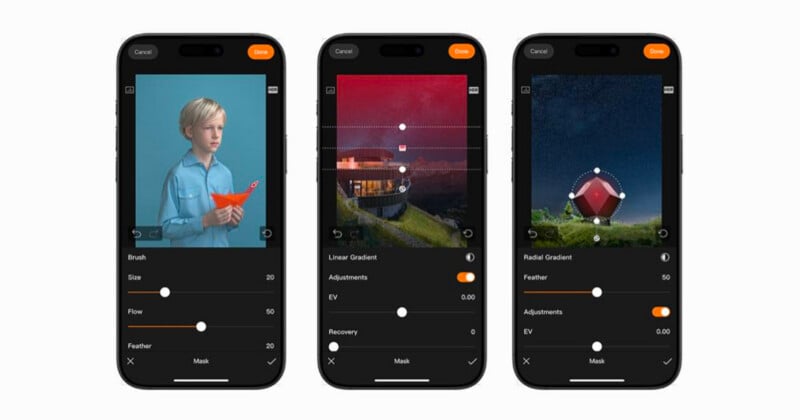
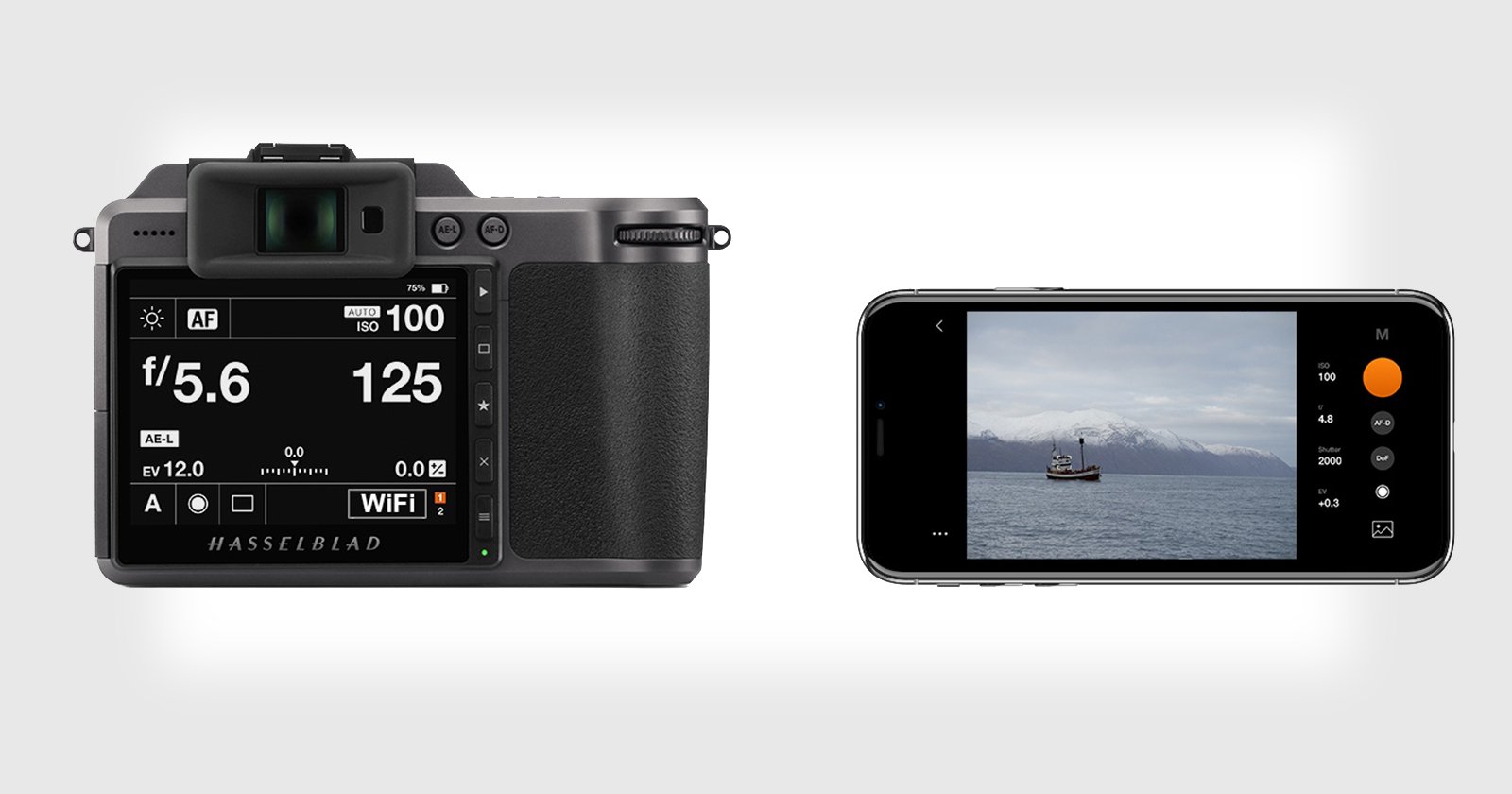
Hasselblad has released version 4.0.0 of its Phocus Mobile 2 app, introducing a new Mask feature that expands local editing capabilities on iPhone and iPad for Hasselblad users.
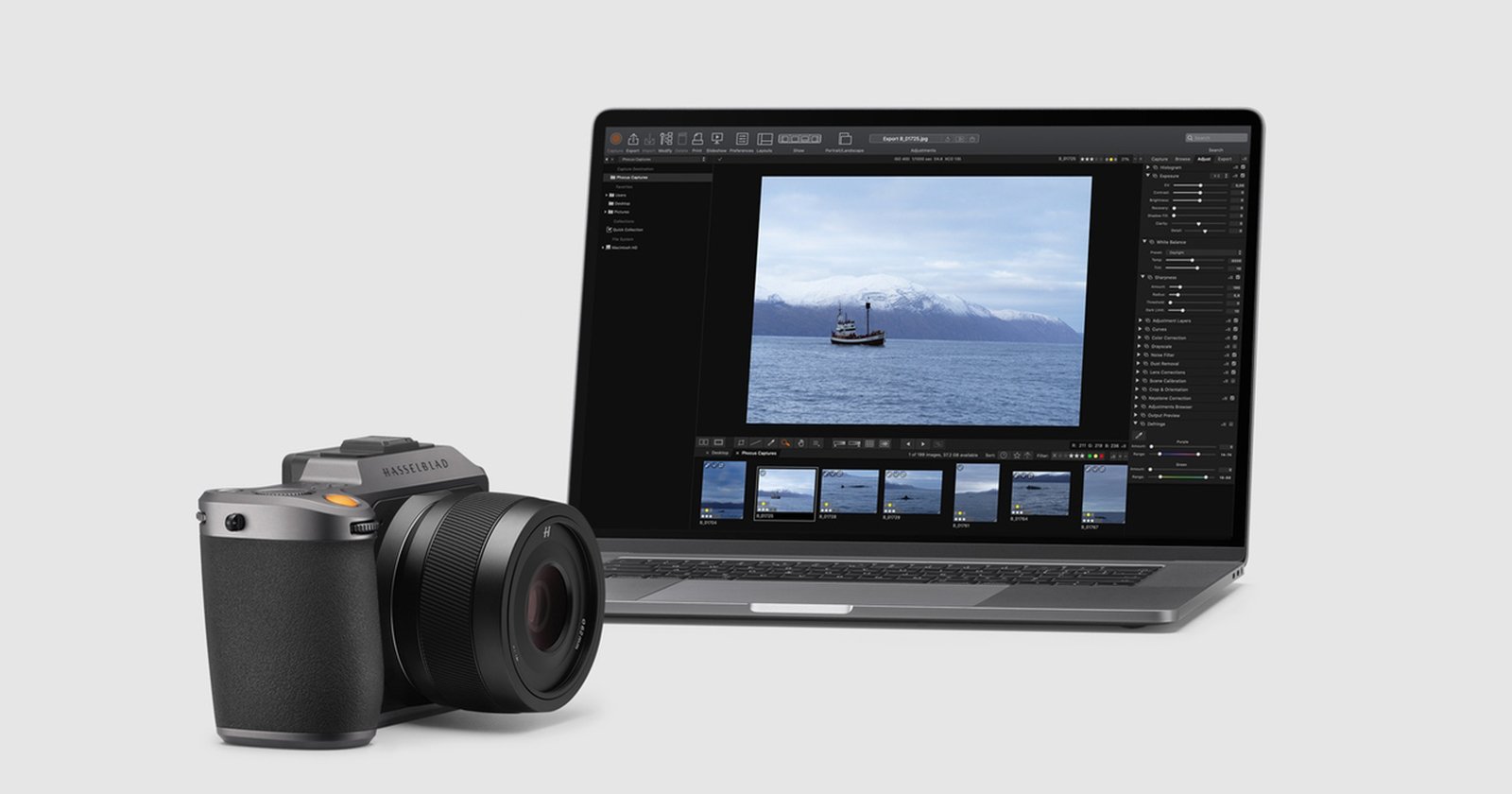
The update marks a significant step forward for the mobile application, which has traditionally focused on lightweight adjustments. With the addition of masking tools, Phocus Mobile 2 moves closer to offering a more complete post-production workflow on mobile devices, particularly for photographers working with high-resolution medium-format files.
Expanded Masking Tools for Local Adjustments
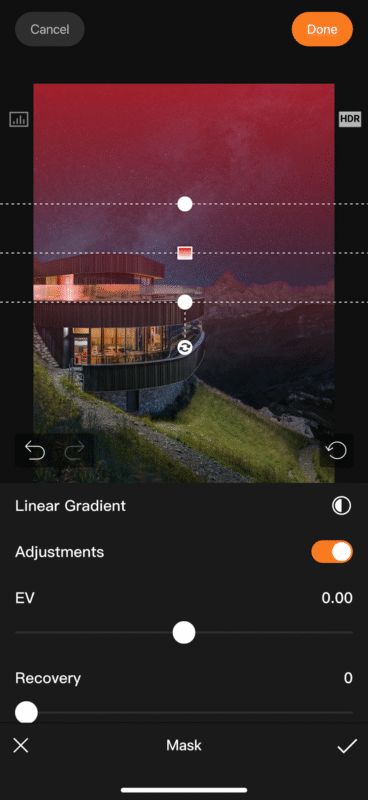
Version 4.0.0 introduces three mask types that allow users to apply precise, localized edits rather than relying solely on global adjustments. These include Linear Gradient Mask, Radial Gradient Mask, and Brush Mask, each designed for different editing scenarios.
“Phocus Mobile 2 is dedicated to delivering a professional yet lightweight photo editing experience for Hasselblad users. We have been closely listening to user feedback: there is a widespread demand for more editing features to enhance the user experience, with the Mask tool being one of the most highly requested functions,” Hasselblad says.
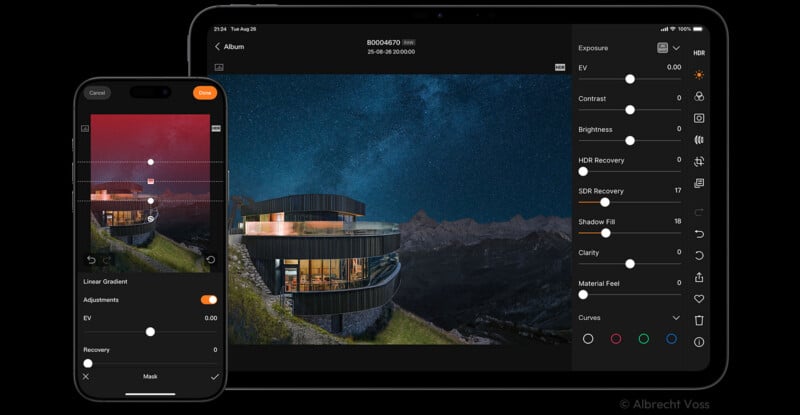
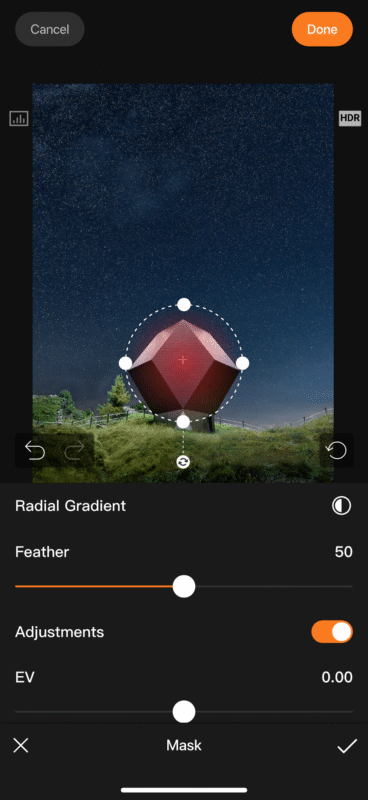
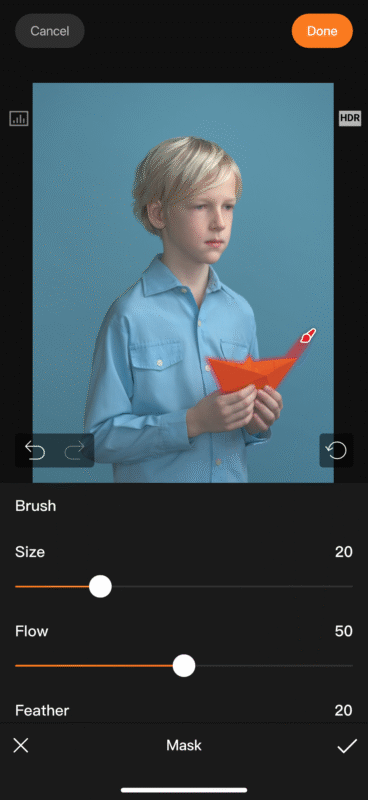
The Linear Gradient Mask is intended for smooth transitions across larger areas of an image, such as skies or foregrounds, with flexible control over gradient coverage and a one-tap option to reverse the gradient direction. The Radial Gradient Mask allows adjustments to be centered on a subject or specific area, with control over how the effect transitions from the center to the edges. This mask can also be inverted, enabling edits to be applied outside the selected area to help emphasize a subject. The Brush Mask offers freehand control, with adjustable brush size and flow for more detailed or irregular selections.
Within the editing interface, masks can be added by tapping the Mask icon in the toolbar. Multiple masks can be applied to a single image, and each mask can be duplicated or deleted, enabling more complex, layered edits. Adjustments supported within masked areas include exposure value, highlights, saturation, temperature, and tint.
Performance Challenges and Interface Design
Hasselblad says the Mask feature was developed in response to consistent user feedback requesting more advanced editing tools within Phocus Mobile 2. The company has emphasized its goal of enabling photographers to complete their entire editing workflow within a single application, from capture to post-production.
Bringing masking tools to mobile devices posed technical challenges, particularly when handling large files from Hasselblad medium-format cameras, which can reach 100 megapixels and feature high color depth. Early development stages reportedly suffered from excessive memory usage, lag, and occasional crashes. Hasselblad states that through extensive testing and optimization, the final implementation delivers performance improvements of three to five times compared to the initial prototype.
In terms of design, the Mask feature draws from the logic of traditional professional editing software while being adapted for mobile use. Each mask type operates within its own clean interface to reduce visual clutter on smaller screens. Mask definition and adjustment controls are combined into a single workflow, and all three mask types follow a consistent structure, reducing the learning curve. Visual feedback is emphasized, with users able to view mask coverage and effects at any time and quickly compare before-and-after results via a dedicated adjustment toggle.
Future Direction for Phocus Mobile 2
Hasselblad describes the release of the Mask feature as an initial step in a broader plan to expand Phocus Mobile 2’s capabilities. The company says it intends to continue refining the masking tools while gradually introducing additional editing features to address current limitations.
“The launch of the Mask is only the starting point for the functional upgrades of Phocus Mobile 2. Going forward, we will continue to address the current capability gaps, refine the Mask tool continuously, and gradually roll out and optimize more editing features to elevate the user experience. We are committed to building Phocus Mobile 2 into a professional Mobile Studio tailored for Hasselblad cameras,” Hasselblad says.
Looking ahead, Hasselblad’s stated aim is to develop Phocus Mobile 2 into a professional mobile studio specifically tailored to its camera ecosystem, extending the brand’s editing philosophy from desktop software to mobile devices without compromising performance or usability.
Image credits: Hasselblad