You Can Now Ask Google Gemini Whether an Image is AI-Generated or Not
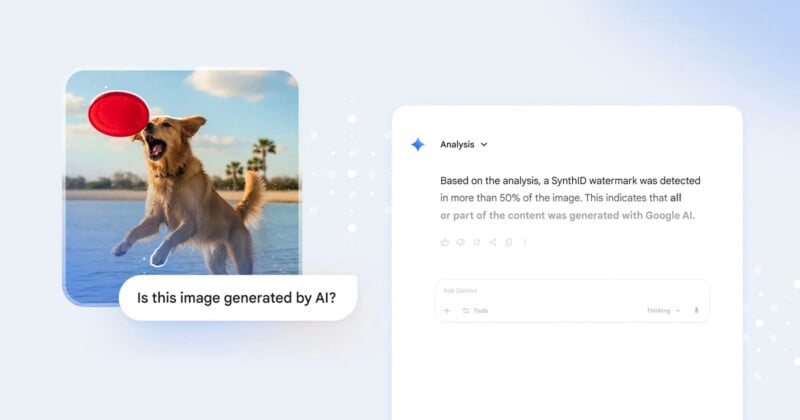
Google has a new feature that allows users to find out whether an image is AI-generated or not — a much-needed tool in a world of AI slop.
The new feature is available via Google Gemini 3, the latest installment of the company’s LLM and multi-modal AI. To ascertain whether an image is AI-generated, simply open the Gemini app, upload the image, and ask something like: “Is this image AI-generated?”
Gemini will give an answer, but it is predicated on whether that image contains SynthID, Google’s digital watermarking technology that “embeds imperceptible signals into AI-generated content.” Images that have been generated on one of Google’s models, like Nano Banana, for example, will be flagged by Gemini as AI.
“We introduced SynthID in 2023,” Google says in a blog post. “Since then, over 20 billion AI-generated pieces of content have been watermarked using SynthID, and we have been testing our SynthID Detector, a verification portal, with journalists and media professionals.”
While SynthID is Google’s technology, the company says that it will “continue to invest in more ways to empower you to determine the origin and history of content online.” It plans to incorporate the Coalition for Content Provenance and Authority (C2PA) standard so users will be able to check the provenance of an image created by AI models outside of Google’s ecosystem.
“As part of this, rolling out this week, images generated by Nano Banana Pro (Gemini 3 Pro Image) in the Gemini app, Vertex AI, and Google Ads will have C2PA metadata embedded, providing further transparency into how these images were created,” Google adds. “We look forward to expanding this capability to more products and surfaces in the coming months.”
Can Google Gemini Tell You if an Image is AI-Generated?
I put Gemini’s latest model to the test to see whether it can accurately spot an AI-generated image. Results below.
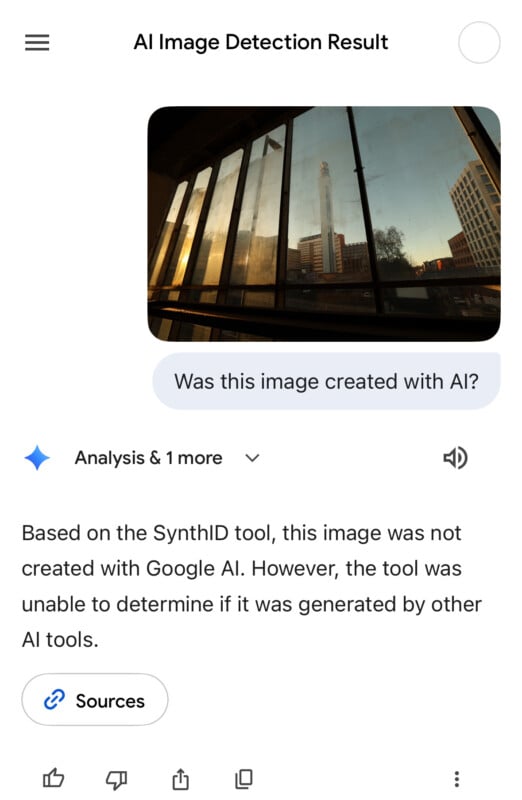
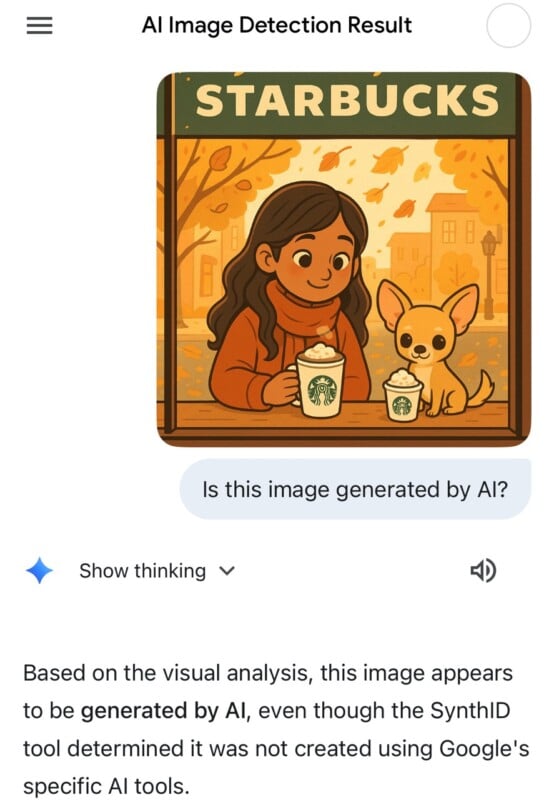
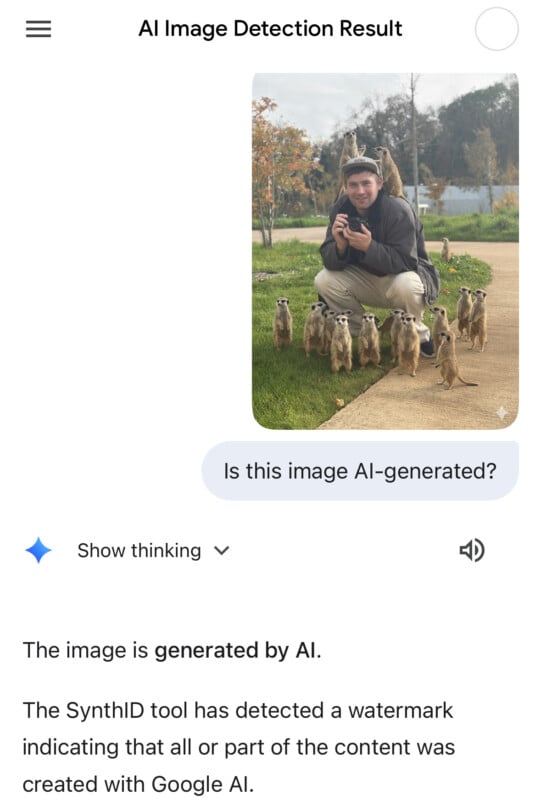
So far, so good—and once C2PA is added, the system will feel much more complete. The best part is that it offers a relatively simple way to check whether an image was generated by AI. Photographers should consider adding a C2PA signature to their own photos, which can be done easily in Lightroom or Photoshop.