Give Your DSLR a Brain by Connecting an Android Phone
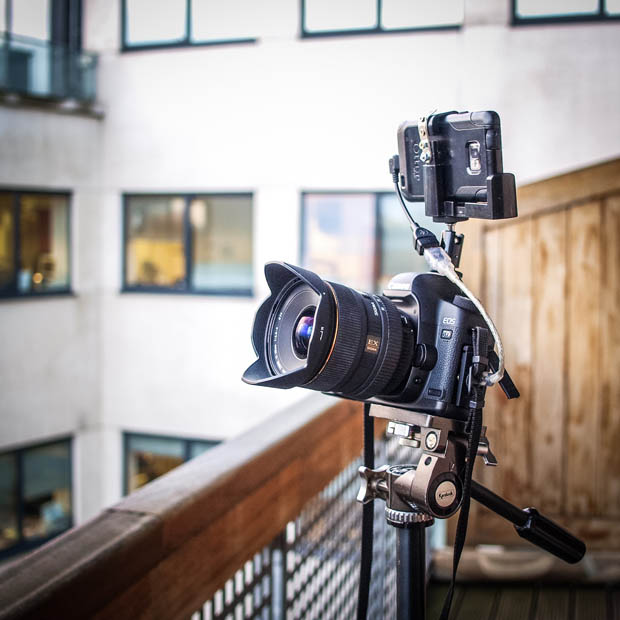
Here’s a walkthrough of how I hooked up my Android phone to my DSLR. Why did I do this? Because of Dropbox, social media, quick editing for the web, an intervalometer, macro/low-angle photography, an external LCD screen for video, Wi-Fi, and more.
- An Android phone with USB OTG (USB host) capabilities
- A USB OTG cable
- A Canon or Nikon DSLR
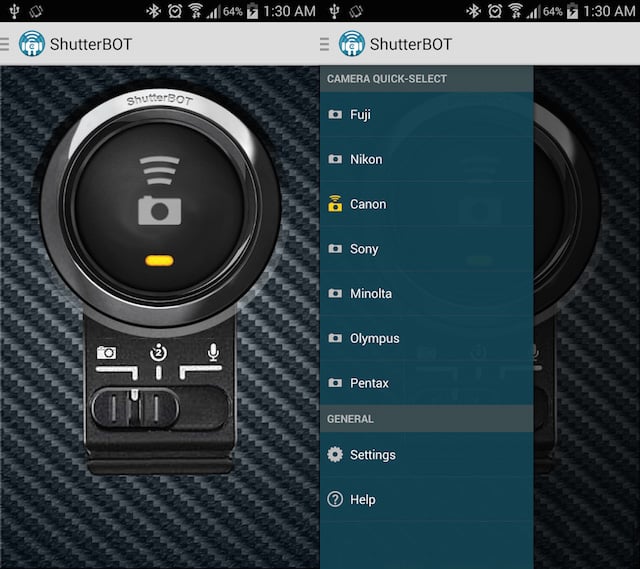
- CamCap and DSLR Controller (paid apps)
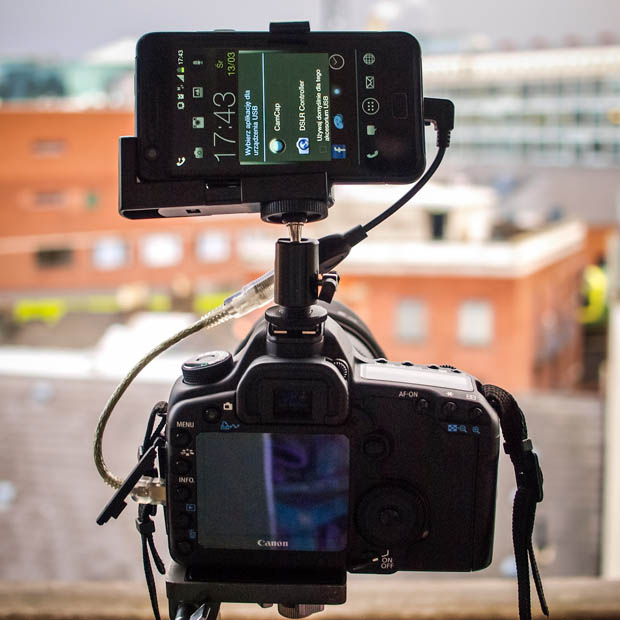
Connect the camera to the phone using the USB OTG cable and choose one of installed apps:
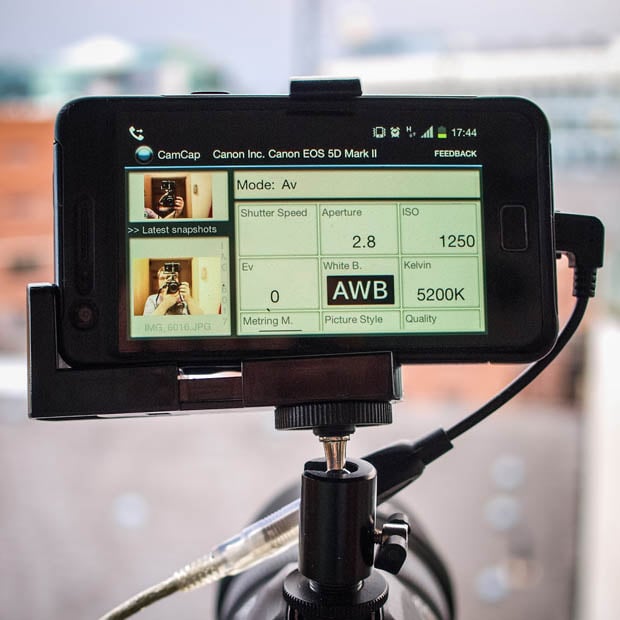
CapCam is a great for tablets but also work well on smartphones.
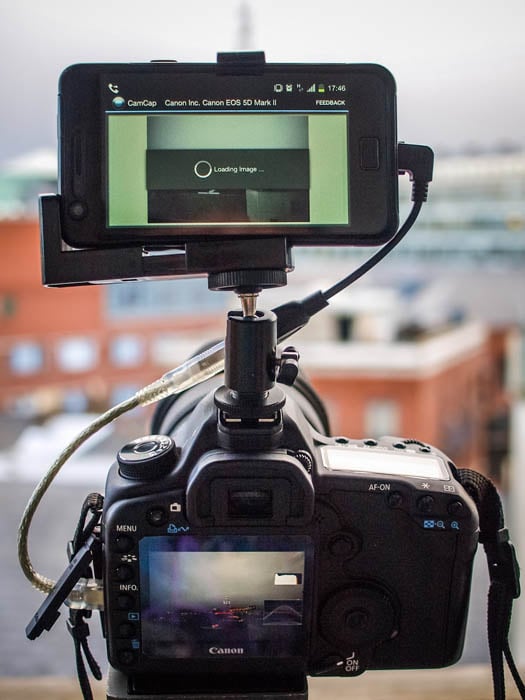
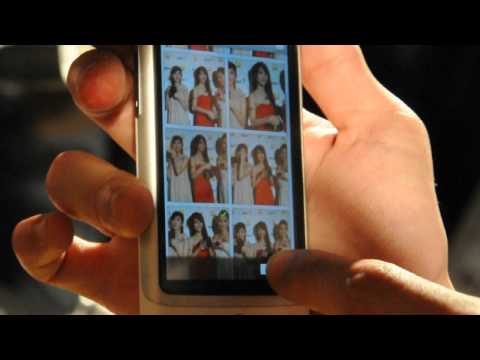
The most interesting feature of CamCap is that photos shot using the DSLR will automatically be saved to your phone.
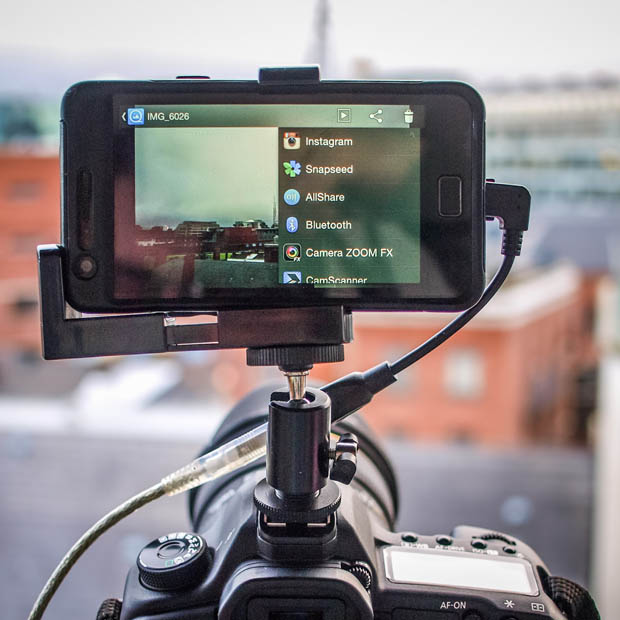
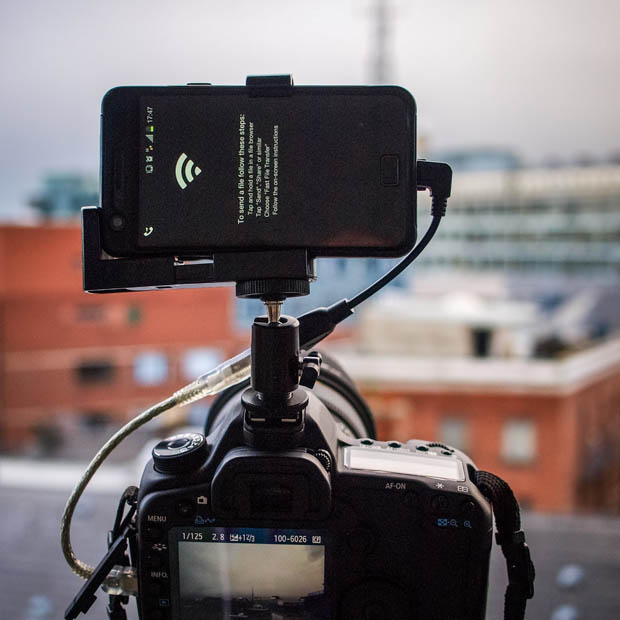
…and that gives us endless possibilities for things like… Wi-Fi file transfers:
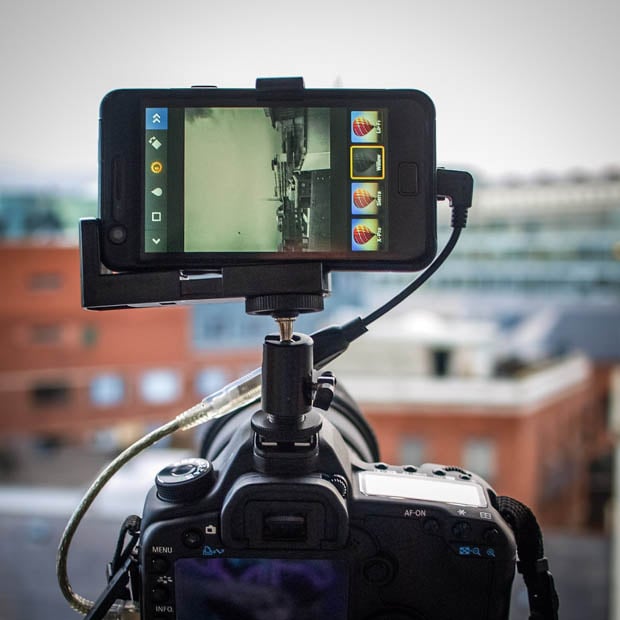
Instagram:
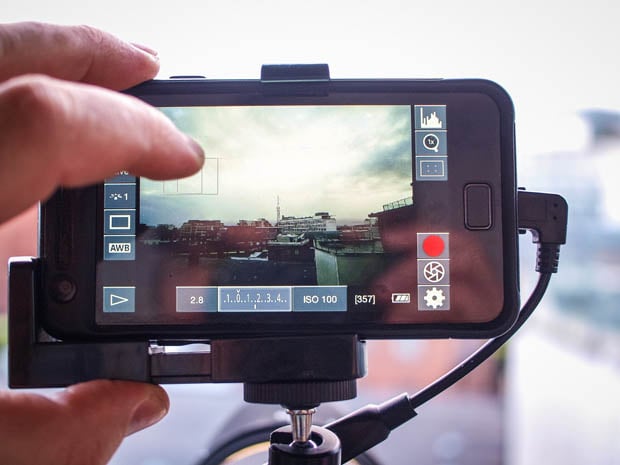
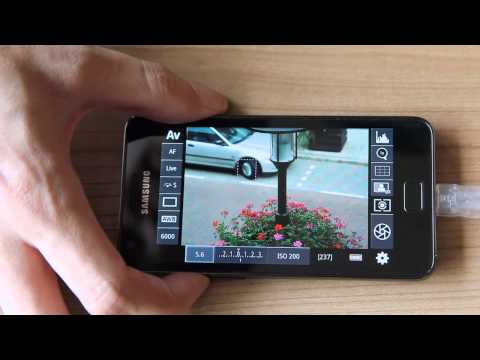
DSLR Controller (which only works for Canon EOS cameras) provides a LiveView for photos and video. This is great for low-angle shots and for quick overview with pinch-to-zoom and tap-to-focus feature.
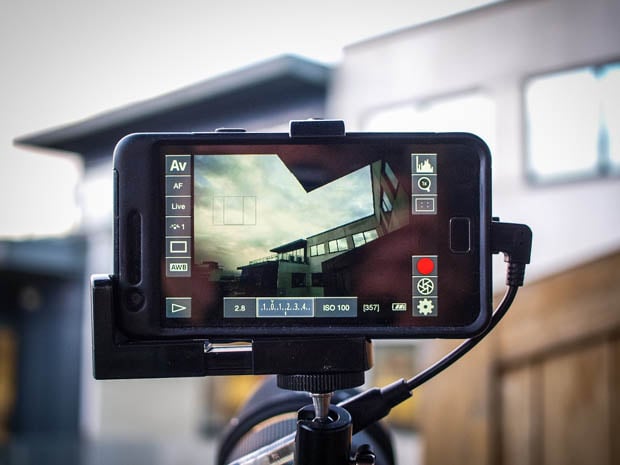
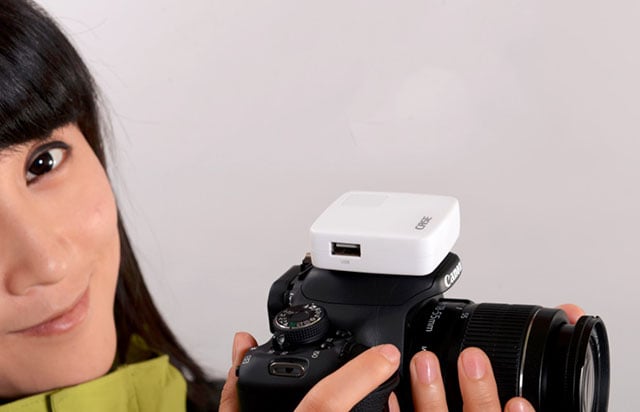
To attach the phone to the camera I use a standard hot shoe mount adapter and a modified phone holder for tripods.
That’s a taste of what you can do when you combine your Android phone/tablet with your DSLR.
About the author: Maciej Pietuszynski is a photographer based in Dublin, Ireland. Visit his blog here and his Facebook page here. This article originally appeared here.