Your First Exciting Steps into Printing, Part 2: Picking the Right Paper
Printing is the ultimate step in the photographer’s workflow. Getting to grips with the basics is essential, and there is more to it than meets the eye. In my first article, we discussed the printers and inks. In this second one, we examine the paper.
Paper Types
I experimented with both high-quality and cheap paper, and I can see a significant difference. If you want the best color and detail reproduction, then quality paper makes more difference than ink.
However, there is a lot more to paper than a novice usually imagines. The choice of materials, thickness, coatings, and finish dramatically influences the look and feel of your prints, making it essential to understand these options to achieve your desired results.
Paper Terminology
D-max
This refers to the deepest, richest black that a printer, ink, and paper combination can reproduce. In other words, it’s a measure of maximum optical density in the darkest areas of a print. A higher D-max means the paper will have deeper blacks, better shadow detail, and higher contrast, all of which give prints more visual impact.
Higher D-max papers produce dramatic, high-contrast images with crisp shadows. For example, Epson Ultrachrome has a D-Max of 2.3, which is considered excellent. Meanwhile, the lower D-max of matt papers gives a more subtle, painterly look.
Matt papers generally have a D-Max of 1.6-1.7, and glossy papers around 2.0. Epson Ultrachrome has a D-Max of 2.3, which is considered excellent, and Fotospeed Platinum Baryta 300, mentioned below, has an even higher D-Max of 2.99.
Weight — GSM
Paper is usually measured by its weight in grams per square meter, or GSM. Your standard photocopy paper is usually around 80 GSM. Photographic papers are generally much heavier and therefore thicker. Even proofing paper, designed for test prints, will be around 170 GSM, while fine art paper could be in the high 200s or above 300 GSM.
Baryta
Baryta refers to its barium sulphate layer. It was first introduced around 1900 by Kodak as a fiber-based photographic paper coated with barium sulphate (hence the name “baryta”). It improved whiteness, contrast, and archival stability. The coating produced deep blacks, bright whites, and a smooth, glossy finish, making it the standard for high-quality black-and-white darkroom printing for decades. You will find this layer on many top-of-the-range inkjet papers as it emulates the look of dark-room prints.
Giclée
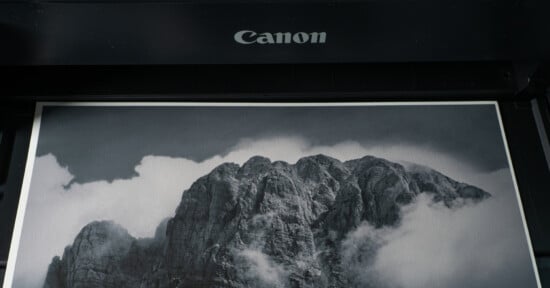
Pronounced zhee-clay, Giclée is the gold standard for fine art and photographic reproduction. It describes high-quality inkjet printing with pigment-based archival inks, museum-grade papers or canvas, and exceptional detail through high-resolution printing. My Canon Pro-1100 printer, with its 2400 x 1200 dpi resolution and wide color gamut from its 12 cartridges, is capable of Giclée printing on fine art papers like those listed below.
Paper Types
Standard Photo Paper
This is typically made from wood pulp. It usually contains acids and lignin. It’s relatively cheap compared to high-end papers, but there is an enormous variation in quality depending on the manufacturer; generally. You get what you pay for! It is ideal for casual prints, albums, or short-term displays. However, it is prone to yellowing, fading, and brittleness over time, especially when exposed to light and humidity. It usually weighs 200-270 GSM, though heavier papers are available.
Archival-Grade and Museum Paper
Archival paper is acid-free and lignin-free. Often made from alpha-cellulose or cotton rag fibers, it is designed resist yellowing and degradation for decades. That may be over 100 years when paired with pigment-based inks. It can include optical brightening agents (OBAs) for a bright white base.
However, museum-grade papers avoid OBAs for maximum stability. Commonly, it is thicker paper (typically 230–340+ gsm), giving a substantial feel. Ensuring color accuracy and permanence, it’s used for professional prints, heirloom-quality photographs, and archival storage.
Gallery-Grade / Fine Art Paper
These heavyweight papers (230–340 gsm or more) also meet strict archival standards. They are acid and lignin-free, and often 100% cotton rag. With either a textured or smooth matte finish for artistic depth, they have a luxurious, tactile feel.
Engineered for museum and gallery displays, when paired with giclée printing and pigment inks, they give exceptional durability.
These papers are used for high-end art prints, gallery exhibitions, and professional portfolios. Their aesthetic impact results from greater color depth, tonal range, and tactile richness. If you want to elevate a print from “photo” to “art”, this is the paper to choose.
Paper Finishes
The finish of the paper is essential, and your first choice is between mostly glossy, satin, lustre, or matte. Also, some papers have more texture than others. Subjectively, certain paper types work better with different kinds of photographs.
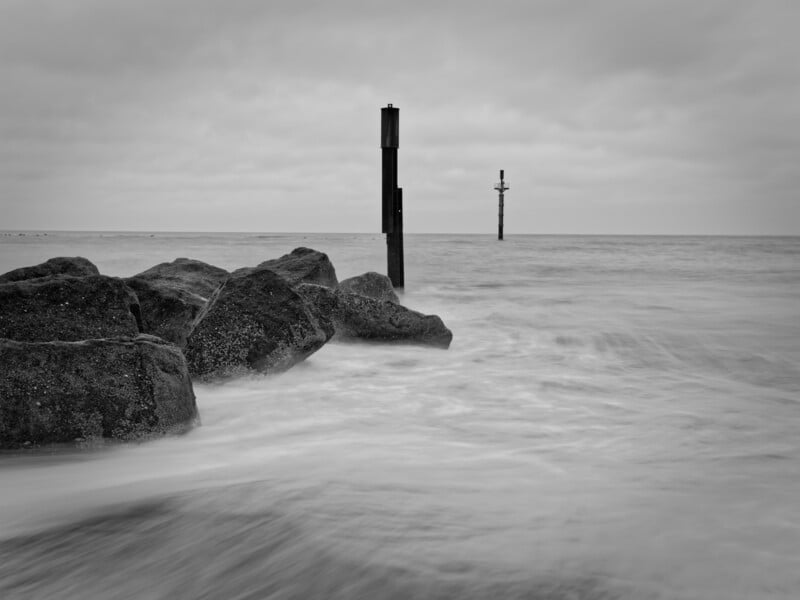
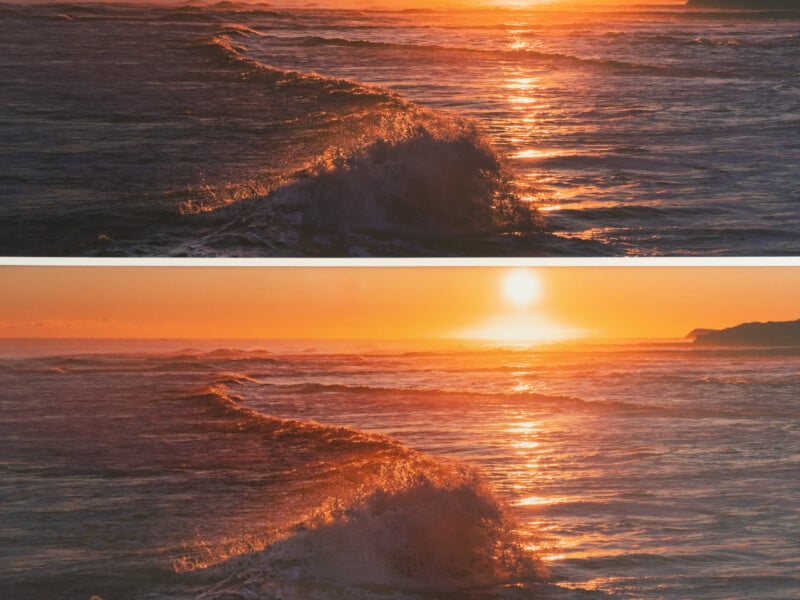
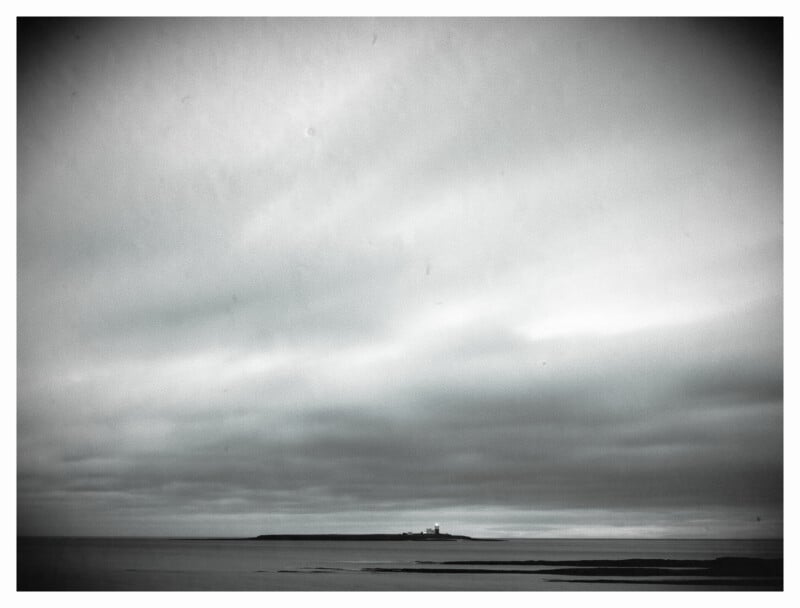
For example, long-exposure, minimalist, monochrome shots of the sea worked well on smooth, glossy, or satin paper. Meanwhile, I have some macro photos of insects that seemed almost 3D when printed on textured, matte paper.
Glossy Paper
Glossy paper results in vibrant color and sharp details. Ideal for high-contrast images, it is my preference for some black-and-white prints, as it maintains that timeless feel in monochrome. However, it is prone to glare and fingerprints, so careful handling is essential.
Matte Paper
Matt paper produces a softer, more subdued finish. It gives minimal glare. It works great for portraits and fine art prints.
Lustre/Satin/Silk Paper
These sit in the middle ground between glossy and matte. They produce rich colors with less glare than glossy paper. Lustre is a semi-gloss with a fine, pebble-like texture, whereas satin is similar but slightly smoother, giving a softer look. Meanwhile, silk has very low glare and, as its name suggests, mimics the feel of woven silk with a soft, linen-like texture.
Highly Textured Paper
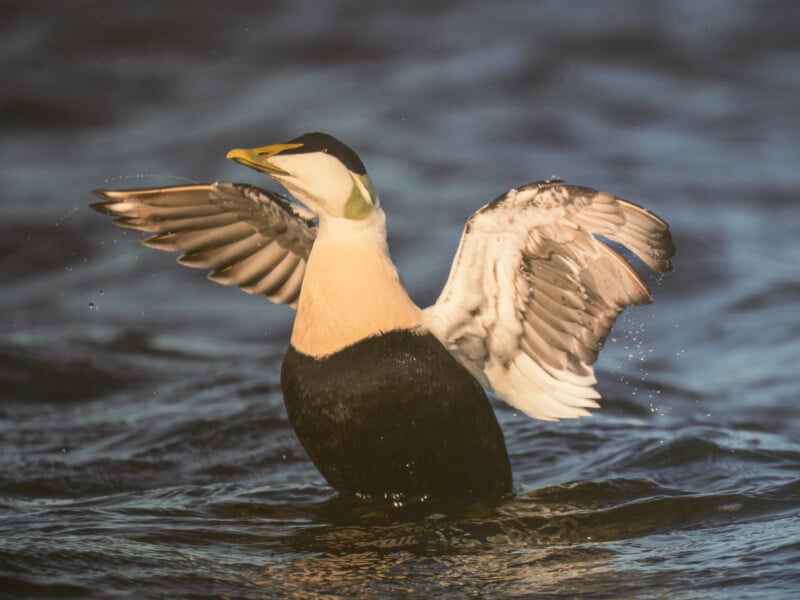
I’ve taken to printing wildlife and macro photos of insects on textured paper. It gives the illusion that the image is three-dimensional.
Canvas
Canvas is used for artistic reproductions, offering a painterly feel. It requires special coatings for longevity.
Paper Manufacturers
There are some fabulous papers on the market as well as some rubbish. I tried a wide selection from cheap supermarket brands to top-of-the-range papers. The choice of paper makes a greater difference to your prints than any other factor. If you want high-quality prints, you will need to buy high-quality paper.
Good brands include Epson, Canon, Hahnemühle, Canson Infinity, Moab, and Fotospeed. I investigated them and settled for Fotospeed. My choice of manufacturer was partly based on its wide range of papers, downloadable printer profiles for ink and paper combinations, and excellent after-sales customer service; if I had a question, they would answer it.
You can also print test sheets on their papers, send the results to them, and they will produce a custom color profile for your paper. (There will be more about color profiles in my next article.)
I’m sharing here a short explanation of a small selection of their papers to help you understand what to look for. I will be referring to Fotospeed’s products, as it is the brand I use. Nevertheless, there may be similar premium papers from other manufacturers.
Photo Quality Paper
Sometimes, I need photo-quality paper. I still invest in a better standard than cheap, supermarket brands because I can see a substantial difference.
PF Lustre 275
Its microporous coating and ink-receiving technologies produce sharp shadows and highlights. It’s a versatile, all-rounder with an extra-wide color gamut and a high D-max. It has a coating that gives superior UV and scuff protection.
It is a go-to paper for many photographers and what I use for general printing. Like the numbers on the following paper types, the 275 refers to its weight (GSM).
Fine Art Papers
For my most important prints, I choose fine art papers. They are designed to deliver exceptional print quality and longevity, making them ideal for professional photography and gallery-standard work.
Matt Baryta 310
Fotospeed Matte Baryta is a 100% cotton, smooth-surface paper. It has a neutral white base that gives an accurate color reproduction and vibrant contrast. Also, it is acid-, lignin-, and OBA-free (no optical brightening agents) and has long-term stability and color consistency under different lighting conditions. It also dries instantly for sharp, smudge-free prints.
With a 100% cotton rag base for durability and top-tier feel, its 310-gsm weight (16 mil thickness) gives a substantial, gallery-grade finish. The smooth matte finish eliminates reflections while maintaining clarity and detail.
The matte finish and baryta layer make it suitable for fine art portraits and muted landscapes, as well as for black-and-white photography.
Natural Smooth 310
Fotospeed’s premium line of fine art papers includes their Signature range. It comprises five papers, each recommended by well-known photographers: Joe Cornish, Charlie Waite, John Swannell, Trevor and Faye Yerbury, and Doug Chinnery. I regularly use three of these papers.
I chose Natural Smooth 310 because I am concerned about sustainability. It has archival stability as its OBA-Free formula incorporates hemp and recycled products. It has a luxurious feel with a wide color gamut and beautifully smooth tonal transitions. It is also a high D-Max paper, meaning it produces deep blacks and fantastic shadow separation.
Platinum Etching Cotton 310
With its 100% cotton base and OBA-free formulation, Platinum Etching Cotton paper gives gallery-grade results. It has a textured matt surface and is also used by artists and printmakers. It complements detailed portraiture, especially where a slightly painterly aesthetic is desired.
Platinum Baryta 300
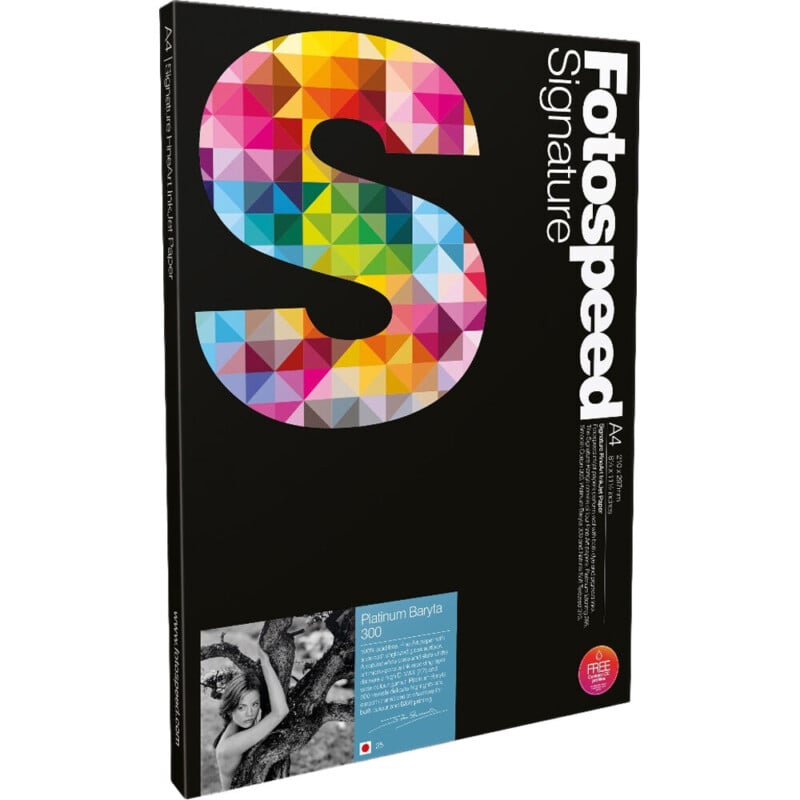
Finally, this is my favorite paper. Designed to replicate the classic darkroom baryta look, Platinum Baryta 300 has a fine art finish with a smooth, unglazed gloss surface. It has a very high D-Max of 2.99 and a wide color gamut. I use it for most of my landscape and seascape photography. It is perfect for gallery-quality prints. If I were to use only one paper ever again, this would be it.
Buy a Test Pack
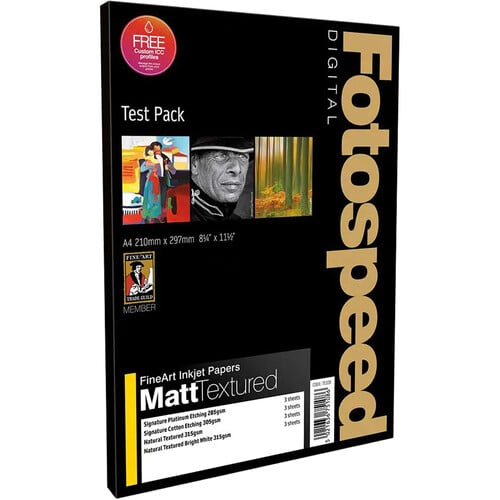
Despite my recommendations, choosing your paper is subjective. I am really taken by the papers mentioned above, but you might have different tastes. When I was first starting to print, I found test packs containing a variety of paper types were a great way of getting to grips with how different papers behaved. It would be disappointing to buy a whole box of a particular paper type only to find you won’t use it.
A Quick Note About Aspect Ratio
Although other paper shapes are available, the widely available A-sized paper has an aspect ratio of 1:1.414. This is not the same aspect ratio as your camera sensor. Consequently, your image will either need to be cropped before printing to fit the paper, or you will have a considerable white border that may need to be trimmed.
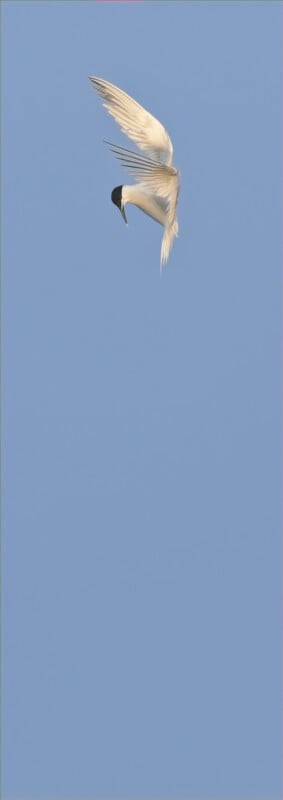
Papers with other height-to-width proportions are available. Fotospeed even makes Panoramic paper in 210mm x 594mm, which reduces paper waste when printing letterbox-shaped images.
Storing Paper
Always store paper flat in a cool, dry place to prevent warping or color shifts.
In Conclusion
As you can see, there is a lot more to paper than meets the eye. Experimenting with different types of paper and discovering what you like is an adventure worth taking. There are plenty of high-end papers available. It would be a shame to spend a lot of money on a high-quality printer only to be let down by poor-quality paper.
In my next article, we will be looking at color and how controlling it in your workflow is essential.