Make Photoshop Faster by Turning Off Image Previews
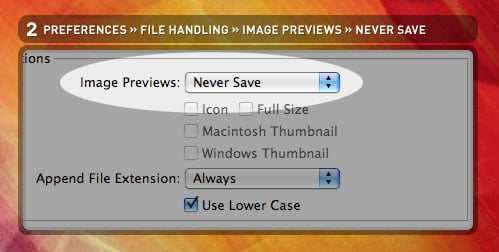
Here’s a quick tip for making Photoshop faster: change Preferences->File Handling->Image Previews to Never Save. This keeps image preview data from being stored in the file every time you save, and gives you smaller files for uploading to the web!
Discussion